
GPrint: STL & G-code Viewer
3D models & toolpaths, offline
Designed for iPhone, iPod touch
- Age rating4+
- CategoryBusiness
- DeveloperCAGRI DURMAZ
- LanguagesEnglish
- Size23.5 MB
Links to the official App Store page
Download.org hosts no file of GPrint: STL & G-code Viewer. The button opens its official App Store page, published by CAGRI DURMAZ. Listing last checked on Nov 16, 2026.
Screenshots




About
GPrint is a free viewer for 3D models and G-code. Open STL, OBJ and G-code files on your iPhone or iPad, with no account, no sign-in and no internet connection needed.
3D MODELS (STL & OBJ)
• Rotate, zoom and inspect models from every angle
• Top, front, side and ISO views
• Cross-section view to look inside a model
• Optional reference object (coin or bottle) to judge scale
• Auto-rotate with adjustable speed
G-CODE TOOLPATHS
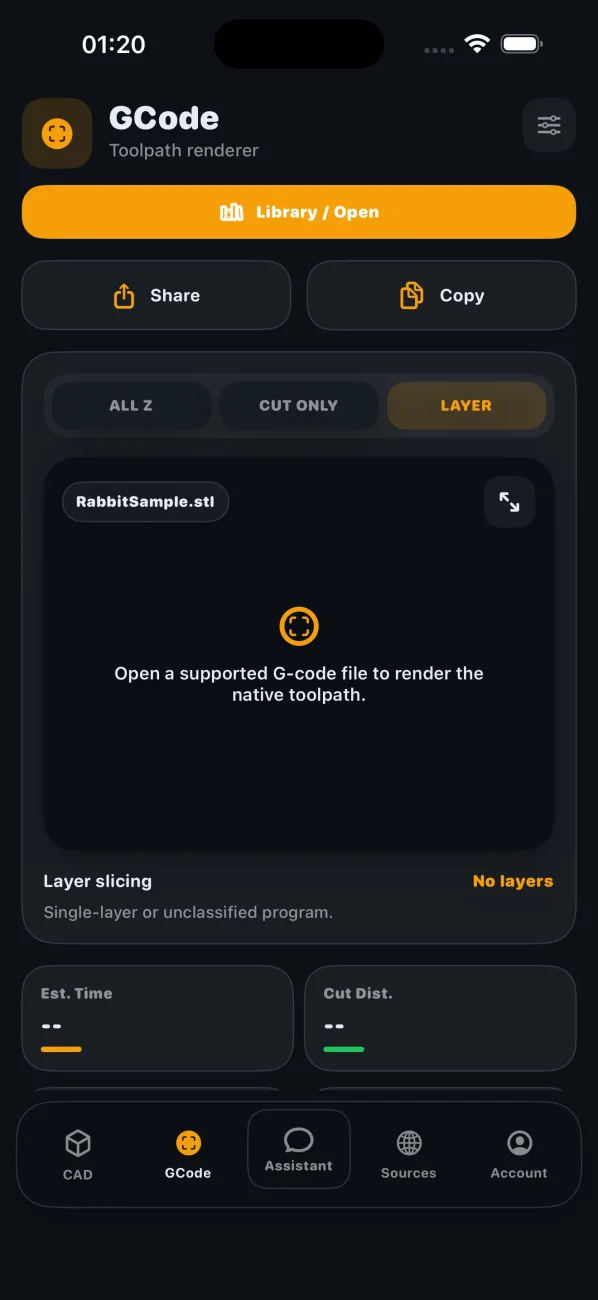
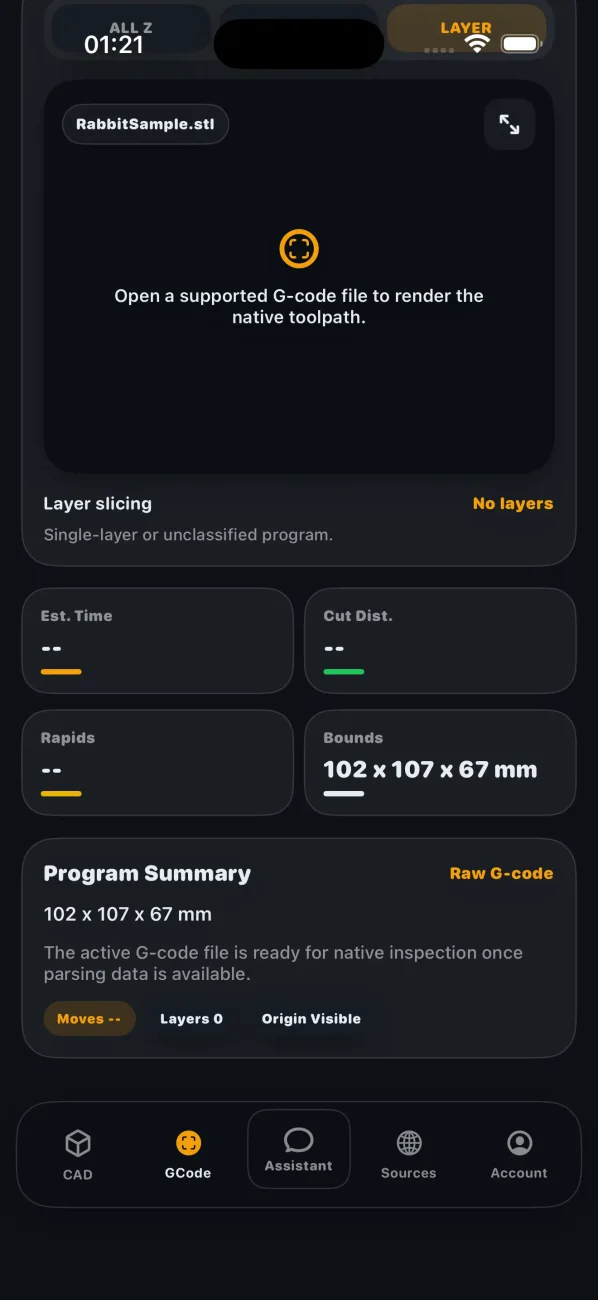
• See the full toolpath of 3D printer and CNC G-code files (.gcode, .nc, .ngc, .tap, .cnc)
• Step through the program layer by layer
• Show or hide rapid moves, cutting moves, points and the origin axis
• Opens large, dense files smoothly
FILES & LIBRARY
• Import from the Files app, email or cloud storage, or open files straight into GPrint from other apps
• Library and recent files for quick access
• Sources tab with links to popular model sites for finding and downloading models
• Share your files
EVERYTHING ELSE
• Free, no ads, no account
• Works fully offline; your files never leave your device
• English and Turkish
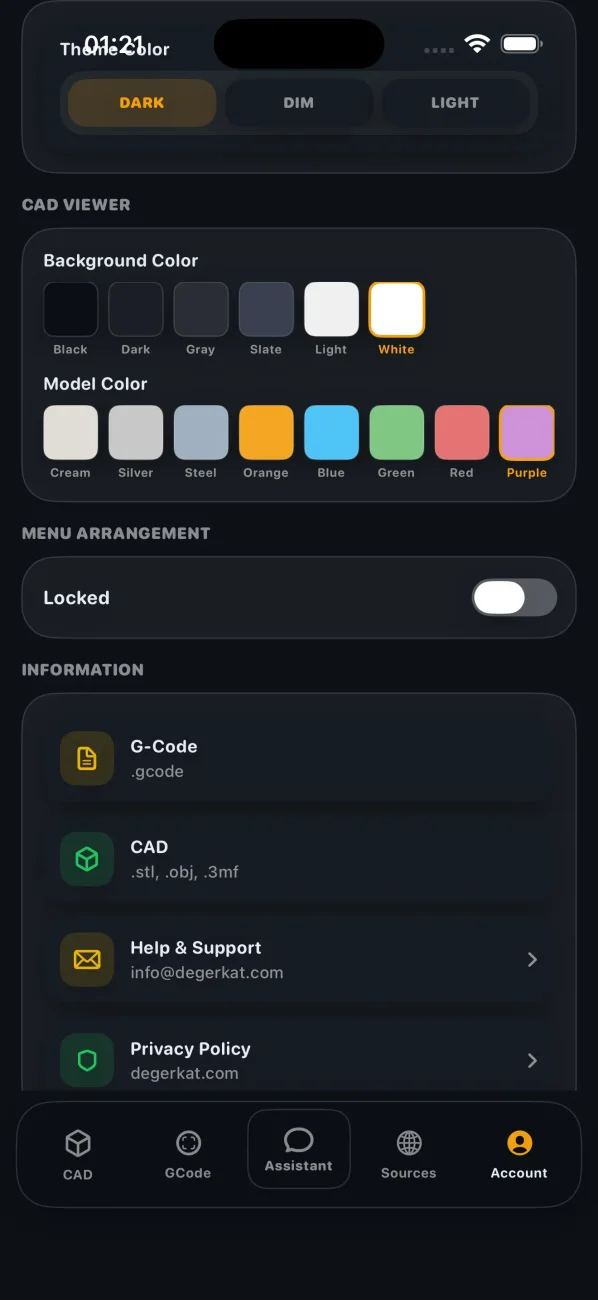
• Dark theme
What’s new
Version 1.0.7 · Nov 9, 2026
GPrint is now a free, offline viewer for STL, OBJ and G-code.
• New: OBJ files open as real 3D meshes
• New: the CAD tab is now called Model
• Improved: correct model orientation, a true ISO view and softer lighting
• Improved: G-code layers now follow only printing and cutting moves
• Imported files keep their original names
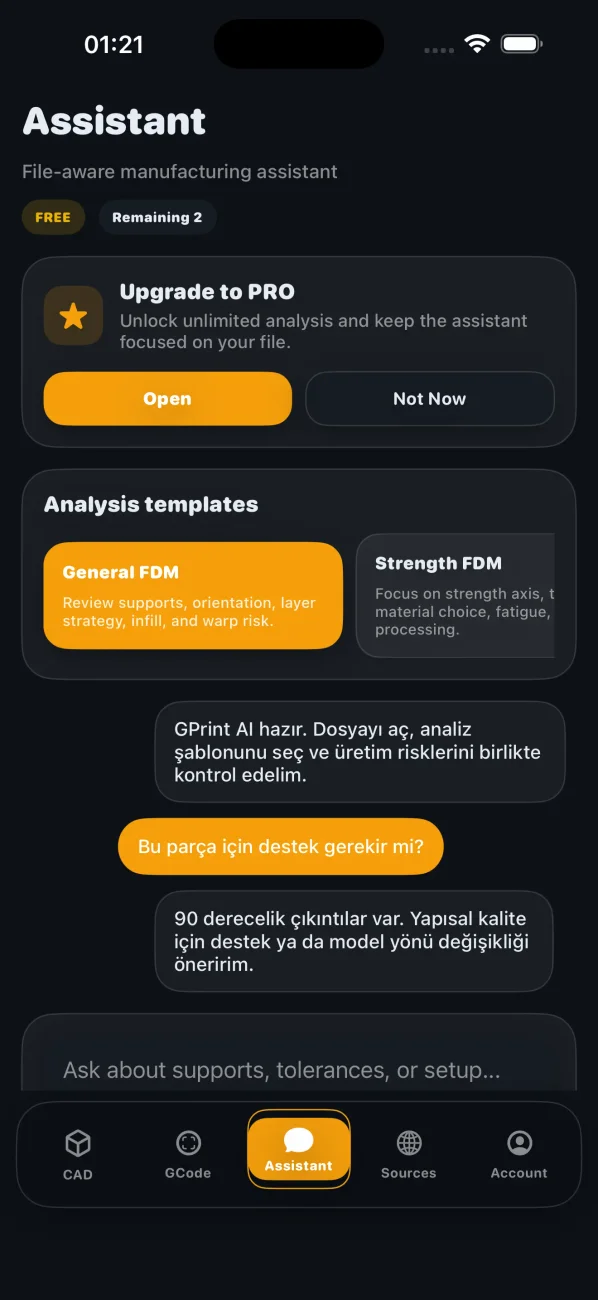
• Removed: the AI assistant, PRO subscription, analysis templates and ads
App privacy
What CAGRI DURMAZ declares on the App Store about how this app handles data.
-
Data not collected
The developer does not collect any data from this app.
Privacy practices may vary, for example with the features you use or your age.
Information
- Seller
- CAGRI DURMAZ
- Category
- Business
- Version
- 1.0.7
- Updated
- Nov 9, 2026
- Released
- Jan 20, 2026
- Size
- 23.5 MB
- Requires
- iOS 15.1 or later
- Age rating
- 4+
- Languages
- English
- Copyright
- © DegerKat
You might also like
-
 CNC Machining CalculatorSpeeds, feeds & shop math
-
 ToolpathCNC G-code check & job timer
-
 Facet: STL STEP 3D File ViewerOpen DXF, OBJ, GLB, 3MF, Gcode
-
 Boat MaintenanceProductivity
-
 BoatMatey: Boat MaintenanceYacht service log & reminders
-
 Kar-Zarar AsistanBusiness
-
 TenderelyGlobal Trust
-
 Tap Store ETBusiness
-
 Harcadım: Expense TrackerBudget, spending & portfolio