Garage Door Control
Open the garage via Bluetooth
Designed for iPhone, iPad
Free · In-app purchases
- Age rating4+
- CategoryUtilities
- DeveloperVitalij Schaefer
- LanguagesEnglish+ 32 more
- Size43.3 MB
Links to the official App Store page
Download.org hosts no file of Garage Door Control. The button opens its official App Store page, published by Vitalij Schaefer. Listing last checked on Nov 24, 2026.
Screenshots



About
With this app, you can easily open and close your garage door using your iPhone, iPad, or Apple Watch.
To use the app, you will need a garage door with an electric drive as well as a 2-channel relay module with Bluetooth BLE (“2 Channel Relay Module Bluetooth BLE”). This module is inexpensive and available in many online shops. Use an Internet search engine to find it. More information about the app and the relay module can be found on this website: garage-door-app.com
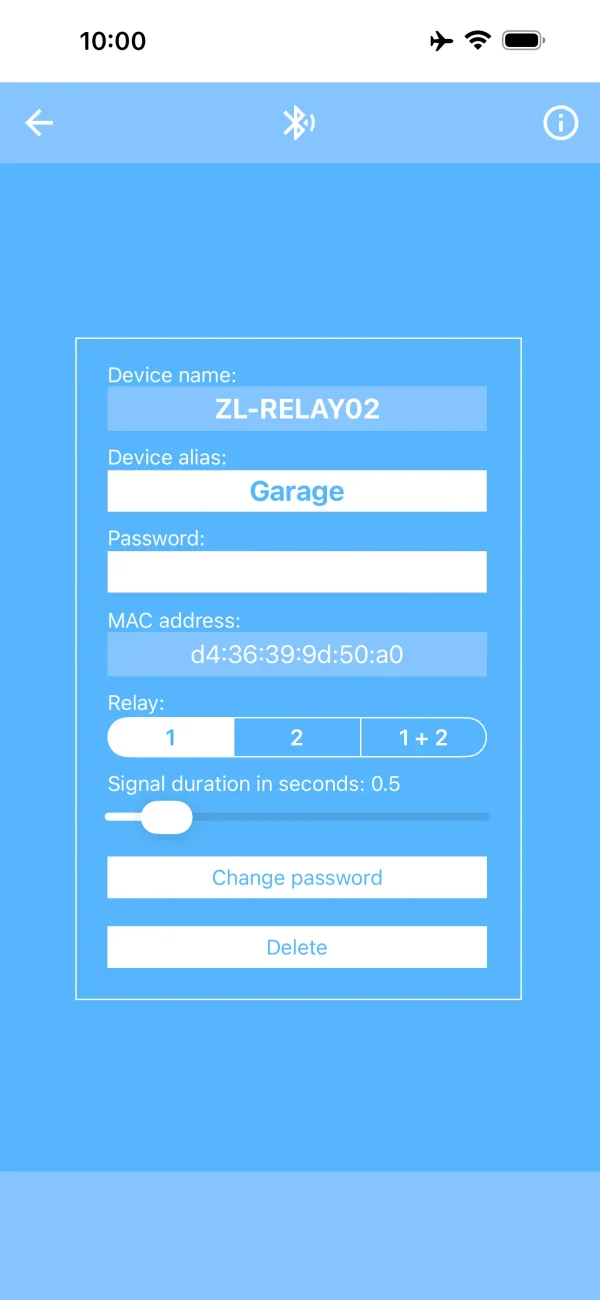
The app can be connected to any number of modules. This way, you can equip several garage doors with a relay module each and conveniently control them all through a single app. By assigning an alias, each module can be clearly named and easily identified – for example: “Home garage,” “Workshop garage,” “Left garage door,” “Right garage door,” or “Parents’ garage.”
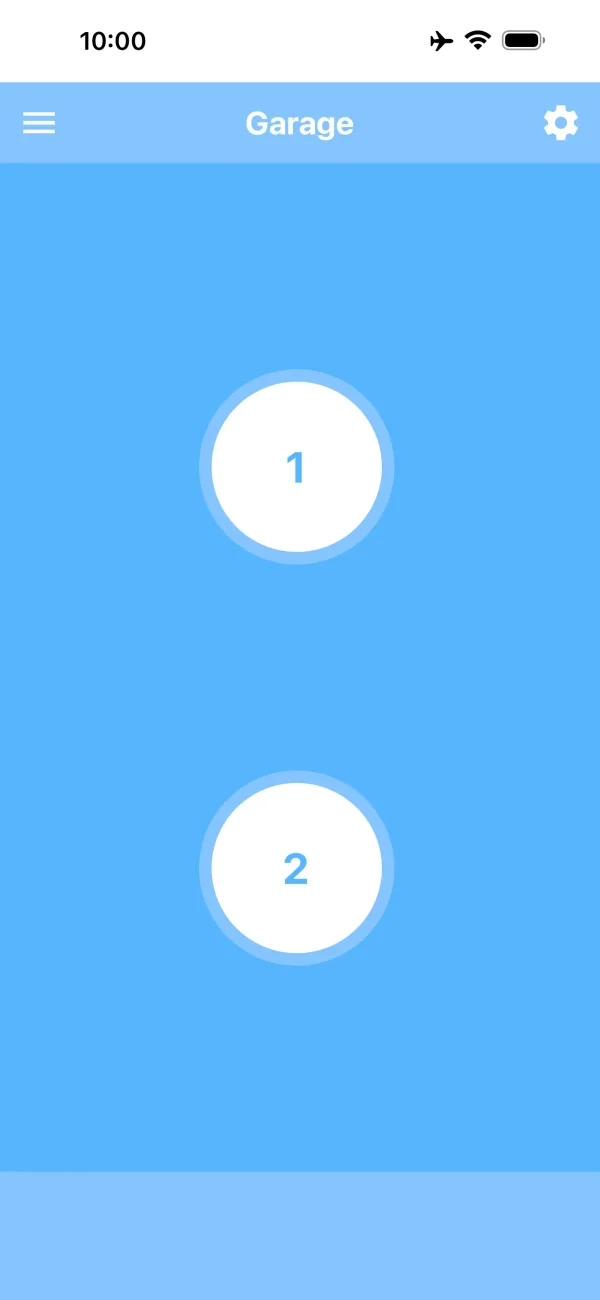
The app also lets you set the signal duration and choose the relay number individually. For a double garage with two doors, both relays can be controlled separately. In this case, two buttons will appear: one for Door 1 and one for Door 2.
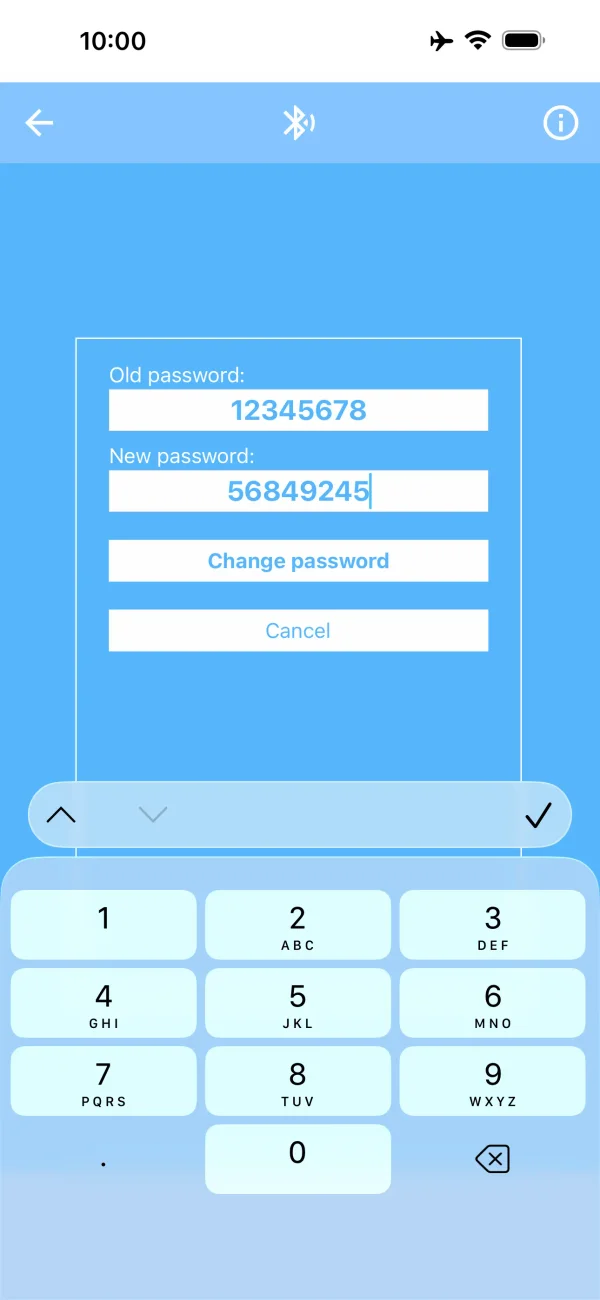
The default password for these modules is “12345678.” For added security, you can change the password directly in the app. The password must be exactly eight digits long.
With this app, you can also open and close your garage directly from the Apple Watch. The connection to the relay module only needs to be set up once via the iPhone. Afterwards, the control works directly from the Apple Watch, even without the iPhone.
The Apple Watch app must be unlocked via a one-time in-app purchase.
Additionally, you can create a Shortcut to open and close the garage. This allows you to control the door with Siri voice commands or via a shortcut on the Home Screen.
The best way is to create two Shortcuts – for example, one named “Open garage” and one named “Close garage.” That way, you can use these exact commands with Siri.
To use Shortcuts, you must either remove the ads or unlock the Apple Watch app – both are done with a one-time in-app purchase.
What’s new
Version 7.0 · Sep 2, 2026
Bug fixes and improvements
App privacy
What Vitalij Schaefer declares on the App Store about how this app handles data.
-
Data used to track you
May be used to track you across apps and websites owned by other companies.
- Usage data
-
Data not linked to you
May be collected but is not linked to your identity.
- Usage data
Privacy practices may vary, for example with the features you use or your age.
Information
- Seller
- Vitalij Schaefer
- Category
- Utilities
- Version
- 7.0
- Updated
- Sep 2, 2026
- Released
- May 11, 2017
- Size
- 43.3 MB
- Requires
- iOS 18.0 or later
- Age rating
- 4+
- Price
- Free
- In-app purchases
- Yes
- Languages
- English, Arabic, Catalan, Croatian, Czech, Danish, Dutch, Finnish, French, German, Greek, Hebrew + 21 more
- Copyright
- © 2017 - 2026 Codenia
You might also like
-
 DoorRemoteControl your garage door.
-
 Bluetooth Garagedoor RemoteYour phone as a remote control
-
 GarageDoorBuddy MonitorUtilities
-
 GarageMaxGarage Door Opener
-
 Gate UnlockUtilities
-
 MIC-Manaras Internet Control™Utilities
-
 Access+ gate garages & doorsVirtual access controller app
-
 Gliderol G+Garage Door Smartphone Control
-
 TailWind SmartControl your garage doors
-
 OpenGate ProUtilities