- Age rating4+
- CategoryUtilities
- Developer晓清 徐
- LanguagesEnglish+ 1 more
- Size21.1 MB
Links to the official App Store page
Download.org hosts no file of Garden:Log. The button opens its official App Store page, published by 晓清 徐. Listing last checked on Nov 20, 2026.
Screenshots

About
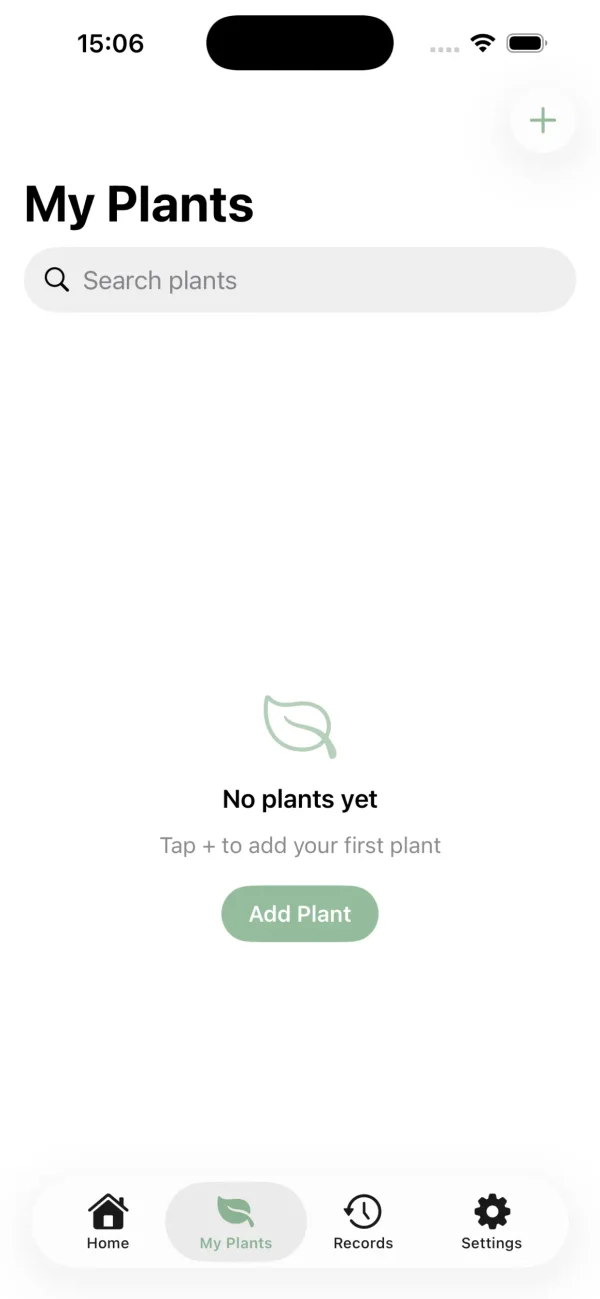
Garden Log is a simple, offline plant care journal for plant lovers.
No server, no account, no internet required — all your plant data stays safely stored locally on your iPhone.
Build your personal plant archive: record plant names, categories, purchase dates, growing environments and attach photos for each plant.
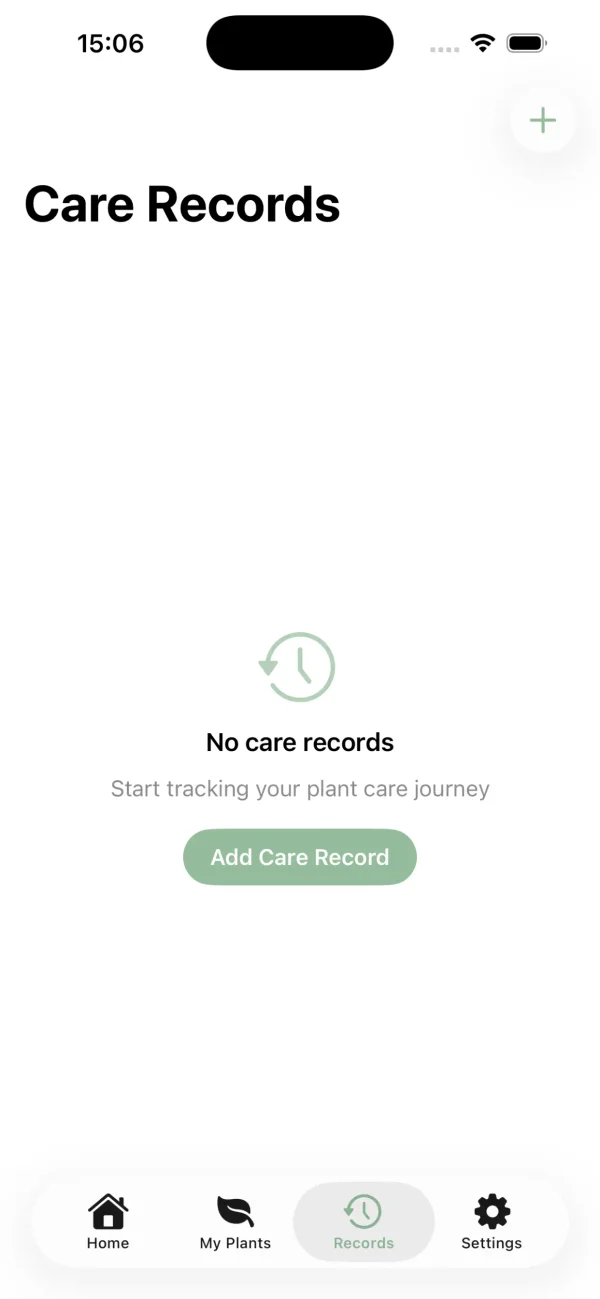
Log every care action including watering, fertilizing, pruning, repotting and pest spraying. All operations are saved on a clear timeline to review your plant’s care history.
Set customizable local reminders for watering and fertilizing. Never forget to take care of your greens again.
Write growth notes and add progress photos to record buds, blooms, leaf changes and growth conditions.
Core features:
- Create and manage unlimited plant profiles
- Record all plant maintenance activities on timeline
- Custom offline local care reminders
- Save growth notes and plant progress photos
- Local data backup & restore
- Support Light & Dark Mode
- Built with internationalization for future multi-language updates
- Fully offline, no data collection
Garden Log works completely offline. We do not collect any personal information.
Perfect for houseplant collectors, succulent growers and home gardening enthusiasts.
What’s new
Version 1.1 · Sep 1, 2026
fix bugs
App privacy
What 晓清 徐 declares on the App Store about how this app handles data.
-
Data not collected
The developer does not collect any data from this app.
Privacy practices may vary, for example with the features you use or your age.
Information
- Seller
- 晓清 徐
- Category
- Utilities
- Version
- 1.1
- Updated
- Sep 1, 2026
- Released
- Aug 21, 2026
- Size
- 21.1 MB
- Requires
- iOS 16.0 or later
- Age rating
- 4+
- Price
- Free
- Languages
- English, Simplified Chinese
- Copyright
- © senmian