
- Age rating4+
- CategoryUtilities
- DeveloperMark Ross
- LanguagesEnglish
- Size12.2 MB
Links to the official App Store page
Download.org hosts no file of Gauge King. The button opens its official App Store page, published by Mark Ross. Listing last checked on Nov 18, 2026.
Screenshots

About
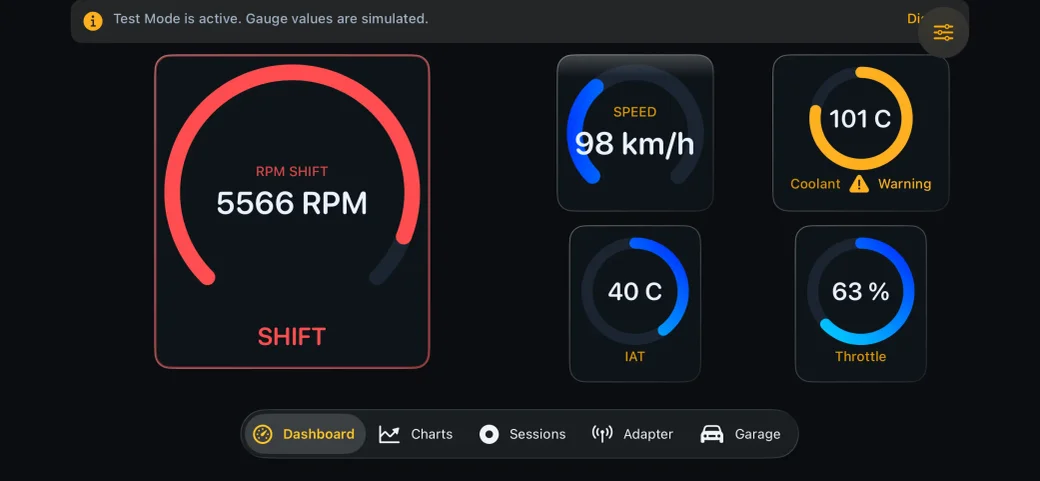
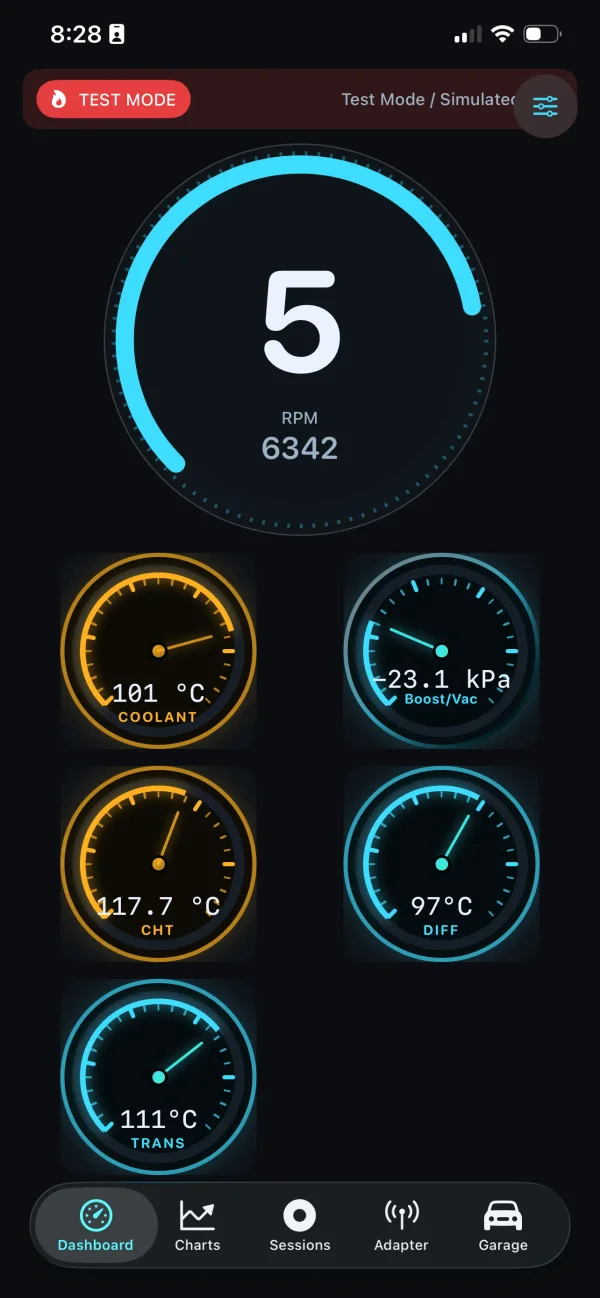
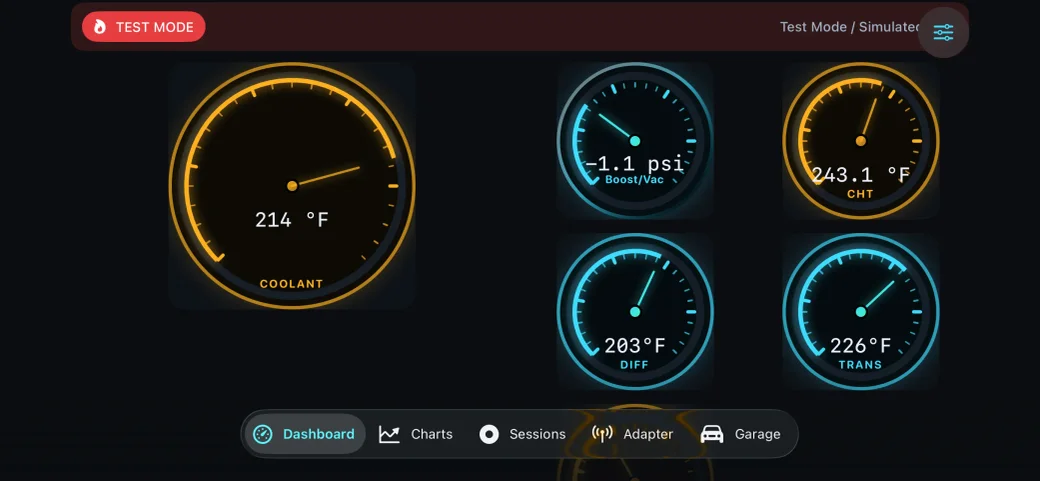
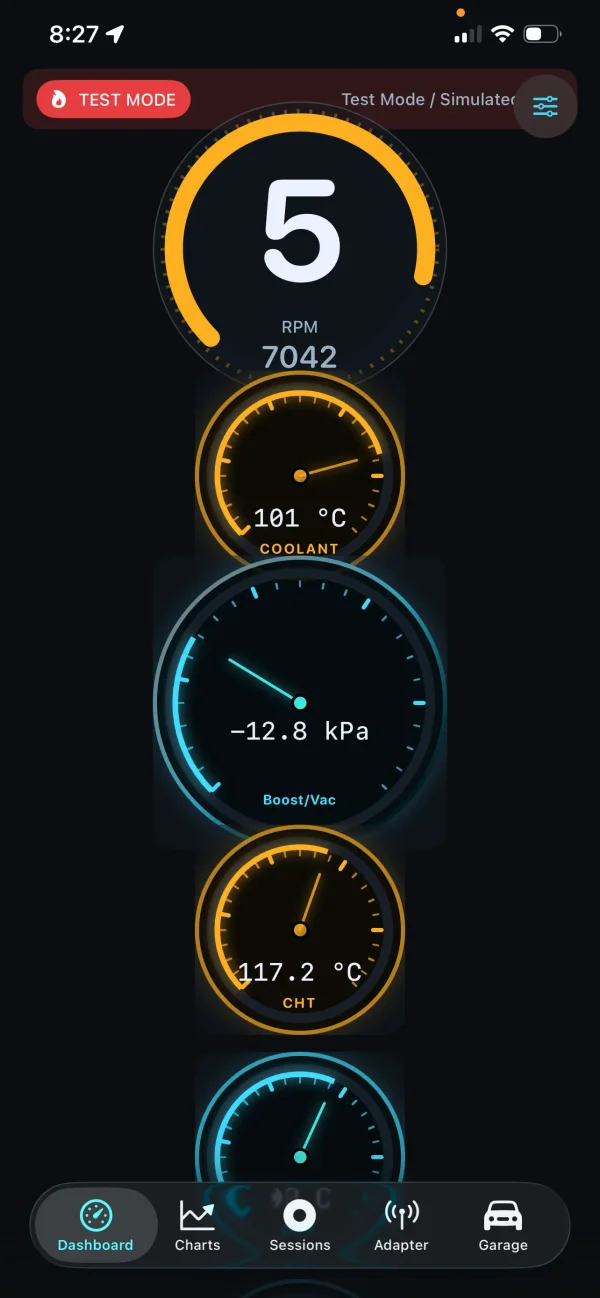
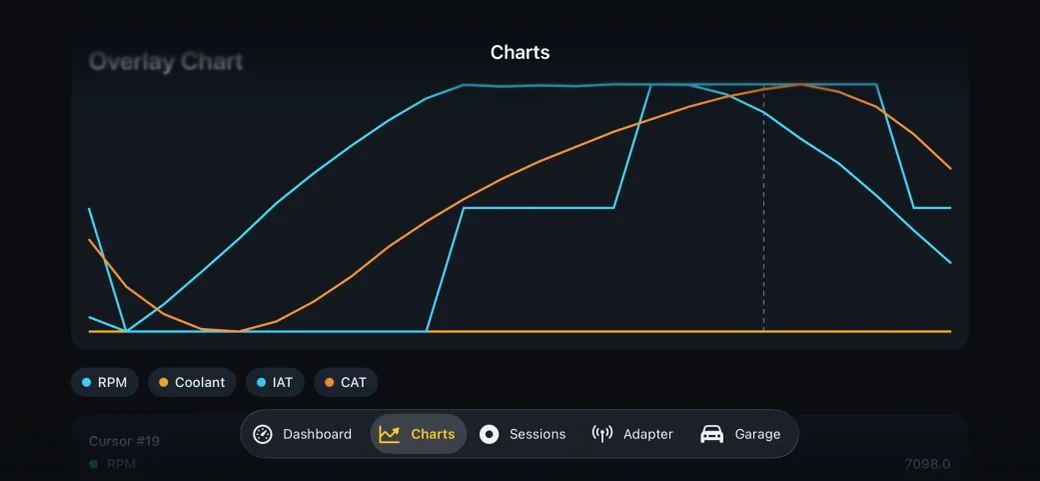
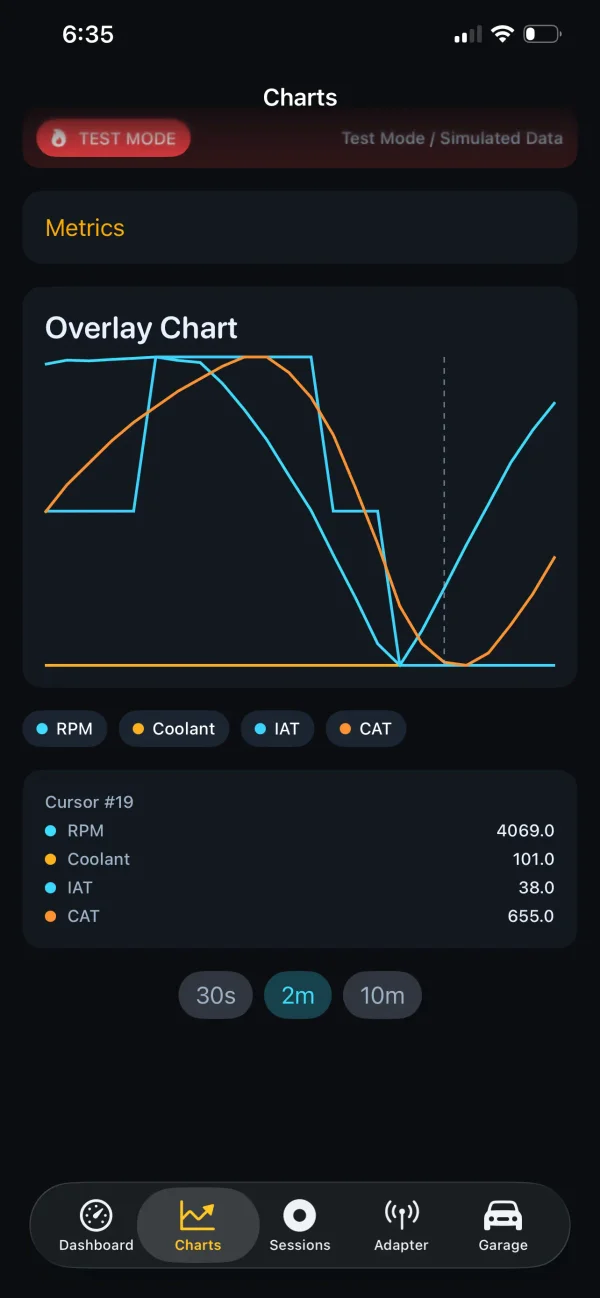
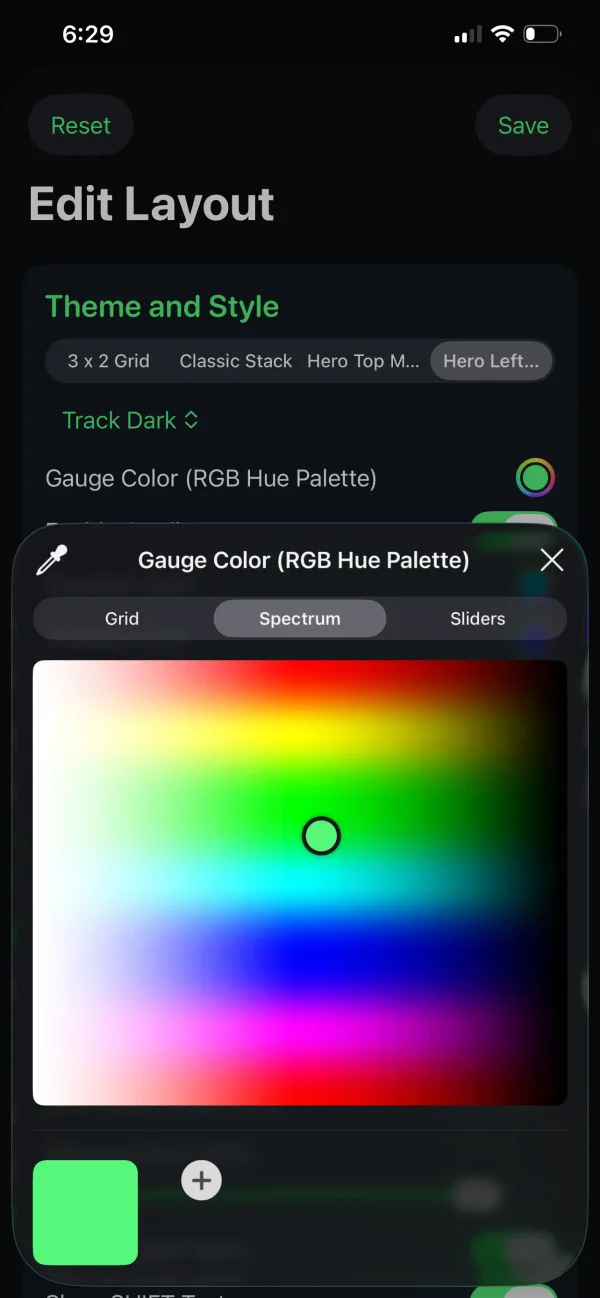
Gauge King turns your iPhone into a clean, customisable digital gauge dashboard for your car.
Connect a compatible Bluetooth OBDII reader and view live vehicle telemetry in a modern dashboard designed for drivers, enthusiasts, and anyone who wants a clearer view of what their car is doing.
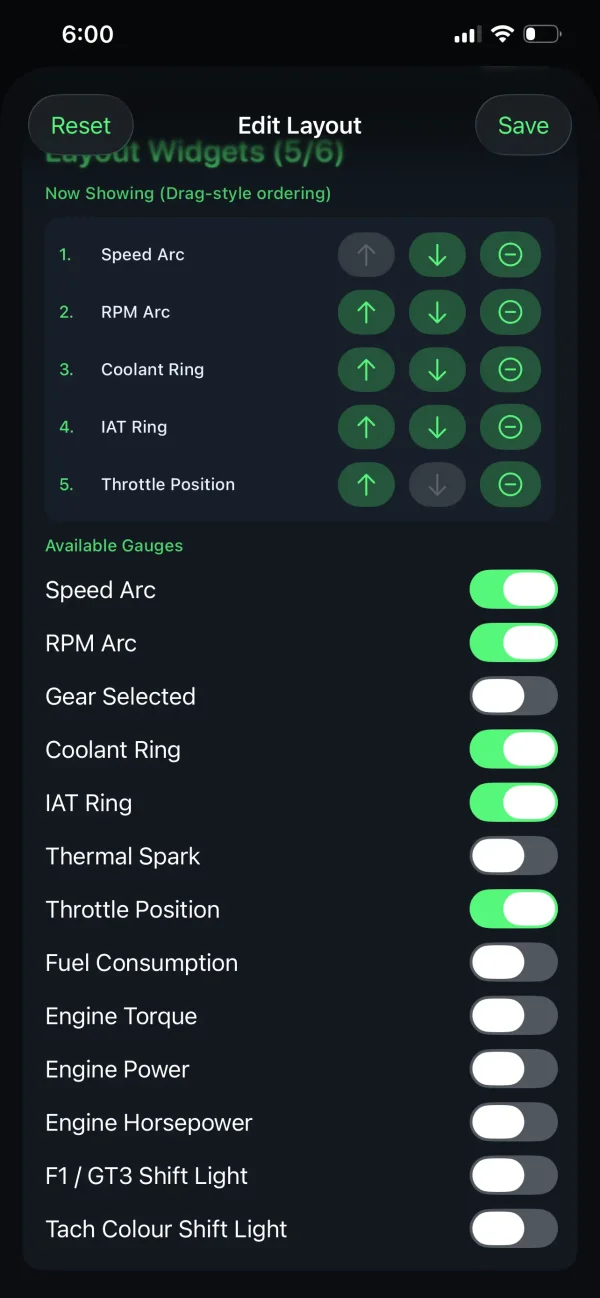
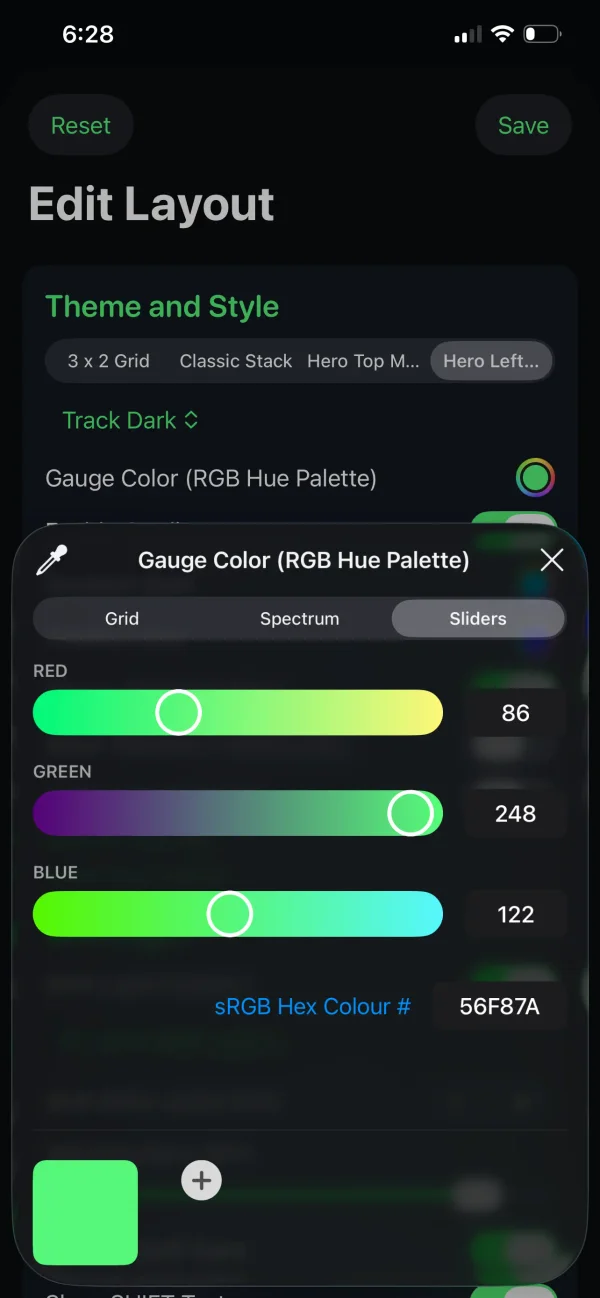
Build your own gauge layout, choose the data that matters to you, and monitor key information in real time.
Gauge King can display supported vehicle data such as:
RPM
Speed
Coolant temperature
Intake air temperature
Throttle position
Engine load
Battery voltage
Fuel-related data
as well as shift light layouts, calculated horsepower/Kw data and much more.
Gauge King also includes Demo Mode, allowing you to experience the dashboard using simulated telemetry even when you are not connected to an OBDII reader. This is useful for trying layouts, testing gauges, previewing the app, or seeing how the dashboard feels before connecting to a vehicle.
Features include:
Customisable digital gauge dashboards
Audible warnings based on configurable thresholds
Apple CarPlay support
Compatible Bluetooth OBDII reader support
Live vehicle telemetry where supported by the vehicle and adapter
Demo Mode with simulated data
Performance-inspired gauge layouts
Clear connection status
Designed for car enthusiasts and everyday drivers
Gauge King is built to make vehicle data easier to see, understand, and enjoy.
Important notes:
Gauge King requires a compatible Bluetooth OBDII reader for live vehicle telemetry.
Available telemetry depends on your vehicle, OBDII adapter, and supported sensors.
Demo Mode uses simulated data and does not show real vehicle information.
Gauge King is intended for information and display purposes only. Always drive safely and follow local road rules.
https://www.apple.com/legal/internet-services/itunes/dev/stdeula/
What’s new
Version 1.4.3 · Nov 11, 2026
• New ENGO HUD AR tachometer layout with a large gear indicator, speed readout and sweeping RPM ring.
• Progressive RPM brightness and a flashing ring at your configured shift point.
• Improved ENGO text clarity and alignment, with reduced display flicker.
• Faster updates for RPM, speed and supported gear readings.
• Improved Ford and Renault connection handling.
• New Bluetooth diagnostic recording and sharing to help troubleshoot issues.
• Optional app-update notifications and improved opt-in crash and hang reporting.
App privacy
What Mark Ross declares on the App Store about how this app handles data.
-
Data not collected
The developer does not collect any data from this app.
Privacy practices may vary, for example with the features you use or your age.
Information
- Seller
- Mark Ross
- Category
- Utilities
- Version
- 1.4.3
- Updated
- Nov 11, 2026
- Released
- Jul 5, 2026
- Size
- 12.2 MB
- Requires
- iOS 17.2 or later
- Age rating
- 4+
- In-app purchases
- Yes
- Languages
- English
- Copyright
- © 2026 Mark Ross. All rights reserved.
You might also like
-
 iThrottle BTXUtilities
-
 MotorBit: OBD2 Scanner ELM327Car Diagnostics & Fault Codes
-
 TELEDASHWheel Turtle OBD GPS Dashboard
-
 CarPulse: OBD2 Car Scan ToolEngine Fault Code Reader
-
 WrenchTime: Car MaintenanceFuel, Mileage & OBD2 Scanner
-
 OpenOBD: OBD2 Car ScannerCheck Engine Light Code Reader
-
 TPMS ConnectTyre pressure & voice alerts
-
 Car Widgets, CarPlay DashboardCarPlay Themes, Custom Sounds
-
 Lean Angle: Moto Tilt MeterMotorcycle Ride Tracker
-
 Haltech ConnectUtilities