
- Age rating4+
- CategoryEducation
- DeveloperPaul Hamilton
- LanguagesEnglish
- Size45.2 MB
Links to the official App Store page
Download.org hosts no file of GausNote. The button opens its official App Store page, published by Paul Hamilton. Listing last checked on Nov 13, 2026.
Screenshots
About
Step inside your 3D scans.
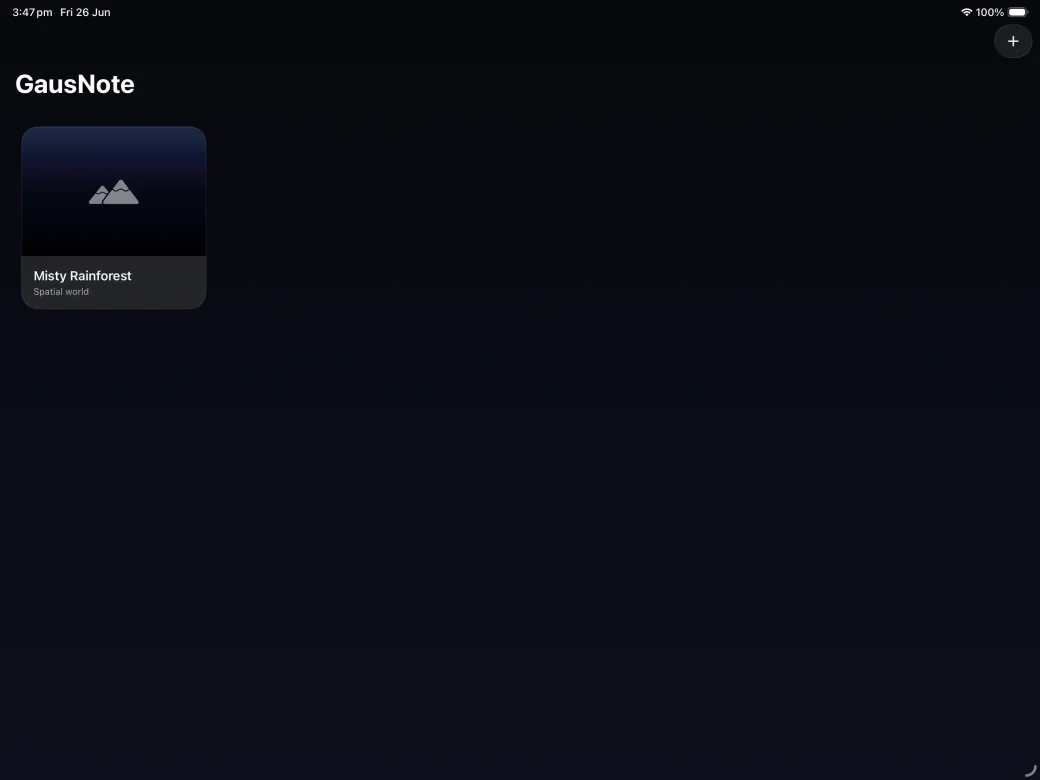
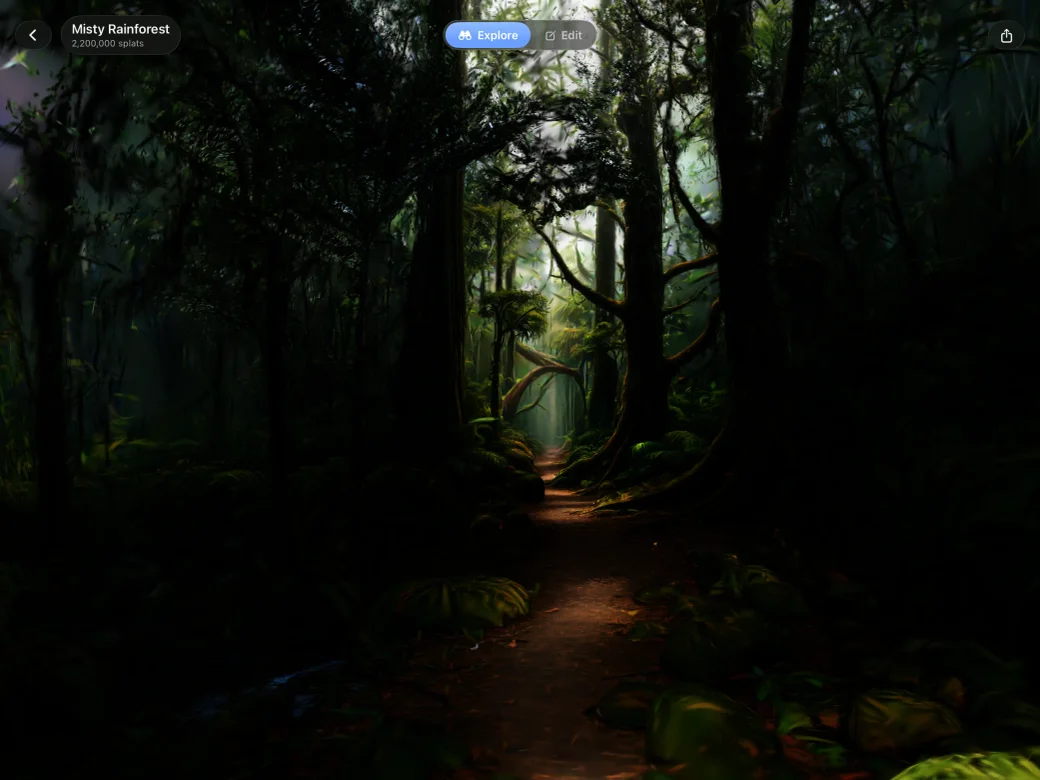
GausNote turns photoreal Gaussian-splat scans into places you can walk through, annotate, and share. Open a scene, move through it with a touch, and leave notes exactly where they belong — pinned in 3D space, not stuck on a flat screenshot. Everything happens right on your iPad. No account. No cloud. No waiting.
EXPLORE ANY SCAN
• Smoothly orbit, pan, and move through high-detail Gaussian-splat (.spz) scenes
• Scans are automatically turned upright and framed on the perfect opening shot
• Designed for iPad — and runs beautifully on Apple Silicon Macs too
NOTES WITH A PLACE
• Pin spatial notes anywhere on the scene's real surfaces
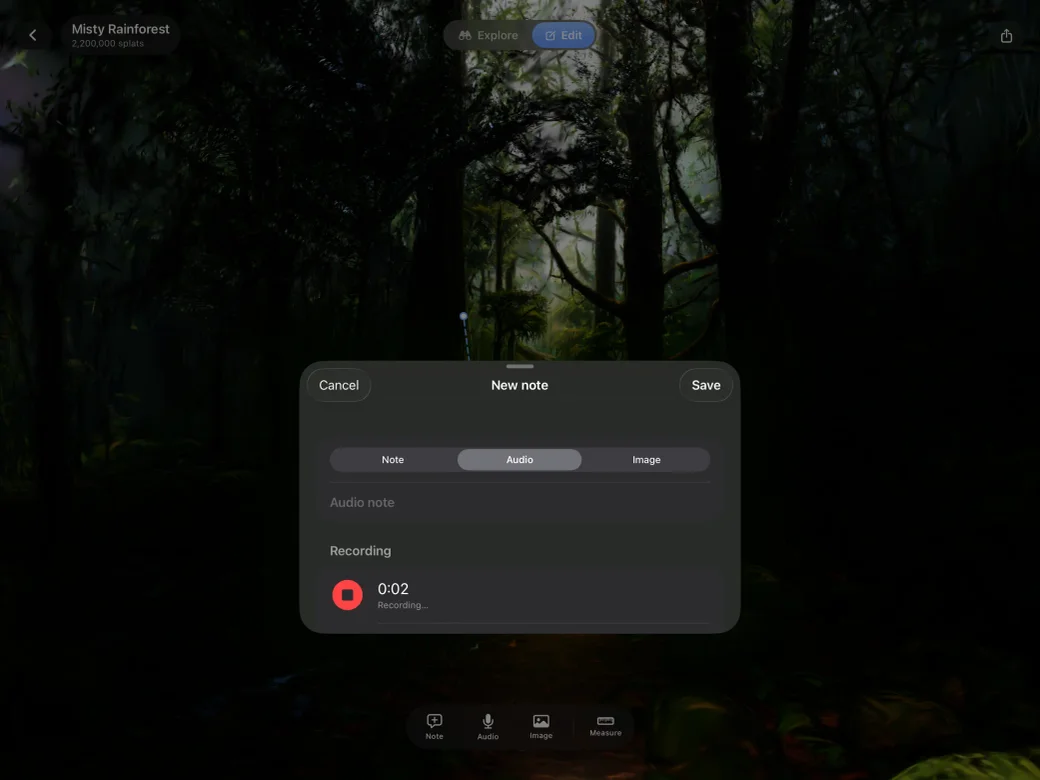
• Add typed notes, voice memos, or photos
• Notes appear as you move close to them, so the scene stays clean and you discover them as you explore
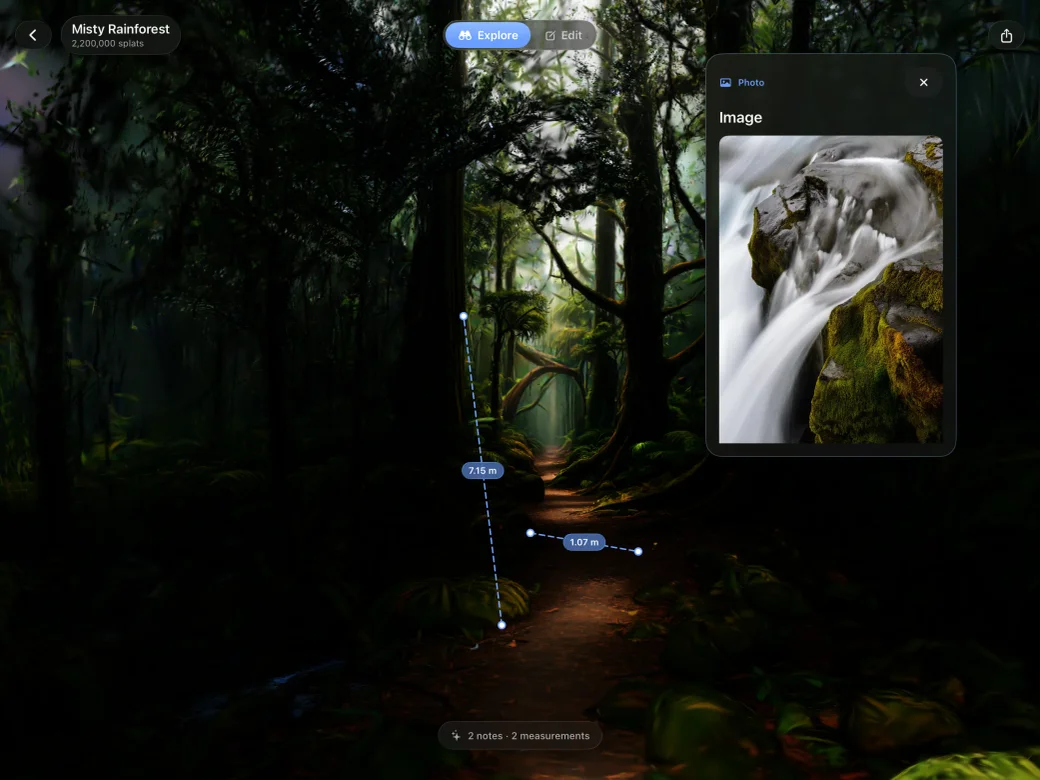
• Tap a note to read, listen, or view — right in the scene
MEASURE THE REAL WORLD
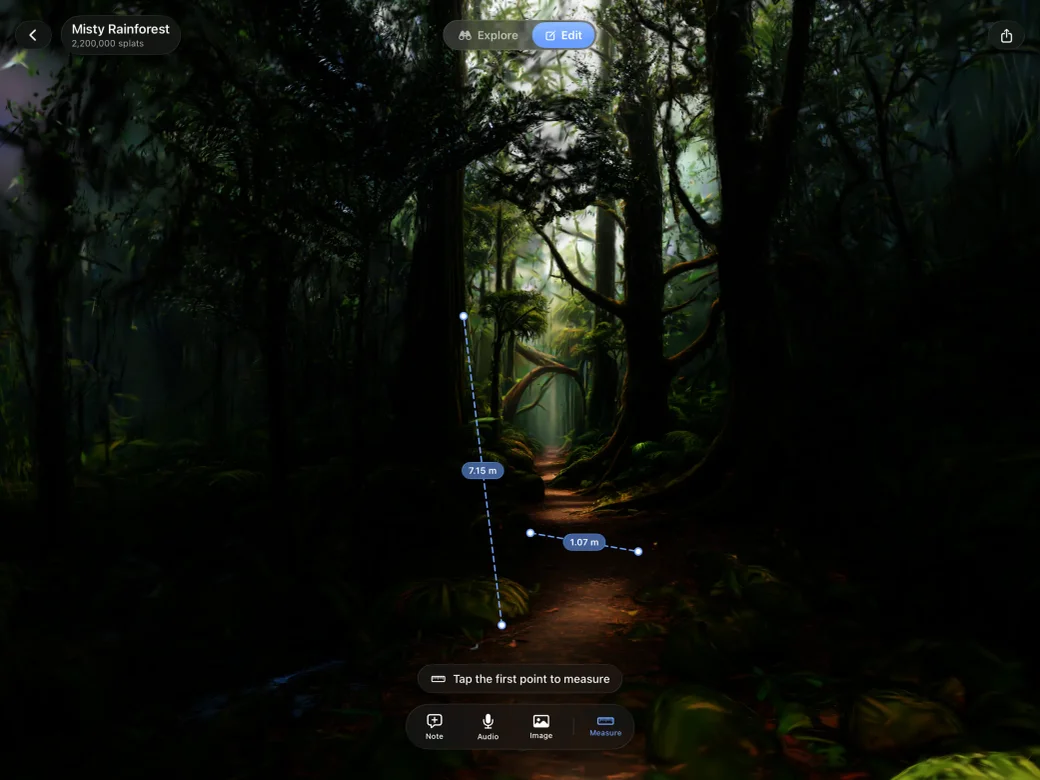
• Tap two points to measure true distances in the scan
• Real-world scale, straight from the capture — perfect for checking dimensions on site, in a room, or on an object
EXPLORE & EDIT MODES
• Edit mode gives you the full authoring toolkit to place and adjust notes and measurements
• Explore mode is a clean, guided walkthrough — ideal for sharing with clients, students, or teammates who just want to look around
SHARE A WHOLE WORLD IN ONE TAP
• AirDrop, Message, or Mail an entire annotated scene as a single file
• Whoever has GausNote opens it instantly — scene, notes, audio, photos, and measurements all included
• No links, no logins, no uploads
PRIVATE BY DESIGN
• 100% on-device — your scans and notes never leave your iPad unless you choose to share them
• No tracking, no analytics, no accounts
PERFECT FOR
• Architecture, construction, and real estate — annotate and measure site scans
• Surveying and inspection — pin findings exactly where they are
• Education and training — build explorable, narrated 3D lessons
• Creators and 3D capture enthusiasts — bring your splats to life
Bring your scans to life. Drop a note where it matters, measure what you need, and hand the whole world to anyone — all from your iPad.
What’s new
Version 2.0 · Jul 7, 2026
Bug fixes.
Added ability to add usdz models to Gaussian scenes.
App privacy
What Paul Hamilton declares on the App Store about how this app handles data.
-
Data not collected
The developer does not collect any data from this app.
Privacy practices may vary, for example with the features you use or your age.
Information
- Seller
- Paul Hamilton
- Category
- Education
- Version
- 2.0
- Updated
- Jul 7, 2026
- Released
- Jul 1, 2026
- Size
- 45.2 MB
- Requires
- iOS 26.2 or later
- Age rating
- 4+
- Languages
- English
- Copyright
- © Paul Hamilton
You might also like
-
 Grammar QuestGrammar & spelling adventure
-
 Photo StoryPhoto. Voice. Story.
-
 PLC PerthEducation
-
 Walking on CountryAugmented Reality Storytelling
-
 Fraction HelperVisualize fractions for kids
-
 MyComms: Visual Supports AppVisual Supports App
-
 Reading Doctor OnlineTeach Students to Read & Spell
-
 Clicker BooksEducation