Gaussian SplatKing
Mobile Gaussian Splatting
Designed for iPhone, iPad
Free · In-app purchases
- Age rating4+
- CategoryPhoto & Video
- DeveloperMICHAEL DORAN RUBLOFF
- LanguagesEnglish
- Size12.2 MB
Links to the official App Store page
Download.org hosts no file of Gaussian SplatKing. The button opens its official App Store page, published by MICHAEL DORAN RUBLOFF. Listing last checked on Nov 13, 2026.
Screenshots


About
Gaussian SplatKing is a capture app for Gaussian splatting and radiance field reconstruction. It produces reconstruction-ready input data for any downstream pipeline and, for LiDAR captures, refines camera poses and trains a Gaussian splat on the device.
Capture
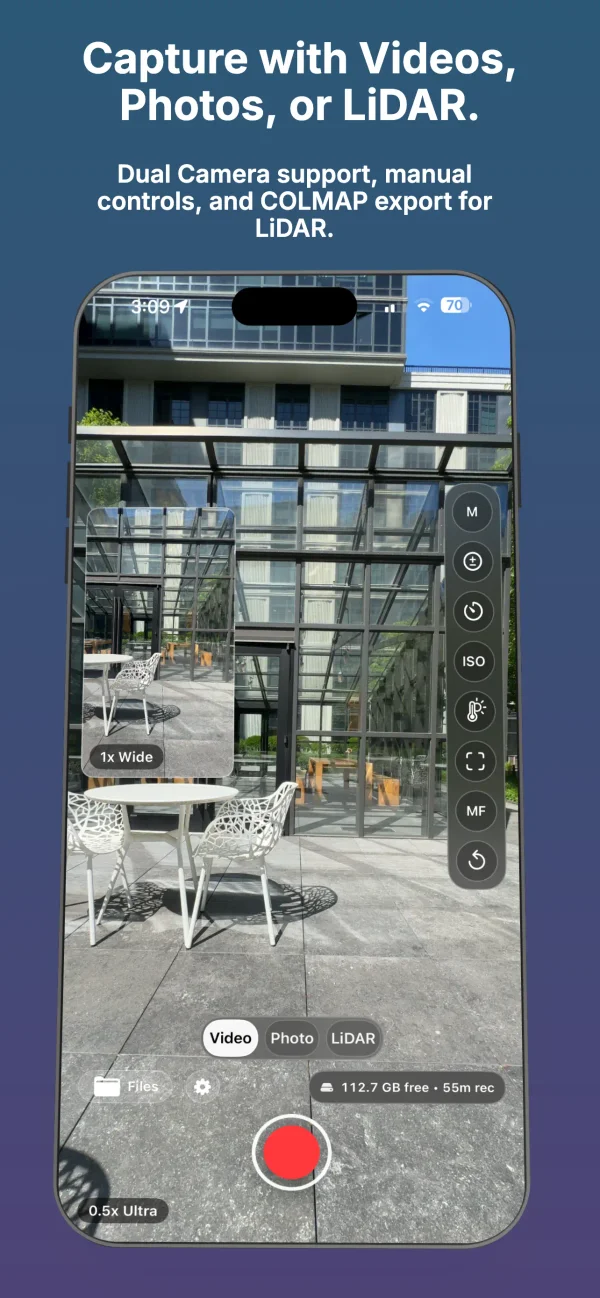
• Photo and video fire the 0.5x ultra-wide and 1x wide lenses simultaneously. A single-lens (1x) option, with RAW (DNG) photo capture, is available in Settings.
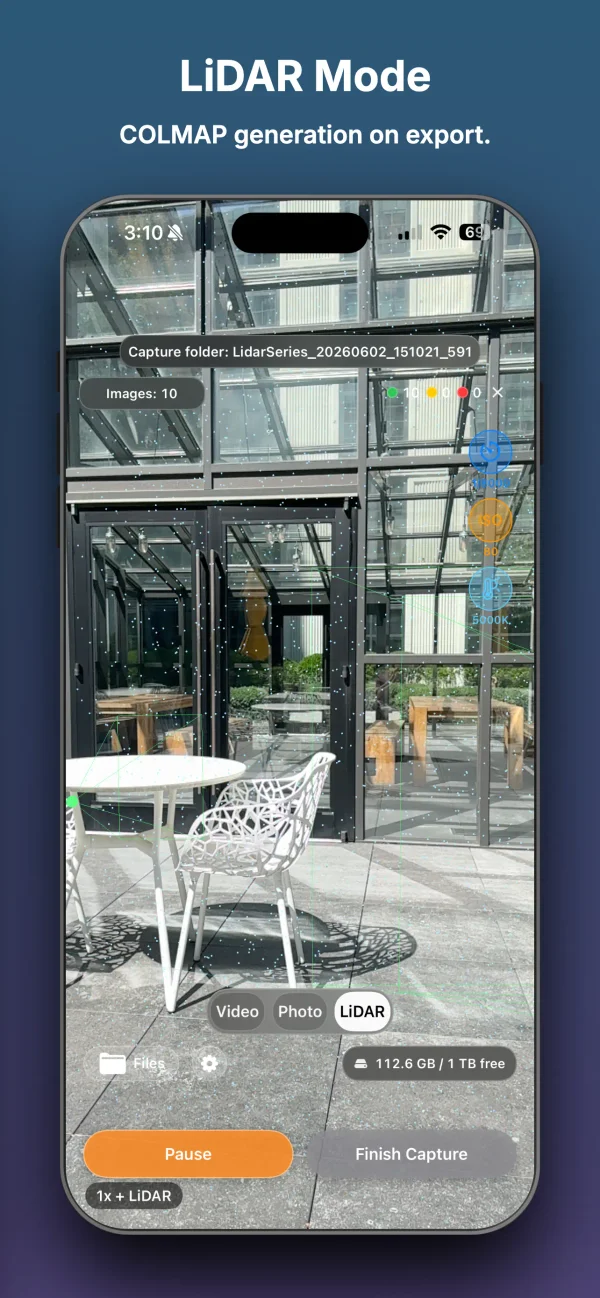
• LiDAR mode pairs ARKit depth with the 1x wide lens, writes native COLMAP files (cameras, images, sparse points) on-device, and shows the point cloud as it accumulates.
• 4K/30 HEVC video with Standard and Max Fidelity modes; optional undistorted video exports.
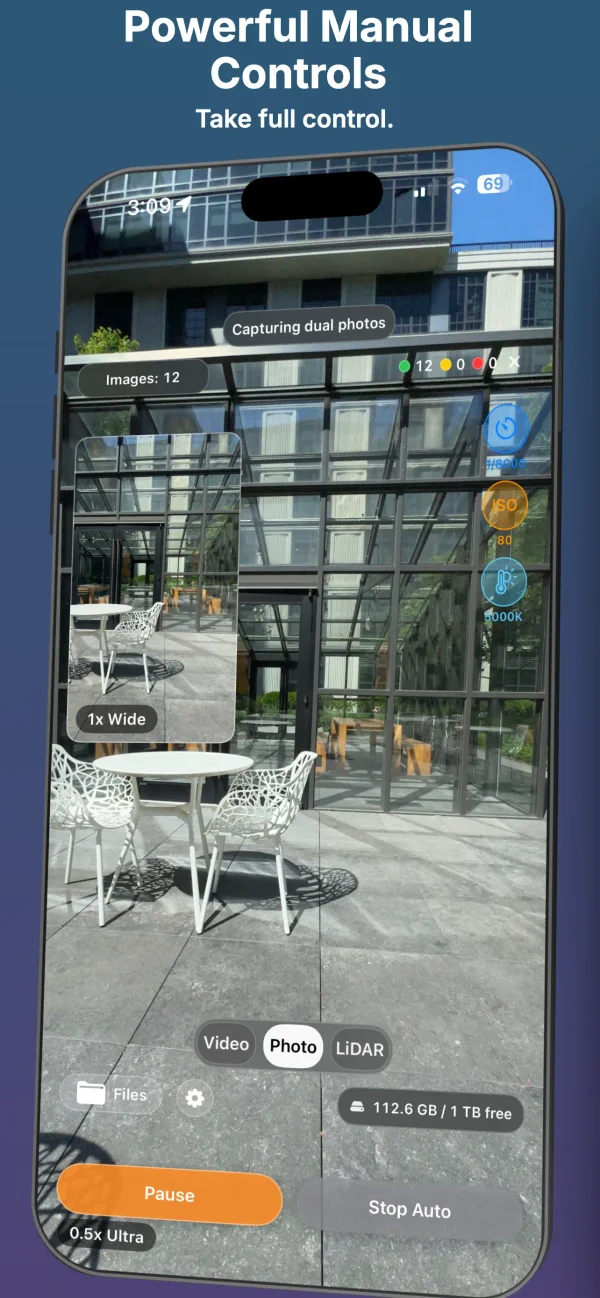
• Auto photo cadence for walk-through capture, with a selectable interval.
• Manual controls applied to both lenses: ISO, shutter speed or shutter angle, white balance, exposure, AF Lock, manual focus distance, tap-to-focus; a minimum shutter speed.
• Optional capture location metadata, off by default.
• iPhone and iPad.
Process
• Pose refinement: after a LiDAR capture, camera poses are refined on-device (feature matching and bundle adjustment) and recorded in the export. Free for everyone.
• Train Splat (SplatKing Pro): train a Gaussian splat from a refined LiDAR capture on the device. No upload, no account. Output is an .spz file with an in-app viewer.
Export
• Every capture is a zip with media, metadata, COLMAP files where applicable, and splatpack.json, shared through the Files app or the share sheet to any pipeline.
• Session quality summaries and per-file quality flags.
SplatKing Pro is a one-time purchase that adds focus peaking, an RGB histogram, capture presets, the capture-interval selector, and on-device training. Everything that is free today stays free, and Pro never changes free capture quality.
Analytics are anonymous and, in regions that require consent, off unless you opt in. Capture content never leaves the device unless you share it.
What’s new
Version 1.6.3 · Nov 11, 2026
SplatKing 1.6.3 fixes capture and export reliability issues.
• Manual shutter: the shutter control no longer sticks while dragging, and the fastest shutter speed is now 1/8000 s.
• Starting a new capture while the previous one is still saving is now refused with a short message, so the earlier capture is always saved and zipped.
• ZIP export, the debug bundle, and Train Splat now check usable free space before starting, and report low storage clearly.
• Video saving can no longer stall indefinitely, and incomplete corrected video copies are cleaned up.
• Capture presets now restore the correct manual exposure values.
App privacy
What MICHAEL DORAN RUBLOFF declares on the App Store about how this app handles data.
-
Data linked to you
May be collected and linked to your identity.
- Identifiers
- Usage data
- Diagnostics
Privacy practices may vary, for example with the features you use or your age.
Information
- Seller
- MICHAEL DORAN RUBLOFF
- Category
- Photo & Video
- Version
- 1.6.3
- Updated
- Nov 11, 2026
- Released
- Mar 9, 2026
- Size
- 12.2 MB
- Requires
- iOS 18.0 or later
- Age rating
- 4+
- Price
- Free
- In-app purchases
- Yes
- Languages
- English
- Copyright
- © Rubloff and Co LLC
You might also like
-
 Splatcatcher: LiDAR Capture3D Gaussian Splatting Capture
-
 LCC ScanPhoto & Video
-
 Scantic3D Scanning. Fully On-Device.
-
 Teleport by VarjoTurn the World into 3D
-
 Spatial Lens - Real Horizons3D Space Capture Made Easy
-
 Solaya: 3D Scanner Pro3D Scan for E-commerce
-
 Spectacular RecPhoto & Video
-
 Lightcraft JetsetA Movie Studio in Your Pocket
-
 Record3D — 3D Videos3D Videos & Point Cloud Stream
-
 Cyclops ARAR for VFX, Film & Archits