
Gem - Money tracker
Spending budget & bills
Designed for iPhone
Free · In-app purchases
- Age rating4+
- CategoryFinance
- DeveloperOz Pinhas
- LanguagesEnglish+ 1 more
- Size46.1 MB
Links to the official App Store page
Download.org hosts no file of Gem - Money tracker. The button opens its official App Store page, published by Oz Pinhas. Listing last checked on Nov 20, 2026.
Screenshots


About
Log expenses and stay on budget.
No subscription. In-app purchases are tips :)
BUDGET
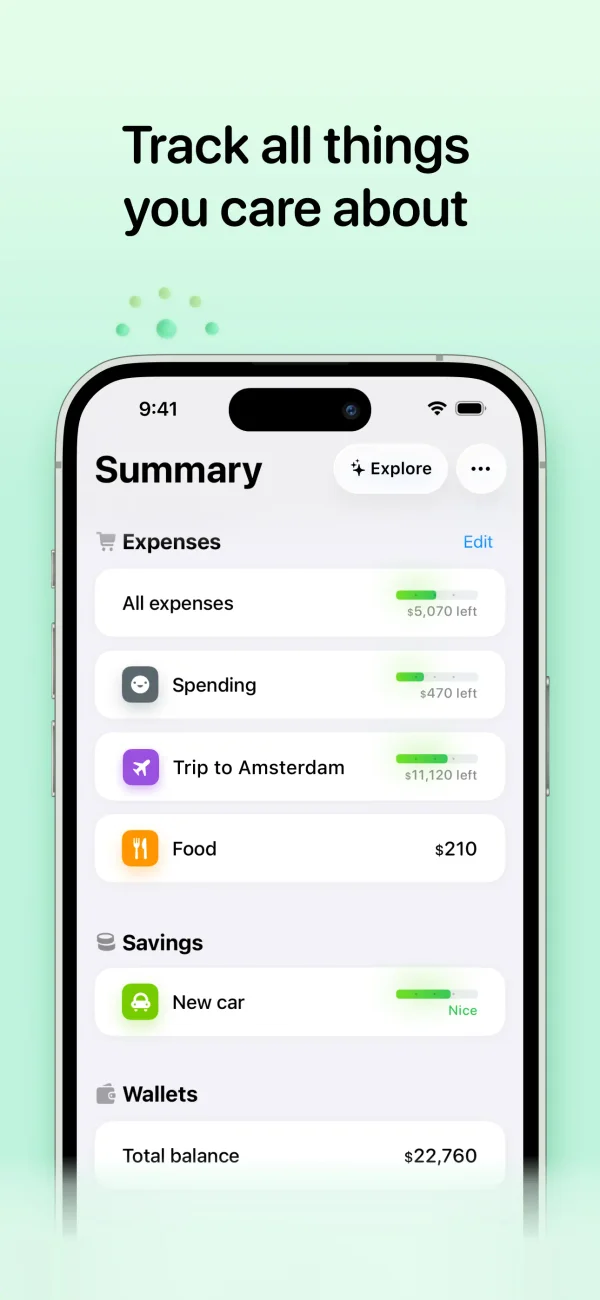
- Daily, weekly, monthly and yearly
- Average & daily spending, breakdown by category
- Compare against same day last month
- Rearrange your budgets, and other lists
- Explore your costs and salary over time
ORGANIZE
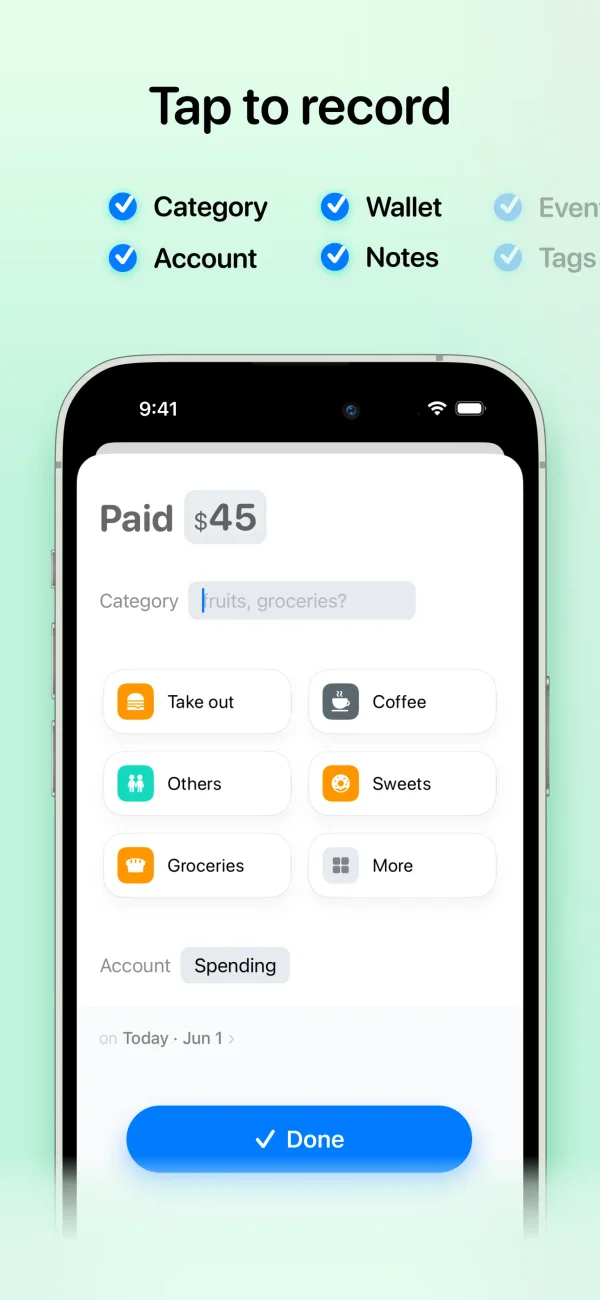
- By category, budget, wallet, account, tag…
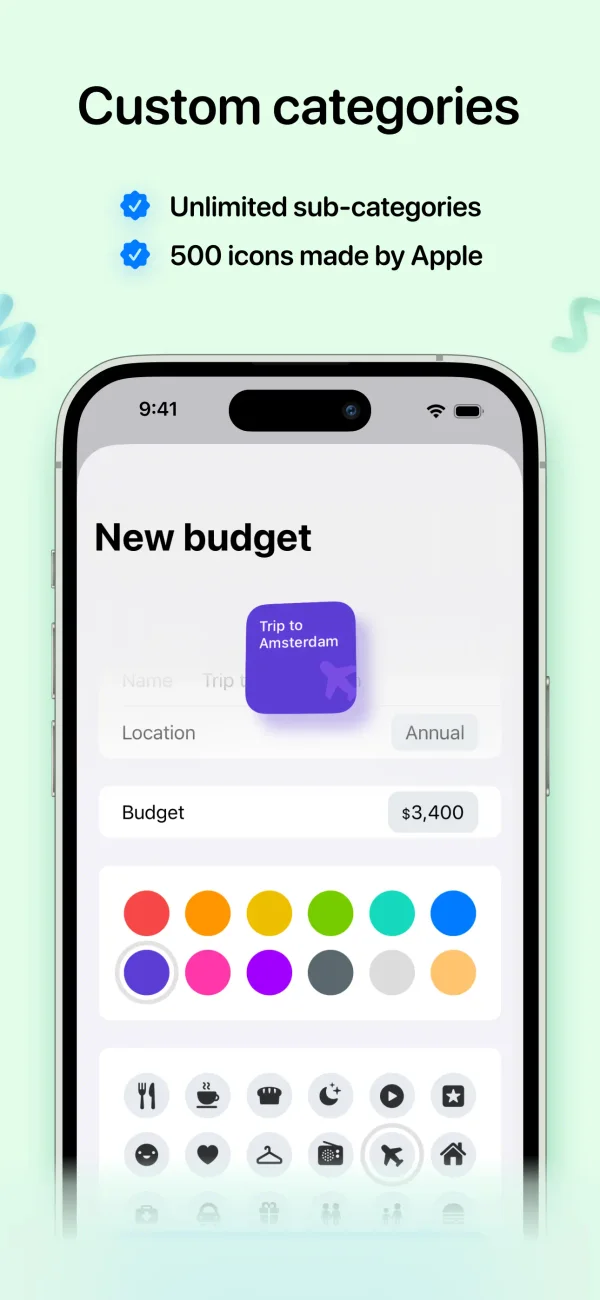
- Customize category colors & icons (500+ from Apple)
- Favorite accounts, custom sorting, merge categories
- Add attachments and receipts
BILLS
- Repeat: day, week, month, year
- View paid & upcoming subscriptions
MONEY TOOLS
- Savings goals, income, transfers, balance
- Multiple currencies, exchange rates
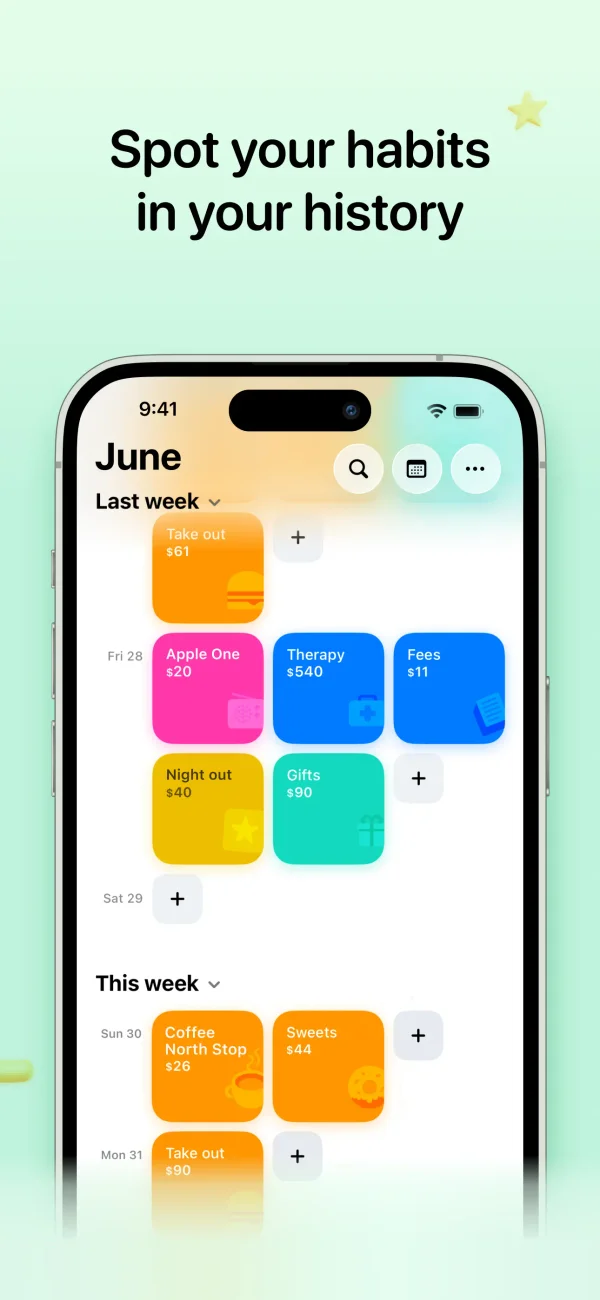
- Calculator & journal view
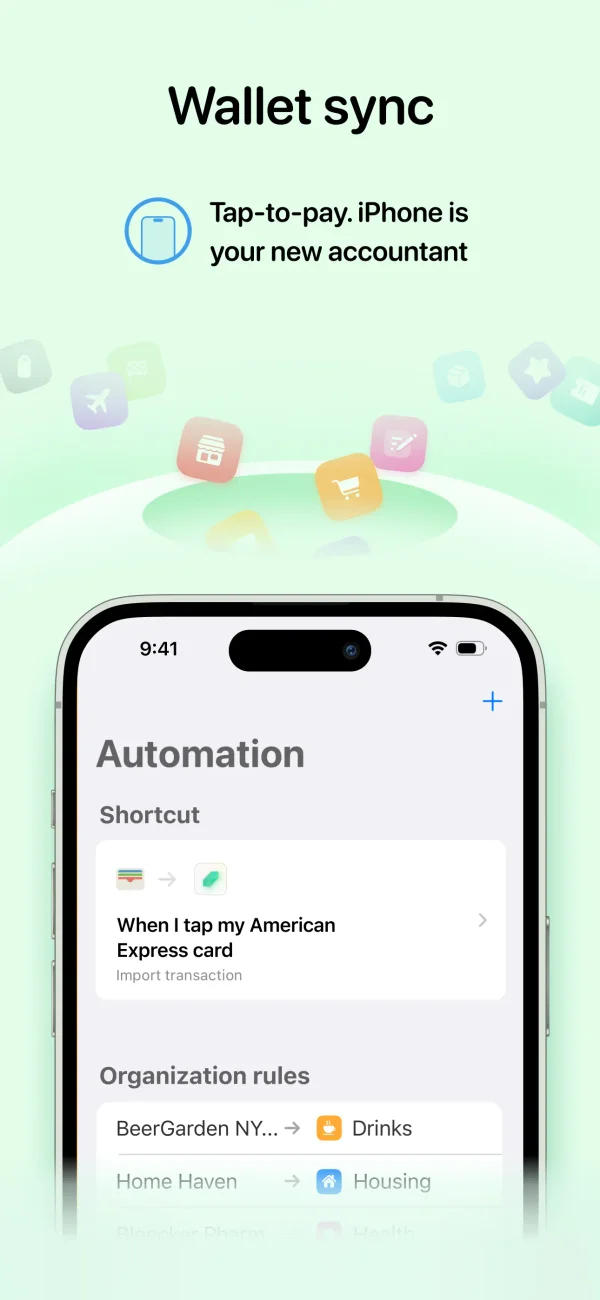
WALLET SYNC & AUTOMATIONS
- Instant recording when paying in store with Apple Pay (requires setup)
- Auto-organize expenses based on merchant names
- App shortcuts and “Send to Gem” in share sheet
- Import CSV files, sub-categories, notes. Import into specific wallet. Skip duplicates when importing
- Export everything
MORE
- Customize the way you create entries
- Widgets. Lock Screen shortcut
- Daily iCloud backup
- Daily reminders
- Custom main screen, list layouts, app menu and theme
- Insights in search results
PREVIEW FEATURES
May not work as expected :)
- Type “Rent” → it’s categorized in “Household”
- Detect receipt prices from attachments
Need help? Have a suggestion?
Email me at human@shelftwo.com.
Terms & privacy: shelftwo.com/gem/terms
What’s new
Version 5.1 · Nov 18, 2026
New:
- iPhone Duo support
- Recent records first: See latest records first in accounts, search and other Summary screens
- Account sorting: Choose how records are sorted in each account
- Apple Pay cleanup: Gem can now shorten merchant names like “Gas station, New York, NYC” to just “Gas station” (See “Shorten merchant names” in shortcut options)
Improvements:
- Fresh look: Design refinements across the app & smoother transitions
- Sticky sections in Journal: Keep track of the current week while scrolling
- All screens now have a close button (yes!)
- Small improvements to category management
- Better icon contrast on teal and yellow backgrounds
- Prevents accidental dismissal while importing from CSV
Bug fixes:
- Fixes a crash when running Apple Pay import shortcut
- Fixes a crash when using unsupported category icons
- Fixes several other various obscure crashes (sorry!)
- Fixes an issue when the category field is empty when editing income records
- Fixes an issue where subcategory pie charts show a single color. Now they show different shades for categories with the same color, like they used to
- Fixes oversized popup menus in the recording screen
- Fixes incorrect currency symbols when viewing or editing foreign currency records
- Other bug fixes
Did something go wrong while updating to Gem 5.0? Don’t worry, your old data is still saved. Email me at hey@shelftwo.com and I’ll help you restore it.
Thanks for all the feedback and bug reports, keep them coming :)
Email me at hey@shelftwo.com
App privacy
What Oz Pinhas declares on the App Store about how this app handles data.
-
Data not collected
The developer does not collect any data from this app.
Privacy practices may vary, for example with the features you use or your age.
Information
- Seller
- Oz Pinhas
- Category
- Finance
- Version
- 5.1
- Updated
- Nov 18, 2026
- Released
- Feb 15, 2021
- Size
- 46.1 MB
- Requires
- iOS 26.0 or later
- Age rating
- 4+
- Price
- Free
- In-app purchases
- Yes
- Languages
- English, Hebrew
- Copyright
- © Oz Pinhas
You might also like
-
 Five Cents: Monthly BudgetIncome and Expense Tracker
-
 Go BudgetMoney Manager
-
 Nudget: Spending TrackerExpense & Budget Tracker
-
 Money Planner: RainyDayIncome and Expense Tracker
-
 Spending & Expense TrackerMonthly Budget & Money Planner
-
 Surplus: Expense TrackerTrack Your Monthly Spend
-
 Finance Tracker - AccountitMonthly budget planner
-
 Finma - AI Finance TrackerBudget & Subscription Manager
-
 Money-WiseAnalyze and Manage Expenses
-
 Gist Money: Expense TrackerBudget Planner, Bill Organizer