- Age rating4+
- CategoryUtilities
- DeveloperHuman Things, Inc
- LanguagesEnglish+ 4 more
- Size9.0 MB
Links to the official App Store page
Download.org hosts no file of Genki Studio. The button opens its official App Store page, published by Human Things, Inc. Listing last checked on Nov 24, 2026.
Screenshots

About
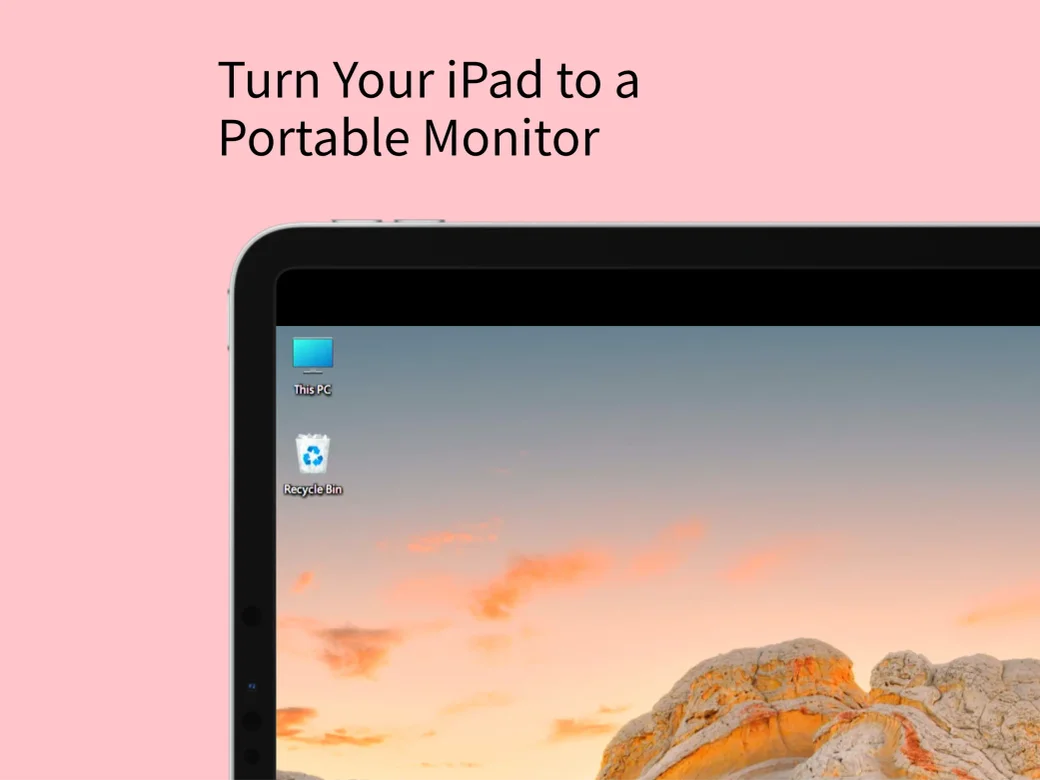
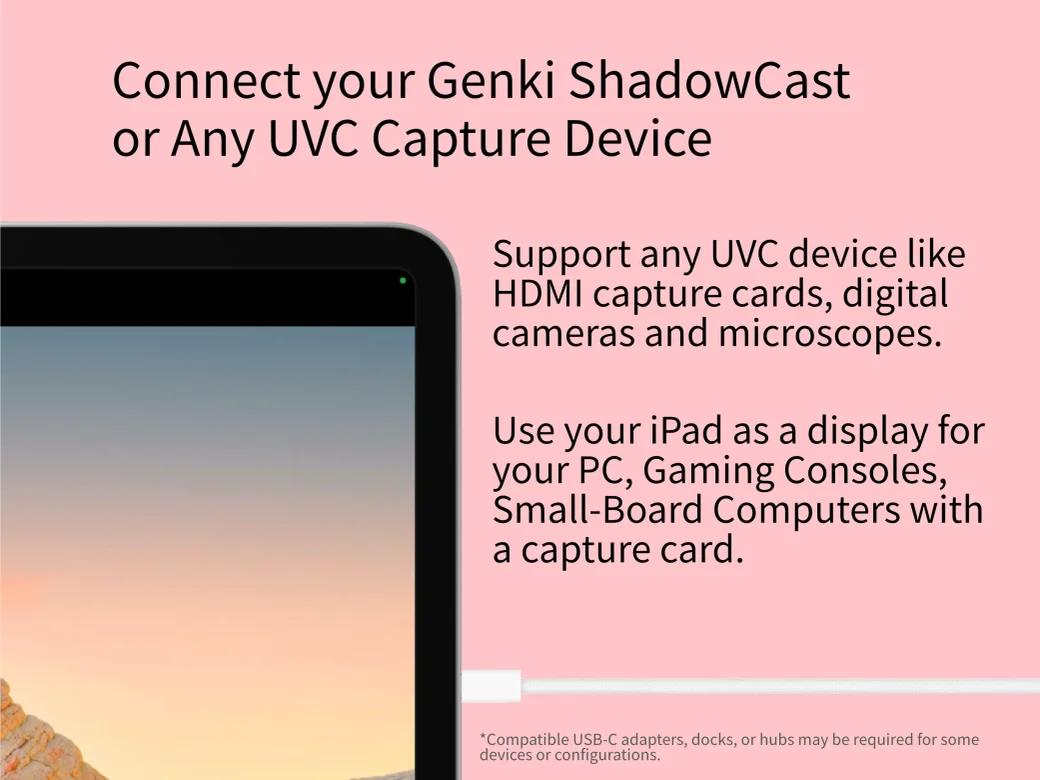
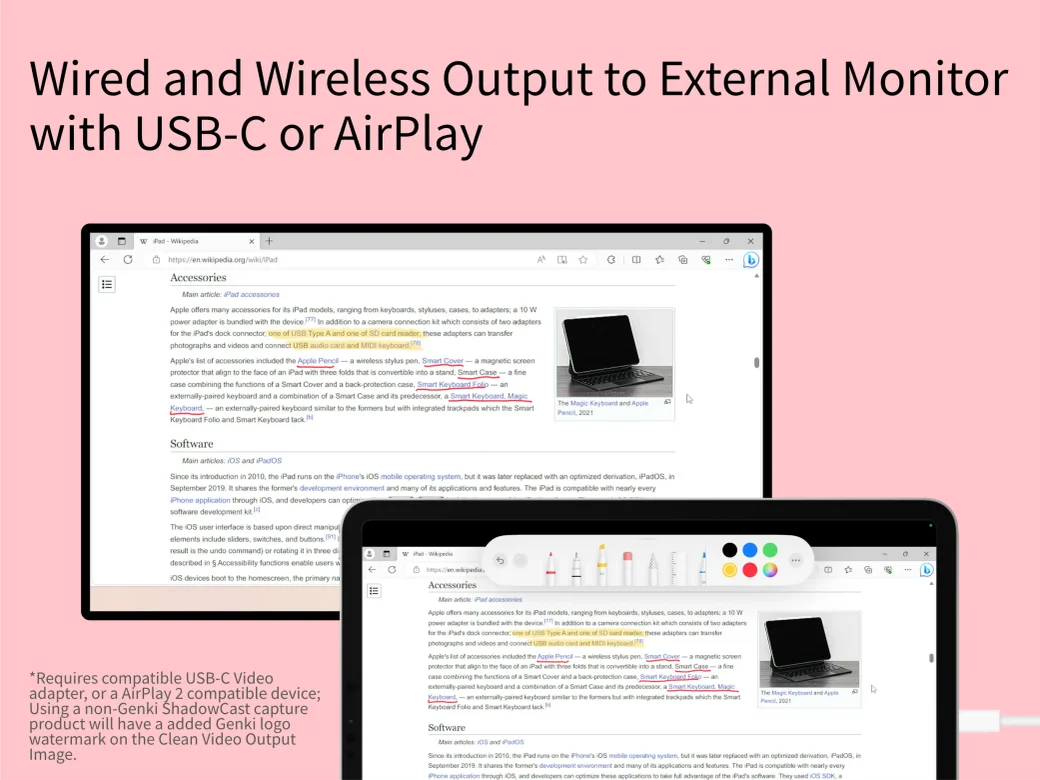
Genki Studio turns your iPad into a portable monitor and professional video capture and presentation device. Connect your Genki ShadowCast or any compatible USB UVC input device to start using your iPad as a portable monitor for your gaming console, PC, digital camera, small board computer, or microscope. Record the input at maximum quality and save the media file directly to your iPad or an external SSD to save storage space on your iPad. With external monitor support, your iPad can output full-screen content to another external display via AirPlay or USB-C to HDMI/DisplayPort adapters while continuing recording to your iPad, while using Apple Pencil markup for a quick presentation.
Highlights of this app:
· Connect your Genki ShadowCast or any compatible USB UVC input device to your iPad.
· Capture images or videos with audio with maximum quality, to your iPad storage or directly to an external storage device like a portable SSD.
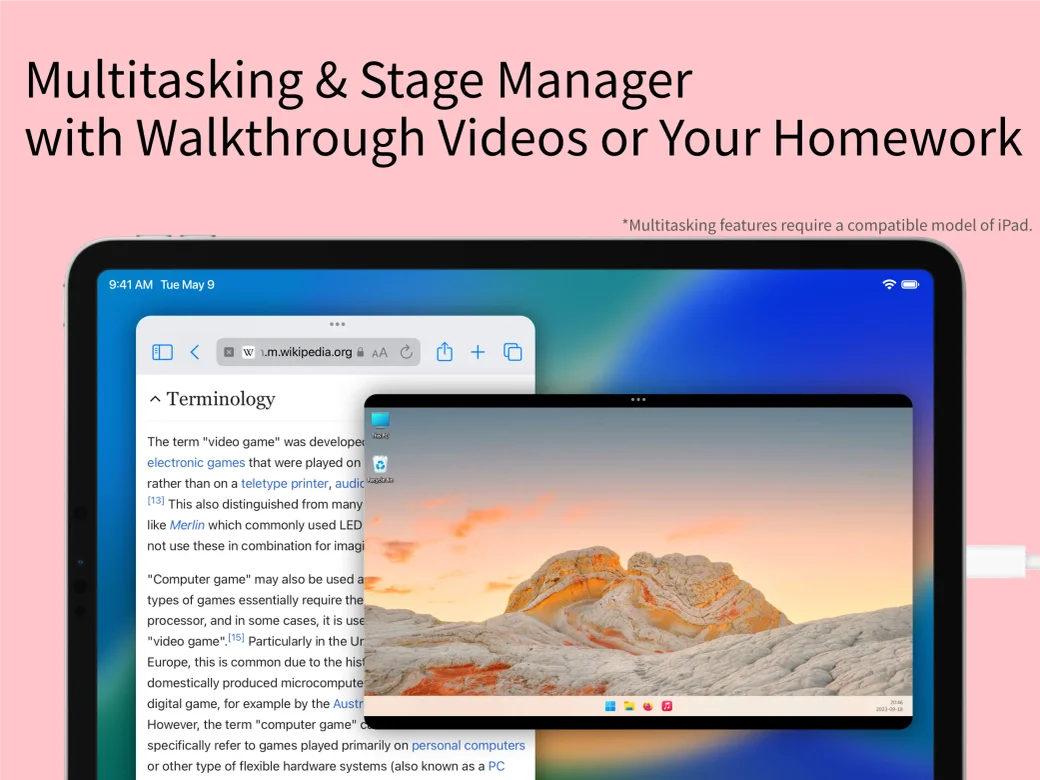
· Fully compatible with Stage Manager and Multitasking features of the iPad, enjoy music or play a video on your iPad with Genki Studio app running simultaneously.
· Support for Fractional Frame rates, Grid and Ratio Overlay for professional monitoring.
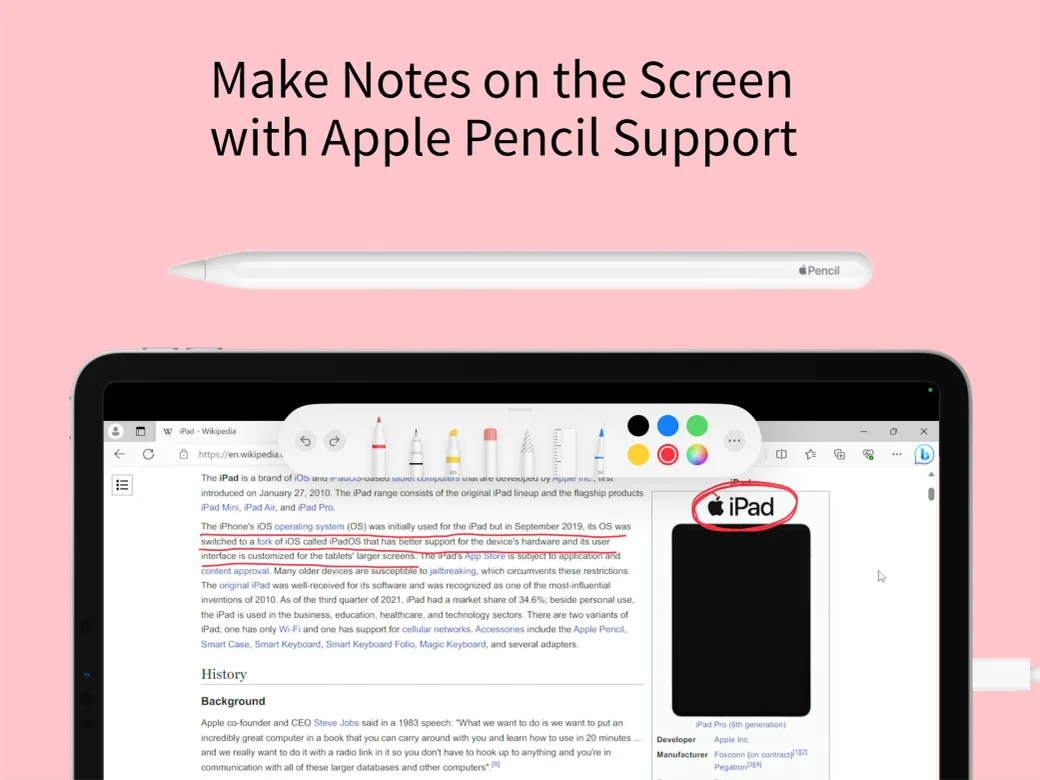
· Mark Up with Apple Pencil support lets you scribble on the screen.
· External Display support to output clean video image to AirPlay or a wired connection, while continuing recording to your iPad at the same time. Turn your iPad into a portable notepad with Apple Pencil support for live events.
· iPadOS menu bar, keyboard shortcuts and game controller support for various app functions allows you to quickly capture the moment.
· Optimized for accessibility with VoiceOver support.
* Connecting to UVC devices requires a compatible model of iPad. Requires additional accessories; this app supports Genki ShadowCast, and any other input device that conform with UVC (USB Video Class) standards. Appropriate USB-C adapters, docks, or hubs are required for some devices or configurations. Multitasking features require a compatible model of iPad. Connecting to External Displays wirelessly requires AirPlay 2-enabled TVs, streaming boxes or sticks, or a compatible Mac with the latest macOS update installed; also, using a non-Genki ShadowCast capture product will have an added Genki logo watermark on the clean video output Image.
** UVC input is supported on iPad with a USB-C port. USB-C ports on some iPad only supports maximum USB 3.0 SuperSpeed 5Gbps or USB 2.0 High-Speed, which may limit the formats you can use with your UVC devices. Please check your iPad’s support before downloading this app or buying accessories.
What’s new
Version 1.7.1 · Sep 14, 2026
Genki Studio Update 1.7.1 updates for the latest iPadOS 27 and brings minor improvements to the app.
· Improved launch screen for a smoother startup experience.
· Added center dot, center crosshair, and diagonal composition guides.
App privacy
What Human Things, Inc declares on the App Store about how this app handles data.
-
Data not collected
The developer does not collect any data from this app.
Privacy practices may vary, for example with the features you use or your age.
Information
- Seller
- Human Things, Inc
- Category
- Utilities
- Version
- 1.7.1
- Updated
- Sep 14, 2026
- Released
- Sep 19, 2023
- Size
- 9.0 MB
- Requires
- iOS 17.0 or later
- Age rating
- 4+
- Price
- Free
- Languages
- English, Japanese, Korean, Simplified Chinese, Traditional Chinese
- Copyright
- © 2026 Human Things Inc.
You might also like
-
 HDMI Monitor - Video CaptureWired Display for Duet Use
-
 HDMI Monitor - OrionExternal Display System
-
 DongledOpen Source UVC Monitor
-
 HDMIDisplay for your device
-
 MoniConiPad as HDMI console monitor
-
 USB CameraConnect any UVC devices
-
 USB Camera pro-capture driverVideo capture card driver
-
 Mobile Display – HDMI MonitorUse your iPad as HDMI monitor
-
 PadDisplayA simple mobile display!
-
 Screens 5: VNC Remote DesktopFast & Secure Computer Access