- Age rating4+
- CategoryProductivity
- DeveloperGenticFlow Ltd.
- LanguagesEnglish
- Size52.3 MB
Links to the official App Store page
Download.org hosts no file of GenticFlow. The button opens its official App Store page, published by GenticFlow Ltd. Listing last checked on Nov 24, 2026.
Screenshots

About
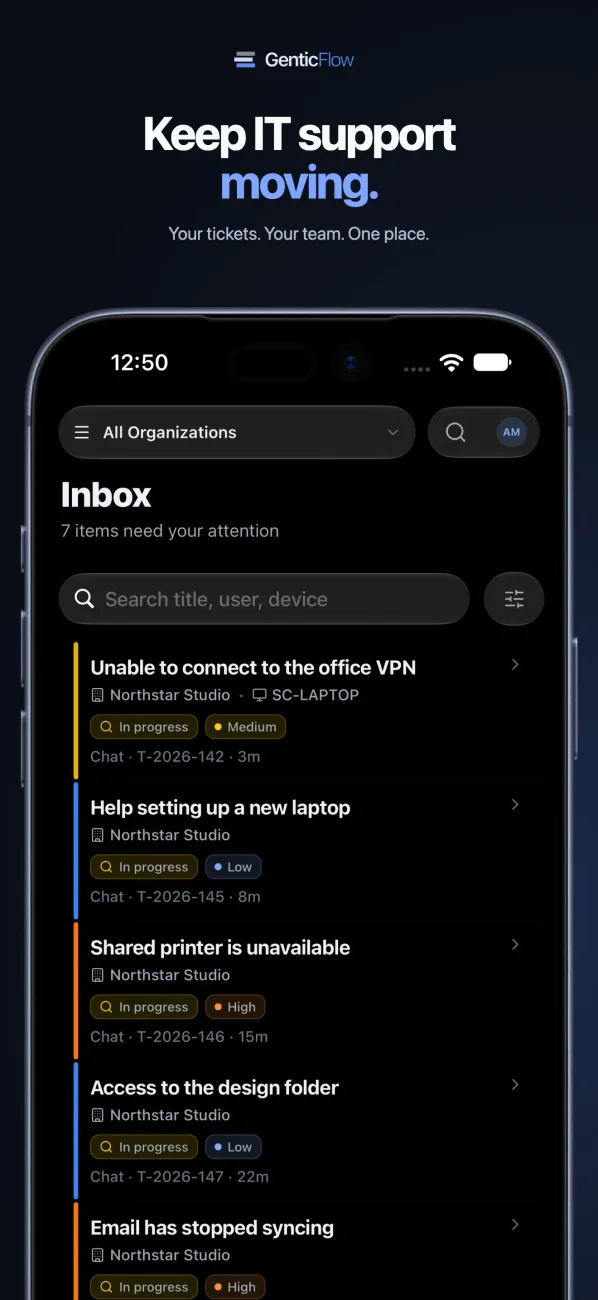
Keep IT support moving.
GenticFlow is a modern IT support platform that brings tickets, user conversations, endpoint context, and technician tools into one place. From your phone or tablet, investigate issues, support users, and take action without returning to your desk.
Built for lean internal IT teams and growing managed service providers.
WORK FROM REQUEST TO RESOLUTION
Review support requests, priorities, assignments, and conversations. Open the affected device, understand the context, and continue the work from the ticket.
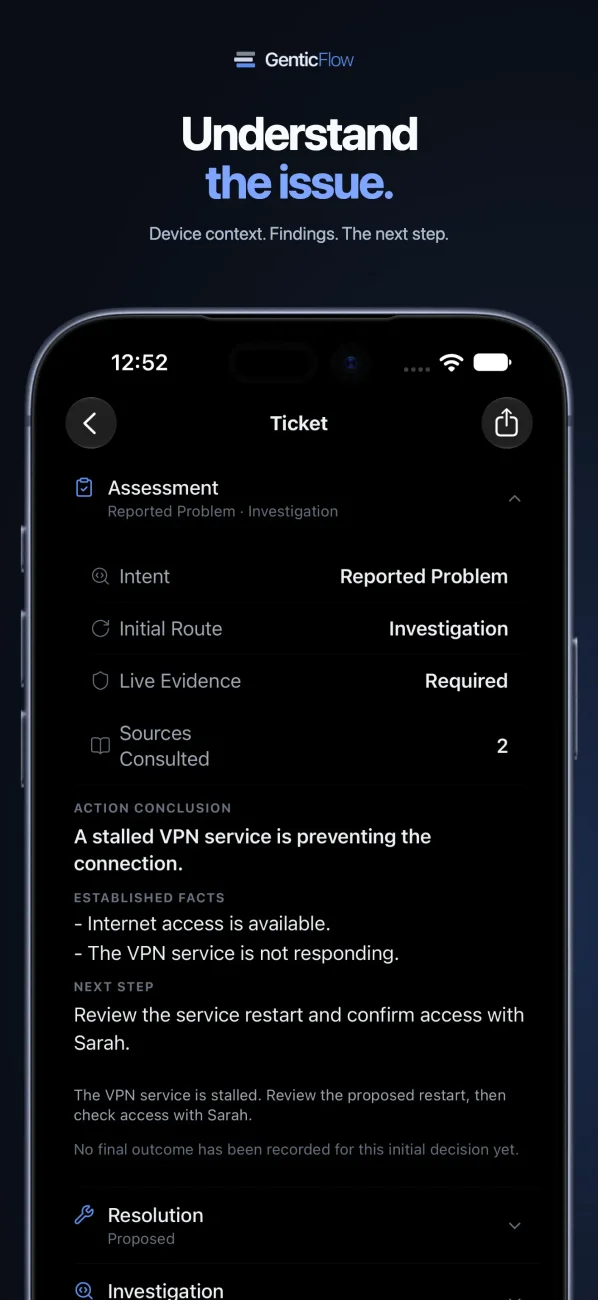
INVESTIGATE WITH CONTEXT
Start an endpoint investigation or review existing findings. See device status and the evidence behind the recommended next step before deciding how to act.
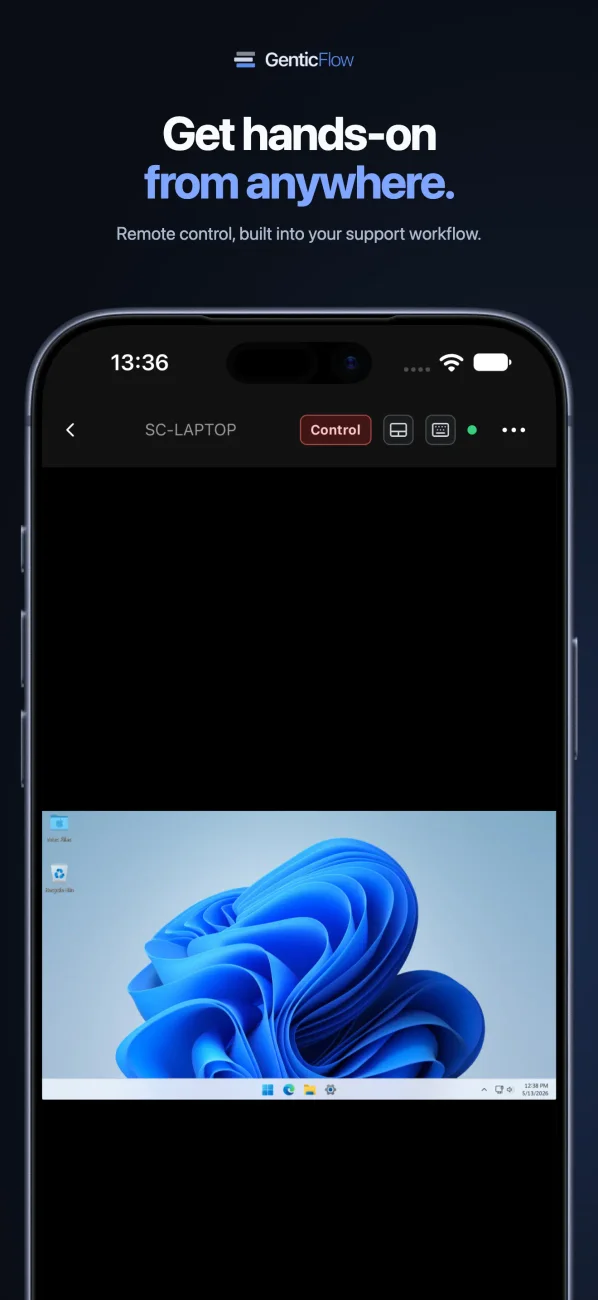
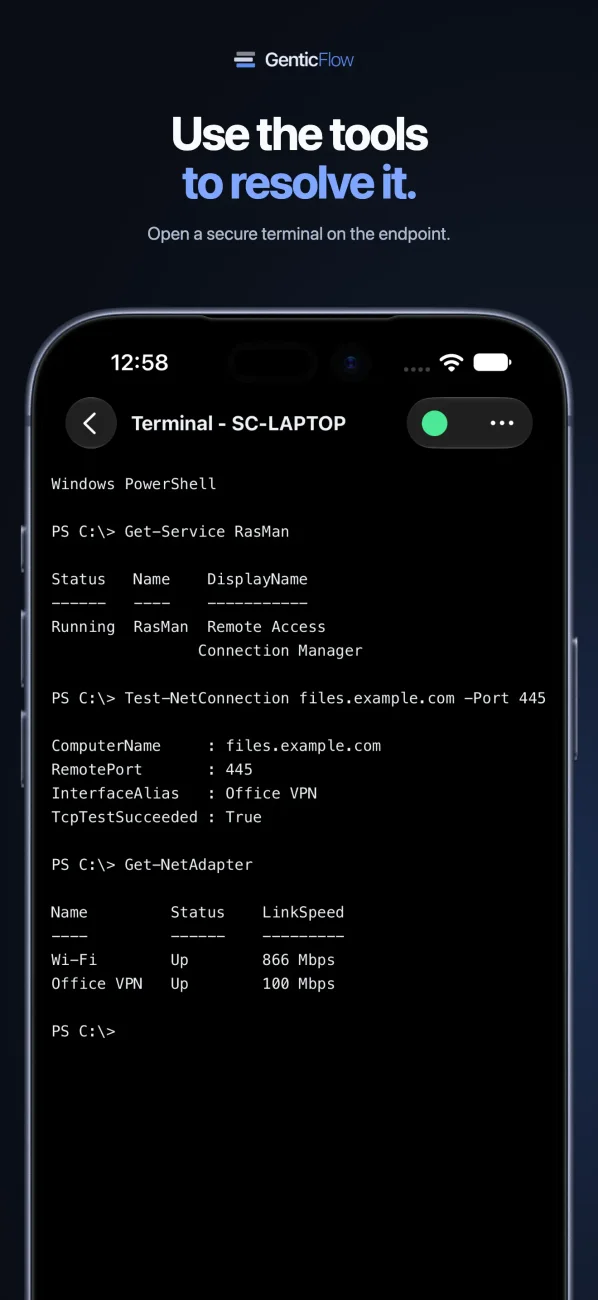
USE THE TOOLS TO RESOLVE THE ISSUE
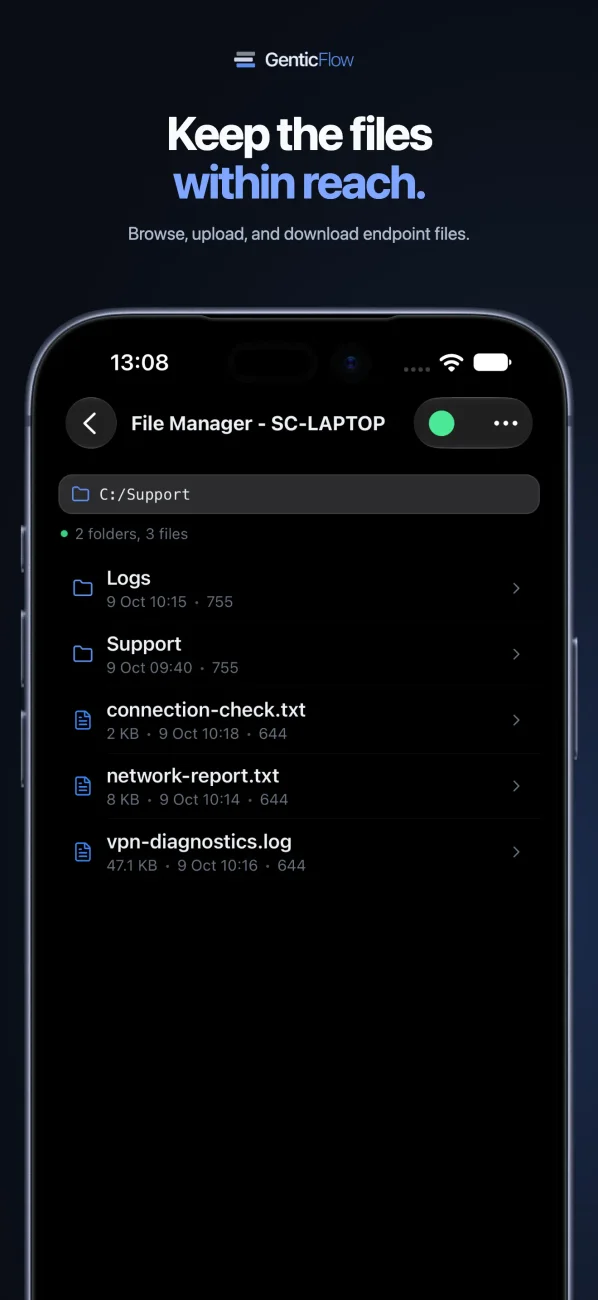
Start a remote control session, open a secure terminal, or transfer files. Use technician chat and supported endpoint actions to continue troubleshooting from your phone or tablet.
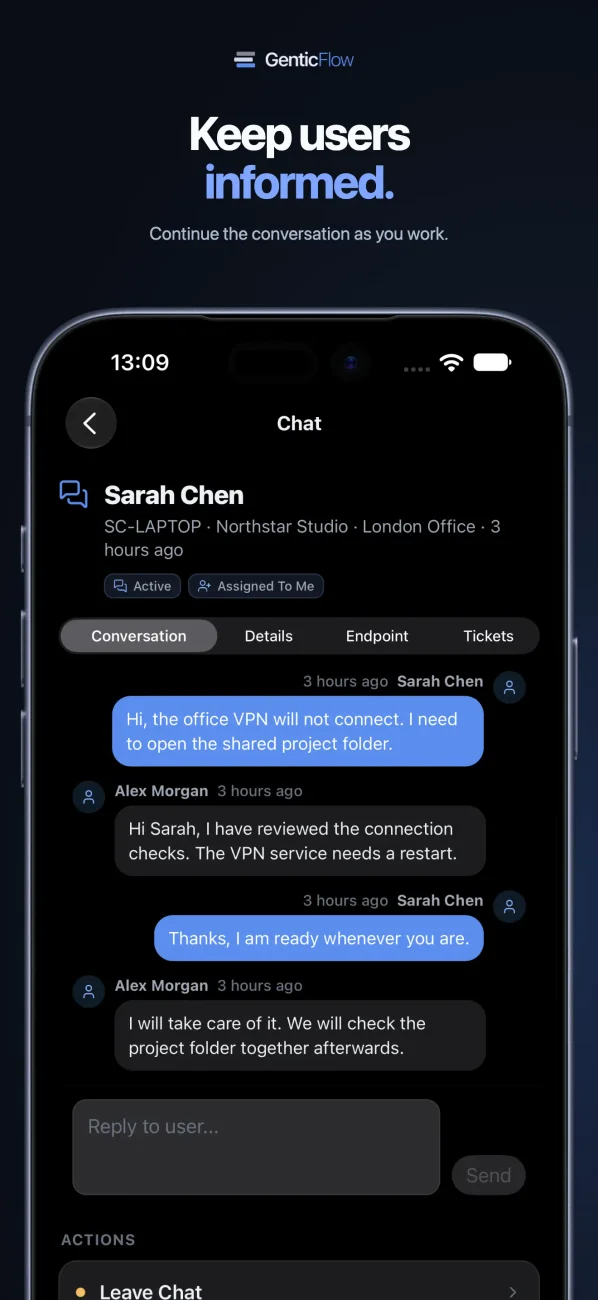
KEEP USERS INFORMED
Follow support conversations, join when needed, and share updates as the work progresses.
STAY IN CONTROL
Review proposed fixes and make approval decisions. The same account permissions and approval policies apply when you work from mobile.
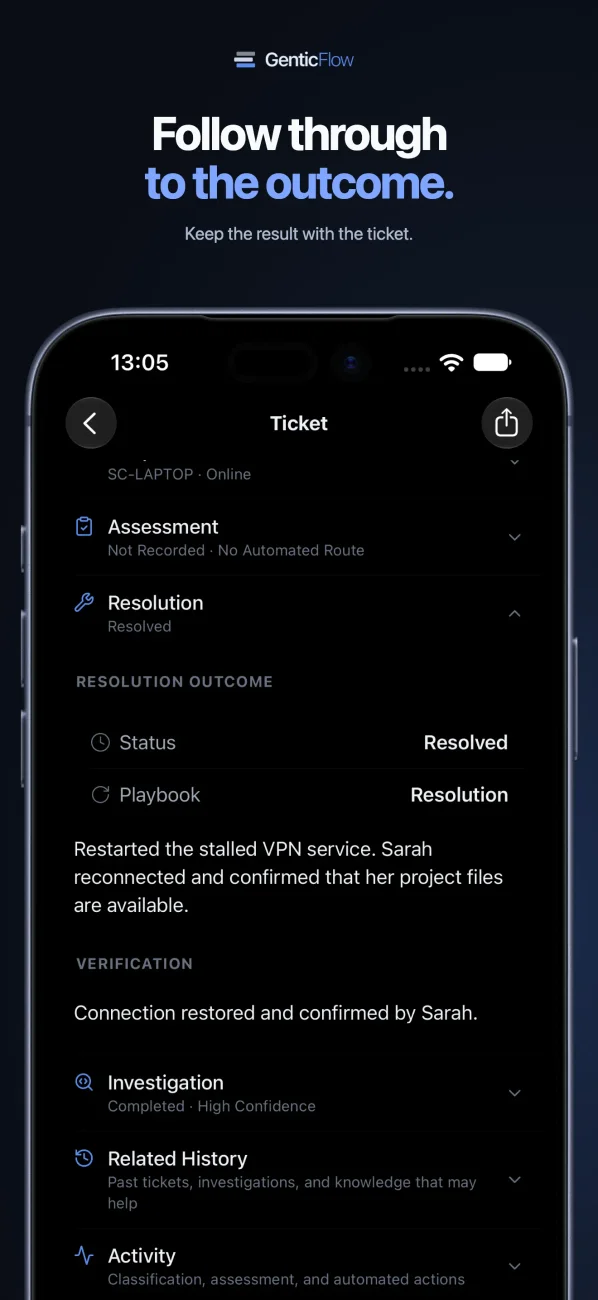
KEEP THE OUTCOME WITH THE TICKET
Review results, update ticket status, and add resolution notes. Keep findings, actions, and conversations together so the next technician can continue with the context they need.
WORK ACROSS YOUR ENVIRONMENTS
Switch between your GenticFlow workspaces and access the environments your account is authorized to support.
*A GenticFlow account is required.
What’s new
Version 1.5.0 · Nov 20, 2026
- Use Privacy Screen and Block Input during Remote Control on supported Windows devices. Link sessions to tickets and add technician notes so your team can see what was done.
- Create Microsoft 365 user accounts and see department details in the user directory.
- Microsoft 365 Overview now shows domain and license details even when Secure Score is delayed.
- Remote Control now waits for the selected Windows RDP desktop to become available before reconnecting. If a Mac is missing Screen Recording permission, the app explains how to enable it.
App privacy
What GenticFlow Ltd. declares on the App Store about how this app handles data.
-
Data not collected
The developer does not collect any data from this app.
Privacy practices may vary, for example with the features you use or your age.
Information
- Seller
- GenticFlow Ltd.
- Category
- Productivity
- Version
- 1.5.0
- Updated
- Nov 20, 2026
- Released
- Jun 22, 2026
- Size
- 52.3 MB
- Requires
- iOS 16.4 or later
- Age rating
- 4+
- Price
- Free
- Languages
- English
- Copyright
- © 2026 GenticFlow Ltd.
You might also like
-
 Maverick Aircraft PerformanceRunway Analysis Weight/Balance
-
 Griffin TowersTenant Experience Portal
-
 Qb StudiosProductivity
-
 Caju AIProductivity
-
 SynergyXRThe no-code XR platform
-
 EventsPass LeadGenProductivity
-
 Rehearsal® ProBe off book, book more work!
-
 Line Learner AIRehearser for Serious Actors
-
 Dreamfort AIPrivate AI, Frontier Models
-
 CyberQP - QTechPasswordless Sign-Ins