GenTimer: AI Timer & Stopwatch
HIIT, Tabata, Rounds & Focus
Designed for iPhone
In-app purchases
- Age rating4+
- CategoryUtilities
- DeveloperMaxime Gheysen
- LanguagesEnglish
- Size63.6 MB
Links to the official App Store page
Download.org hosts no file of GenTimer: AI Timer & Stopwatch. The button opens its official App Store page, published by Maxime Gheysen. Listing last checked on Nov 13, 2026.
Screenshots


About
Describe it. Time it.
Say "boxing, 10 rounds of 3 minutes with a 1 minute break" and Gen Timer builds the whole session: rounds, rests and cues. No pickers, no nested menus, no counting rounds yourself.
TELL IT WHAT YOU NEED
Type your routine the way you would say it to a training partner. If something is missing, like a warm-up, a rest length or a round count, it asks the one question that matters and then builds the sequence.
Try:
- "20 minute HIIT, 40 seconds work, 20 seconds rest"
- "Four 25 minute focus blocks with 5 minute breaks"
- "EMOM for 10 minutes"
- "Steep the tea for 3 minutes"
BUILT FOR THE MOMENT YOU ARE MID-SET
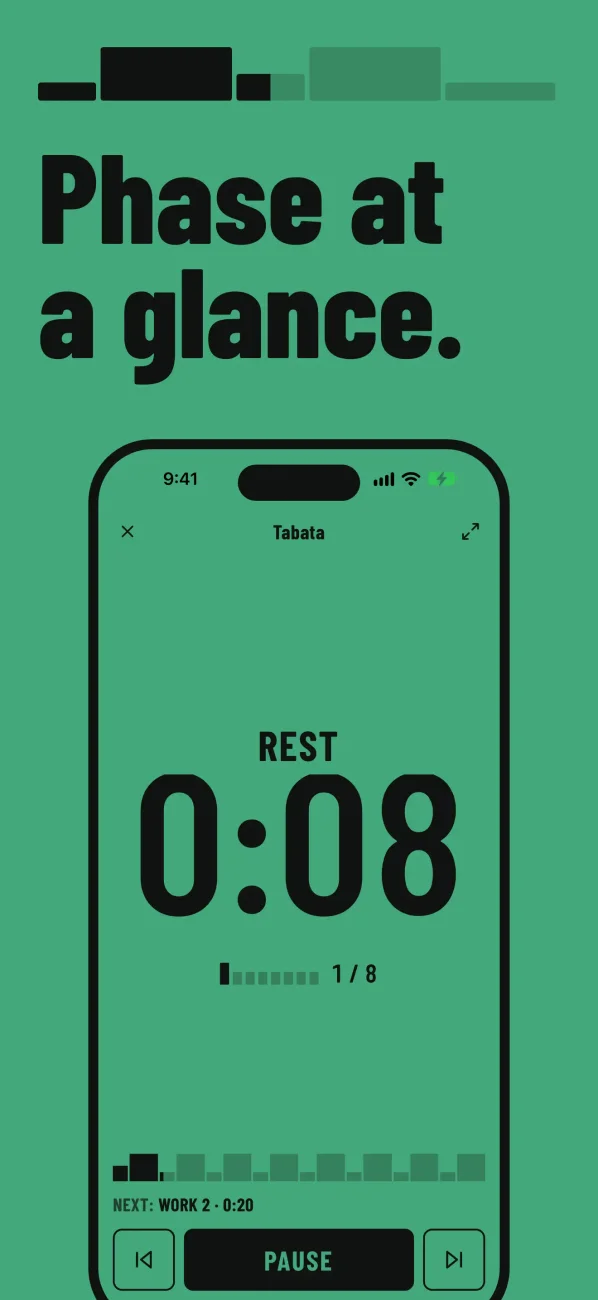
Everything past the first tap is made to be heard and glanced at, not read. Phase-end sounds, 3-2-1 countdown pips and haptics carry over your music, even with the screen locked. The running timer sits on your lock screen and in the Dynamic Island, so checking the round is a glance.
WHAT PEOPLE TIME WITH IT
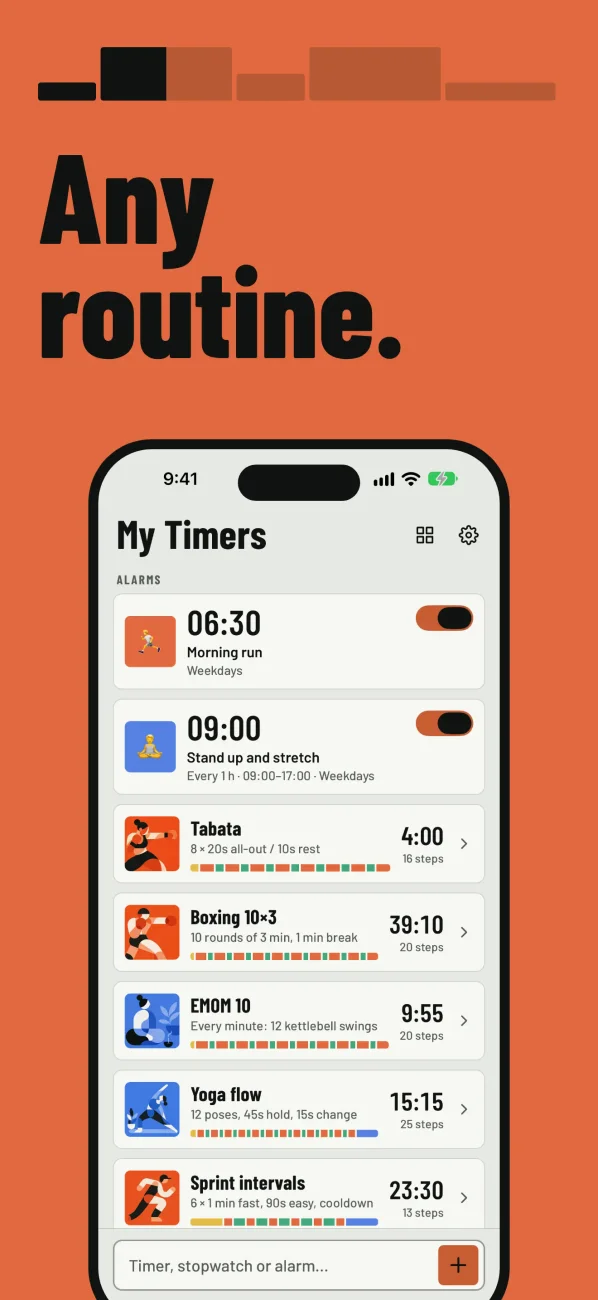
- HIIT, Tabata, EMOM and circuit training
- Boxing and martial arts rounds
- Pomodoro focus blocks, study and deep work
- Stretching, mobility and yoga
- Box breathing and CO2 tables
- Planks, sprints and the 7 minute workout
- Cooking, baking and brewing tea
MORE THAN A COUNTDOWN
A plain timer handles one countdown well. Gen Timer is for sessions with stages, repeats and rules: warm-ups, work and rest pairs, ladders, cooldowns. You get a fully custom interval timer without the setup that usually comes with one.
STOPWATCH WITH LAPS
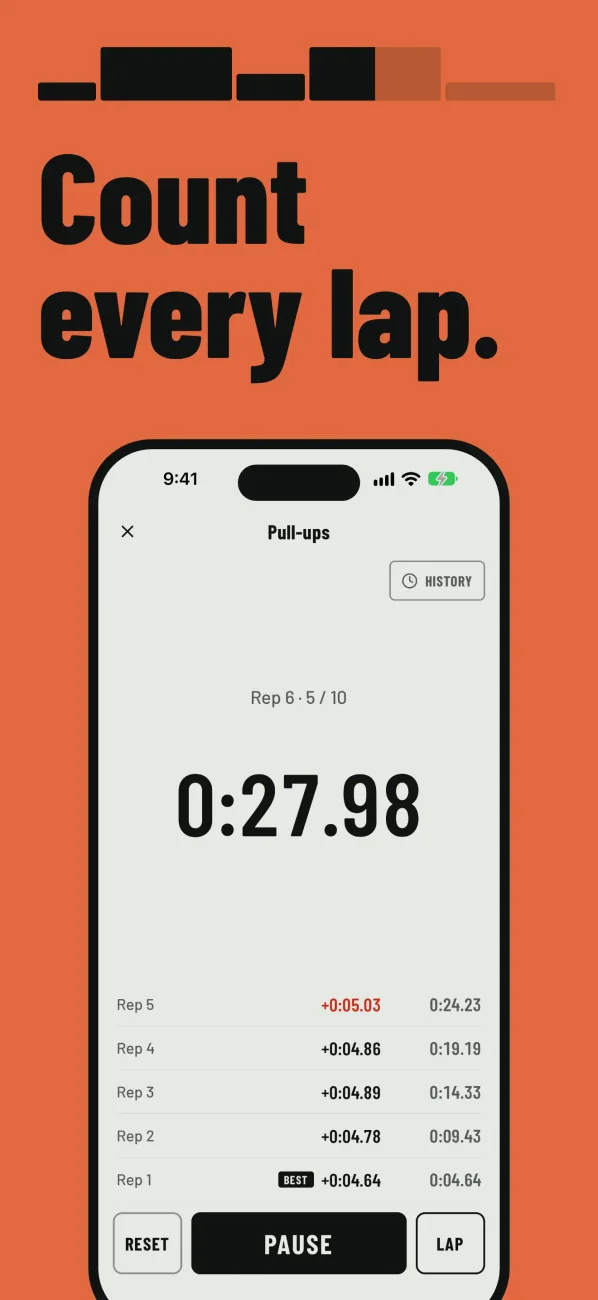
When the work has no fixed length, switch to a stopwatch with a lap button and a full per-lap history. Good for swim sets, sprints and anything you measure after the fact.
SAVE, REUSE, SHARE
Keep the sessions you run most. Send one as a link and a teammate opens the exact same timer. Or start from a template and change it by asking.
MAKE IT YOURS
Six colour themes, a set of alarm sounds, and generated artwork for every session you create.
Stop building timers. Start running them.
This app follows the standard Apple Terms of Use (EULA): https://www.apple.com/legal/internet-services/itunes/dev/stdeula/
What’s new
Version 1.1.0 · Oct 16, 2026
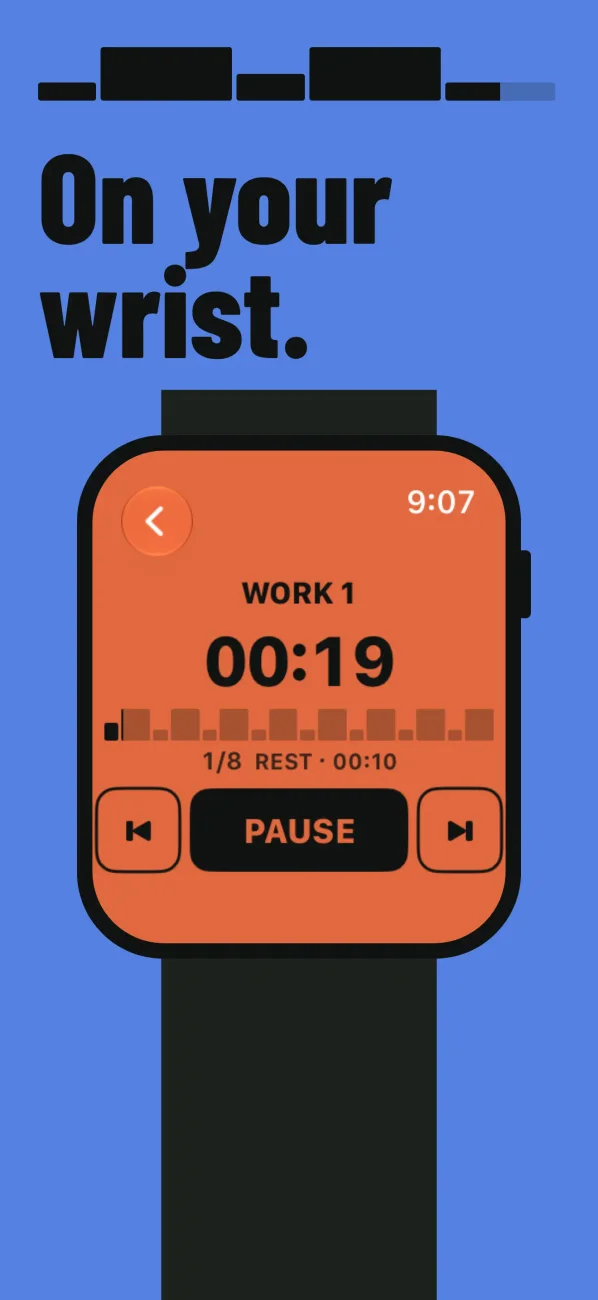
A new look and a new icon: flat colour, big numerals, and a strip that shows every phase of your timer at a glance.
The run screen takes the colour of the current phase, so you can read it from across the room.
Your watch and lock screen get the new look too.
The AI builds more accurate timers from your description.
App privacy
What Maxime Gheysen declares on the App Store about how this app handles data.
-
Data not linked to you
May be collected but is not linked to your identity.
- Identifiers
- Usage data
- Diagnostics
Privacy practices may vary, for example with the features you use or your age.
Information
- Seller
- Maxime Gheysen
- Category
- Utilities
- Version
- 1.1.0
- Updated
- Oct 16, 2026
- Released
- Aug 11, 2026
- Size
- 63.6 MB
- Requires
- iOS 16.4 or later
- Age rating
- 4+
- In-app purchases
- Yes
- Languages
- English
- Copyright
- © 2026 Maxime Gheysen
You might also like
-
 HoldIt - Press TimerMeasure, name, save every hold
-
 Ripple CounterTap Anywhere to Count
-
 Click StopwatchUtilities
-
 Plomer: Website MonitoringDomain Uptime, Logs & Alerts
-
 StooopWatchAnalog and digital Stopwatch
-
 Unzip Files - ZIP RAR 7z ToolUnzip Compress PDF Extractor
-
 EMF ScopeVintage EMF Field Detector
-
 NanoStopWatch byNSDevNanosecond Stopwatch
-
 LocalTranslate: Offline AIVoice & Camera, No Signal
-
 Mounce's Simple CountdownBig, clean countdown timer