Geo Locker
Plausibly Deniable Locker
Designed for iPhone, iPad, Mac
Free · In-app purchases
- Age rating4+
- CategoryUtilities
- DeveloperAlastair Bor
- LanguagesEnglish
- Size6.2 MB
Links to the official App Store page
Download.org hosts no file of Geo Locker. The button opens its official App Store page, published by Alastair Bor. Listing last checked on Nov 12, 2026.
Screenshots
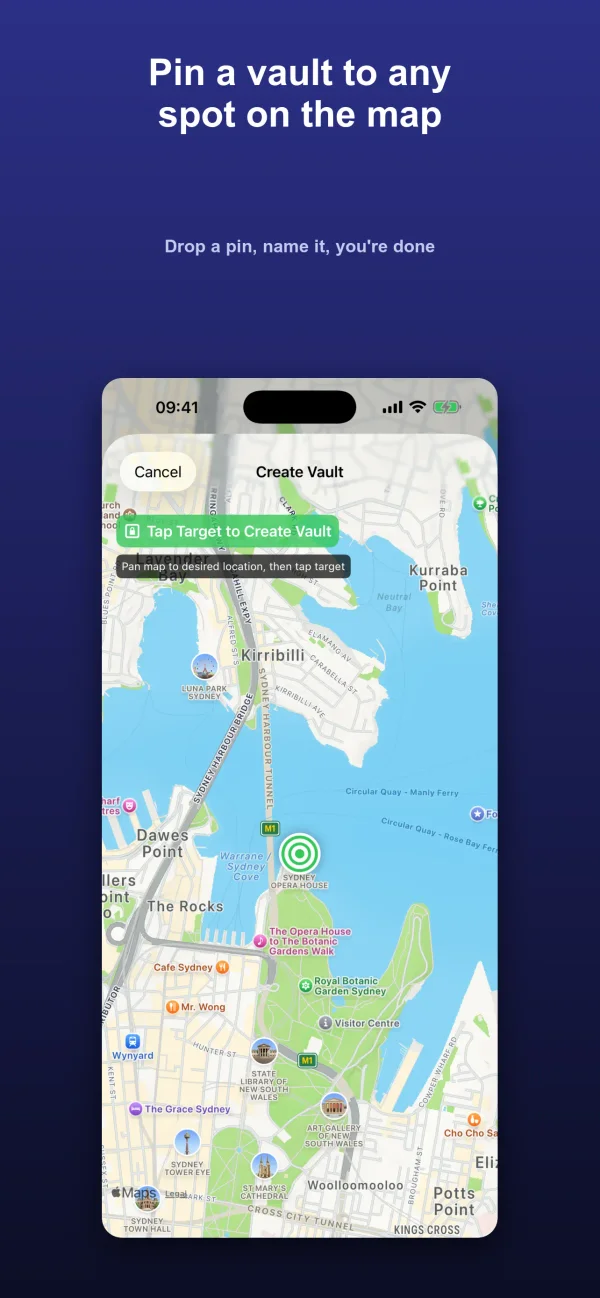

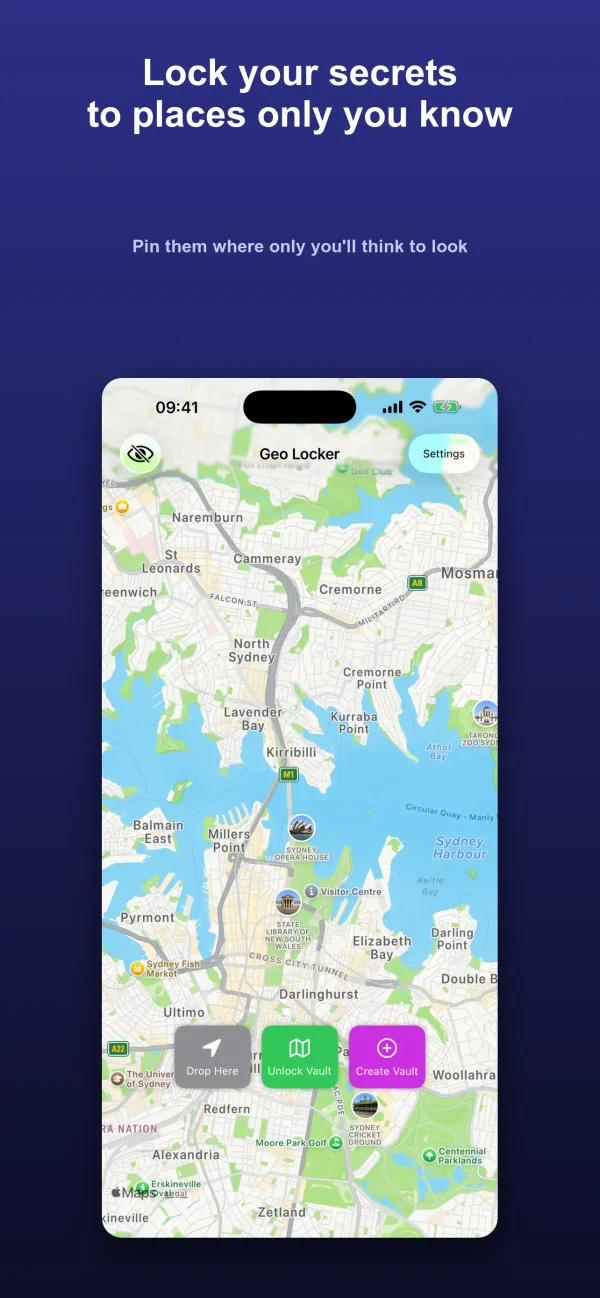
About
GeoLocker: Location-Locked Encrypted Vaults
Keep your private notes, photos, video, audio and files in encrypted vaults that are tied to real places. Most apps protect your data with a password you can be forced to hand over. GeoLocker ties it to locations only you know, and for the things that matter most, it can hide that the vault is even there.
**Two kinds of vaults**
Biometric vaults
Every vault gets its own key inside your iPhone's Secure Enclave and opens with Face ID or Touch ID. Put a vault at a place that means something to you, like your home, a park bench or your desk. Open it by going there, or by finding the spot on the map.
Hidden vaults (plausible deniability)
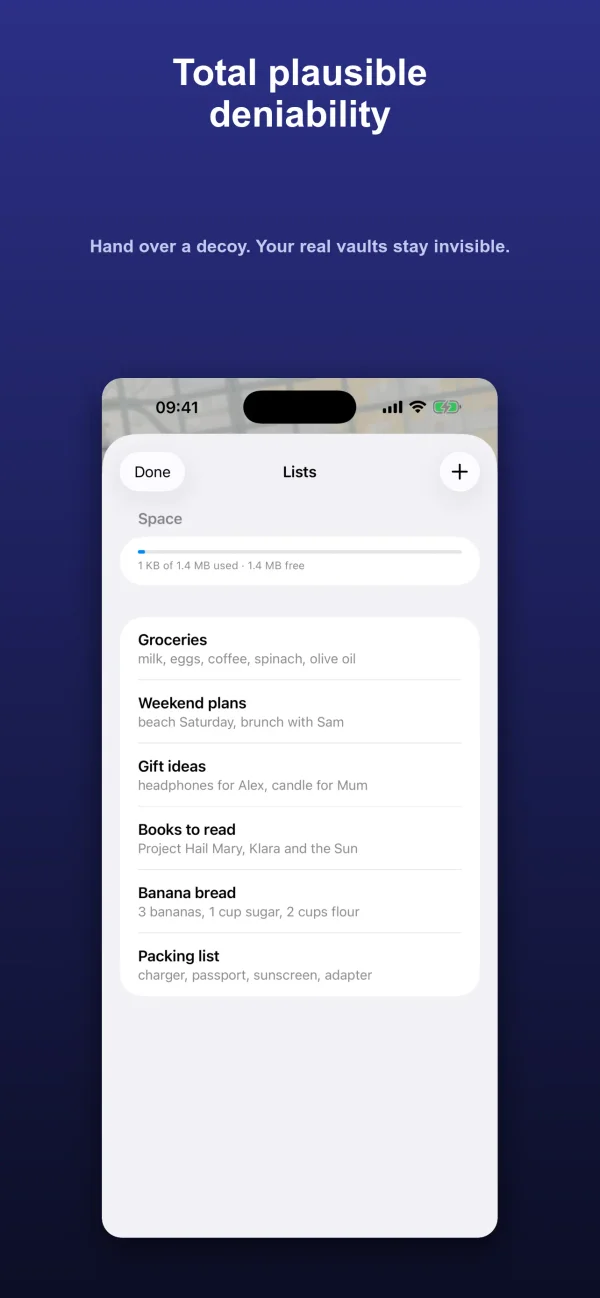
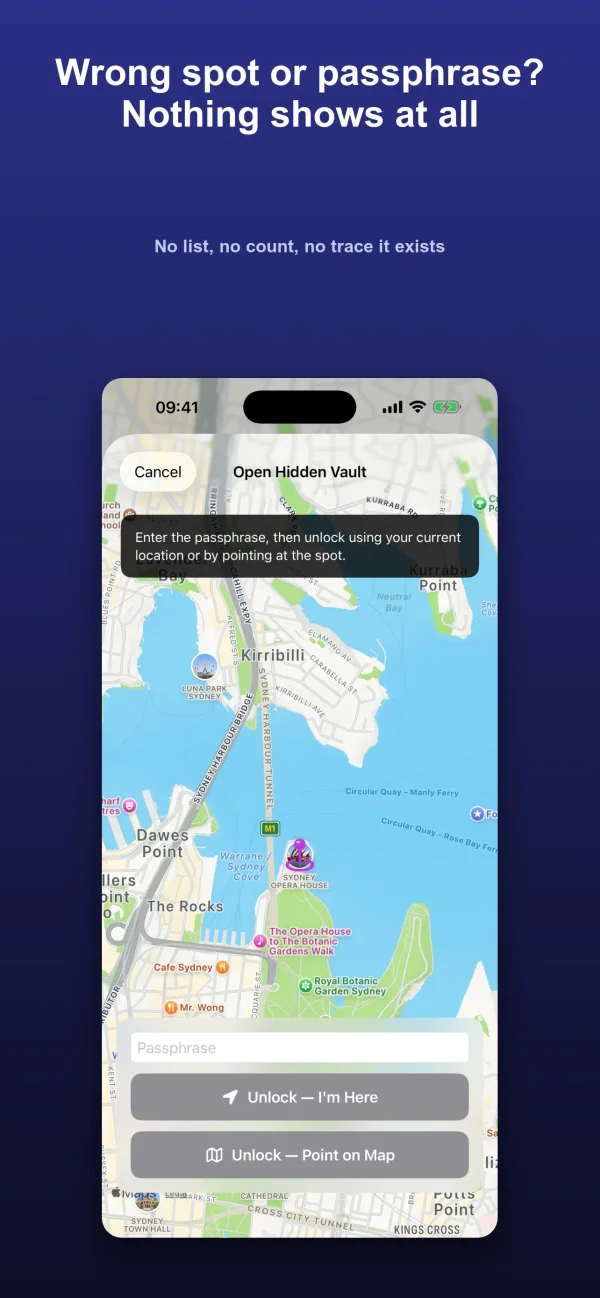
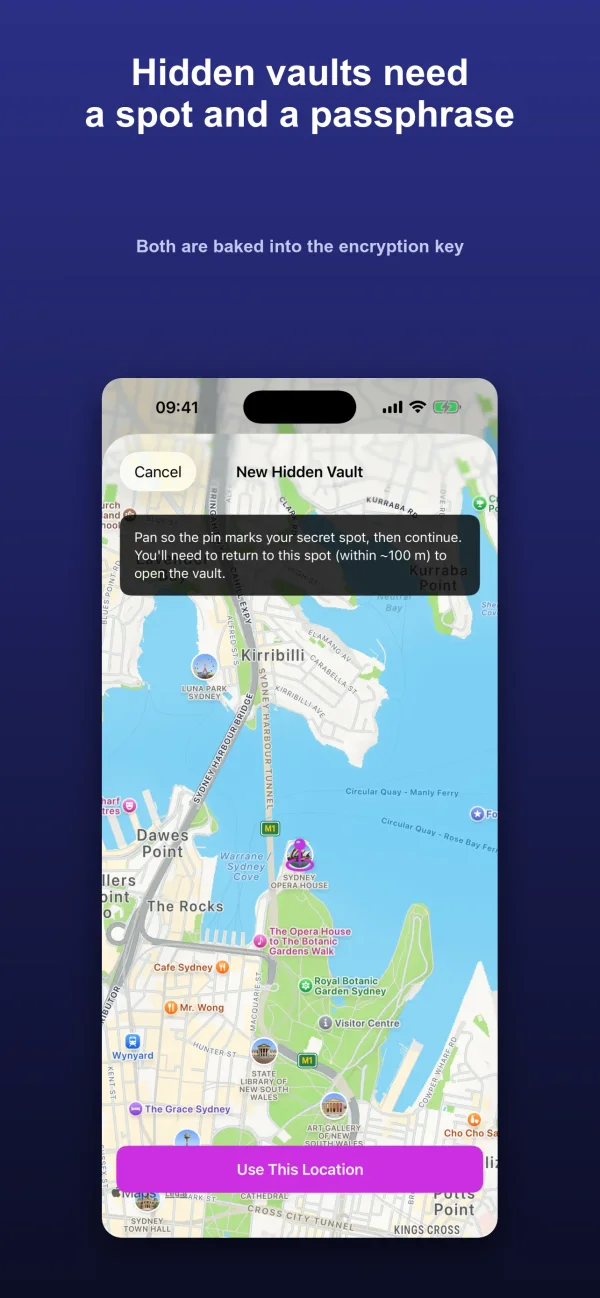
A hidden vault needs two things to open: the right secret location and a passphrase. Both are built into the encryption key. Get either one wrong and nothing happens. It looks exactly the same as an empty spot with no vault at all. GeoLocker never shows how many hidden vaults you have, or whether you have any. There are no names, no counts and nothing left in plain text. If someone ever forces you to open a vault, you can give up a decoy while your real vaults stay invisible. You can even set the decoy vault to destroy the other vaults.
**What you can store**
Notes, photos, video, audio recordings and file attachments. Make as many vaults as you want, each at its own place. If one is ever found, the rest stay locked.
**Security and privacy**
• AES-256-GCM encryption, with a separate Secure Enclave key for every vault
• Argon2id key derivation for hidden vaults
• Your data stays on your phone. No account, no cloud, no servers
• The app locks itself the moment it goes to the background
• Optional protection against screenshots and screen recording
• A per-vault unlock radius you can adjust to suit how careful you want to be
**Honest about what it does**
GeoLocker tells you, in plain words, what each kind of vault protects against and what it does not. No hype. You decide which vault fits which secret.
The place is the key. For your most sensitive data, even the lock stays a secret.
What’s new
Version 3.2 · Jul 26, 2026
GeoLocker is now available on Mac, using the same account and the same vault types you already know — biometric vaults and hidden location+passphrase vaults. (Mac and iPhone vaults are separate and don't sync; each device keeps its own.)
New: Reduce Photo Size (Settings → Photo Storage). Off by default - turn it on to shrink photos you add afterward before they're encrypted, so a vault holds several times more of them. Most useful for hidden vaults, which share one fixed-size pool.
Also: fixed a rare crash during vault unlock, and other stability improvements.
App privacy
What Alastair Bor declares on the App Store about how this app handles data.
-
Data not collected
The developer does not collect any data from this app.
Privacy practices may vary, for example with the features you use or your age.
Information
- Seller
- Ambor
- Category
- Utilities
- Version
- 3.2
- Updated
- Jul 26, 2026
- Released
- Aug 25, 2025
- Size
- 6.2 MB
- Requires
- iOS 16.0 or later
- Age rating
- 4+
- Price
- Free
- In-app purchases
- Yes
- Languages
- English
- Copyright
- © 2025-2026 Ambor
You might also like
-
 FamilySafeAISmart Location Safety Alerts
-
 Mind Map Maker - Concept MapBrainstorm & Idea Organizer
-
 Shift: PDF & Video ConverterCompress, OCR & merge files
-
 SearchAppsFind Your Perfect App
-
 AI UsageTrack your AI service usage
-
 Hide Photos & Videos: VaultSecret Album & Password Lock
-
 Swipe: Photo Cleaner KitClean Camera Roll & Duplicates
-
 Photo to Text: Photex AIAI Text Scanner
-
 Formattery: File ConverterConvert All. 100% On-Device.
-
 Keep&Go: AI Photo CleanerDelete Duplicates, Save Space