- Age rating4+
- CategoryBusiness
- DeveloperSchneider Electric SA
- Size124.7 MB
Links to the official App Store page
Download.org hosts no file of Geo SCADA Mobile. The button opens its official App Store page, published by Schneider Electric SA. Listing last checked on Nov 12, 2026.
Screenshots
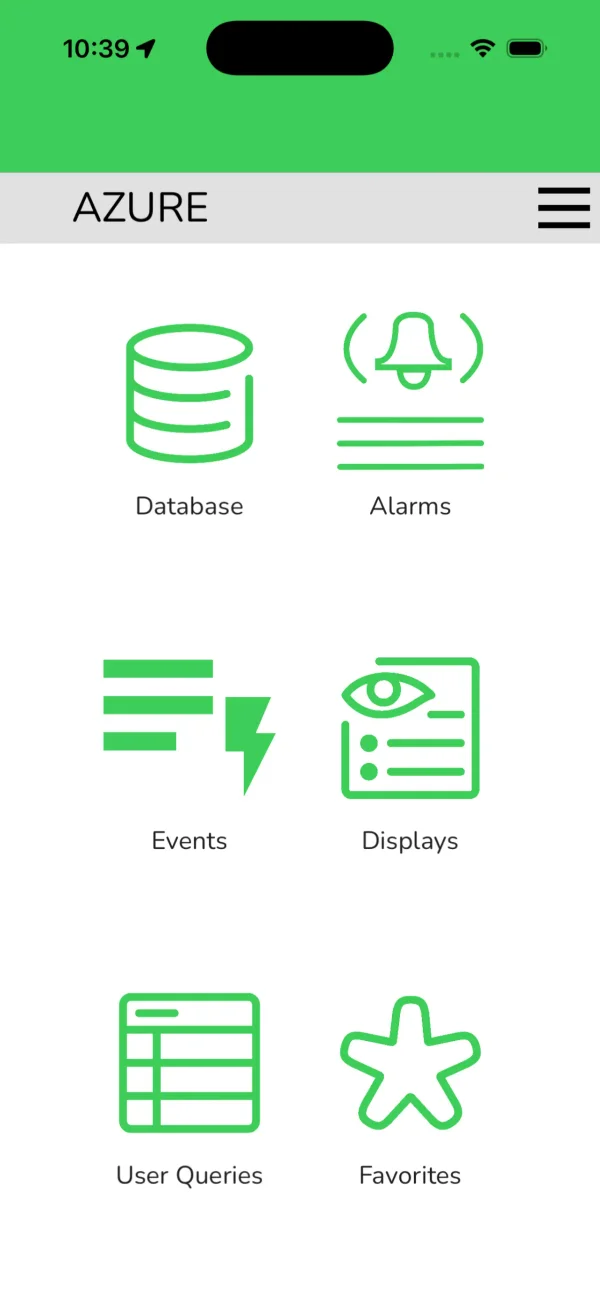
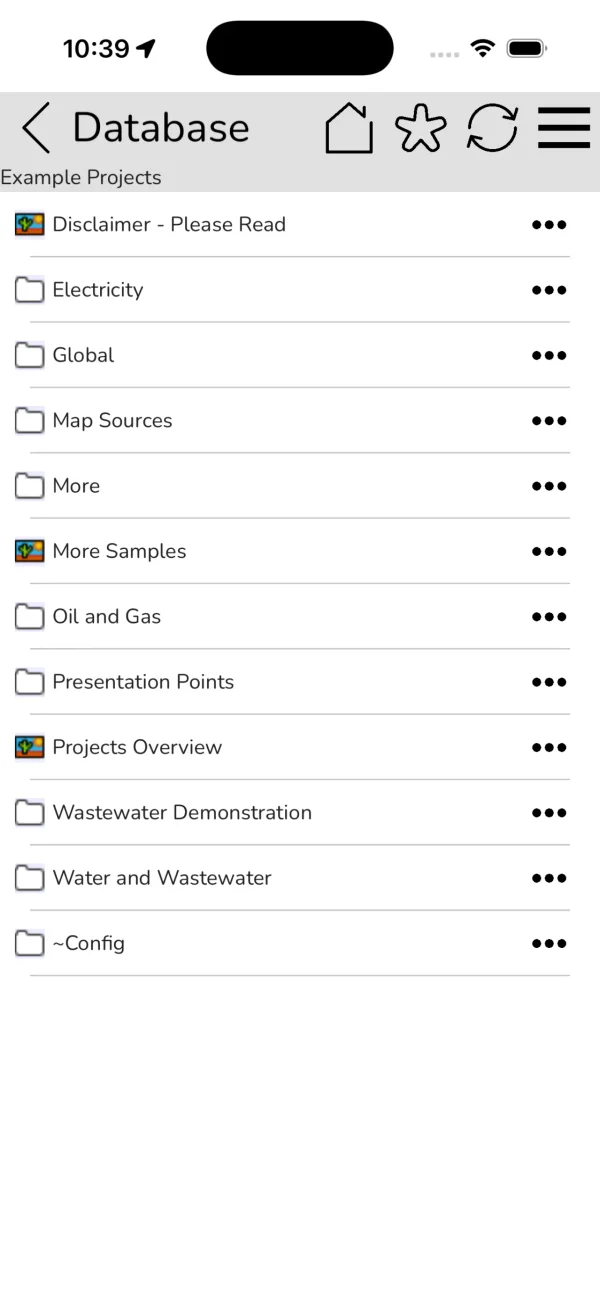
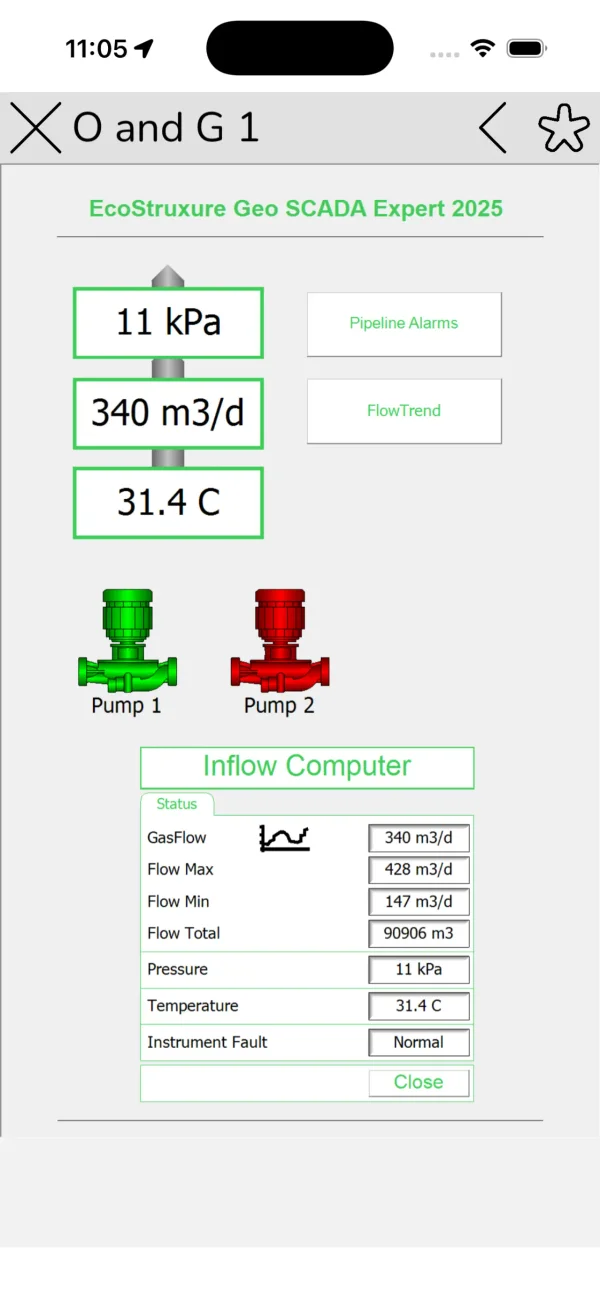
About
The efficient way of monitoring and controlling your Geo SCADA system remotely.
Geo SCADA Mobile, coupled to Geo SCADA, a Schneider Electric product, provides remote access to data within your SCADA system, allowing users to monitor performance while "on the move". It also improves staff productivity and enhances overall system performance: an easy way to add value to your organisation!
Fully compatible with ClearSCADA – Use GeoSCADA Server to take advantage of new features.
Alarms and Events
* Alarm actions such as acknowledge, disable and enable. Actions logged to the Geo SCADA event journal.
* View alarm and event lists.
Mobile "Displays"
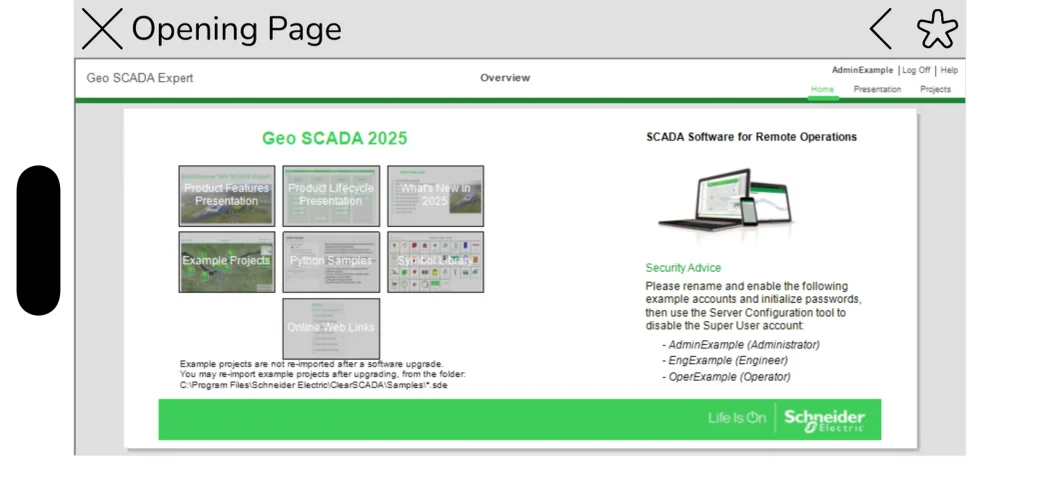
* Mimics are available when connected to Geo SCADA Expert 2025 or later.
* Summary data displays for "at a glance" understanding of system performance.
* Available as a shortcut from alarms or database hierarchy, where configured.
Database
* Browse and Search the Geo SCADA database.
* View object status at any level.
* Display filtered alarm and event lists based on database hierarchy.
Data Visualization
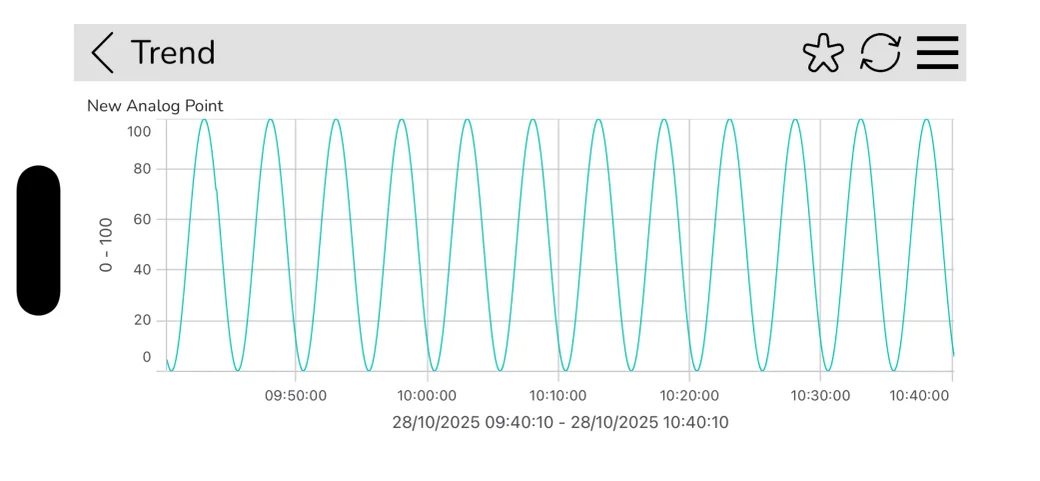
* Display historic data trends for points; optimized for mobile connectivity.
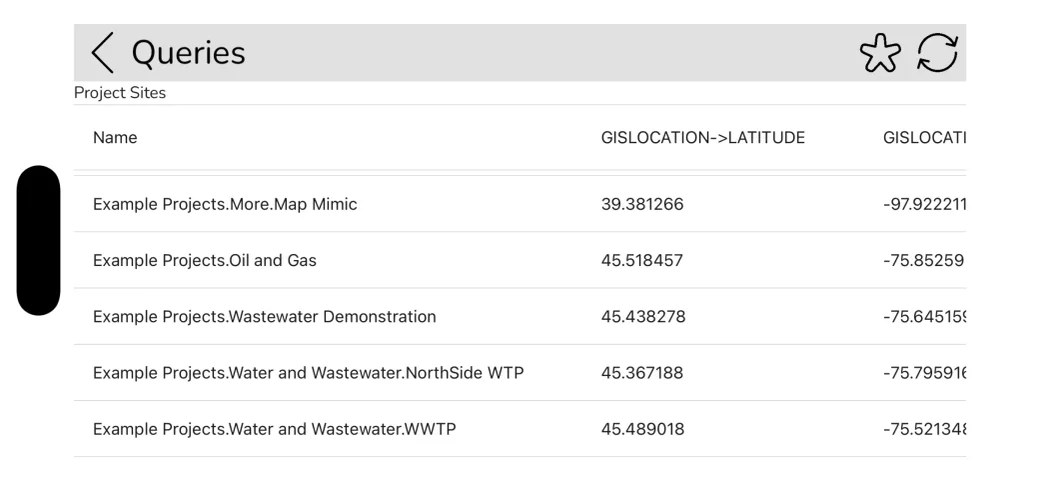
* Display custom database queries; useful for Key Performance Indicators (KPIs).
Controls
* Perform controls on selected points in the Geo SCADA database.
* Actions logged to the Geo SCADA event journal.
User Favorites
* Customize the app for easy retrieval of your commonly used views.
Security
* Integrated security with Geo SCADA.
* Additional security measures for communications outside of the SCADA firewall.
Location
* Use your device location to allow Alarm redirection based on your position (Requires ClearSCADA 2017 R1)
Continued use of GPS running in the background can dramatically decrease battery life.
Search Database
* Search the database's object by object name. From the resultset, navigate back into the database to view events, alarms, status information and select Mobile Methods.
Mobile Methods
* Configure object methods on the server, to be selectable on the mobile app and/or ViewX client
Contact your local Schneider Electric sales channel to provide this functionality for your Geo SCADA system(s).
NOTE: For security reasons, this application does not communicate directly with the Geo SCADA server, so additional software is required to enable this. The additional software can be found on the Geo SCADA server installation media.
What’s new
Version 2.2 · Jun 1, 2026
Updated Schneider Electric Mobile App Disclaimer, check details below: https://www.se.com/mobile-applications
App Instability/Crashing on initial load fixed
iOS devices with large fonts handle layout better
Querys now can pin the first column
App privacy
What Schneider Electric SA declares on the App Store about how this app handles data.
-
Data not collected
The developer does not collect any data from this app.
Privacy practices may vary, for example with the features you use or your age.
Information
- Seller
- Schneider Electric SA
- Category
- Business
- Version
- 2.2
- Updated
- Jun 1, 2026
- Released
- May 14, 2013
- Size
- 124.7 MB
- Requires
- iOS 15.4 or later
- Age rating
- 4+
- Price
- Free
- Copyright
- © 2025 Schneider Electric