
- Age rating4+
- CategoryNavigation
- Developermustafa yazgulu
- LanguagesEnglish+ 6 more
- Size8.6 MB
Links to the official App Store page
Download.org hosts no file of GeoLens: AR Maps. The button opens its official App Store page, published by mustafa yazgulu. Listing last checked on Nov 25, 2026.
Screenshots


About
Point your phone at the horizon and see what's out there.
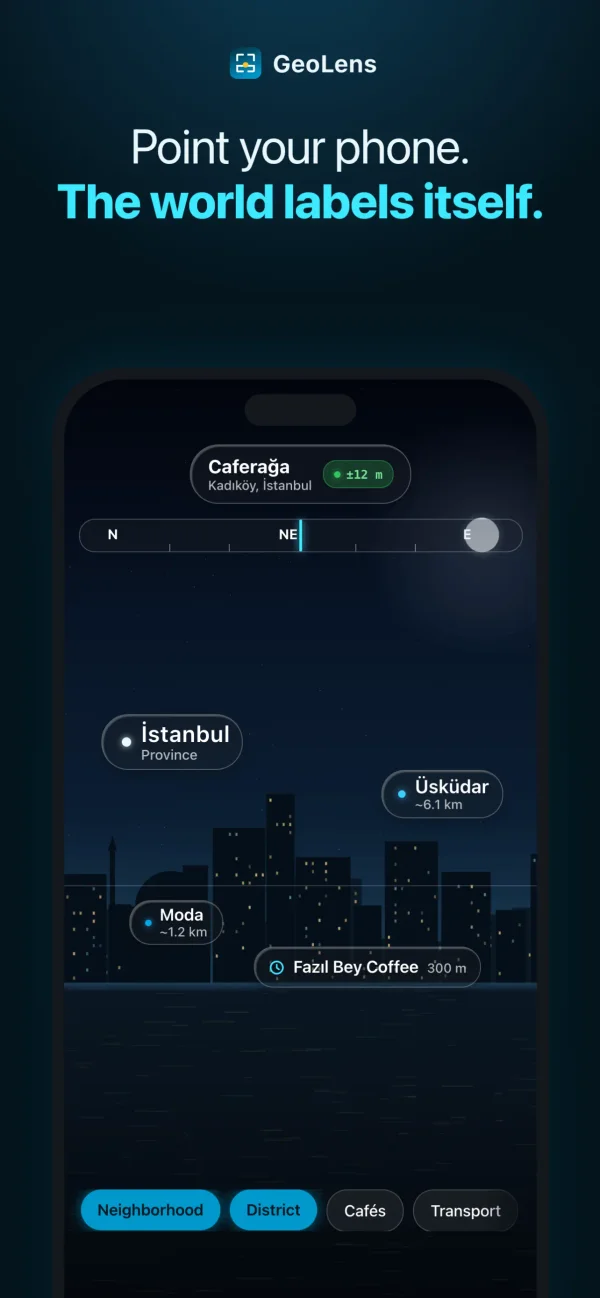
GeoLens turns your iPhone camera into a live geography lens. Raise your phone and the neighborhoods, districts and cities in front of you appear as floating labels on the camera view, placed by real direction and distance. Turn around, and the world labels itself.
HOW IT WORKS
GeoLens combines your location, compass and camera to work out what lies in the direction you are facing, from the neighborhood across the street to the city 50 km away. No typing, no searching. Just point and read.
WHAT YOU CAN DO
• See neighborhoods, districts and cities labeled live on your camera
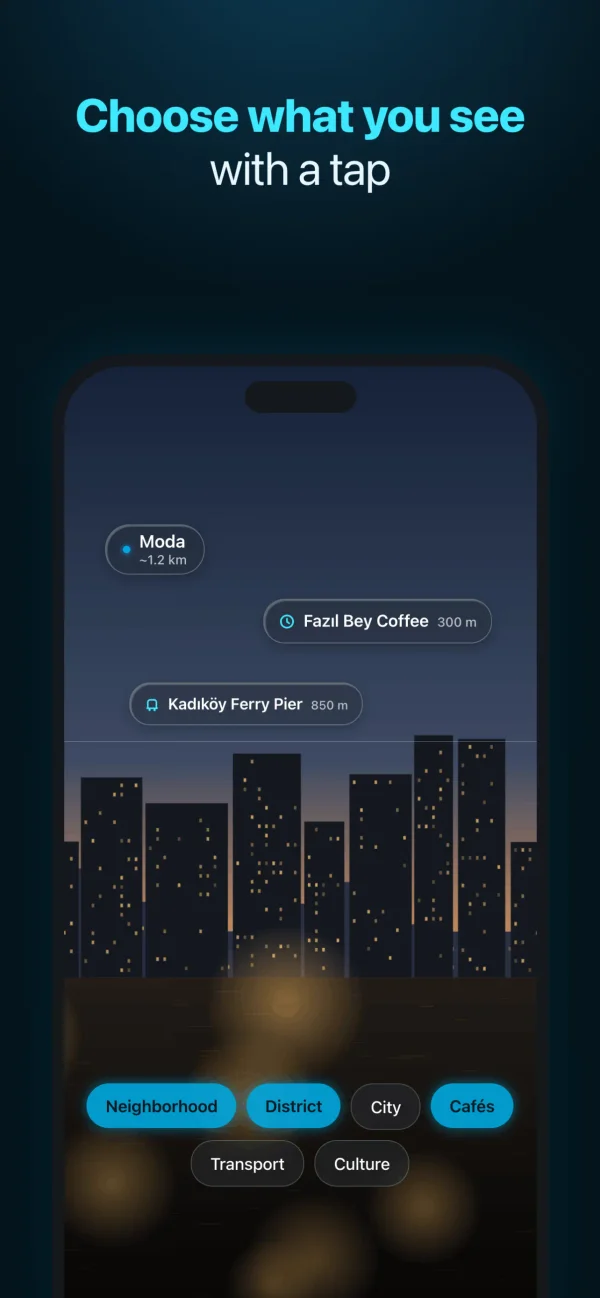
• Explore cafes, restaurants, hospitals, hotels, museums, parks and more around you
• Filter with one tap: show areas, places, or both
• Always know where you are: your current neighborhood sits at the top of the screen
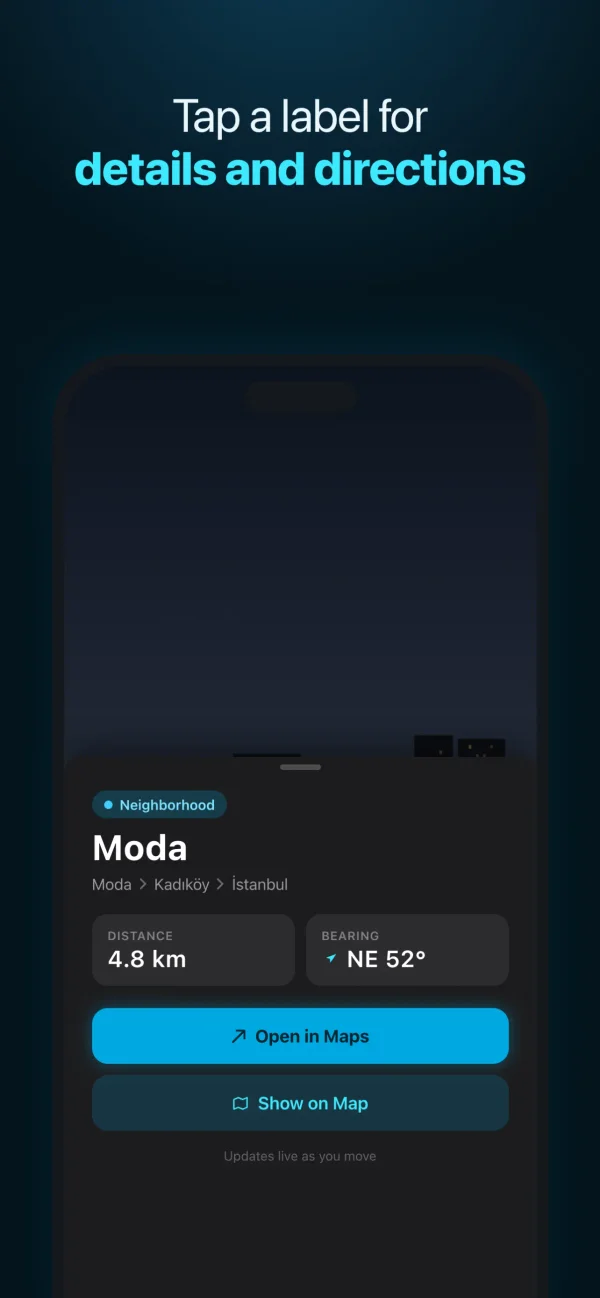
• Tap any label for distance, direction and details
• Preview places with Look Around and open them in Apple Maps
• Prefer a classic view? Switch to map or list mode anytime
MADE FOR iPHONE
100% native, fast and battery friendly. Full support for Dark Mode and landscape. On iOS 26, GeoLens adopts the beautiful new Liquid Glass design.
PRIVATE BY DESIGN
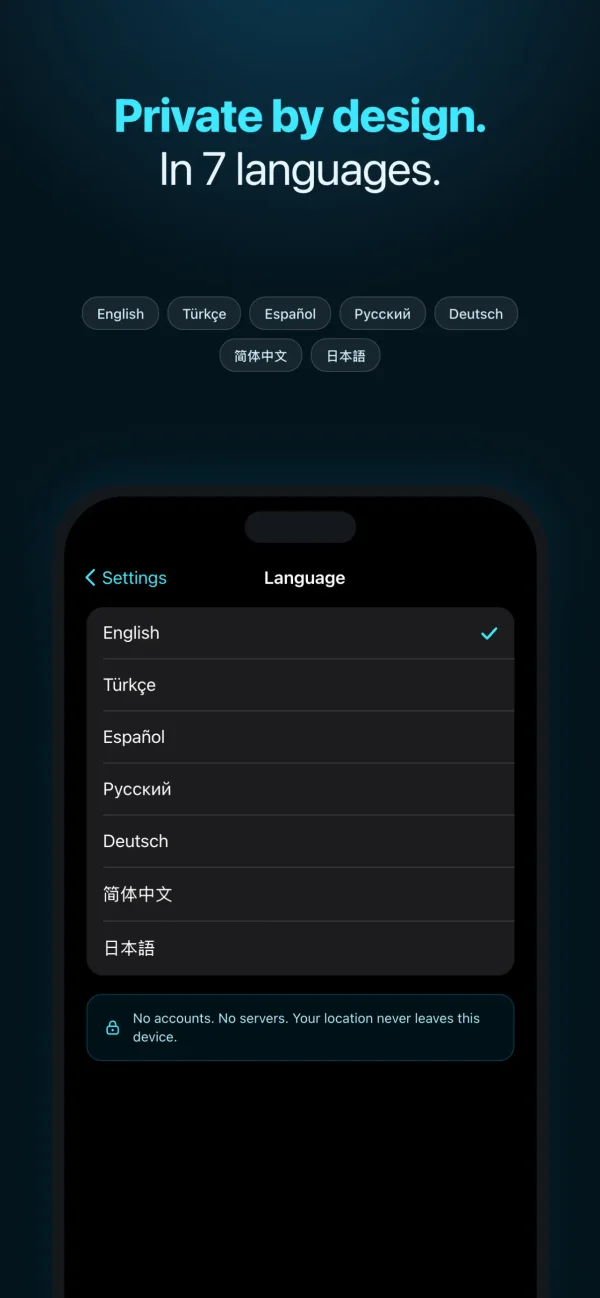
No account needed. Your location and camera stay on your device: they are used only to fetch map data from Apple and are never shared with us or advertisers. GeoLens is free thanks to a few unobtrusive ads, never over the camera view.
LANGUAGES
English, Turkish, Spanish, Russian, German, Simplified Chinese and Japanese.
GeoLens requires an iPhone with iOS 17 or later. Compass accuracy can vary near strong magnetic fields; a quick figure-eight calibration fixes it.
What’s new
Version 1.1.0 · Nov 24, 2026
Classic Games joins Other Apps in Settings. GeoLens stays free with a few unobtrusive ads that never cover the camera view. Bug fixes and improvements.
App privacy
What mustafa yazgulu declares on the App Store about how this app handles data.
-
Data used to track you
May be used to track you across apps and websites owned by other companies.
- Location
- Identifiers
- Usage data
-
Data not linked to you
May be collected but is not linked to your identity.
- Location
- Identifiers
- Usage data
- Diagnostics
Privacy practices may vary, for example with the features you use or your age.
Information
- Seller
- mustafa yazgulu
- Category
- Navigation
- Version
- 1.1.0
- Updated
- Nov 24, 2026
- Released
- Aug 6, 2026
- Size
- 8.6 MB
- Requires
- iOS 17.0 or later
- Age rating
- 4+
- Languages
- English, German, Japanese, Russian, Simplified Chinese, Spanish, Turkish
- Copyright
- Copyright © 2026 All rights reserved.
You might also like
-
 WhooisthisNavigation
-
 Site Seeing ARTravel
-
 Tourist LensTu guía de viaje con IA
-
 SeeShore - AR Coastline ViewerSee What's Across the Water
-
 Map of FinlandHiking trails & GPS tracking
-
 Awaii: Shared Travel PlannerGroup Trips, Itinerary & Maps
-
 FlowntoYour Personal Flight Journal
-
 Compass Eye Bearing CompassAugmented Reality compass
-
 CitySpotterCities in AR, also on a plane
-
 WAM : World Around MeAR Search for local services