
Geometry Calculator Plus
Fast and Easy Geometry Solver
Designed for iPhone, iPad
$2.99
- Age rating4+
- CategoryEducation
- DeveloperHeng Jia Liang
- LanguagesEnglish+ 8 more
- Size838.0 KB
Links to the official App Store page
Download.org hosts no file of Geometry Calculator Plus. The button opens its official App Store page, published by Heng Jia Liang. Listing last checked on Nov 17, 2026.
Screenshots
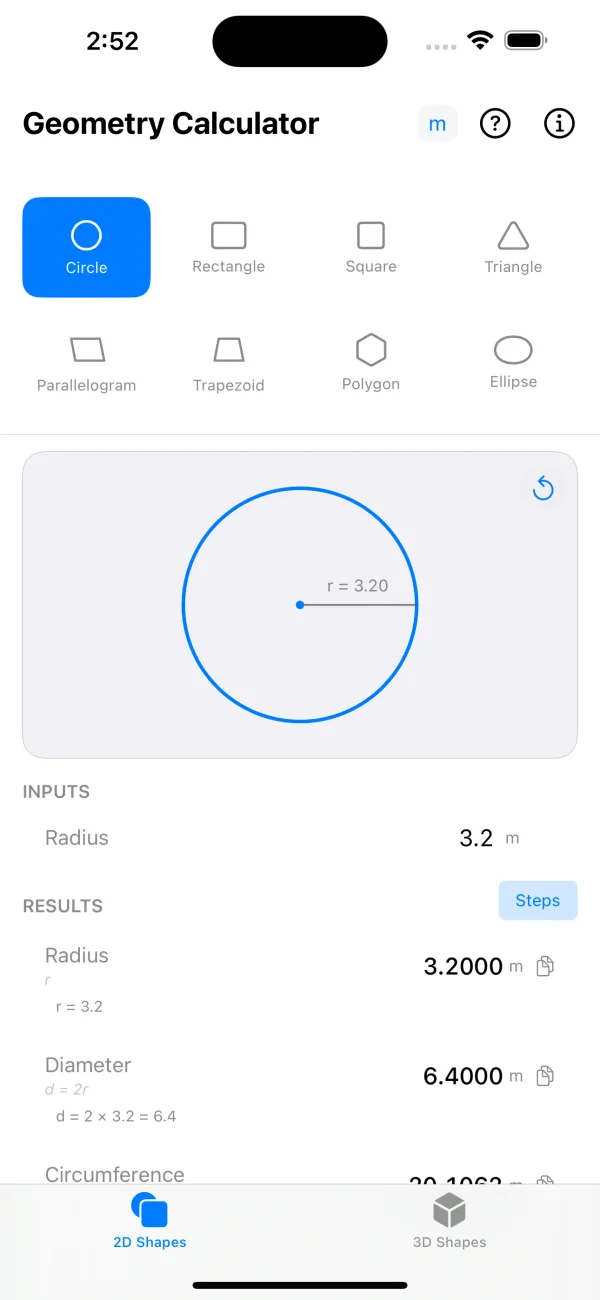
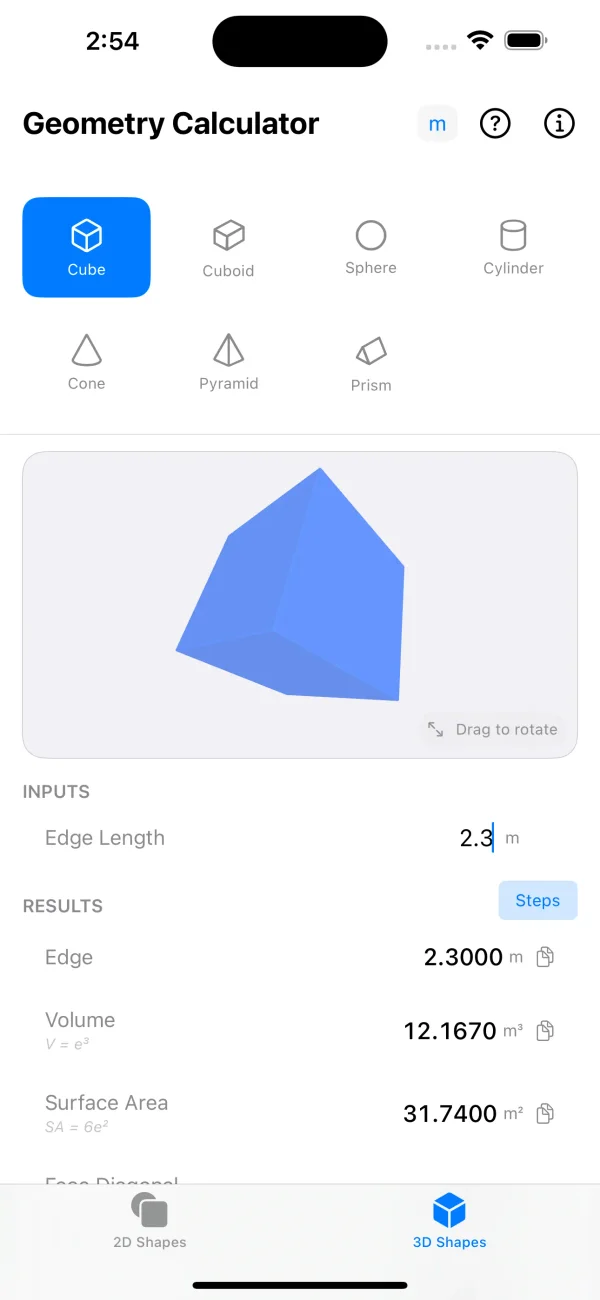
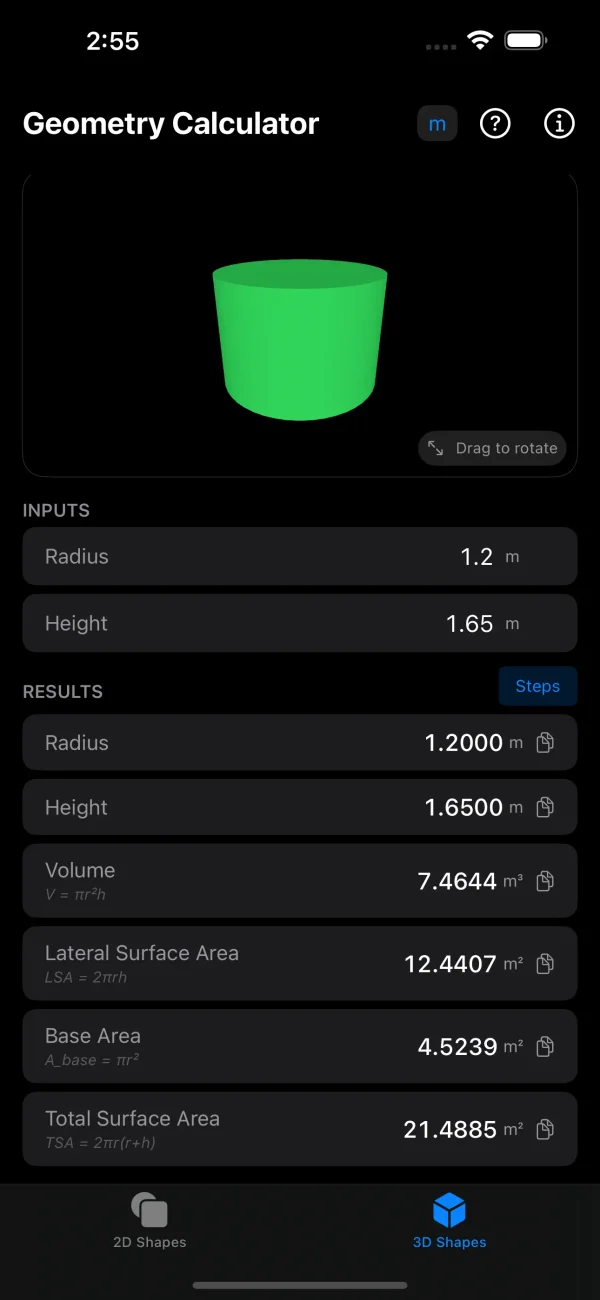
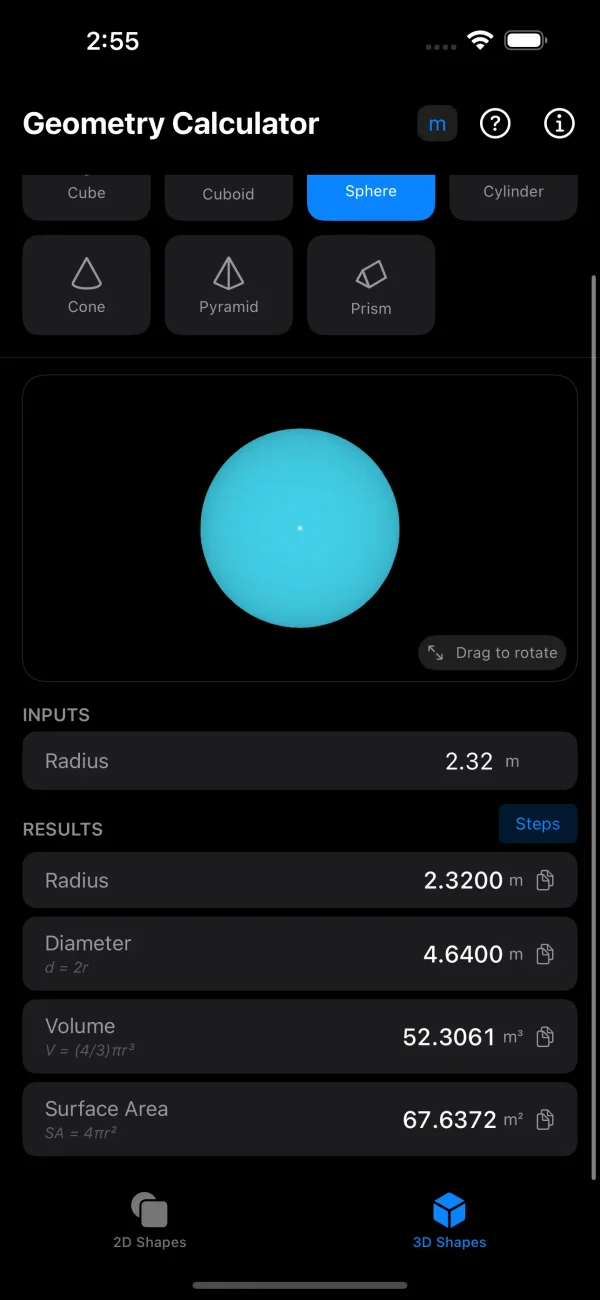

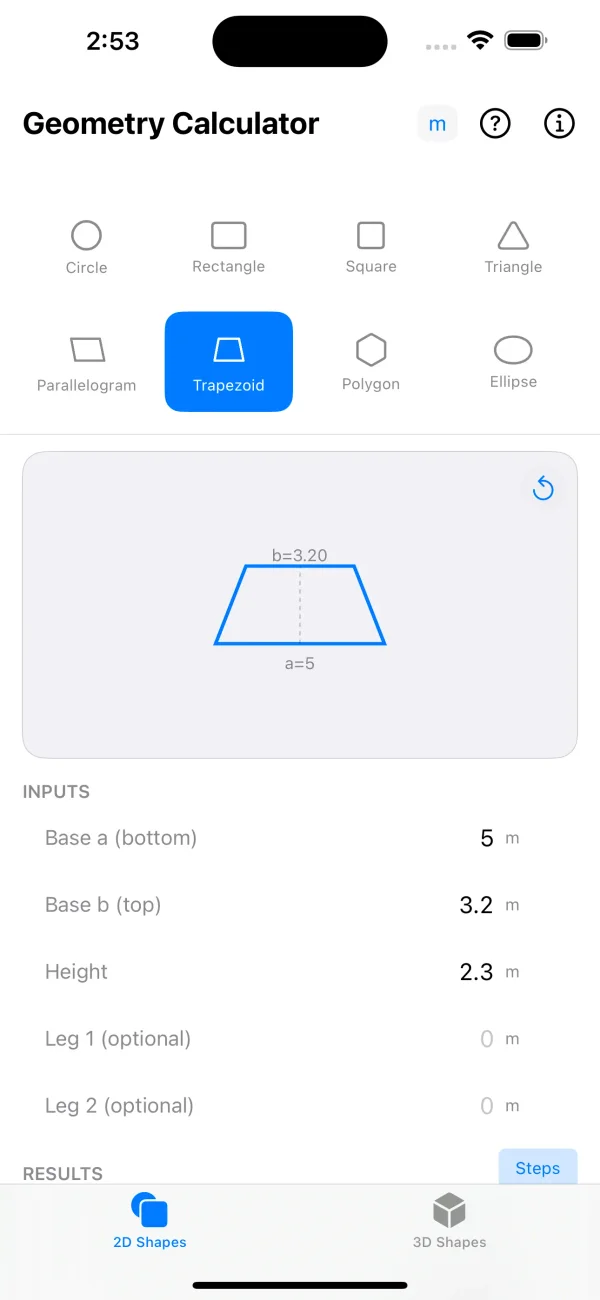
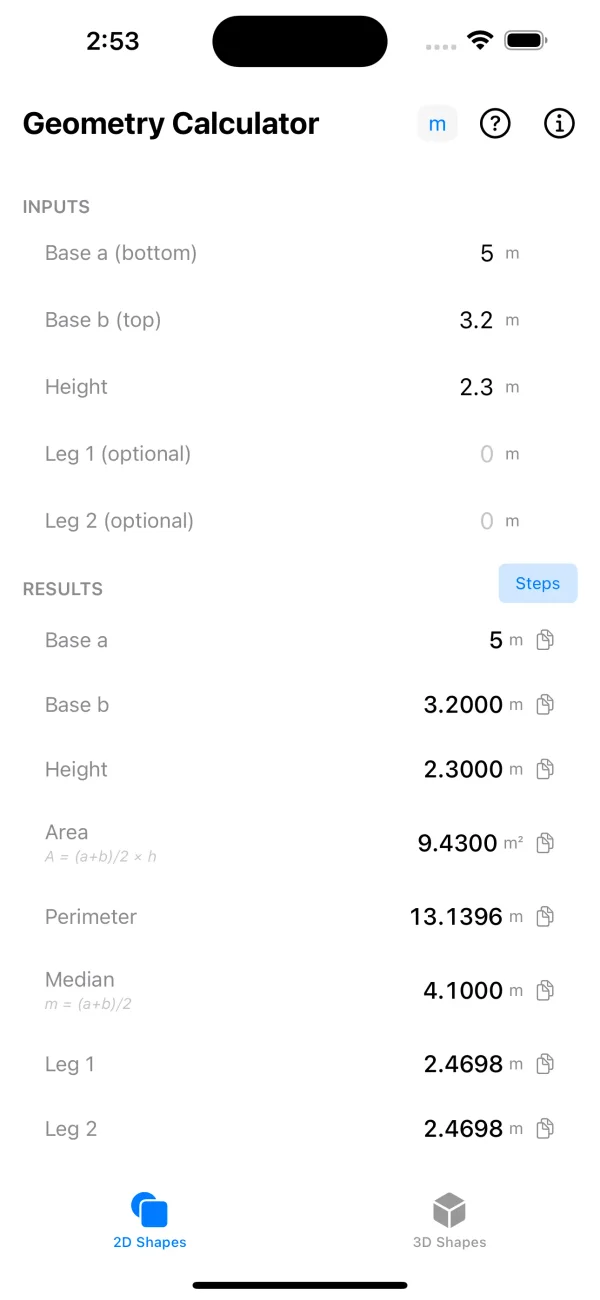
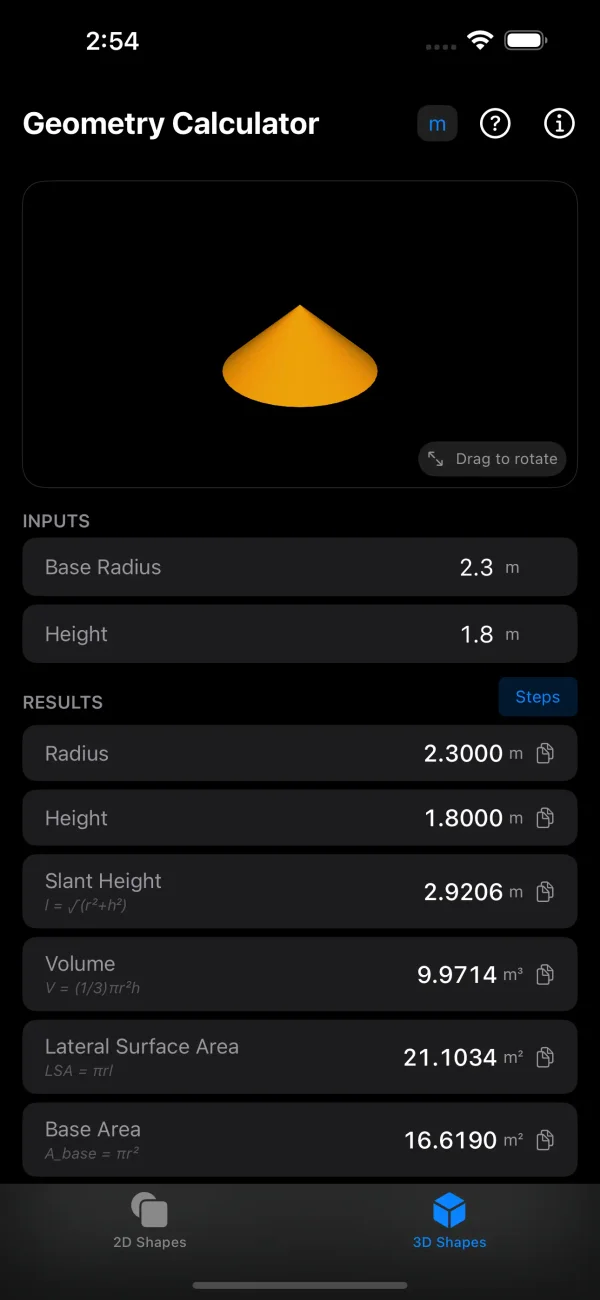

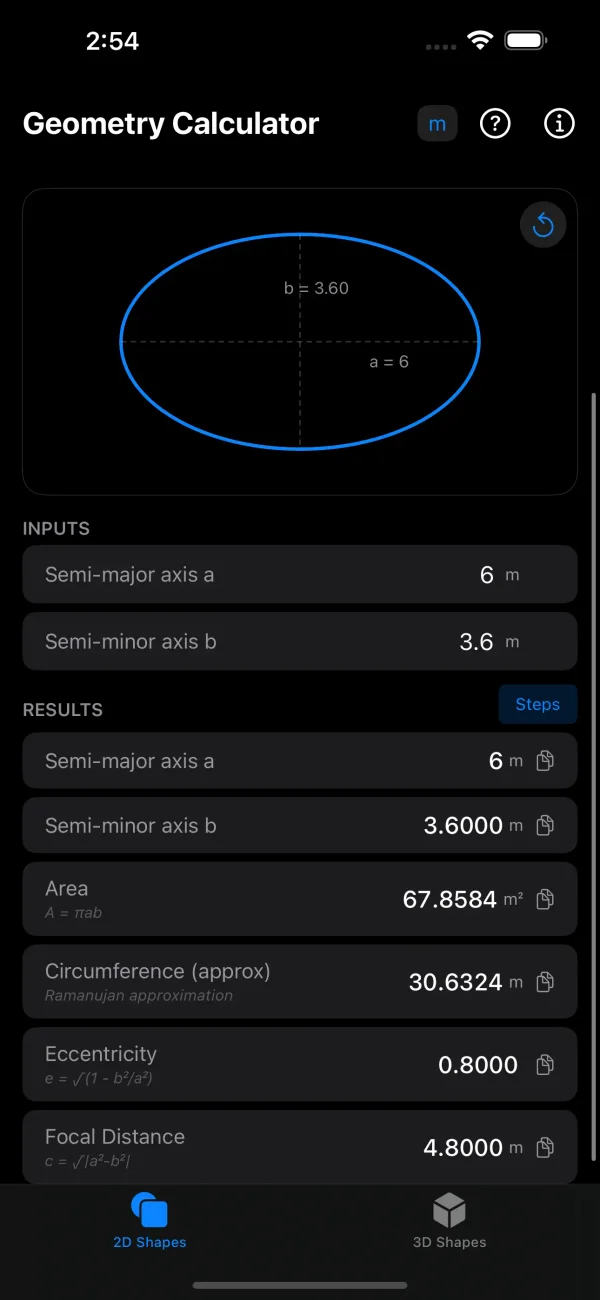
About
Geometry Calculator — the ultimate shape solver for students, engineers, architects, and anyone who works with measurements.
Instantly calculate area, perimeter, volume, surface area, angles, diagonals, and dozens of other properties for 15 shapes — all in one beautifully designed app. Just enter what you know, and every result updates in real time.
15 Shapes. Every Property.
• 2D Shapes - Circle, Rectangle, Square, Triangle, Parallelogram, Trapezoid, Regular Polygon, Ellipse — with full outputs including circumradius, inradius, diagonals, apothem, eccentricity, and more.
• 3D Shapes - Cube, Cuboid, Sphere, Cylinder, Cone, Square Pyramid, Triangular Prism — with volume, surface area, lateral area, slant height, face areas, and space diagonals.
Advanced Triangle Solver
Solve any triangle from any combination of known values:
• SSS - three sides
• SAS - two sides and included angle
• ASA - two angles and included side
• AAS - two angles and non-included side
• SSA - automatically detects and presents both solutions in the ambiguous case
Outputs include all sides, all angles, area, perimeter, circumradius, and inradius.
Live Shape Visualization
Every shape is drawn in real time as you type. Pan and pinch to zoom on 2D shapes. Rotate and inspect 3D shapes freely with full camera control. Labels update dynamically to reflect your exact values.
Step-by-Step Solutions
Toggle step-by-step mode to see the exact formulas and intermediate calculations behind every result — perfect for learning, checking your work, or teaching.
Full Unit Support
Switch between mm, cm, m, inch, and ft from the toolbar. Area and volume units update automatically. Every result is always in the unit you choose.
More Features
• Tap any result to copy it to your clipboard instantly
• Formula reference sheet covering every shape and unit conversion
• Dark Mode fully supported
• VoiceOver and Dynamic Type accessibility
• No ads. No subscriptions. No account required.
Perfect for students, teachers, engineers, architects, carpenters, designers, and anyone who needs fast, accurate geometry calculations.
Thanks for your support, and do visit nitrio.com for more apps for your iOS devices.
What’s new
Version 1.5 · Mar 23, 2026
- Optimized for the latest devices.
- Fixed minor bugs.
- Improved and redesigned the UI.
App privacy
What Heng Jia Liang declares on the App Store about how this app handles data.
-
Data not collected
The developer does not collect any data from this app.
Privacy practices may vary, for example with the features you use or your age.
Information
- Seller
- Heng Jia Liang
- Category
- Education
- Version
- 1.5
- Updated
- Mar 23, 2026
- Released
- Jun 28, 2022
- Size
- 838.0 KB
- Requires
- iOS 17.0 or later
- Age rating
- 4+
- Price
- $2.99
- Languages
- English, French, German, Japanese, Korean, Portuguese, Simplified Chinese, Spanish, Traditional Chinese
- Copyright
- © Heng Jia Liang
You might also like
-
 Pythagoras InteractiveEducation
-
 Geometry Calculator SolverGeometry & Trigonometry solver
-
 GridMakerPrecise grids + tools to paint
-
 Isosceles TriangleAll measures, step-by-step
-
 Marion County PAOfficial Marion County PA App
-
 Circle Calculator - Pi & AreaArea, Diameter & Circumference
-
 Rogue Community CollegeEducation
-
 Ravalli County Sheriffs OfficeRCSO
-
 摄影器材库Reference
-
 Triangle SolverStep-by-Step Math Solutions