
Geometry Drawing Tool
Geometry Calculator AI
Designed for iPhone, iPad, iPod touch
Free · In-app purchases
- Age rating4+
- CategoryEducation
- DeveloperAshvin Kevadiya
- LanguagesEnglish
- Size35.2 MB
Links to the official App Store page
Download.org hosts no file of Geometry Drawing Tool. The button opens its official App Store page, published by Ashvin Kevadiya. Listing last checked on Nov 17, 2026.
Screenshots
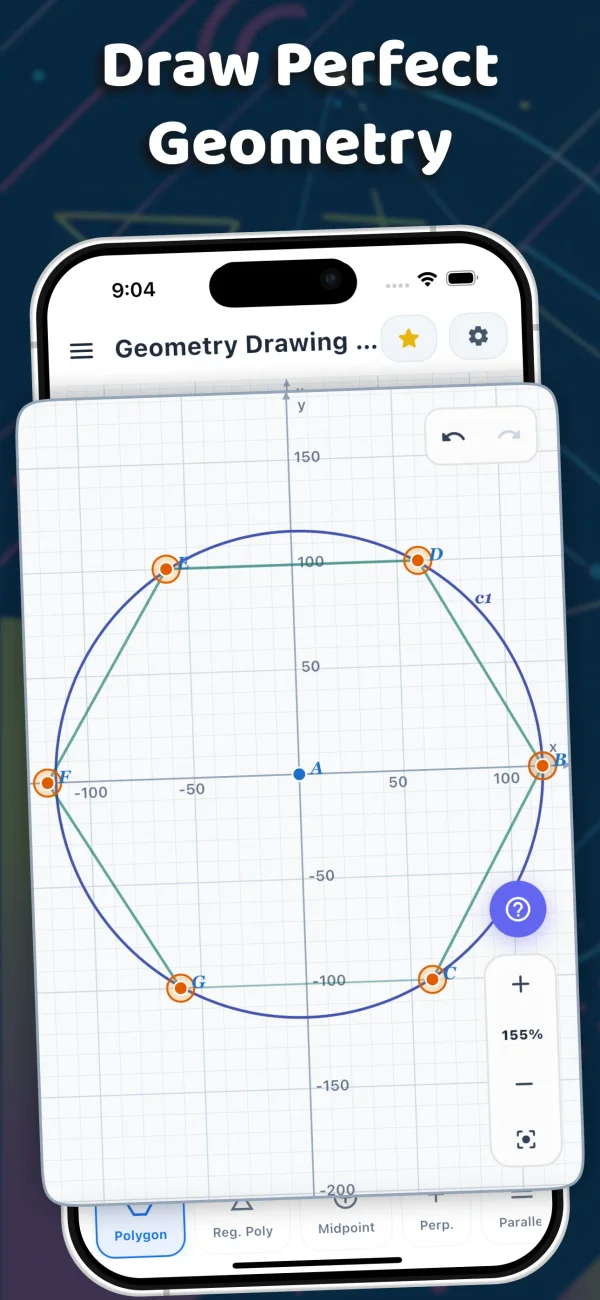
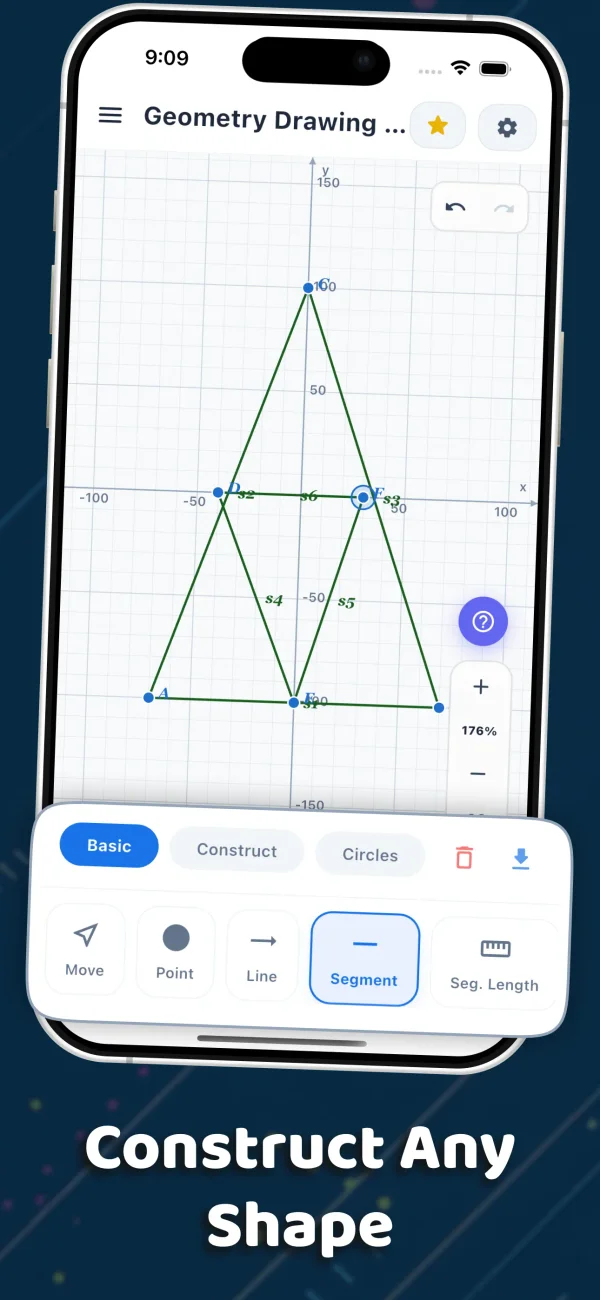
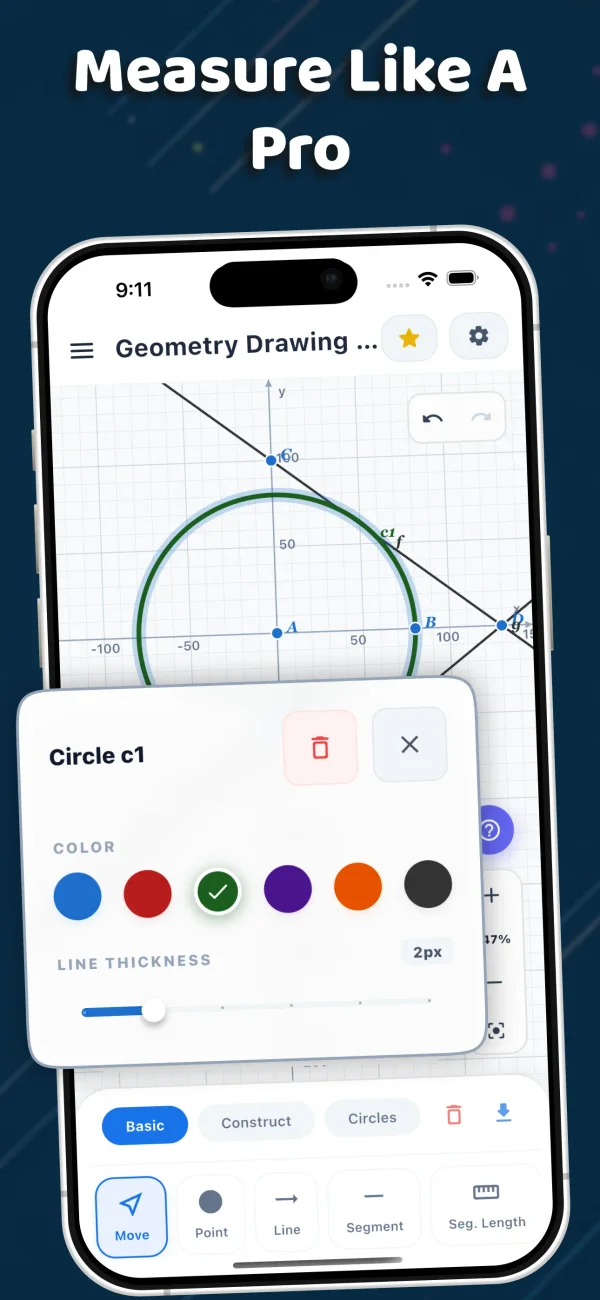
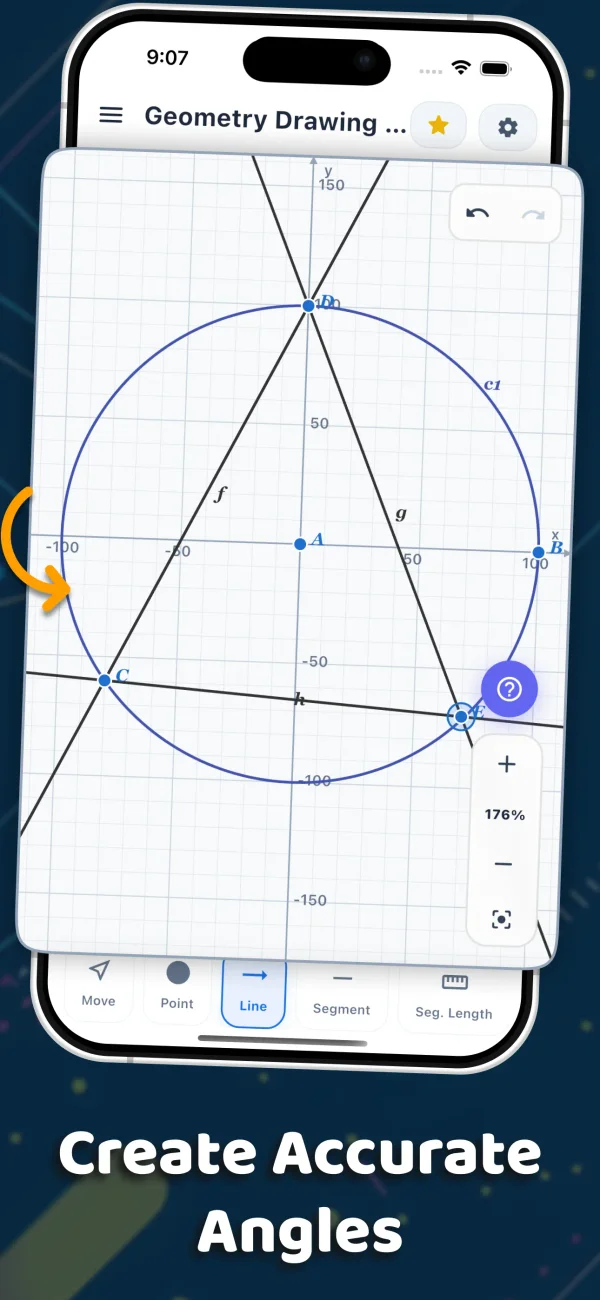
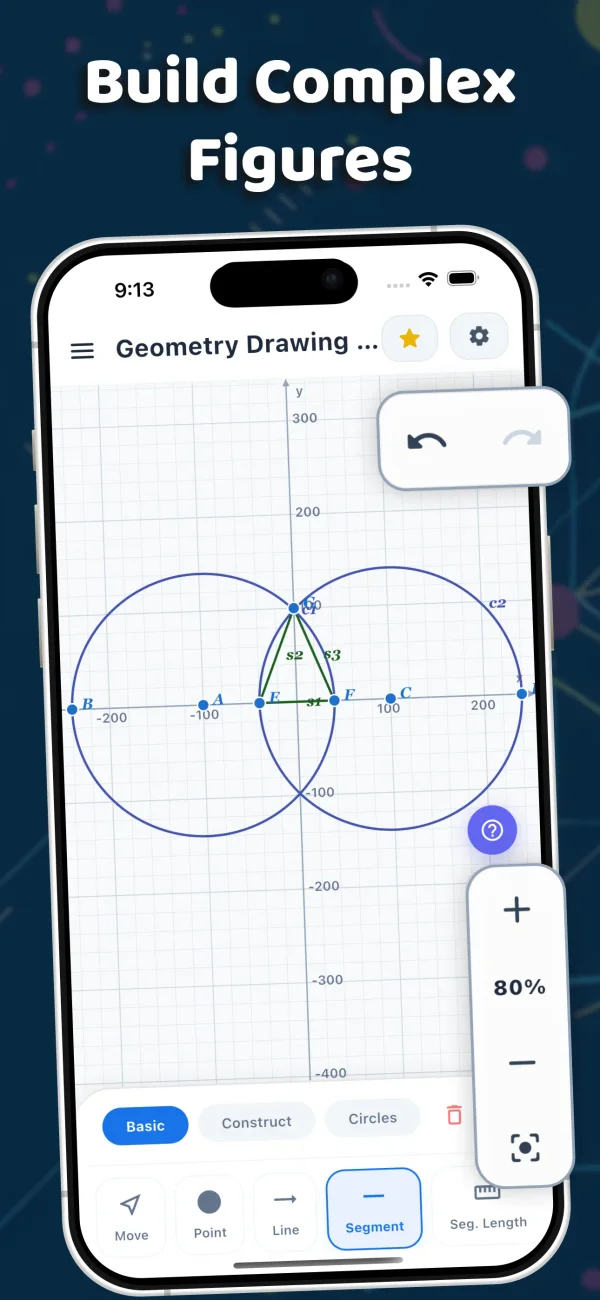

About
Master geometry with an all-in-one interactive geometry toolkit designed for students, teachers, engineers, architects, and anyone who loves mathematics. Whether you're solving homework, creating precise geometric constructions, or exploring mathematical concepts, Geometry Calculator AI makes learning and drawing geometry simple, accurate, and enjoyable.
Create geometric constructions with ease using points, lines, circles, triangles, polygons, angles, and more. Move objects interactively, measure distances and angles instantly, and explore geometry through hands-on learning.
Key Features
Draw Accurate Geometry
* Create points, lines, rays, segments, circles, arcs, polygons, and angles
* Build precise geometric constructions
* Draw triangles, quadrilaterals, and custom shapes
Measure with Precision
* Measure angles, lengths, distances, and areas
* Calculate geometric properties instantly
* Perfect for classroom assignments and professional use
Interactive Geometry
* Drag points to explore dynamic constructions
* Visualize geometric relationships in real time
* Learn by experimenting with different shapes
Advanced Transformations
* Rotate, reflect, translate, and scale objects
* Mirror shapes across lines and points
* Explore symmetry and transformations
Perfect for Learning
* Improve geometry skills through interactive exploration
* Ideal for middle school, high school, and college students
* Great for teachers creating classroom demonstrations
Save & Share
* Save your constructions
* Export and share your projects
* Continue your work anytime
Ideal For
• Students learning geometry
• Teachers and educators
• Engineers
• Architects
• Designers
• Mathematics enthusiasts
• Exam preparation
• Homework and assignments
Whether you're constructing triangles, measuring angles, drawing circles, exploring polygons, or learning Euclidean geometry, Geometry Calculator AI provides the tools you need in one powerful and easy-to-use app.
Download Geometry Drwaing Tools today and make geometry easier, smarter, and more interactive than ever.
In-app purchase Details:
Lifetime Access for ads free version
Privacy Policy : https://visionaso.in/manager/privacypolicy.html
Terms of use : https://visionaso.in/manager/termscondition.html
App privacy
What Ashvin Kevadiya declares on the App Store about how this app handles data.
-
Data not collected
The developer does not collect any data from this app.
Privacy practices may vary, for example with the features you use or your age.
Information
- Seller
- Ashvin Kevadiya
- Category
- Education
- Version
- 1.0
- Updated
- Jul 8, 2026
- Released
- Jul 7, 2026
- Size
- 35.2 MB
- Requires
- iOS 13.0 or later
- Age rating
- 4+
- Price
- Free
- In-app purchases
- Yes
- Languages
- English
- Copyright
- © @2025
You might also like
-
 Geometry: Fix Homework & QuizProblem Solver & AI Chat Tutor
-
 GeometrySketchEducation
-
 Geometry Shape Calc ProCalculate 50+ Shapes Fast
-
 Geometry TutorHelp with high school Geometry
-
 Paint ShapesBoost creativity and drawing.
-
 CDL Practice Test ProClass A Permit & Endorsements
-
 Math Dash: Mental Math GameEducation
-
 Plotting on Cartesian PlaneEducation
-
 Geometry Calculator++Square, Polygon, Circle
-
 Euclid LabRead, Construct, Prove