Geometry Pad
Plane geometry study companion
Designed for iPhone, iPad, iPod touch
Free · In-app purchases
- Age rating4+
- CategoryEducation
- DeveloperBytes Arithmetic LLC
- LanguagesEnglish
- Size31.2 MB
Links to the official App Store page
Download.org hosts no file of Geometry Pad. The button opens its official App Store page, published by Bytes Arithmetic LLC. Listing last checked on Nov 22, 2026.
Screenshots

About
Geometry Pad turns your iPad or iPhone into an infinite canvas for exact plane geometry. Build points, lines, triangles, quadrangles, polygons, circles and conics with a few taps, and they stay exact: a square stays a square, a parallel stays parallel, and an intersection point stays on its crossing however you move things around.
Free to download, with every construction tool included. Unlock Premium with an in-app purchase for even more.
CONSTRUCTIONS THAT STAY CONNECTED
• Parallel and perpendicular lines, perpendicular bisectors, tangents, chords and intersection points follow their shapes as you drag them.
• Altitudes and medians update with their polygon, and angle bisectors follow any polygon corner, angle, sector or crossing of lines.
• Right, isosceles and equilateral triangles, squares, rectangles, parallelograms, rhombi, trapezoids, kites and regular polygons keep their kind when edited.
• Copy and paste shapes across pages and documents, or into other apps as a cropped picture. Select several shapes to move, restyle, lock or delete together (Premium).
PRECISION BY TOUCH
• Points snap to the grid, vertices, midpoints, sides, curves and crossings; optional line snapping aligns sides onto lines or tangents on curves.
• A magnifying glass shows where each point lands.
• Type exact coordinates, lengths, radii and angles (up to 360° reflex angles) on the built-in calculator (Premium).
LIVE MEASUREMENTS
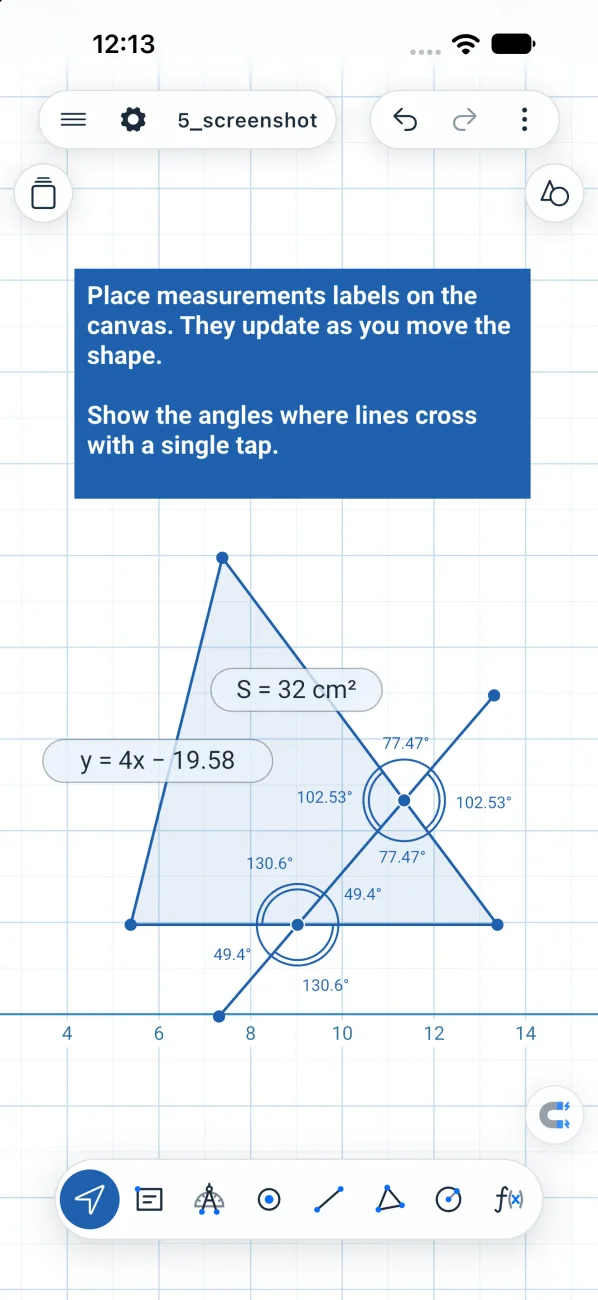
• View lengths, angles, slopes, equations, perimeter and area in a shape editor that keeps your drawing in view.
• Place live measurement labels on the canvas, or write algebraic labels like “x” for exercises.
• Show crossing angles with one tap.
TEXTBOOK FIGURES AND ANNOTATIONS
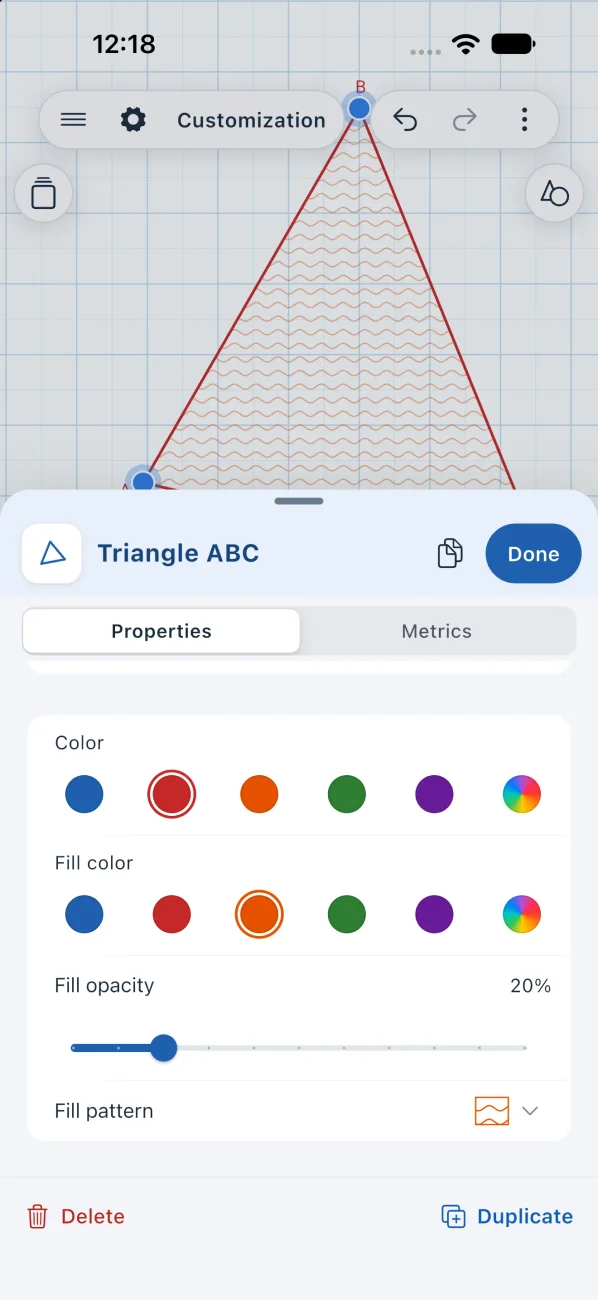
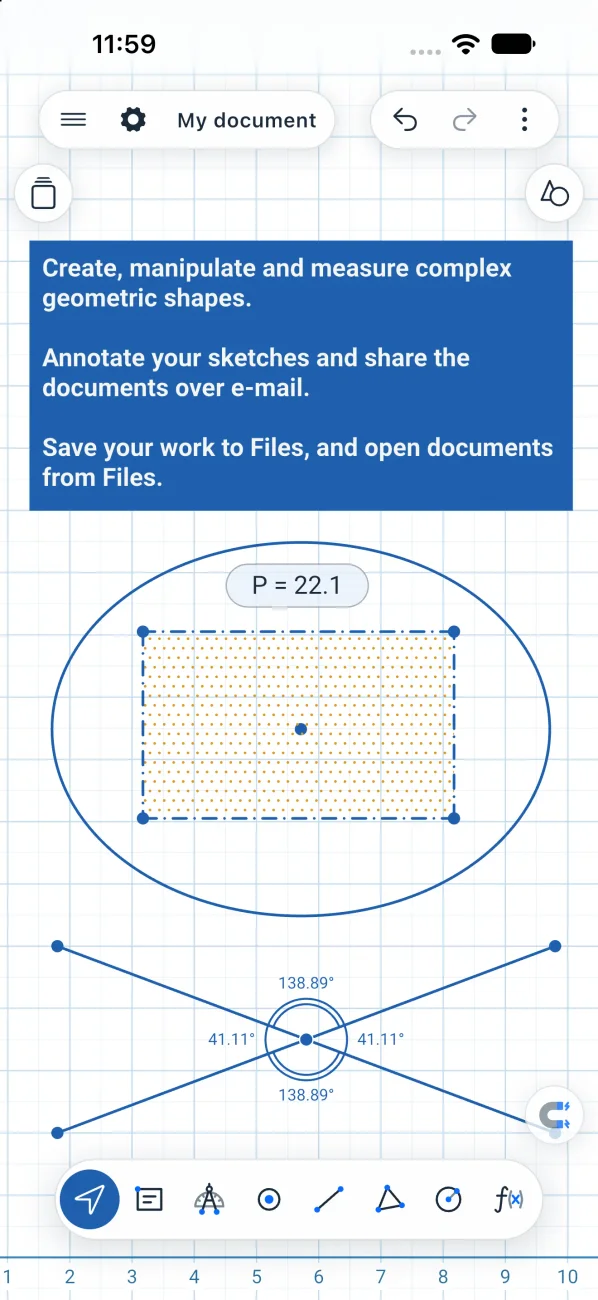
• Add tick and parallel marks, mirror hatch strokes, and fill shapes with hatching, grids, dots or waves.
• Mark interior polygon angles with 1–5 arcs, right-angle squares and expressions, and style individual vertices or sides one at a time.
• Attach numbered or custom callouts to shapes, draw curved, elbow or block arrows, and add dimension lines (Premium).
CLASSIC INSTRUMENTS AND TRANSFORMATIONS
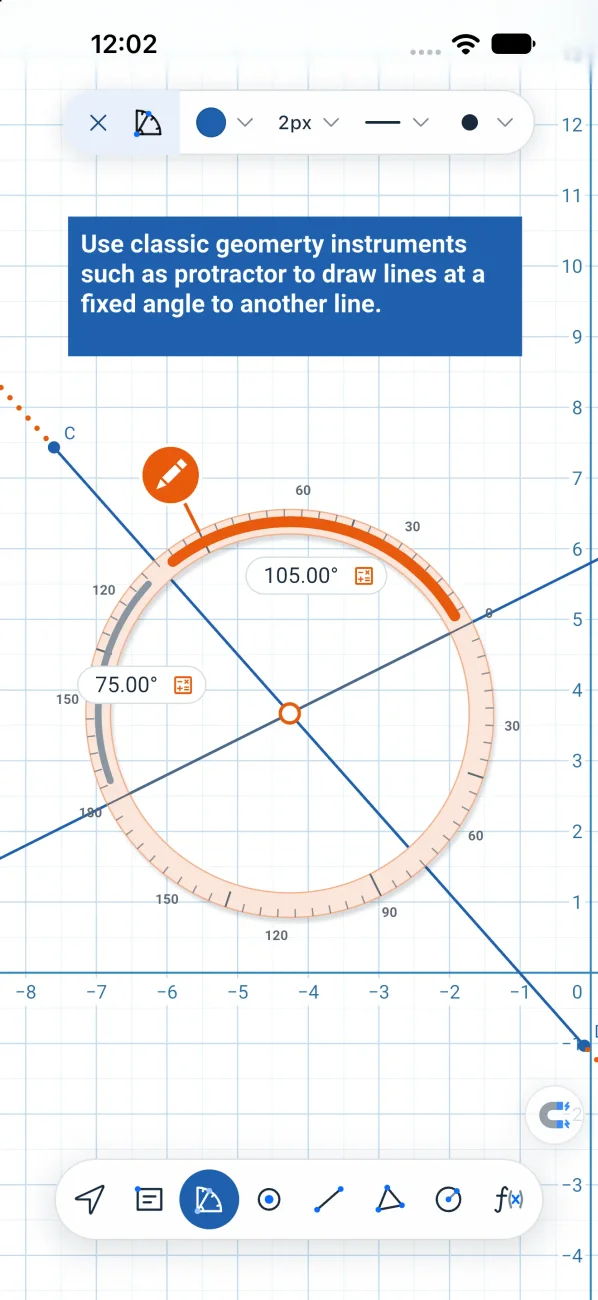
• A compass, protractor and straight angle (set square), with exact value entry on each (Premium).
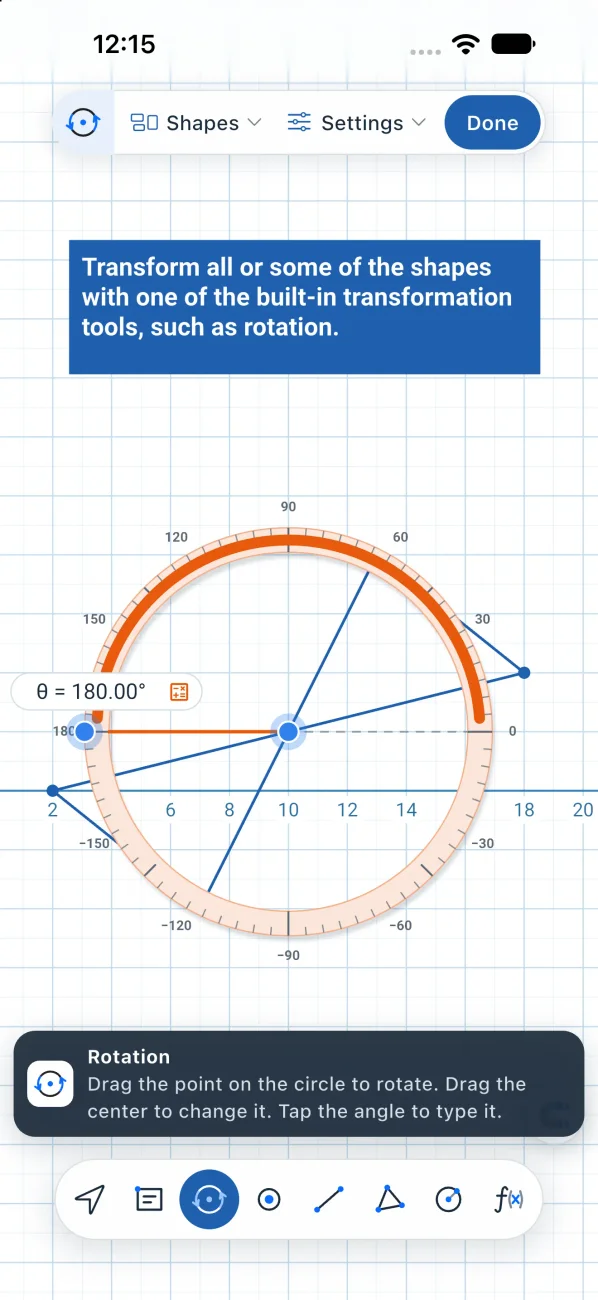
• Rotate, reflect, translate and dilate shapes, or copies of them (Premium).
SHAPES FROM NUMBERS (PREMIUM)
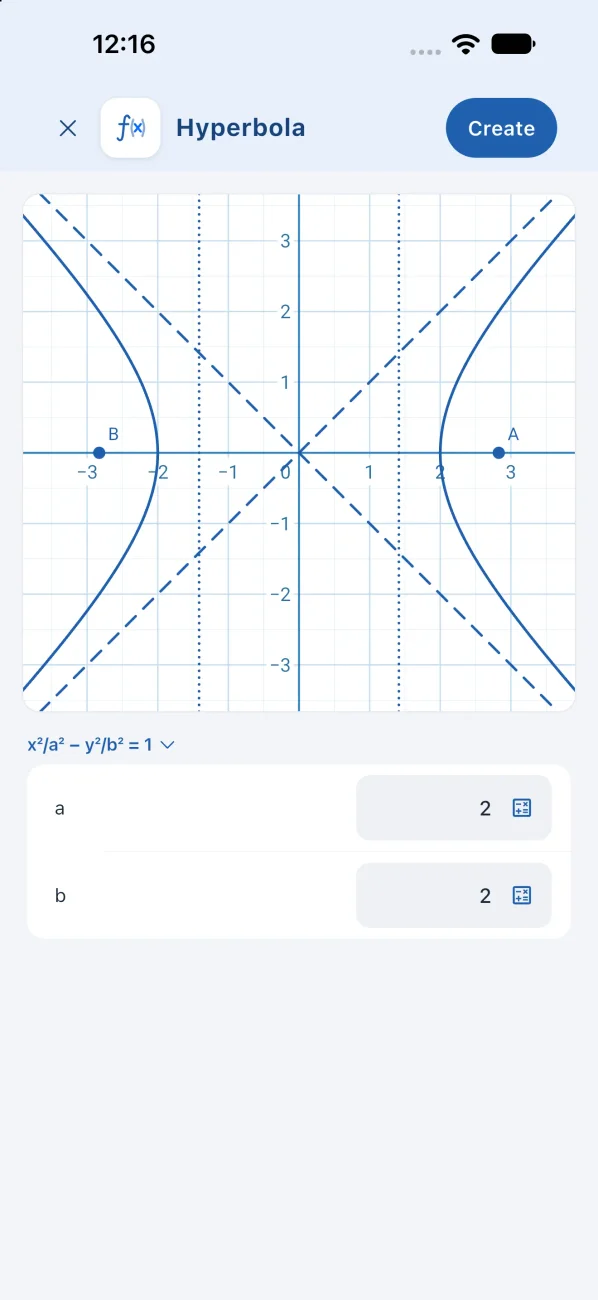
• Build triangles, squares, rectangles, parallelograms, rhombi, trapezoids and kites from sides, heights, diagonals or angles, and lines, parabolas and hyperbolas from equations, with a live preview.
WORKSHEETS AND DOCUMENTS
• Write formatted notes in bordered text boxes, sketch freehand with your finger or Apple Pencil, and add pictures (Premium).
• Import a PDF to draw on its pages, and create multi-page documents on an infinite canvas or A4 and A3 paper (Premium).
• Share as an image (with Crop to shapes) or document via the Files app, or export as PDF or SVG (Premium). Previous Geometry Pad files open too.
MADE FOR THE CLASSROOM
• Works on iPad and iPhone (including iPhone Duo), with multitasking, Apple Pencil and keyboard shortcuts.
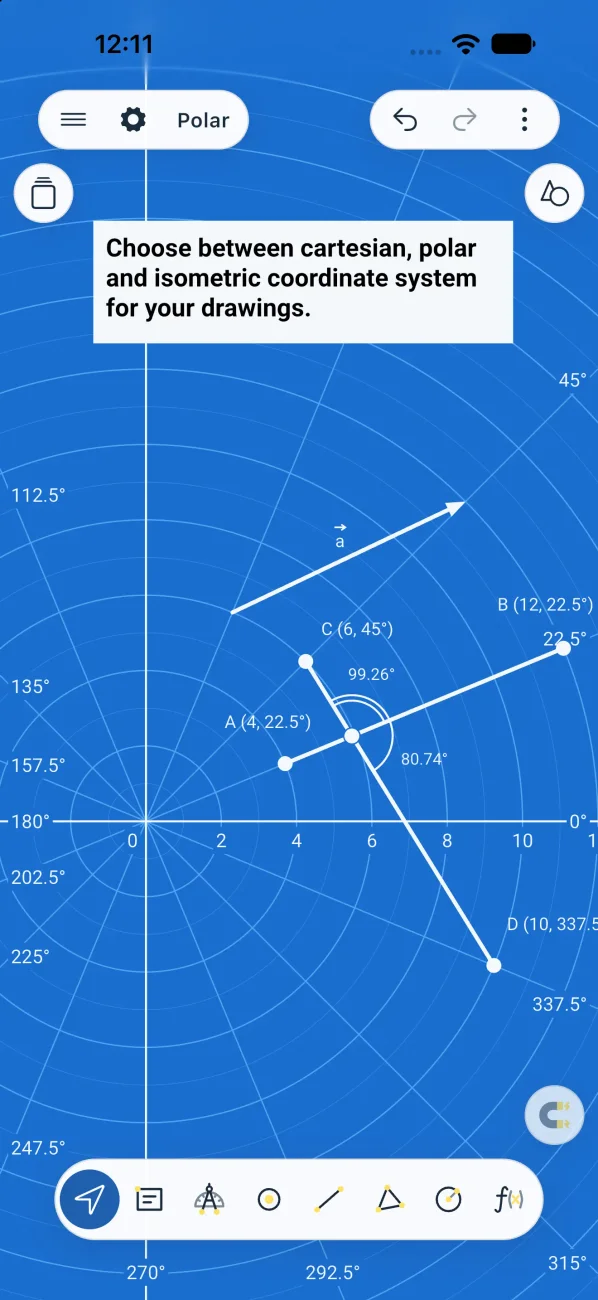
• Cartesian, polar and isometric grids, real centimeters and inches, automatic dark mode and seven themes including chalkboard and blueprint.
• Full hands-free Voice Control, VoiceOver, Speak Screen, Speak Selection, Larger Text and Reduce Motion.
PREMIUM
One purchase unlocks editing exact values, multi-shape selection, dimension lines, transformations, shapes from numbers, picture and PDF import, PDF and SVG export, and multi-page A4 and A3 documents. Bought Premium in the previous Geometry Pad? It's recognized automatically, and Restore Purchase brings it to your other iPads and iPhones.
For teachers preparing lessons and worksheets, and students exploring geometry.
Tap Share feedback in Help to reach us.
What’s new
Version 3.4.0 · Nov 21, 2026
Geometry Pad 3.4 brings the app to iPhone, adds tools for textbook figures and step-by-step notes, introduces trapezoids, kites and dilation, and brings full hands-free Voice Control. Here’s what’s new:
NOW ON IPHONE
• Geometry Pad now runs natively on iPhone and iPhone Duo, with a layout made for one-handed use and landscape mode, and documents synced through the Files app and iCloud Drive.
• Already unlocked Premium on iPad? Tap Restore Purchase on your iPhone to unlock it at no extra cost.
NEW SHAPES, BISECTORS AND DILATION
• Trapezoids, isosceles trapezoids and kites (including concave darts) that keep their geometric properties as you move vertices or type side lengths.
• Formulas is now organized by shape, with new ways to build trapezoids and kites from sides, bases, heights, diagonals or angles (Premium).
• The Angle bisector tool now bisects any angle on the canvas—polygon corners, angle shapes, sectors, polyline bends and crossings of lines—with an on-canvas angle chooser.
• Angle shapes now support reflex angles up to 360°.
• New Dilation transformation: scale shapes or copies from −4× to 4× along an on-canvas scale bar with projection rays, or type any scale factor (Premium).
• New “Snap lines to shapes” option aligns dragged lines and polygon sides onto nearby lines or turns them into tangents on curves.
TEXTBOOK FIGURES, CALLOUTS AND ARROWS
• Mark lines and polygon sides with 1–5 tick marks, 1–5 parallel marks and mirror hatch strokes, and fill closed shapes, circles, ellipses and sectors with hatching, crosshatch, grids, dots or waves.
• New open-circle and bar point styles, directional end markers that turn with the line, and 0 px line thickness to show only points, marks and labels.
• Mark interior polygon angles with 1–5 arcs, right-angle squares, colors and custom expressions. Measurement labels and vertex angles now accept plain algebraic text like “x” or “?”.
• Edit vertices and sides one at a time with the new Parts card, with temporary vertex numbers and highlights on the canvas and one-tap buttons for vertex and side labels.
• New Callout and Arrow tools: attach numbered or custom callouts that follow their shape, and draw curved, straight, elbow, S-curve or block arrows with middle labels.
• Richer text boxes with alignment, borders, rounded or cut corners, Scale with zoom, and a Format text bar above the keyboard.
COPY, PASTE AND CANVAS IMPROVEMENTS
• Copy and paste one or several shapes across pages and documents—and paste a tightly cropped PNG of the selected shapes straight into other apps. Touch and hold empty canvas space to paste right there.
• One-tap “Crop to shapes” when sharing an image of an infinite page.
• Expanded keyboard shortcuts (⌘C, ⌘X, ⌘V, ⌘D, arrow-key nudging, Spacebar + drag, and “?” to view all shortcuts).
ACCESSIBILITY AND VOICE CONTROL
• Full hands-free Voice Control across every tool, shape and classic instrument—without dragging, pinching or holding.
• Automatic dark mode that preserves custom shape colors, plus support for Increase Contrast, Reduce Motion, Larger Text past 200%, and hold-to-speak on tool tip cards.
App privacy
What Bytes Arithmetic LLC declares on the App Store about how this app handles data.
-
Data not linked to you
May be collected but is not linked to your identity.
- Usage data
- Diagnostics
Privacy practices may vary, for example with the features you use or your age.
Information
- Seller
- Bytes Arithmetic LLC
- Category
- Education
- Version
- 3.4.0
- Updated
- Nov 21, 2026
- Released
- Apr 13, 2012
- Size
- 31.2 MB
- Requires
- iOS 15.0 or later
- Age rating
- 4+
- Price
- Free
- In-app purchases
- Yes
- Languages
- English
- Copyright
- © 2026 Bytes Arithmetic LLC
You might also like
-
 sketchometryEducation
-
 Volume and GeometryVolume calculator
-
 Number Line, by MLCA Math Learning Center tool
-
 Fractions, by MLCA Math Learning Center tool
-
 Educreations WhiteboardCreate amazing video lessons
-
 Geometry!!Geometry made simple
-
 Puppet PalsRecord your own animated show
-
 Quick GraphScientific Graphing Calculator
-
 GeoGebra GeometryConstruct, Drag, Share
-
 Math Vocabulary Cards, by MLCA Math Learning Center tool