GeoVya Reader: GIS File Viewer
KML, GPX, Shapefile, GeoJSON
Designed for iPhone
Free
- Age rating4+
- CategoryNavigation
- DeveloperMohamed Ebrahim
- LanguagesEnglish+ 1 more
- Size50.4 MB
Links to the official App Store page
Download.org hosts no file of GeoVya Reader: GIS File Viewer. The button opens its official App Store page, published by Mohamed Ebrahim. Listing last checked on Nov 23, 2026.
Screenshots


About
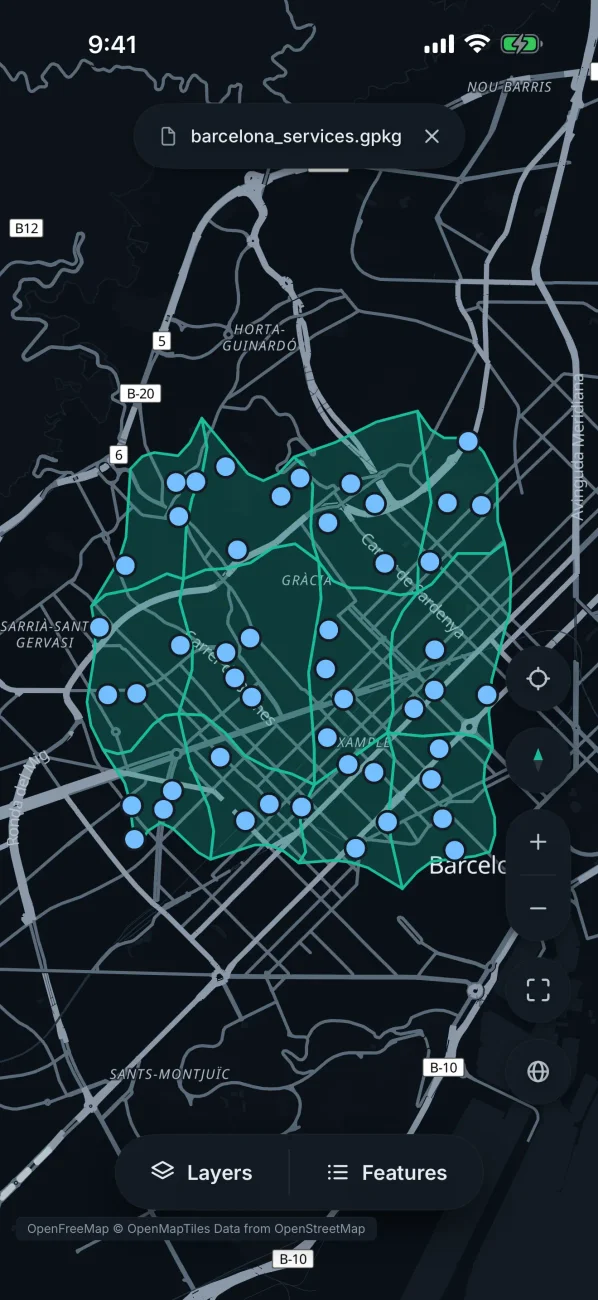
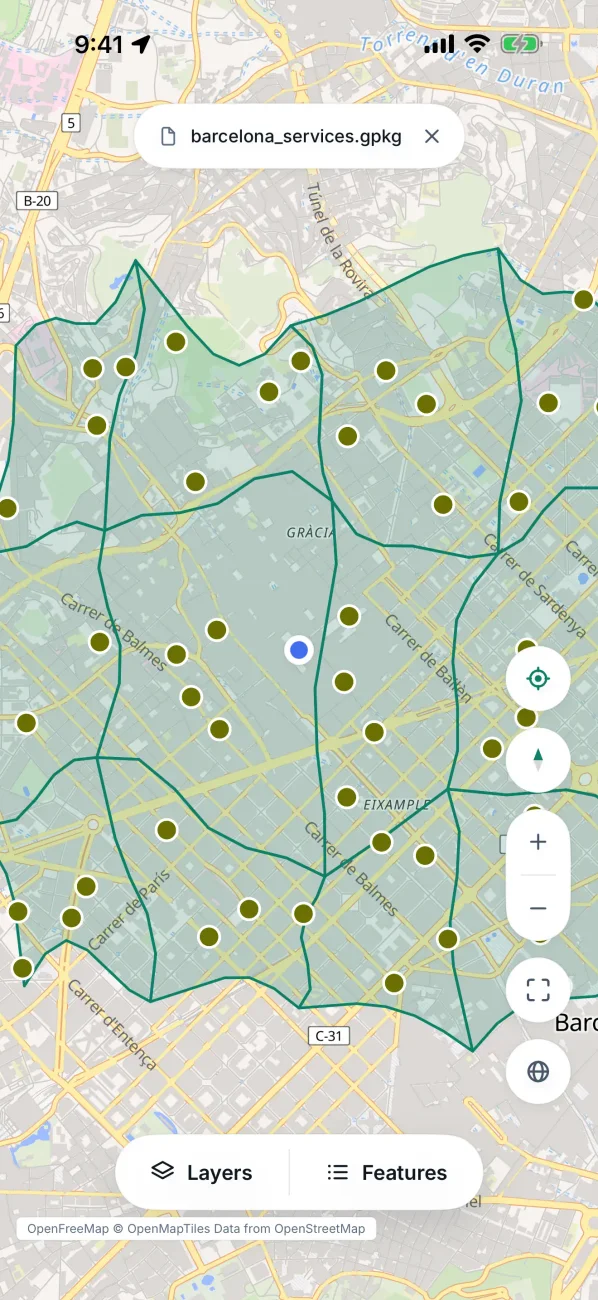
GeoVya Reader opens the GIS files you receive and shows them on a map — on your phone, with no account, no upload and no sign-in.
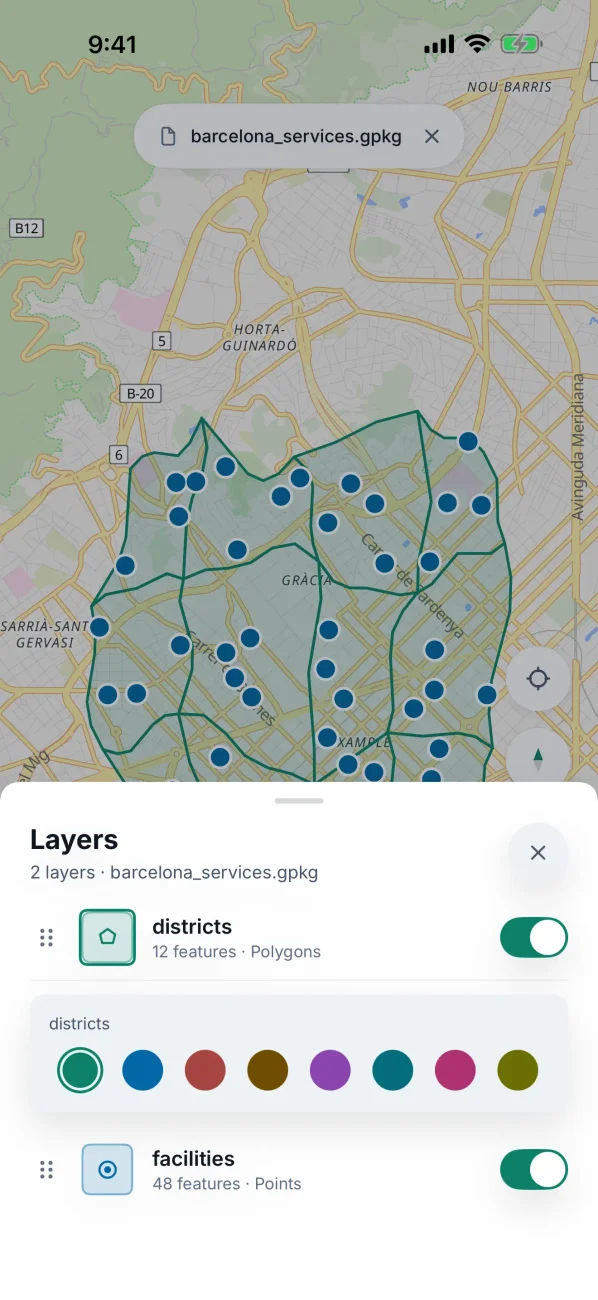
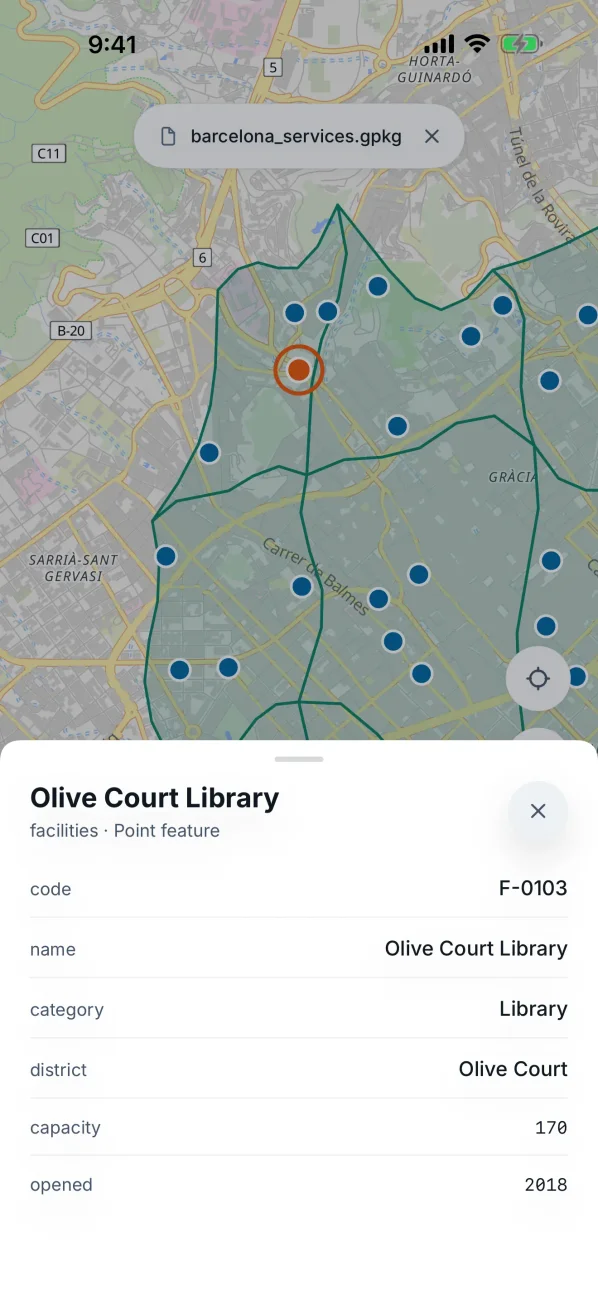
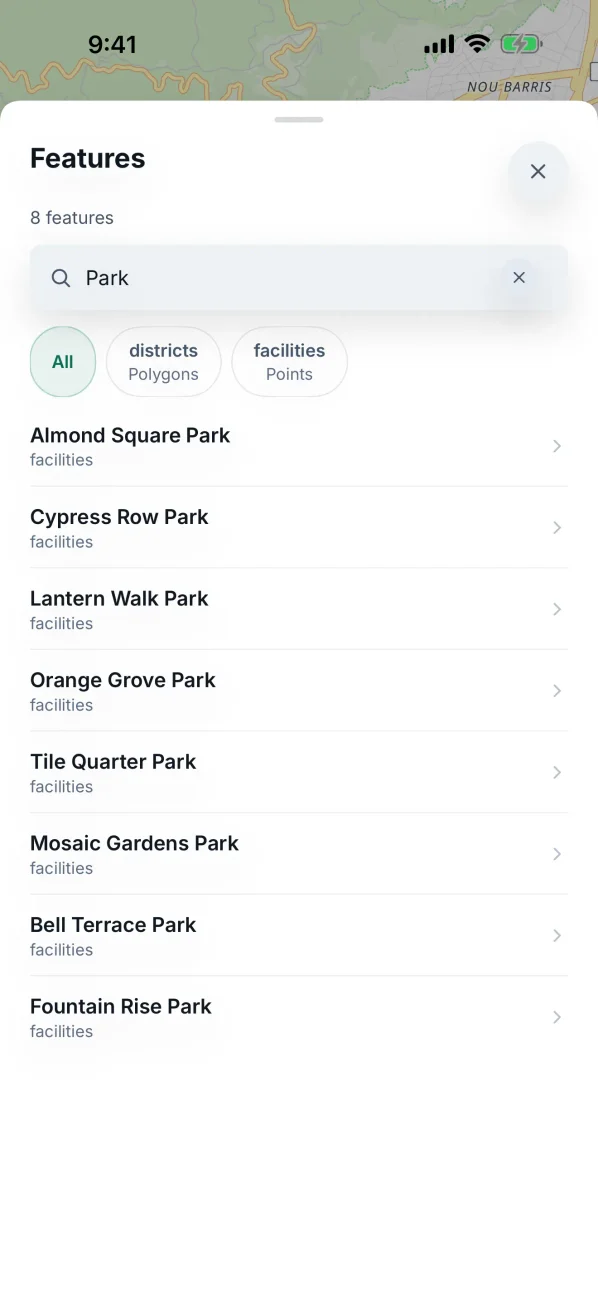
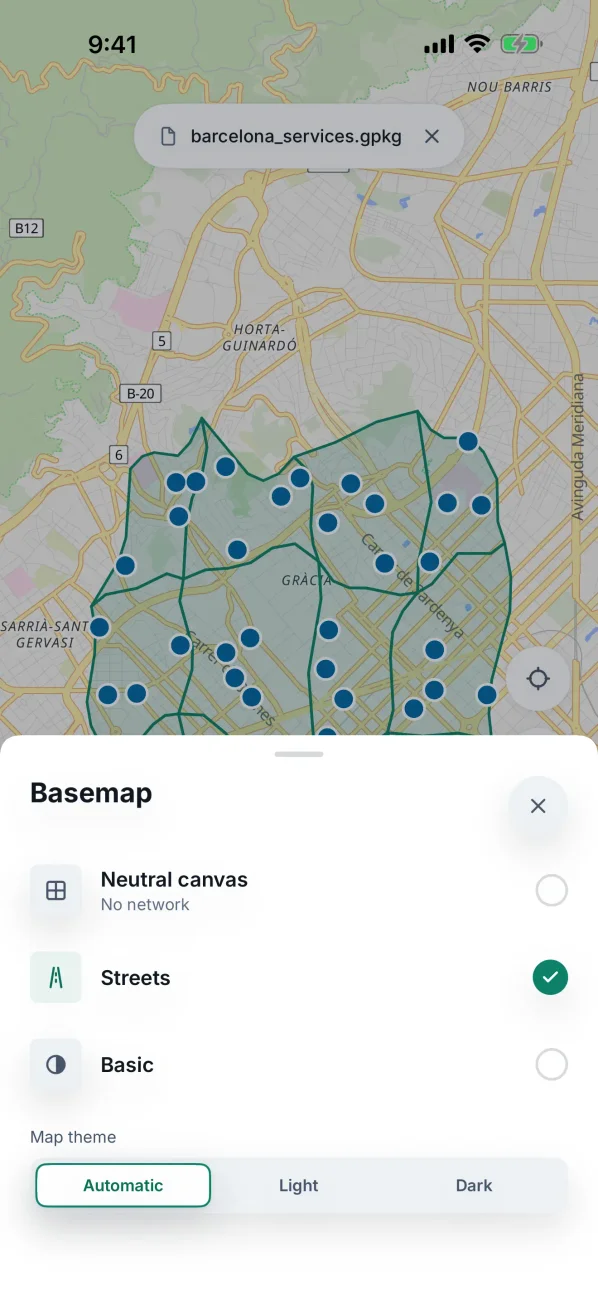
Open a file from Files, from a message or from any app that shares it, and see it on the map right away. Tap a feature to read its fields. Browse the features list, search the features' data, show or hide layers, reorder them and pick their colours. Choose a neutral canvas or a street basemap.
Tap the location button to see where you are on the map; a long press on the same button hides your location. Your location is not stored or sent anywhere.
Supported formats
GeoJSON · KML · KMZ · GPX · FlatGeobuf · GeoPackage · Shapefile · File Geodatabase · Personal Geodatabase (.mdb)
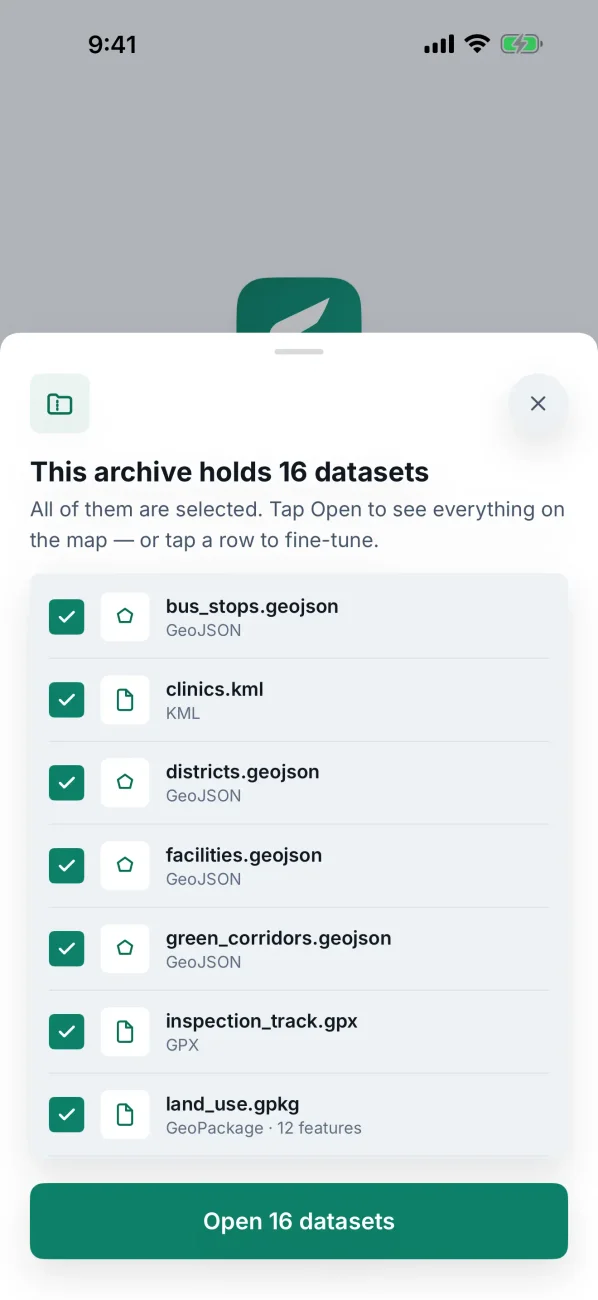
Every format opens directly or from inside a ZIP, with one exception: Shapefile and File Geodatabase open only from inside a ZIP (a File Geodatabase as .gdb.zip).
Any declared coordinate system: the file is placed where it belongs. A ZIP holding several files, even in different formats, opens them all on the map, with no unzipping.
Your files stay on your device
GeoVya Reader reads your files in place. It has no account, no server and no analytics, and it sends nothing about you or your files anywhere. Its only network use is fetching street basemap tiles from OpenFreeMap when you choose a street basemap; the neutral canvas works fully offline.
Large text and screen readers (VoiceOver) supported.
Read-only: GeoVya Reader displays files and does not edit them.
Privacy policy: https://geovya.com/reader/privacy
What’s new
Version 1.2 · Nov 19, 2026
• Tap the location button to see where you are on the map; a long press on the same button hides your location. Your location is not stored or sent anywhere.
• A KMZ inside a ZIP now opens.
• In portrait, feature details now list every field in one scroll.
• A file with a curved shape whose outline does not close now opens, instead of being refused.
• With a screen reader, a three-finger swipe now scrolls Licences.
App privacy
What Mohamed Ebrahim declares on the App Store about how this app handles data.
-
Data not collected
The developer does not collect any data from this app.
Privacy practices may vary, for example with the features you use or your age.
Information
- Seller
- Mohamed Ebrahim
- Category
- Navigation
- Version
- 1.2
- Updated
- Nov 19, 2026
- Released
- Oct 20, 2026
- Size
- 50.4 MB
- Requires
- iOS 16.0 or later
- Age rating
- 4+
- Price
- Free
- Languages
- English, Arabic
- Copyright
- © 2026 Mohamed Ebrahim