
GetHaully
Resellers CSV Automatic create
Designed for iPhone
Free · In-app purchases
- Age rating4+
- CategoryBusiness
- DeveloperAdam Schmitt
- LanguagesEnglish
- Size51.6 MB
Links to the official App Store page
Download.org hosts no file of GetHaully. The button opens its official App Store page, published by Adam Schmitt. Listing last checked on Nov 20, 2026.
Screenshots


About
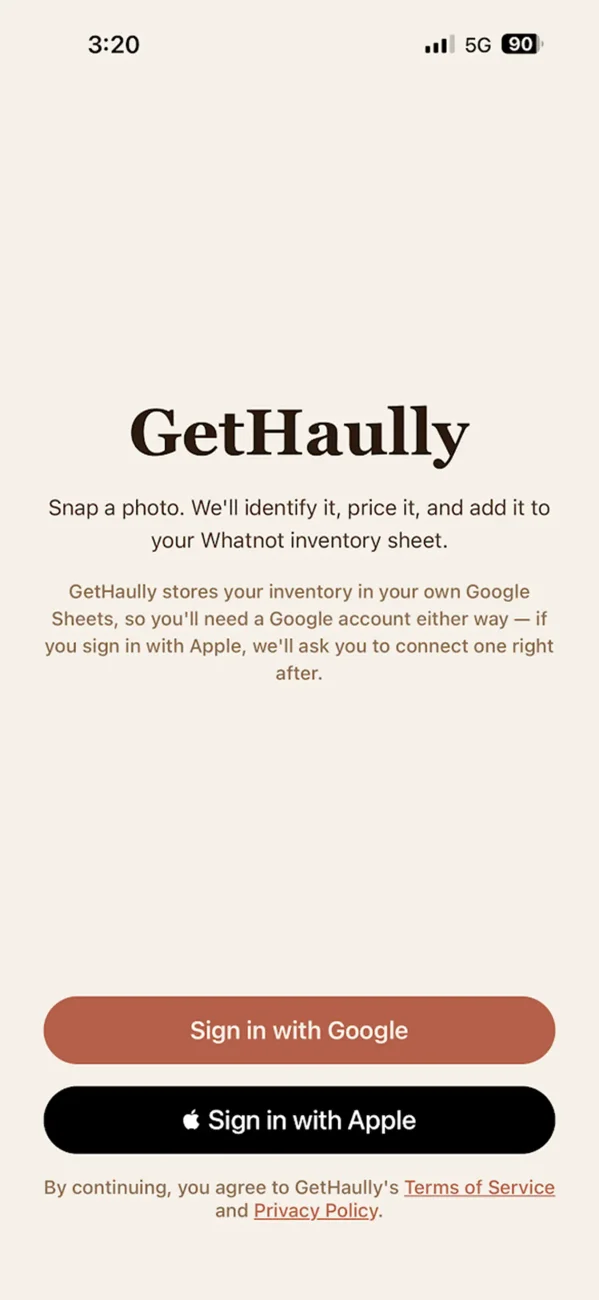
Whatnot resellers spend hours every week doing the same thing: photographing items, figuring out what they are, researching what they're worth, and typing it all into a spreadsheet. Haully does that part for you.
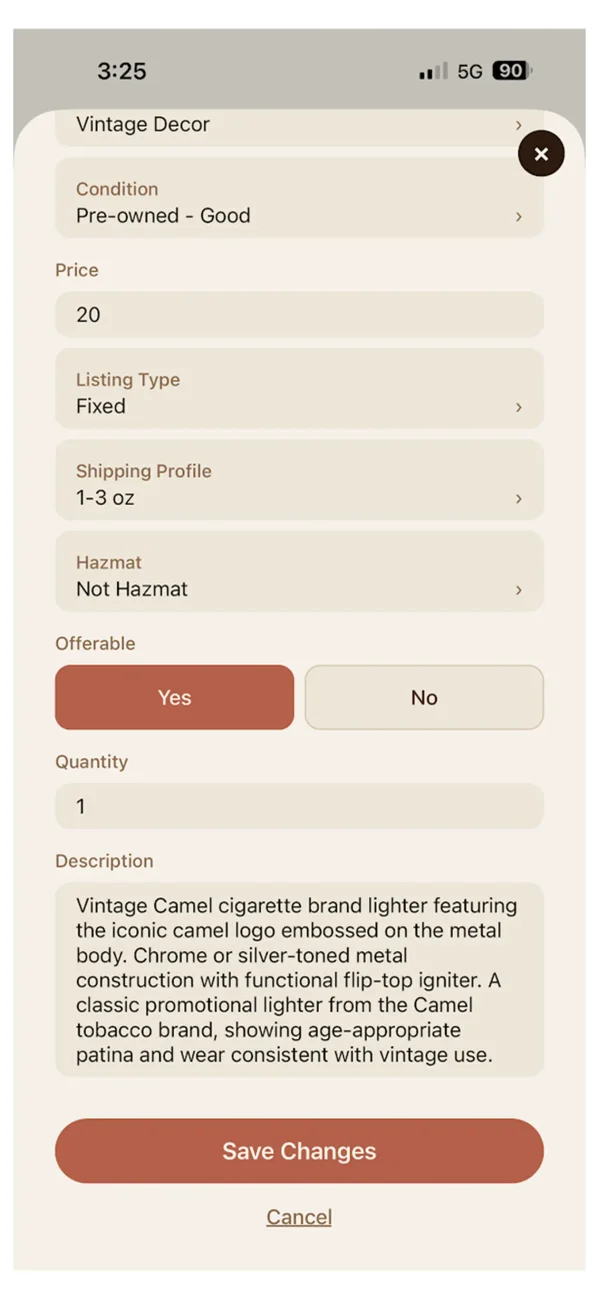
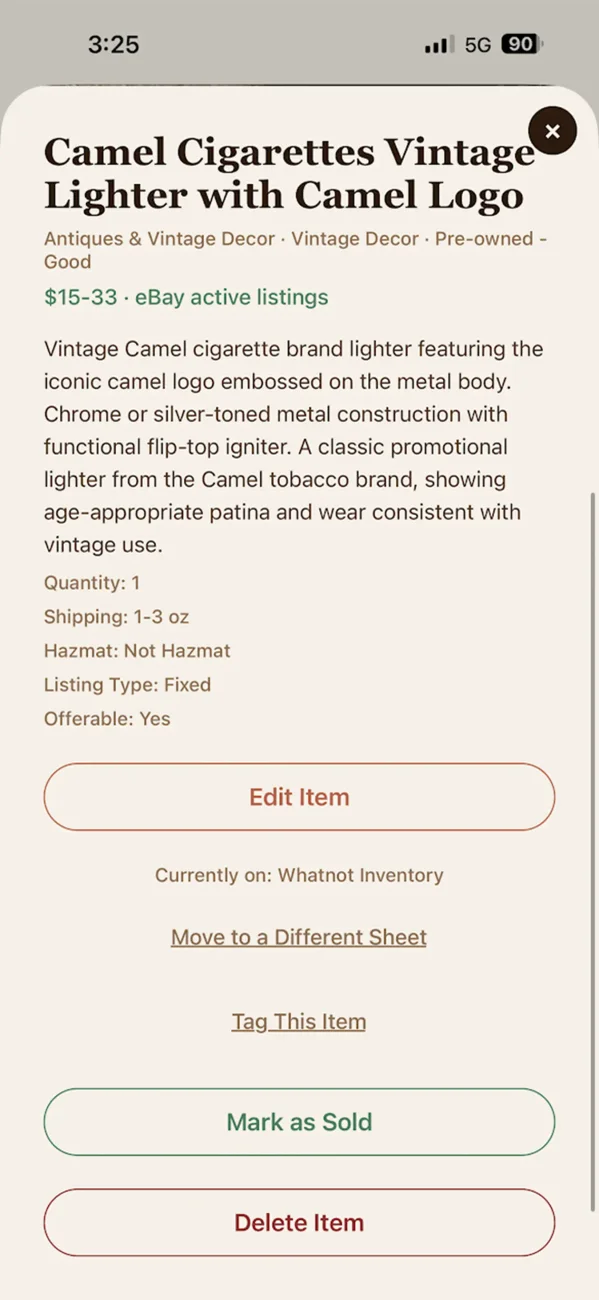
Take a few photos of an item (front, back, any tags or markings) and Haully identifies it, researches a fair resale price, and adds a fully formatted row to your own Google Sheet, ready to import straight into your Whatnot listings.
WHAT HAULLY DOES
• Identifies your item from photos, including brand, pattern, category, and condition
• Researches current resale pricing so you're not guessing
• Writes a complete, import-ready row to your own Google Sheet automatically
• Sorts everything by category, condition, and shipping profile
• Lets you review and fix any detail before it's final
BUILT FOR RESELLERS, NOT DEVELOPERS
No jargon, no complicated setup. Sign in with Google, take a photo, and you're listing.
YOUR PHOTOS STAY YOURS
Haully never stores your photos. They're uploaded directly to your own Google Drive using your own Google account. Haully only sees them briefly to identify the item, then they're gone from our systems for good.
Whether you're clearing out a storage unit, restocking your booth, or working through a pile of vintage finds, Haully turns photographing inventory from a chore into a couple of taps.
Haully is an independent app and is not affiliated with, endorsed by, or sponsored by Whatnot.
Terms of Use: https://gethaully.app/terms
Privacy Policy: https://gethaully.app/privacy
What’s new
Version 1.7.4 · Oct 28, 2026
Track what you paid, and see what you actually made.
GetHaully now creates a second sheet for you called Inventory & P&L.
It sits alongside your Whatnot upload sheet and never gets uploaded,
so it stays yours. When you photograph an item you can type in what
you paid for it. Later, when you mark that item sold, the app asks
what it sold for and fills in your profit and margin for you.
Also in this version:
- Marking an item sold now records the sale price in your
Inventory & P&L sheet
- You can close the keyboard on the camera screen. Tap Done, or tap
the camera view, and it goes away
- The keyboard now closes when you scroll on the other screens too
- My Items loads much faster, and tells you it's refreshing instead
of looking frozen
- Fixed tags not saving on some items in your list
- Collector pins come back far more accurate. Edition size, series,
and the markings on the back now make it into the title, and
prices no longer get dragged down by bulk pin lots
App privacy
What Adam Schmitt declares on the App Store about how this app handles data.
-
Data linked to you
May be collected and linked to your identity.
- Purchases
- Contact info
- User content
- Identifiers
- Usage data
Privacy practices may vary, for example with the features you use or your age.
Information
- Seller
- Adam Schmitt
- Category
- Business
- Version
- 1.7.4
- Updated
- Oct 28, 2026
- Released
- Aug 29, 2026
- Size
- 51.6 MB
- Requires
- iOS 16.4 or later
- Age rating
- 4+
- Price
- Free
- In-app purchases
- Yes
- Languages
- English
- Copyright
- © Adam Schmitt
You might also like
-
 CaptureMyItemsInventory Tracker & Organizer
-
 LivePro - Live ShoppingLive Shopping Business Manager
-
 FlipSight IQ - Item Resale AppAI Resale Scanner
-
 FinwelloFinance
-
 Backstage Live for WhatnotSeller tools & label printer
-
 superlist voiceDon't forget anything again!
-
 Flip Press: Reseller ToolkitPhoto Listings & Crosslisting
-
 Kirkland Premier Car WashBusiness
-
 FLUF ConnectCrosslist to 150+ Marketplaces
-
 Vendoo GoSnap. List. Sell. Vendoo it!