
Ghost Detector Prank App
Radar, spirit box, EMF fun
Designed for iPhone, iPad
Free · In-app purchases
- Age rating12+
- CategoryProductivity
- DeveloperSandeep Bhandari
- LanguagesEnglish
- Size7.7 MB
Links to the official App Store page
Download.org hosts no file of Ghost Detector Prank App. The button opens its official App Store page, published by Sandeep Bhandari. Listing last checked on Nov 17, 2026.
Screenshots




About
Want spooky ghost-hunting fun without clunky menus or flat fake scans? Get quick radar sweeps, creepy spirit box replies, and prank-ready session logs in one place.
Ghost Detector Prank App helps curious users and pranksters run playful ghost detector sessions on iPhone.
THE DIFFERENCE
Built for quick laughs and spooky setups, this ghost detector keeps your session moving with Radar, Thumb Scanner, EMF, Spirit Box, and the new Ghost Compass in one app. Your session log is created automatically as you scan, so you can look back at blips, replies, and notes without trying to remember what happened.
It stands out by giving you more ways to play with the same session. Start with a radar sweep, switch to the spirit box to ask a question, then use Ghost Compass to point toward the strongest recent signal. Pick a Haunted Place from the library when you want a creepier setup for a sleepover, a late-night prank, a road trip dare, or a party challenge.
WHAT'S INSIDE
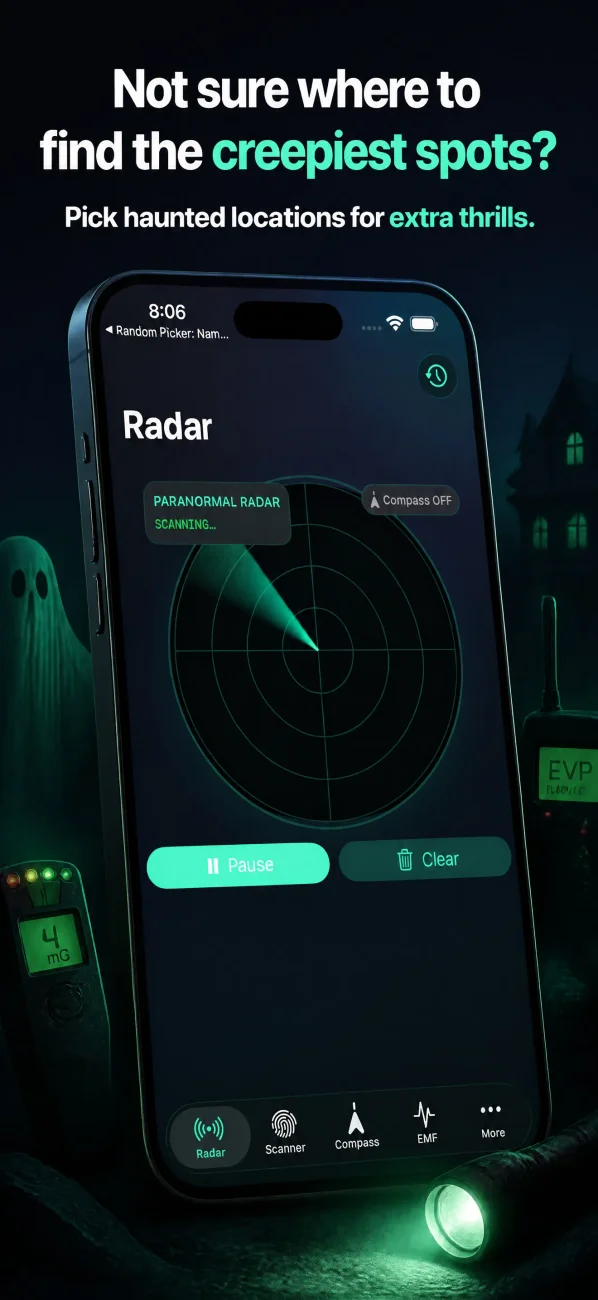
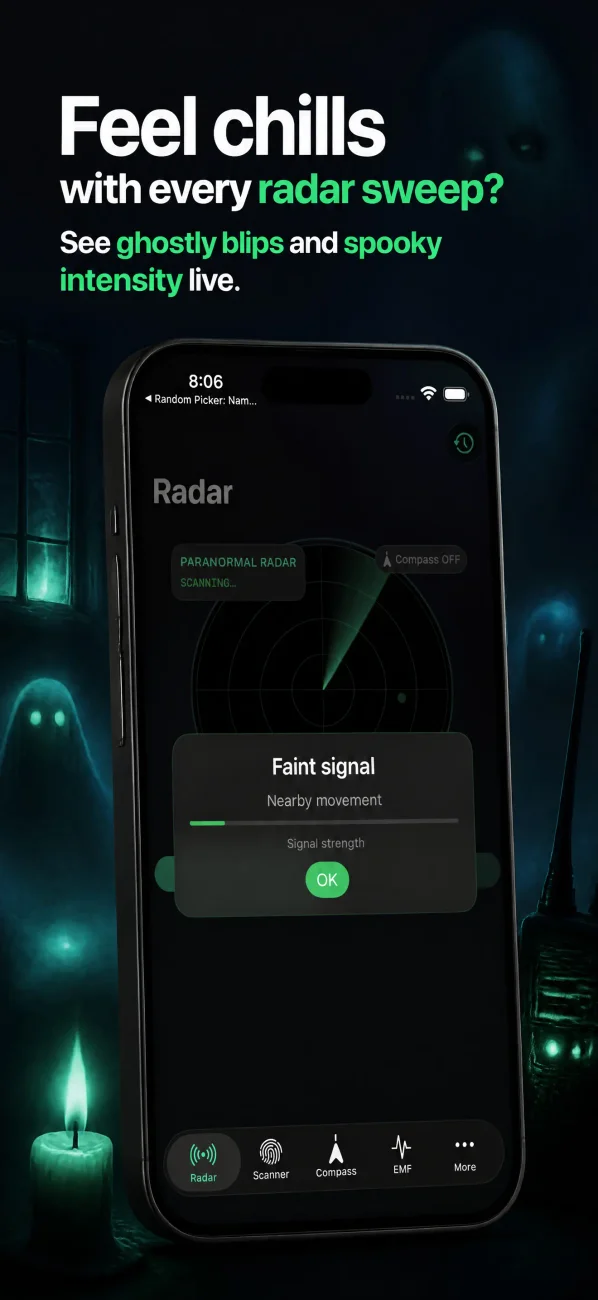
- Radar Scan: watch an animated radar sweep with spooky blips, severity levels, a streak banner, and a Haunted Place pill during active boosts.
- Thumb Scanner: hold your finger on the scanner, feel the response, and get a randomized result reveal for an easy prank moment.
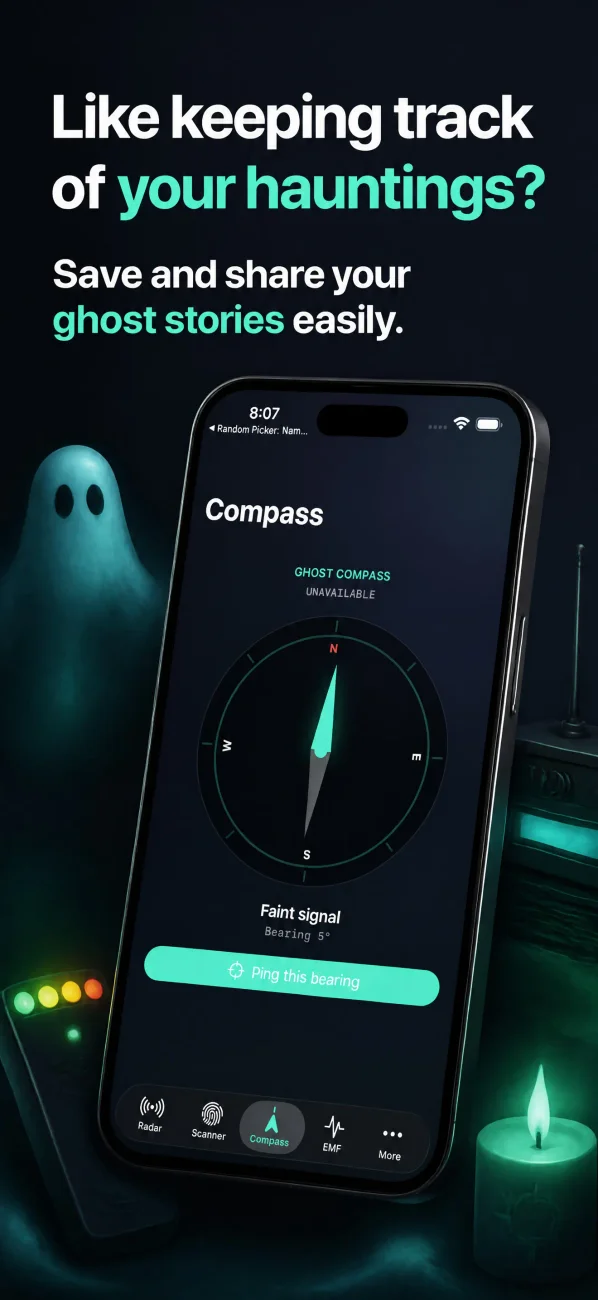
- Ghost Compass: follow a moving needle toward the strongest recent radar or EMF signal, or tap Ping this bearing to log the direction.
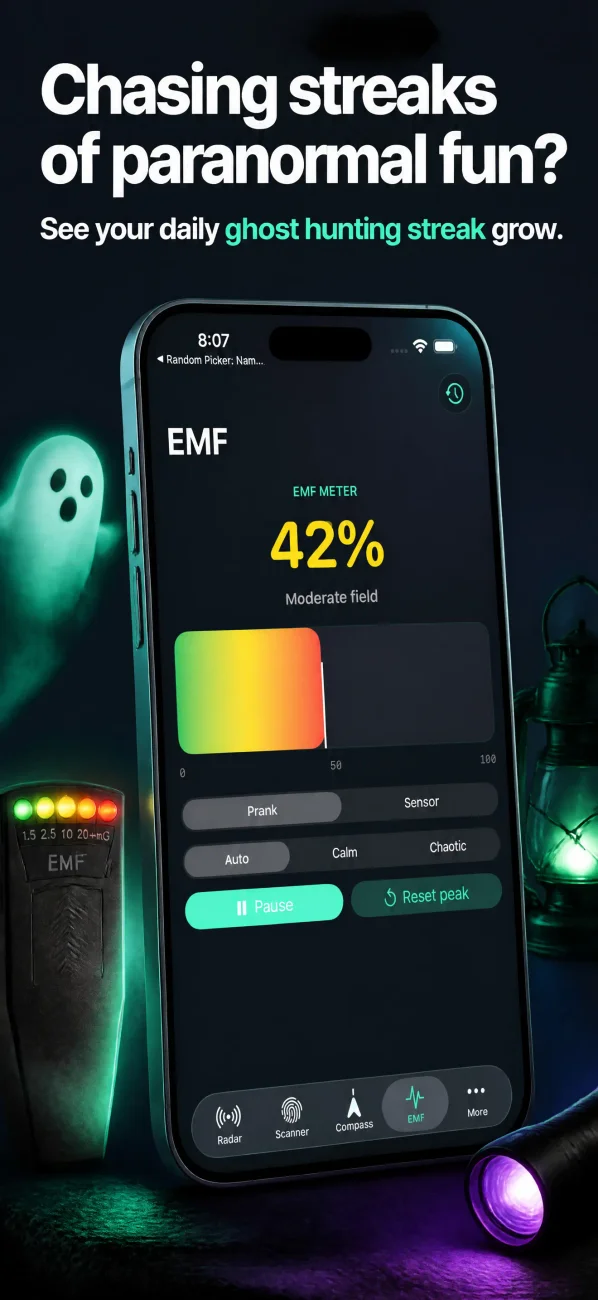
- EMF Meter: use free prank modes like Auto, Calm, and Chaotic with spike simulation and peak hold for classic ghost meter fun.
- Spirit Box: get short EVP-style replies, use Ask a question for yes or no, where, who, when, and why prompts, and keep the transcript across tab switches.
- Session Log: save events from your ghost radar, spirit box, EMF meter, and compass session automatically, then add your own notes.
- Sharing: send your session as text or share a tall story card image that is ready for friends and group chats.
- Settings: adjust scan intensity, spooky wording, haptics, sound, and compass-anchored radar behavior to match your style.
- Daily Ghost Streak: keep a running streak for days when you complete at least one scan and view your activity later.
GREAT FOR
Use Radar Scan and Haunted Place when you want to set the mood before telling a scary story. Try Thumb Scanner when you need a fast ghost prank with a clear reveal. Open Spirit Box with Ask a question during a sleepover when everyone wants a spooky answer right away. Check Ghost Compass after a strong radar or EMF moment to keep the prank going in the same direction. Save notes in the session log when something funny or creepy happens and share the story card after the session ends.
PAID FEATURES
Go Pro for Sensor EMF mode with calibration, an EVP recorder with playback and sharing, mic-driven Spirit Box activity, extra language packs, session replay, custom evidence labels, richer session exports, and an ad-free experience. Microphone access is optional and only needed for voice-based features.
Start a ghost detector session, scan for spooky signals, and share the fun.
Terms of Use (EULA) - http://www.apple.com/legal/itunes/appstore/dev/stdeula
What’s new
Version 1.2 · Jul 10, 2026
Bug fixes and enhancements
App privacy
What Sandeep Bhandari declares on the App Store about how this app handles data.
-
Data used to track you
May be used to track you across apps and websites owned by other companies.
- Identifiers
- Usage data
-
Data linked to you
May be collected and linked to your identity.
- Identifiers
- Usage data
-
Data not linked to you
May be collected but is not linked to your identity.
- Diagnostics
Privacy practices may vary, for example with the features you use or your age.
Information
- Seller
- Sandeep Bhandari
- Category
- Productivity
- Version
- 1.2
- Updated
- Jul 10, 2026
- Released
- Nov 22, 2016
- Size
- 7.7 MB
- Requires
- iOS 26.0 or later
- Age rating
- 12+
- Price
- Free
- In-app purchases
- Yes
- Languages
- English
- Copyright
- © Indrani Solutions
You might also like
-
 Spirit Level PlusPrecise carpenter level
-
 My Super Secret Diary NotesLock the Private Dream Journal
-
 Like WidgetDIY wiget, custom your phone
-
 Diamond Diary Notes With LockSecret Journal with Password
-
 Stumble Wallpapers Art Guys !Productivity
-
 MCPE ADDONS FOR MINECRAFT PE .ADD-ONS,MAPS,SKINS AND MODS
-
 DB-Decibel sound level meterNoise Frequency Analyzer
-
 RoQoLFor your Roblox experience
-
 Furniture mod for Minecraft PEFurniture, decoration for MCPE
-
 Voice Recorder: Sound RecorderRecord Voice, Edit & Share