Gilgen Connect Mobile
Open and Close in one App
Designed for iPhone, iPad, iPod touch
- Age rating4+
- CategoryUtilities
- DeveloperGilgen Door Systems
- Size39.3 MB
Links to the official App Store page
Download.org hosts no file of Gilgen Connect Mobile. The button opens its official App Store page, published by Gilgen Door Systems. Listing last checked on Nov 12, 2026.
Screenshots
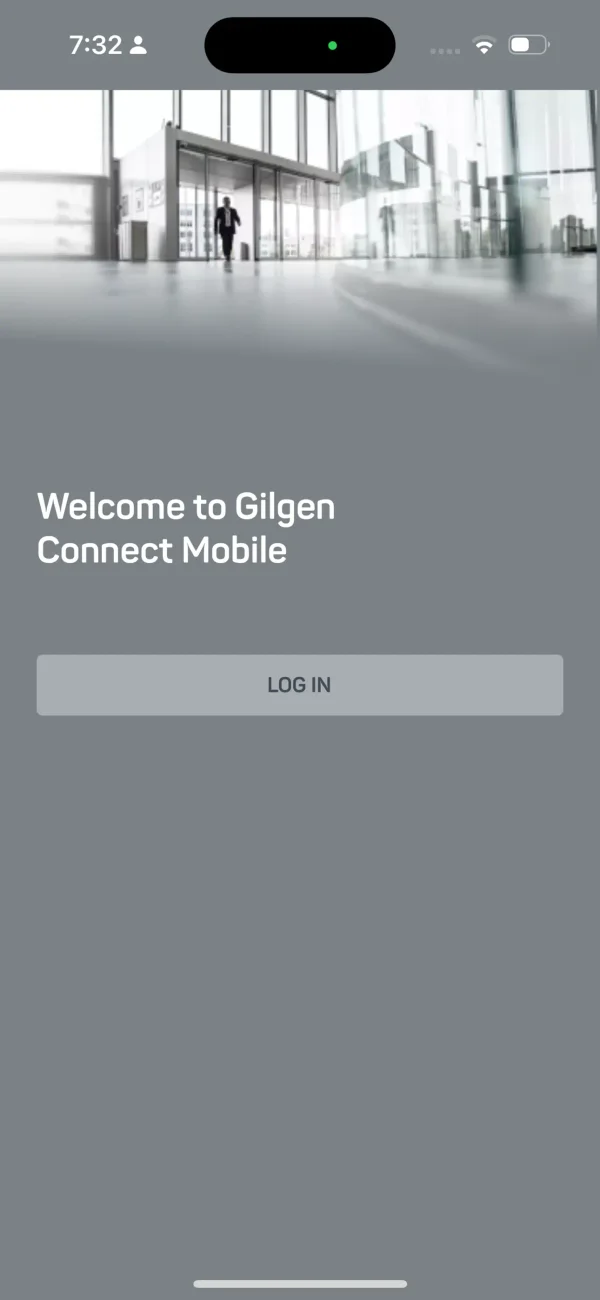
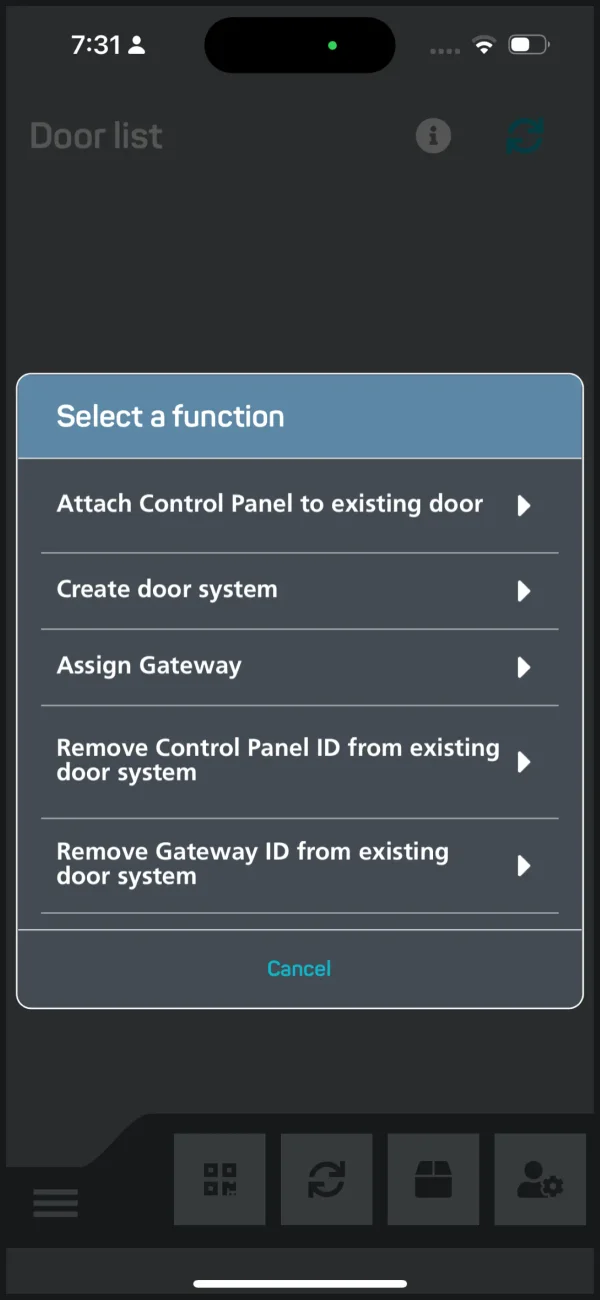
About
In standard mode, you can directly use the following functions:
- Opening mode (choose between full width, half width)
- Lock exit/entrance (the door remains closed even if the proximity sensor is active)
- Open (the door remains open)
- Exit (the door opens only for exiting)
- Automatic (the doors open automatically on both sides when near the sensor)
- Manual (the door opens only by instruction via the control panel)
- Night (the door is locked on both sides)"
What’s new
Version 1.0.14 · Oct 26, 2026
Fixed Search Door via ERP ID
App privacy
What Gilgen Door Systems declares on the App Store about how this app handles data.
-
Data linked to you
May be collected and linked to your identity.
- Identifiers
- Usage data
- Diagnostics
-
Data not linked to you
May be collected but is not linked to your identity.
- User content
- Usage data
- Diagnostics
Privacy practices may vary, for example with the features you use or your age.
Information
- Seller
- Gilgen Door Systems AG
- Category
- Utilities
- Version
- 1.0.14
- Updated
- Oct 26, 2026
- Released
- Dec 20, 2024
- Size
- 39.3 MB
- Requires
- iOS 15.0 or later
- Age rating
- 4+
- Copyright
- © 2024 Gilgen Door Systems AG