Glide: Automation Control
Shape sound with every move
Designed for iPhone, iPad
Free
- Age rating4+
- CategoryMusic
- DeveloperAakash Rajan
- LanguagesEnglish
- Size2.1 MB
Links to the official App Store page
Download.org hosts no file of Glide: Automation Control. The button opens its official App Store page, published by Aakash Rajan. Listing last checked on Nov 20, 2026.
Screenshots

About
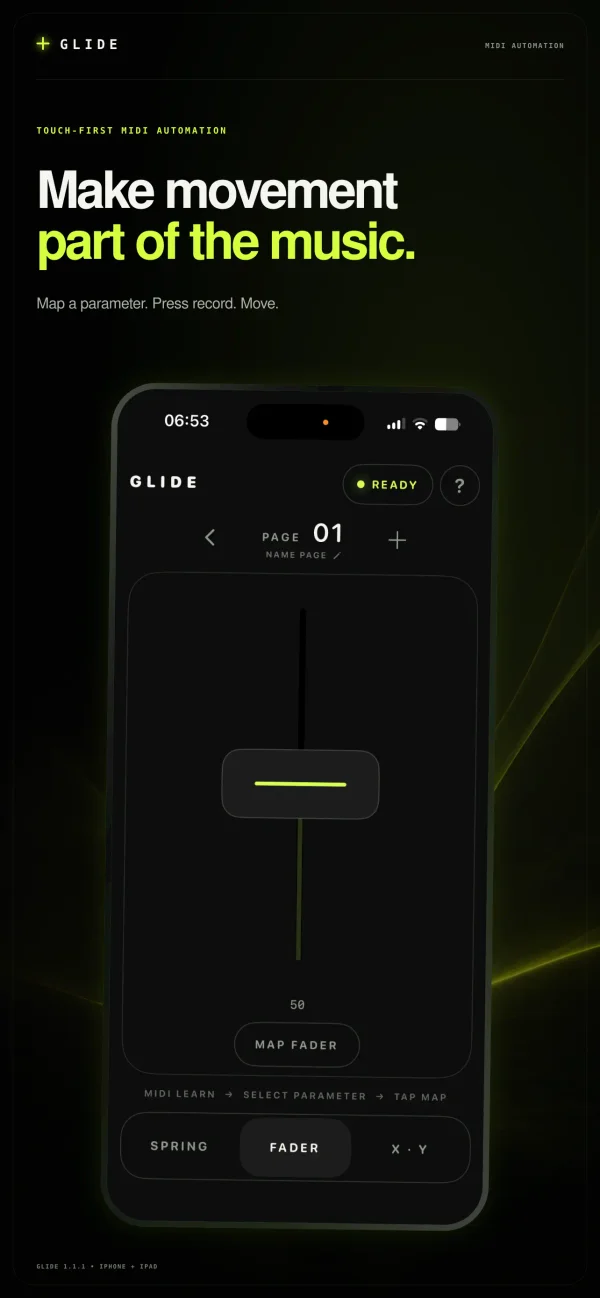
Glide turns your iPhone or iPad into a tactile MIDI automation controller for your DAW.
Map a parameter. Press record. Move. Instead of drawing every automation curve later, perform it while the music plays.
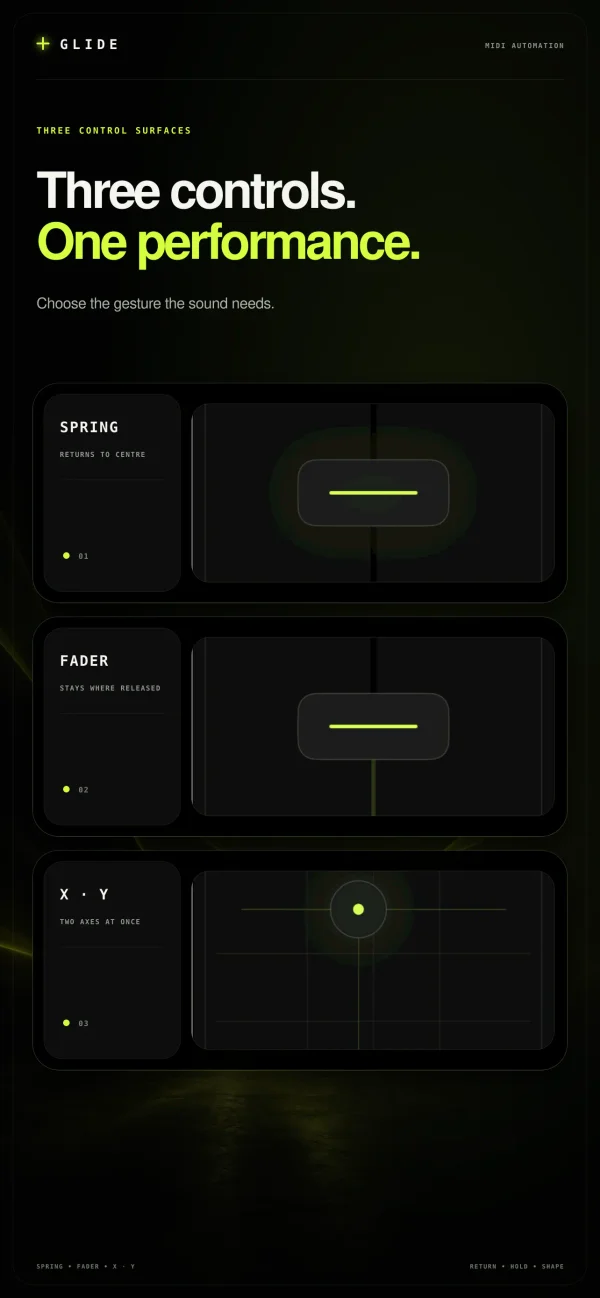
THREE WAYS TO MOVE
SPRING
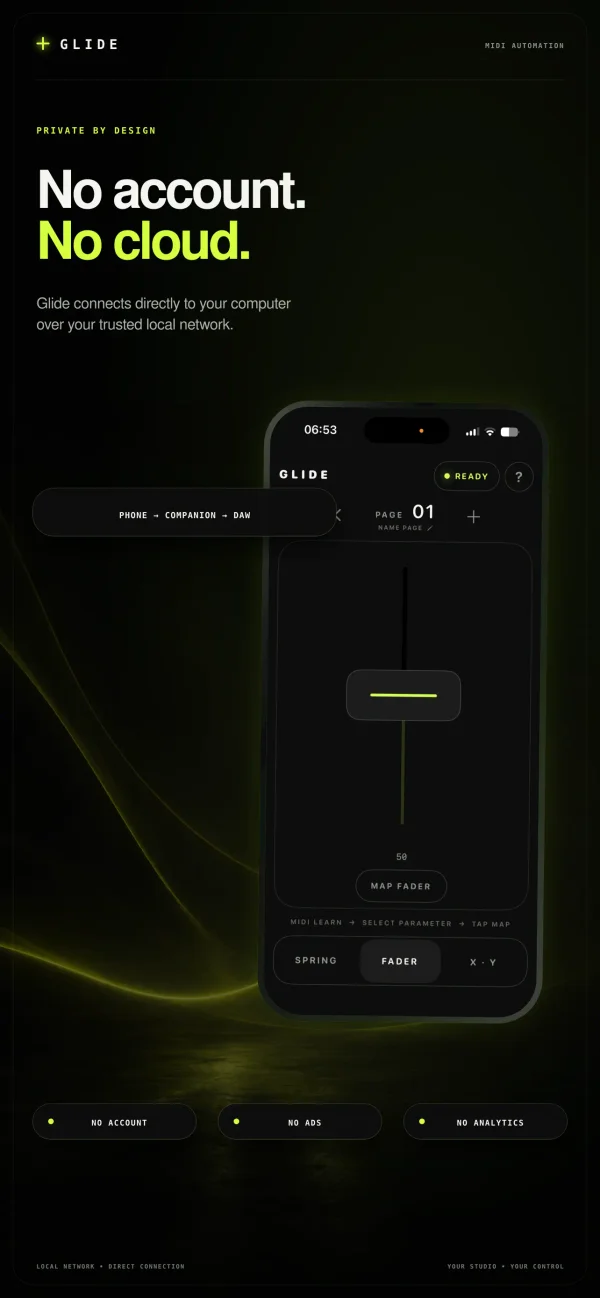
Push above or below centre, then let go. It returns smoothly on release. Great for expressive swells, pitch-style movement and momentary effects.
FADER
Ride a value with one finger and leave it exactly where you release it. Ideal for dynamics, modulation, volume, wet/dry levels and long automation passes.
X · Y
Shape two parameters together with one fluid gesture. Perform curves, circles and movements that are difficult to draw with a mouse.
BUILT FOR REAL SESSIONS
• 48 pages
• Four independent assignments on every page: Spring, Fader, X and Y
• Name pages and keep those names saved on your device
• Double-tap Fader or X · Y to return to centre
• Demo Mode lets you try every control before pairing
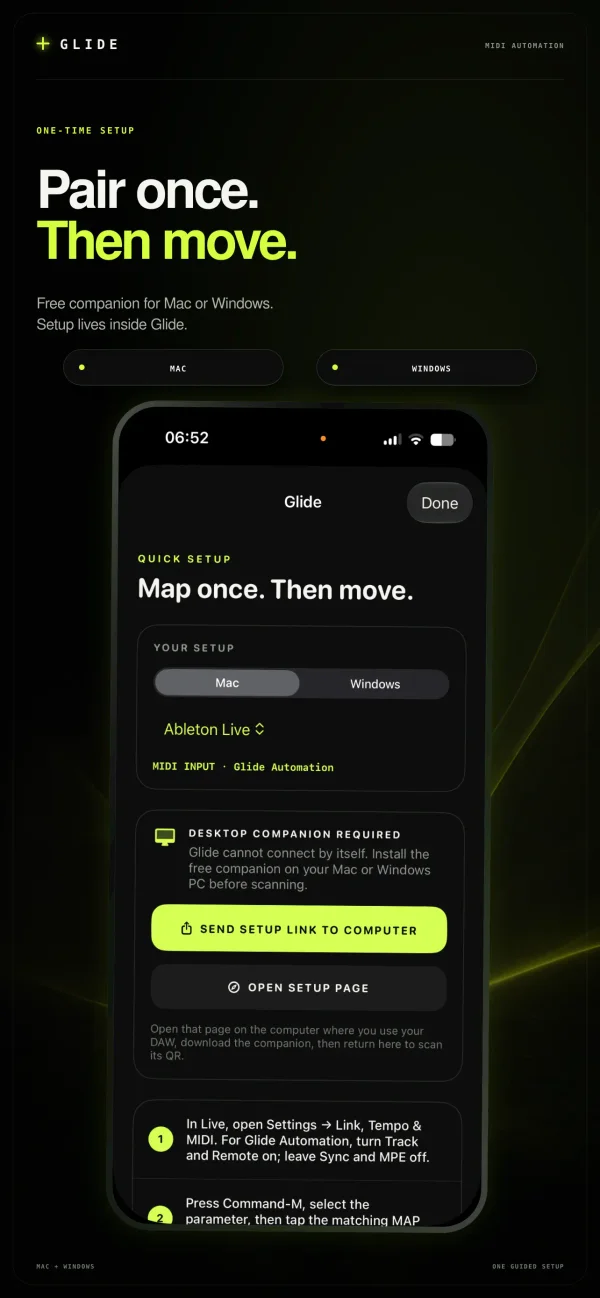
PAIR ONCE
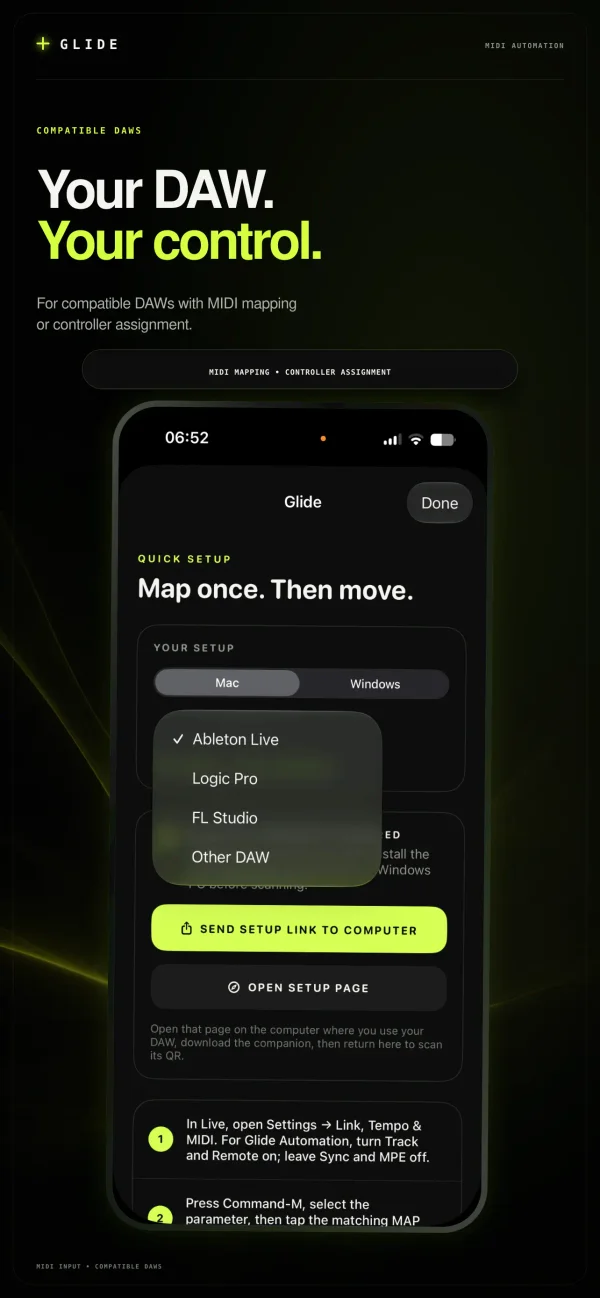
Install the free Glide companion on Mac or Windows. Keep your iPhone or iPad and computer on the same trusted local network, then pair using a one-time QR code.
Connect Glide to any compatible DAW that supports MIDI input, MIDI mapping or controller assignment. Map a parameter, press record and perform.
PRIVATE BY DESIGN
No account. No ads. No analytics. No cloud processing. Glide communicates directly with your computer over your local network.
REQUIRES
• Free Glide desktop companion for Mac or Windows
• Supported Mac or Windows PC
• Compatible MIDI-mappable DAW
• iPhone or iPad running iOS/iPadOS 17 or later
• Both devices connected to the same local network
Glide is a MIDI controller and does not generate audio.
What’s new
Version 1.1.1 · Aug 2, 2026
Glide 1.1.1 makes getting started much smoother.
• Guided companion setup for Mac and Windows
• Open the setup page or send the download link directly to your computer
• New Demo Mode to explore Glide before connecting
• Name pages for faster navigation
• Clearer DAW setup guidance
• New app icon
• Improved onboarding and Help
App privacy
What Aakash Rajan declares on the App Store about how this app handles data.
-
Data not collected
The developer does not collect any data from this app.
Privacy practices may vary, for example with the features you use or your age.
Information
- Seller
- Aakash Rajan
- Category
- Music
- Version
- 1.1.1
- Updated
- Aug 2, 2026
- Released
- Jul 24, 2026
- Size
- 2.1 MB
- Requires
- iOS 17.0 or later
- Age rating
- 4+
- Price
- Free
- Languages
- English
- Copyright
- © 2026 Aakash Rajan
You might also like
-
 Maxy MIDI: Wireless ControllerKeyboard, Pads, Mixer & Remote
-
 Pitch AlarmSing the Pitch. Kill the Alarm
-
 Swing ClickThe Microtime Metronome
-
 AuxfeedDAW playback. Phone speakers.
-
 MIDIWeb BrowserPlay with WebMIDI in style.
-
 ListenHubFor better listening habits
-
 TunerThe only app for your watch
-
 Music Maker & Notes: AnySingVoice to MIDI File Converter
-
 OnCue Audioevent & sports audio player
-
 Hoverophone: Theremin SynthHand-Played Drone Pad