
GLview Pro
GPU Caps Viewer
Designed for iPhone, iPad, Mac, iPod touch
Free · In-app purchases
- Age rating4+
- CategoryDeveloper Tools
- DeveloperStephane Denis
- LanguagesEnglish
- Size75.8 MB
Links to the official App Store page
Download.org hosts no file of GLview Pro. The button opens its official App Store page, published by Stephane Denis. Listing last checked on Nov 18, 2026.
Screenshots
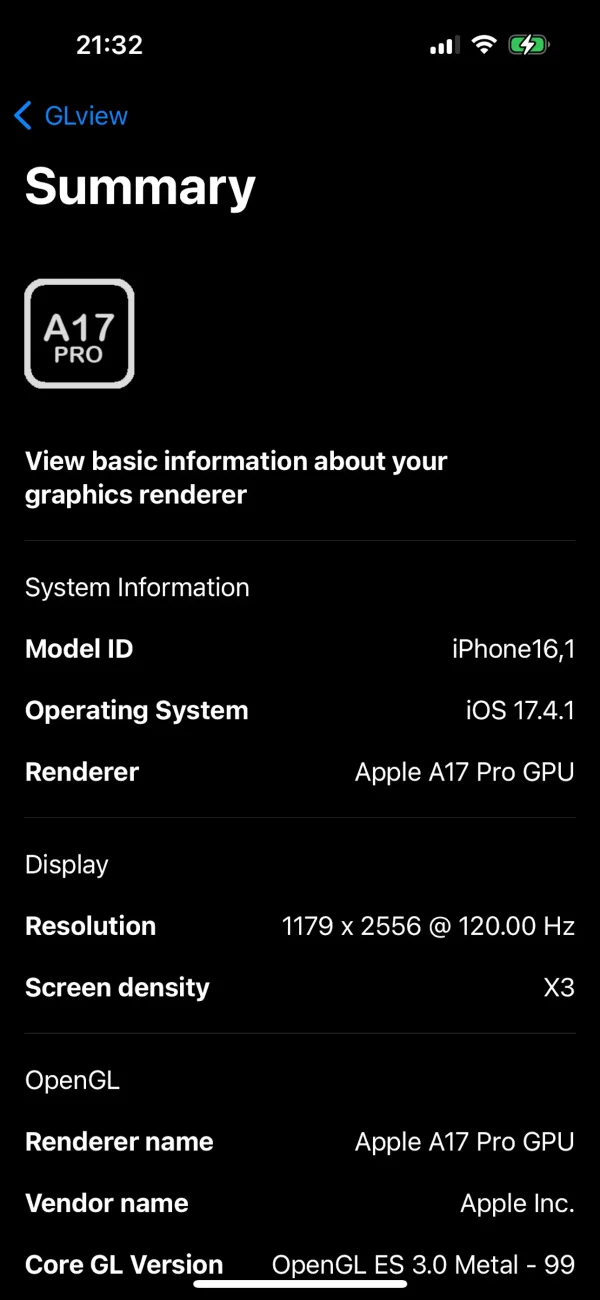
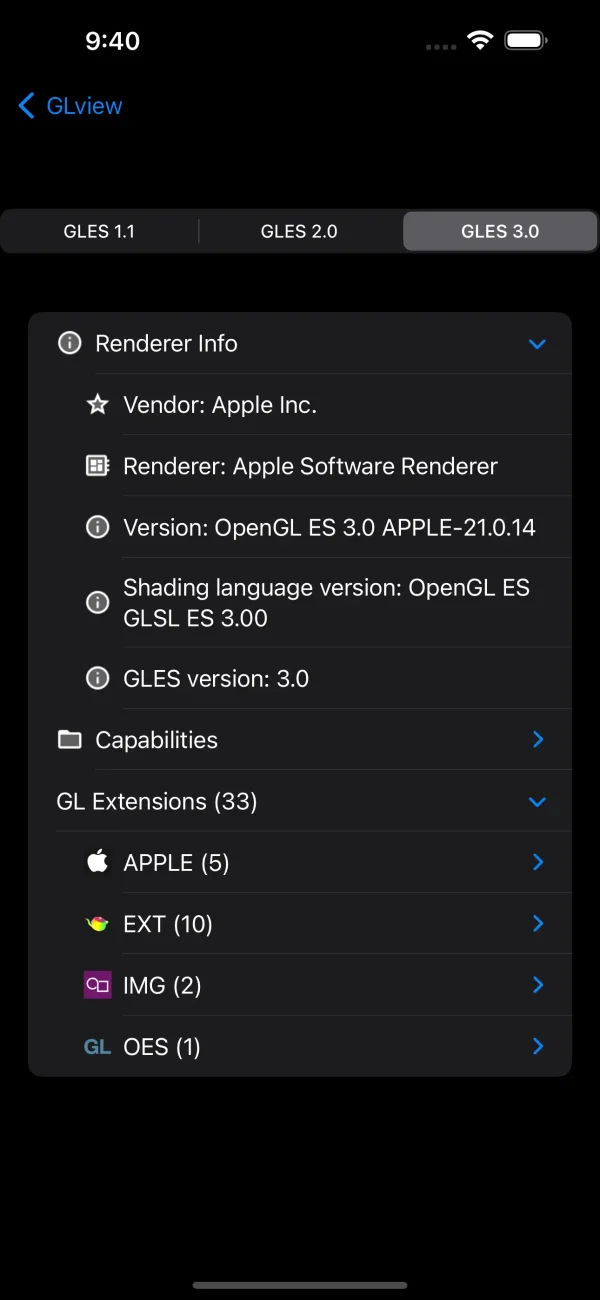
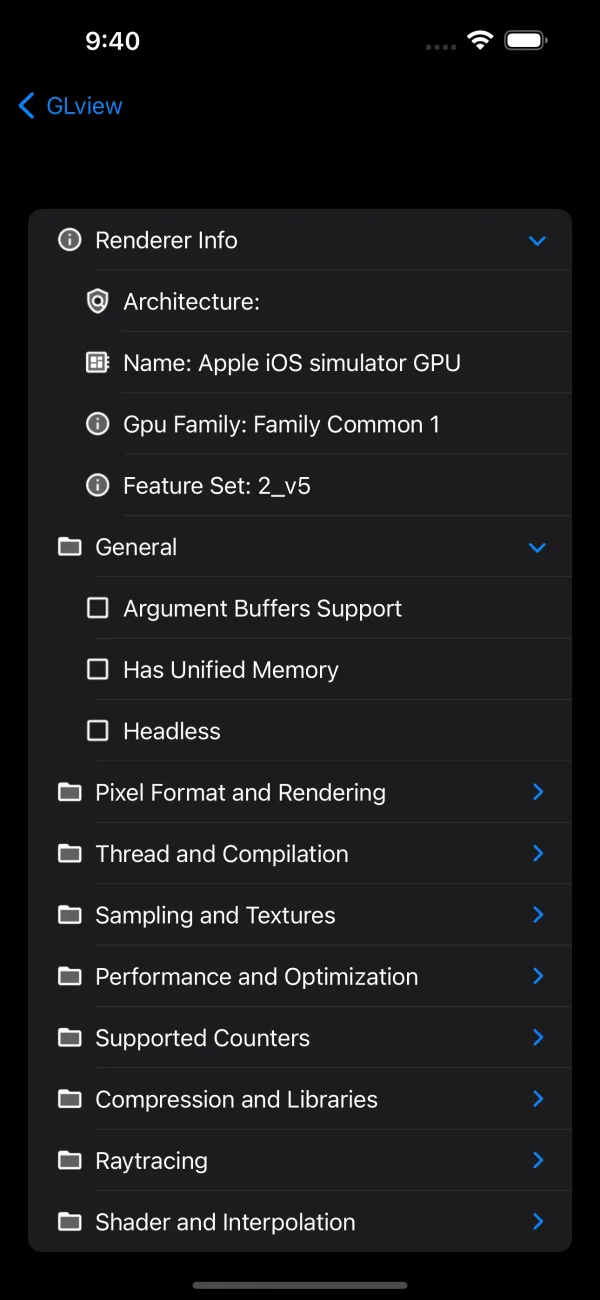
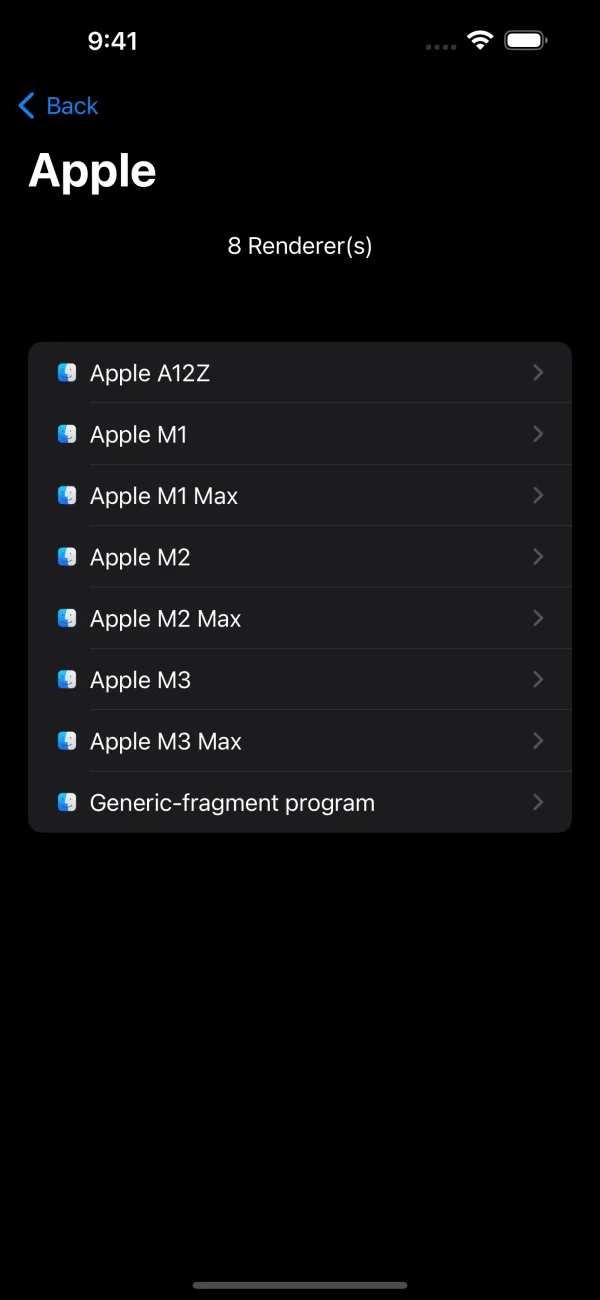
About
Explore the graphics capabilities of your iPhone, iPad, and Mac with GLview Pro, the latest evolution of OpenGL Extensions Viewer, developed since 2005.
Built with SwiftUI as a universal app, GLview Pro provides detailed information about your device, graphics APIs, and display capabilities in a clear, responsive interface. Includes support for iOS 27.
KEY FEATURES
Device and Display Information
View device and operating-system details, memory usage, display modes, refresh rates, and HDR properties such as minimum, maximum, and full-frame luminance when reported by the display.
OpenGL Capabilities
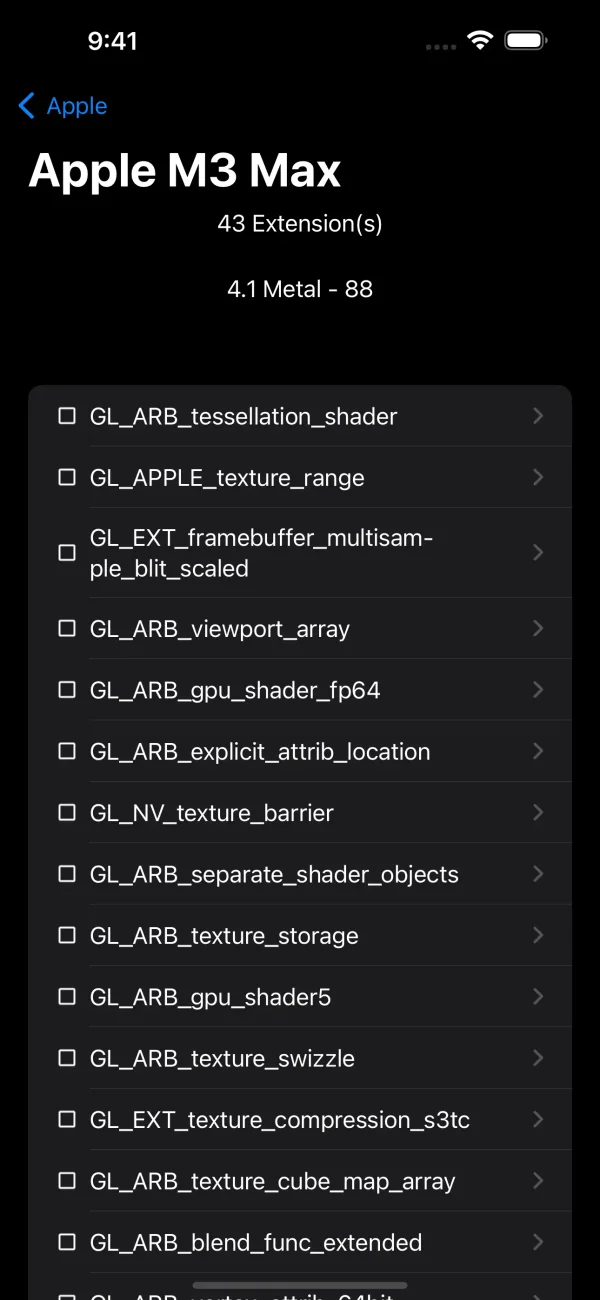
Inspect supported OpenGL contexts, extensions, limits, pixel formats, and implementation details.
Metal Capabilities
Explore Metal device information and supported features, including Metal 3 and Metal 4, GPU families, mesh shaders, sparse textures, and MetalFX scaling capabilities.
Renderer Database
Browse an extensive cross-platform graphics database and learn more about renderers and extensions.
Rendering Tests
Run interactive OpenGL ES and Metal rendering tests to examine graphics performance and implementation behavior. Metal tests include a live performance overlay, with controls for scenes, instancing, and multisampling.
PRO FEATURES
Ad-Free and Tracking-Free
Enjoy a streamlined and private experience without advertising or tracking.
Database Submission
Contribute your device information to the GLview graphics database, built from decades of graphics research across multiple operating systems.
Whether you are a developer, graphics enthusiast, or simply curious about your hardware, GLview Pro gives you a detailed view of your device's graphics capabilities.
What’s new
Version 7.4.10 · Oct 14, 2026
• Added support for iOS 27.
• Added Metal rendering tests with a live performance overlay.
• Expanded Metal and MetalFX capability reporting.
• Added HDR display information.
• Improved rendering test controls, navigation, and database browsing.
• Improved web content loading and storage information.
App privacy
What Stephane Denis declares on the App Store about how this app handles data.
-
Data not collected
The developer does not collect any data from this app.
Privacy practices may vary, for example with the features you use or your age.
Information
- Seller
- Stephane Denis
- Category
- Developer Tools
- Version
- 7.4.10
- Updated
- Oct 14, 2026
- Released
- Mar 7, 2024
- Size
- 75.8 MB
- Requires
- iOS 15.0 or later
- Age rating
- 4+
- Price
- Free
- In-app purchases
- Yes
- Languages
- English
- Copyright
- Copyright © 2000-2026 Realtech VR. All rights reserved.
You might also like
-
 Vulkan Capabilities ViewerReports 3D hardware features
-
 Device Info ToolkitMonitor CPU, RAM, Battery
-
 SNMP Network MonitorSNMP Insights and SSH Console
-
 Device Monitor Z: CPU x RAM OSHW Device Info & System Status
-
 Docker Server AdminDocker, Linux Stats, SSH, SFTP
-
 Swifter for SwiftUIDesign and code ressources
-
 NeoServer SSH Mosh TerminalSFTP Client Docker Monitor Cli
-
 SSH Client - Secure ShellFishTerminal, Files & Finder
-
 ServerCat - SSH Terminal & VPSDeveloper Tools
-
 Device Info ToolHardware and software details