
GMemor - Private Notes Writer
Graph · Backlinks · Private
Designed for iPhone, iPad, Mac
$0.99
- Age rating4+
- CategoryUtilities
- Developer罡 刘
- LanguagesEnglish+ 1 more
- Size52.4 MB
Links to the official App Store page
Download.org hosts no file of GMemor - Private Notes Writer. The button opens its official App Store page, published by 罡 刘. Listing last checked on Nov 23, 2026.
Screenshots


About
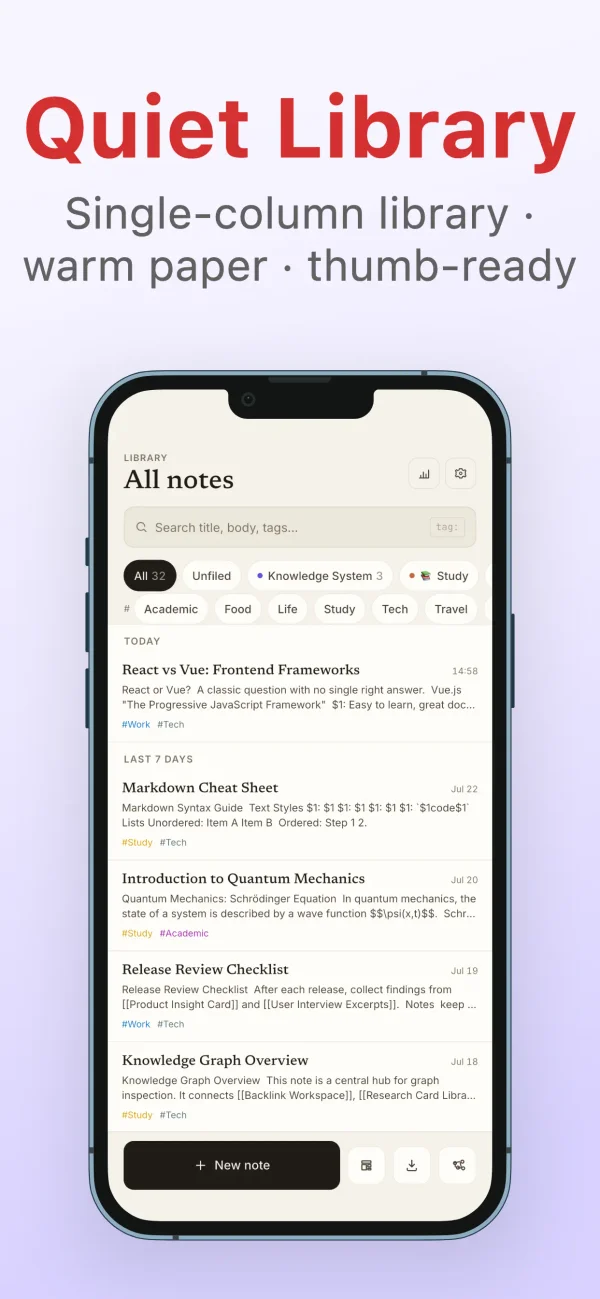
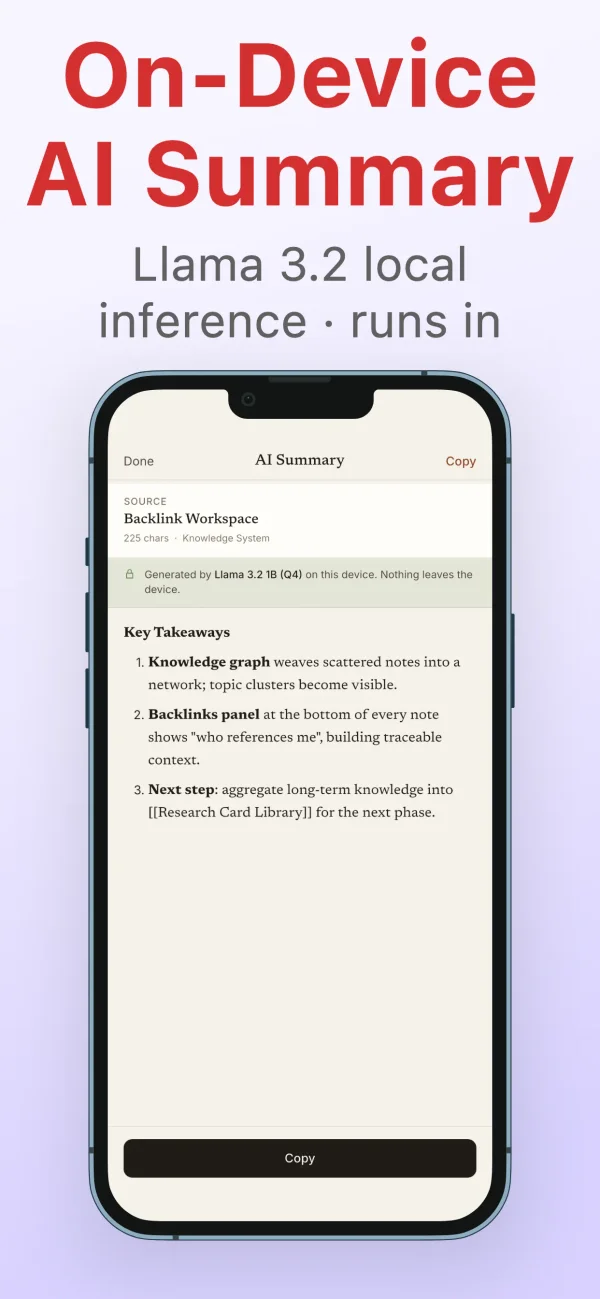
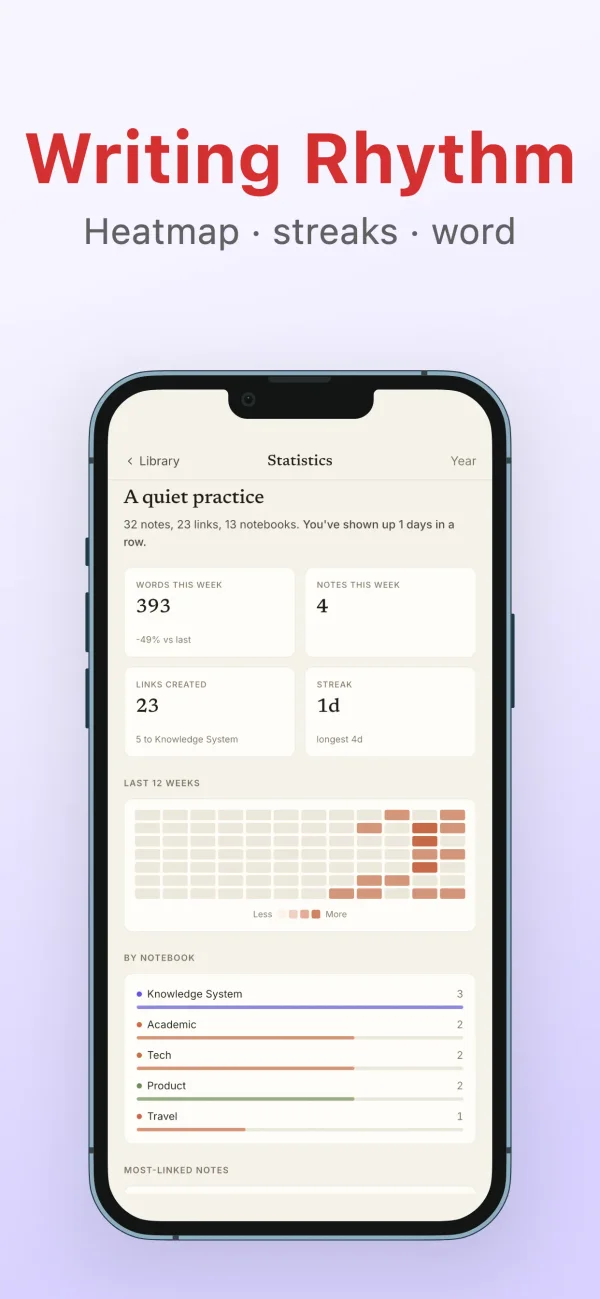
GMemor is a privacy-first knowledge notebook for Markdown writing, bi-directional linking, and knowledge graphs. Native three-platform workspaces use the Quiet Library design language.
The Quiet Library Design
• Warm paper background (#F5F1EA paper / #FFFCF7 surface), terracotta accent, moss green success
• Three-font system: Newsreader serif (titles, body) + Inter sans (UI) + JetBrains Mono (code, shortcuts)
• Focus ring, spacing, motion curves unified across the app
iPhone — Focused Writing
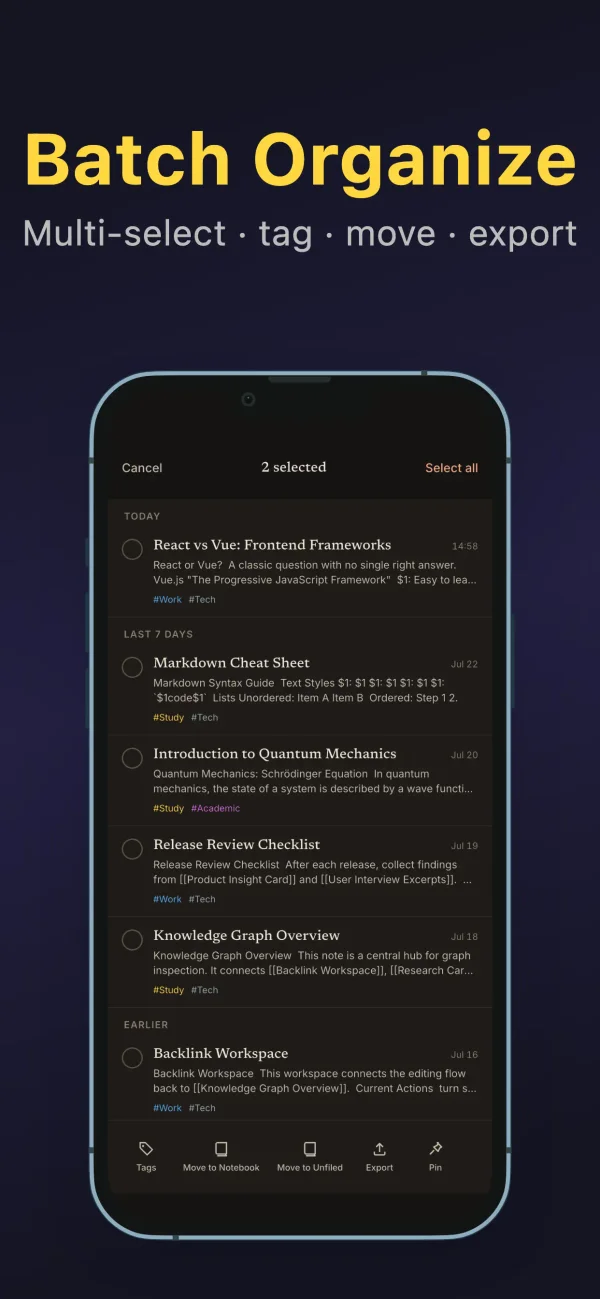
• Library label + notebook filter rail + time-grouped list
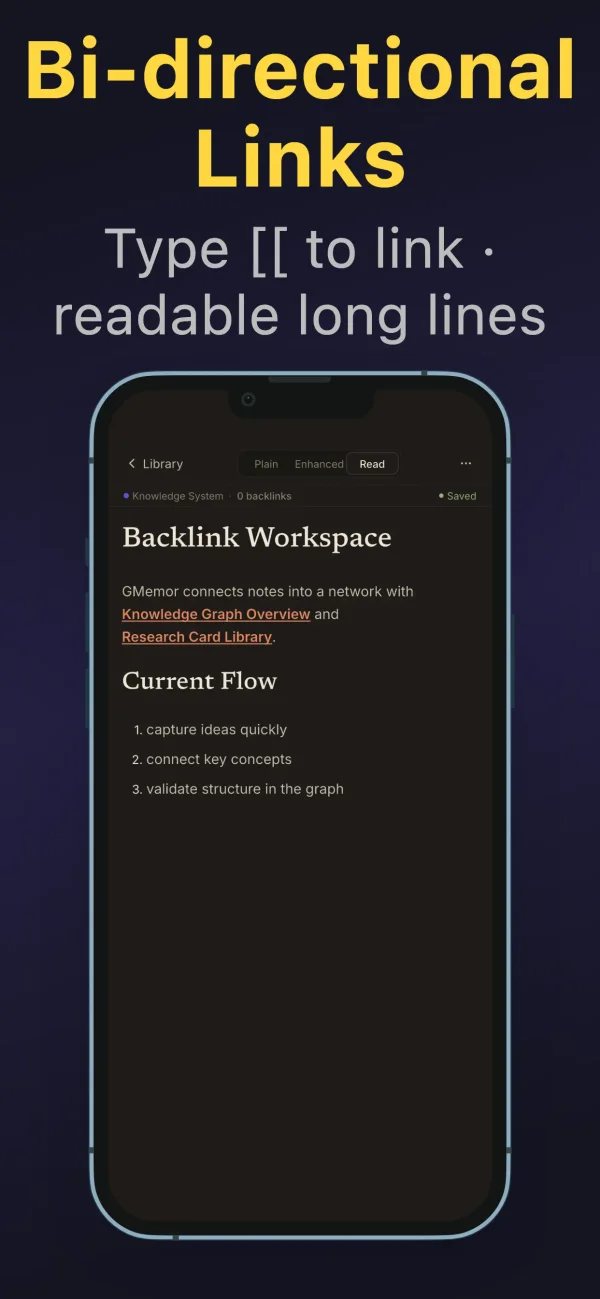
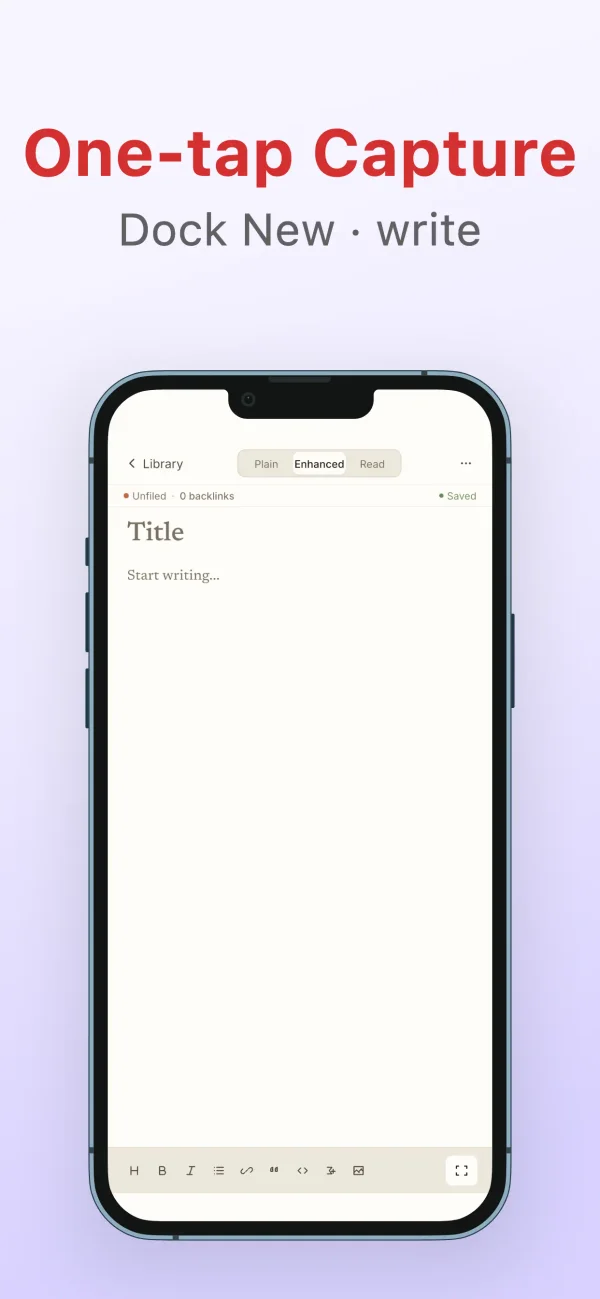
• Editor: Newsreader 30 title + Newsreader 16 line-height 1.65 body, readable long lines
• [[wikilink]] autocomplete + backlinks panel
iPad — Notes Shell
• Top bar + List 360 + Detail (statistics empty state when no note selected)
• Source panel 280 slide-over (Library / Notebooks / Tags) — not a permanent third column
• Graph / Trash / Import / Backlinks / managers open as overlays; narrow Stage Manager falls back to single column
macOS — Desktop Workspace
• Title toolbar + Sidebar + List 290 + Editor (max 760 reading width) + Inspector + Status bar
• ⌘K Command Palette: Notes / Actions / Notebooks live search
• Status bar shows real-time saved / words / chars / cursor
• Quick Note 460×280 floating window + ⌘↵ save and dismiss
Privacy First
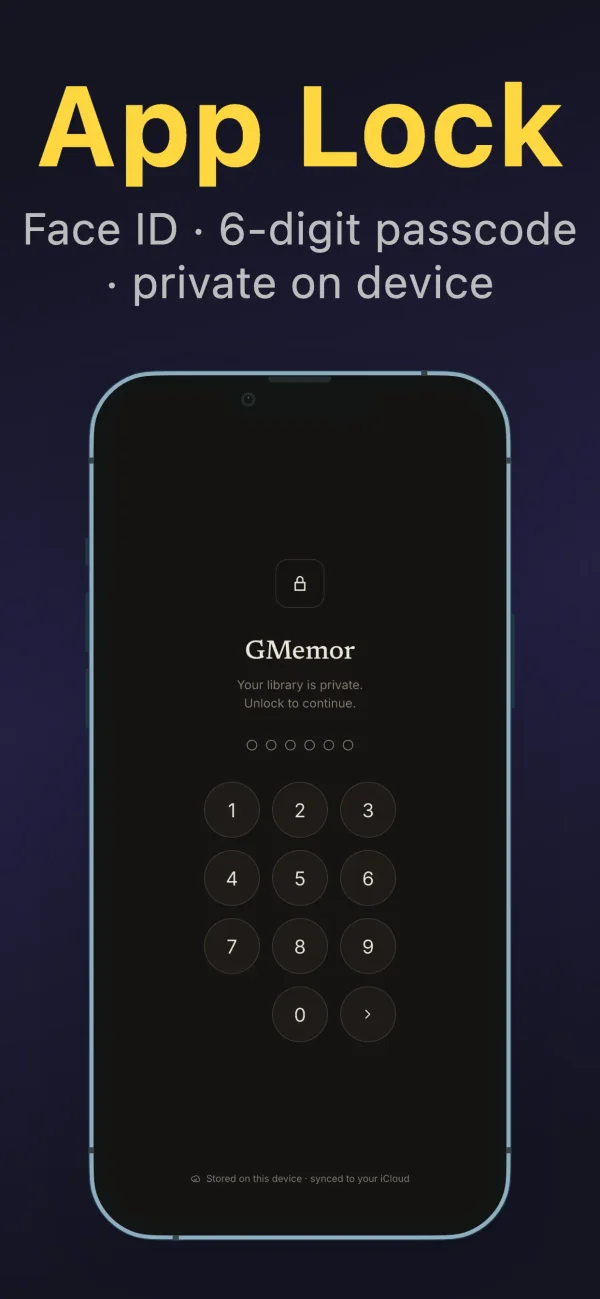
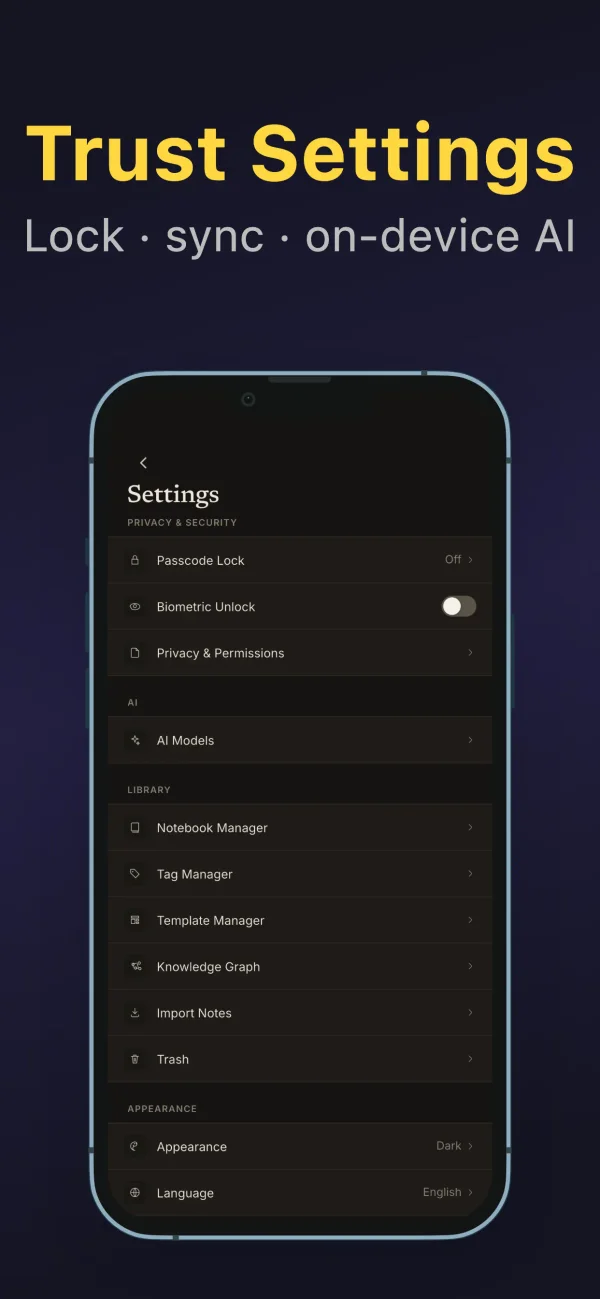
• Face ID / Touch ID + 6-digit passcode lock
• iCloud private container sync — no one outside your account can read
• Notes stay on your devices and in your own iCloud; the developer cannot read them
Multi-Format Import
• PDF / DOCX / HTML / CSV / JSON / Markdown / TXT → Markdown, all on-device
• Progress screen: Newsreader 32 hero count + 4 status counter chips
What’s new
Version 1.0.16 · Nov 22, 2026
You can remove the app lock with the same Apple ID, the lock covers the note you are writing, and the format bar appears only when the keyboard is up.
App privacy
What 罡 刘 declares on the App Store about how this app handles data.
-
Data not collected
The developer does not collect any data from this app.
Privacy practices may vary, for example with the features you use or your age.
Information
- Seller
- 罡 刘
- Category
- Utilities
- Version
- 1.0.16
- Updated
- Nov 22, 2026
- Released
- Jan 11, 2026
- Size
- 52.4 MB
- Requires
- iOS 16.0 or later
- Age rating
- 4+
- Price
- $0.99
- Languages
- English, Simplified Chinese
- Copyright
- © 刘罡
You might also like
-
 Cro NotesNever loose Notes
-
 Save to Dropbox for SafariSave to cloud, no download
-
 UniqDay · 计时 纪念 每一天Utilities
-
 KinshipNetUtilities
-
 Prompt Manager: AI PromptsSave,organize&reuse AI prompts
-
 奇妙搜索 - 聚合全网资源搜索Utilities
-
 Tiny NotesPrivate Notes & Password Vault
-
 just.txt - Plain Text EditorSimple Markdown Notes & Memos
-
 UnFox: Unzip & RAR ExtractorZIP File Opener & Unarchiver