
- Age rating4+
- CategoryUtilities
- DeveloperWei Zhi Qin
- LanguagesEnglish+ 4 more
- Size3.6 MB
Links to the official App Store page
Download.org hosts no file of Go Clock Pro. The button opens its official App Store page, published by Wei Zhi Qin. Listing last checked on Nov 20, 2026.
Screenshots
About
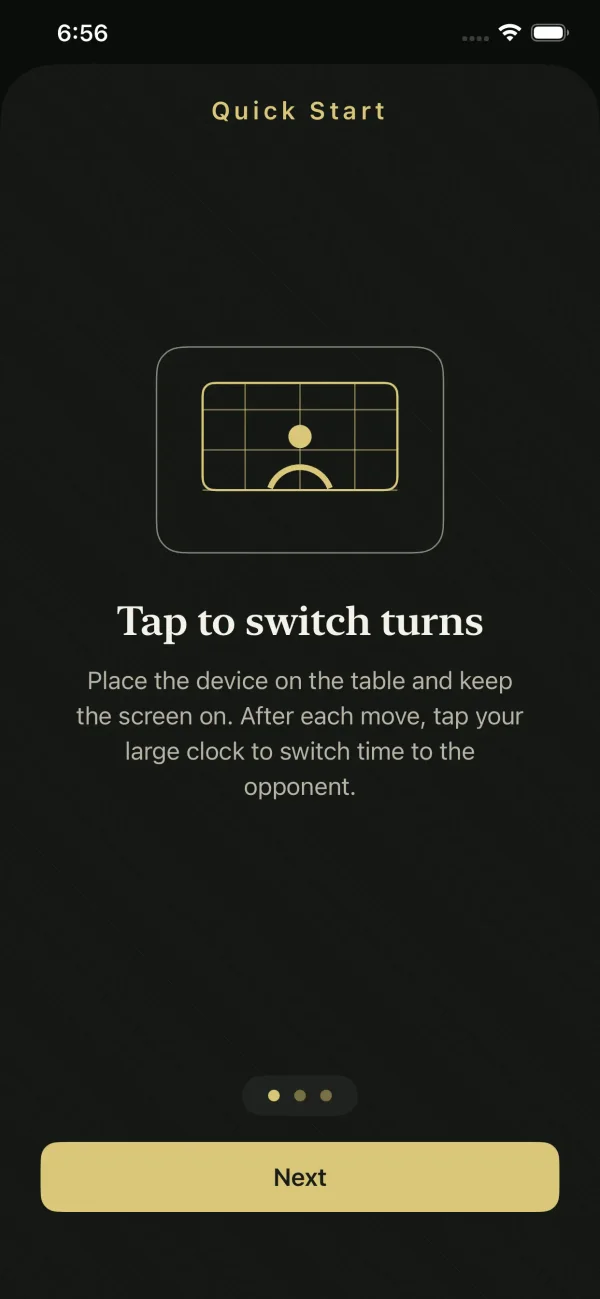
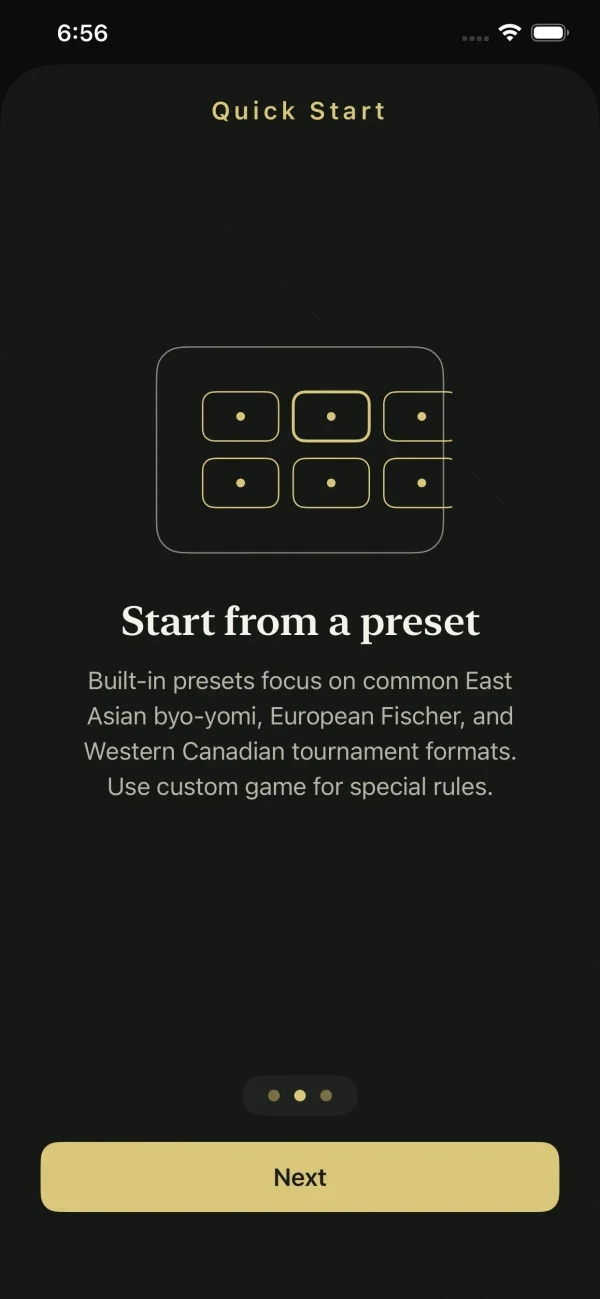
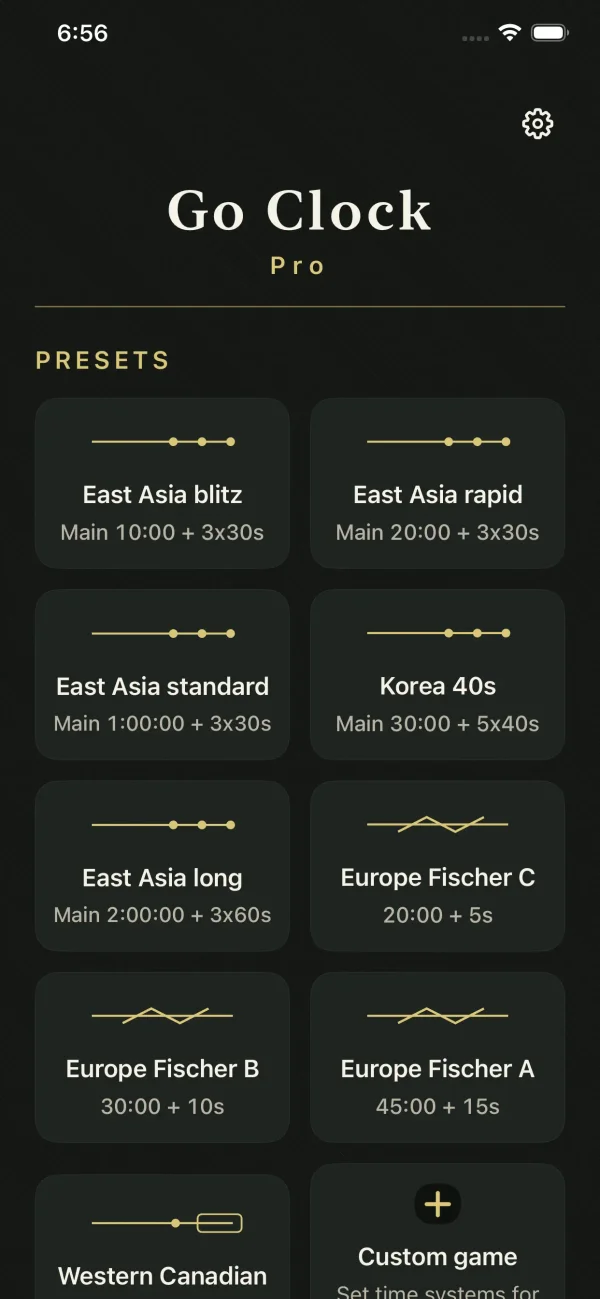
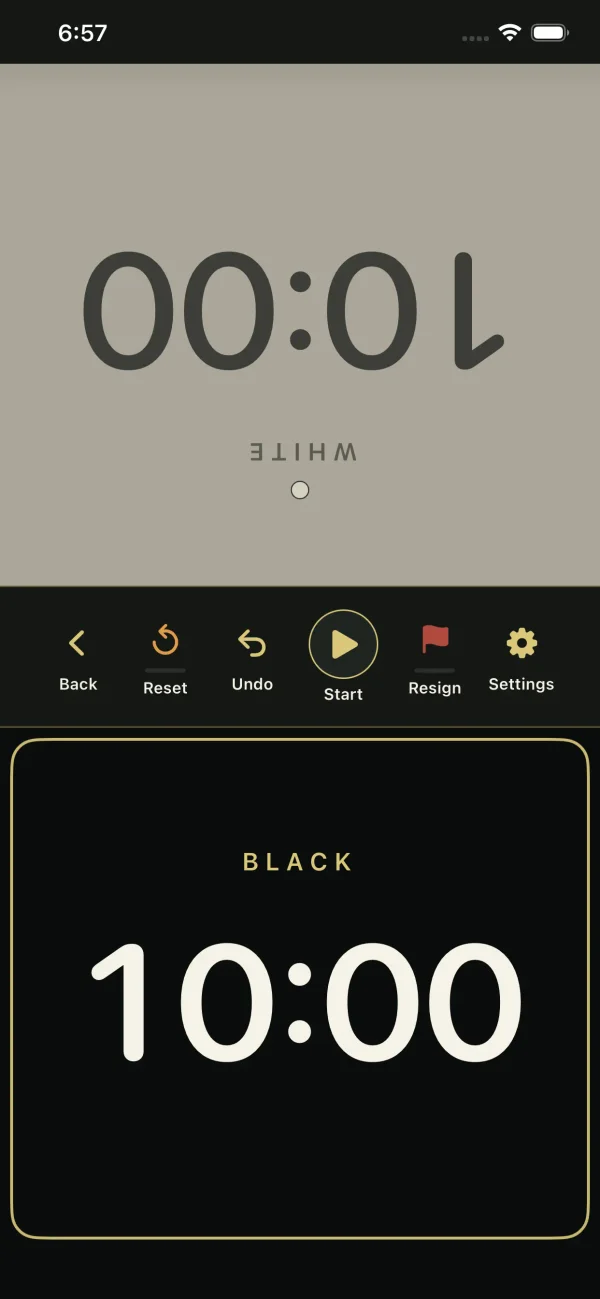
Go Clock Pro is a focused game clock for over-the-board go. Place the device beside the board, pick a preset, and start a 9x9, 13x13, or 19x19 game in seconds. No setup maze, no ads, no tracking.
WHY GO CLOCK PRO
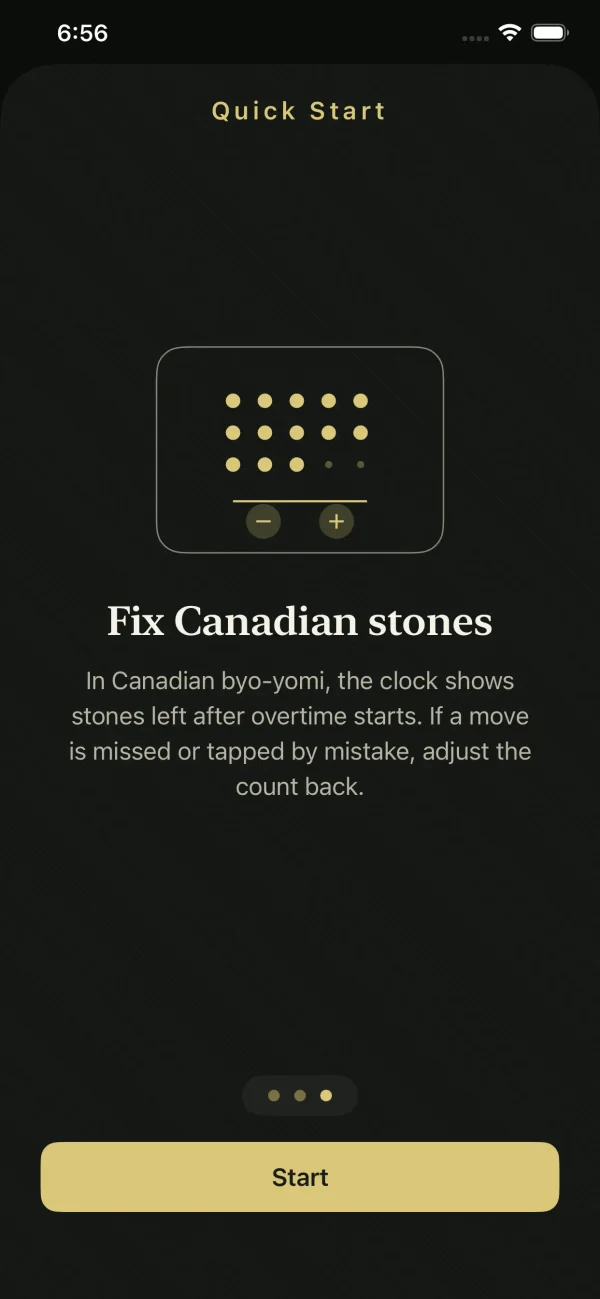
- All four go time systems: Japanese byo-yomi, Canadian byo-yomi, Fischer increment, and Absolute.
- Asymmetric time controls for handicap and teaching games. Black and white can use different settings.
- Multilingual countdown in Chinese, English, Japanese, and Korean, with beep and haptic fallbacks.
- Two-sided table layout. Each player reads their own clock from their side of the board.
- Mistake-proof controls. Reset and resign require a deliberate long press.
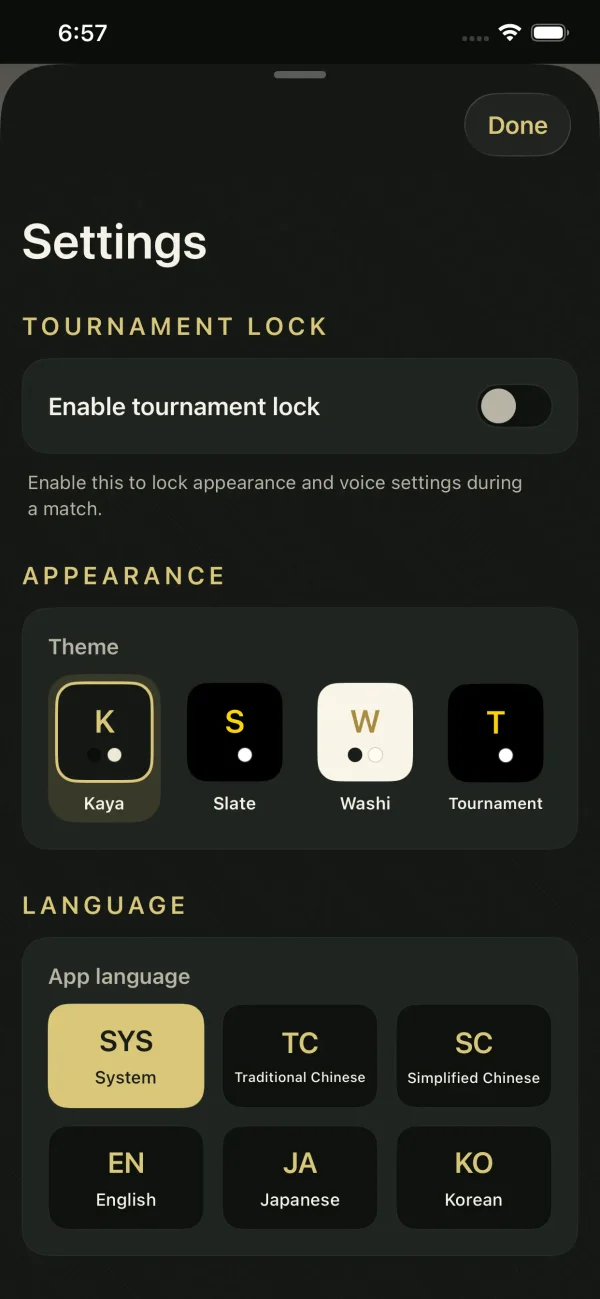
- Tournament Lock keeps appearance and voice settings stable during a match.
- Offline by design. No accounts, no ads, no tracking, and no network requests.
WHAT YOU GET
- Built-in presets covering common East Asian byo-yomi, Korea 40s, Western Canadian, and Europe Fischer formats
- Custom games with full asymmetric time control
- Resume the last game after the app is closed
- Four visual themes: Kaya, Slate, Washi, and Tournament
- VoiceOver, Larger Text, Reduce Motion, high contrast, and color-independent cues
- Built for iPhone. iOS 16 and later.
PRICING
Go Clock Pro is a one-time $1.99 purchase. No subscription. No in-app purchases. No ads.
FOREGROUND USE
Go Clock Pro is designed for foreground table use. iOS limits background timers and audio to specific app categories, and game clocks are not one of them. When the app enters background or the screen locks, the game pauses and saves a snapshot. Resume requires you to come back and tap. This is a deliberate trade-off for accuracy: a snapshot you trust beats a background timer you cannot.
For best results, place the device flat on the table beside the board, keep the screen on, and keep the app in the foreground.
SUPPORT
98stoned.thrifty@icloud.com
PRIVACY POLICY
https://kaiqin04.github.io/goclockpro/privacy/
What’s new
Version 1.1.0 · Sep 22, 2026
This update makes your game clock easier to use:
- Tournament Lock now keeps your chosen theme and colors while preventing changes.
- A soft click confirms each successful turn switch. You can turn it off in Settings; Silent mode also silences the click.
- Favorite built-in and custom time presets to keep them at the top, then drag your favorites into your preferred order.
App privacy
What Wei Zhi Qin declares on the App Store about how this app handles data.
-
Data not collected
The developer does not collect any data from this app.
Privacy practices may vary, for example with the features you use or your age.
Information
- Seller
- Wei Zhi Qin
- Category
- Utilities
- Version
- 1.1.0
- Updated
- Sep 22, 2026
- Released
- Apr 30, 2026
- Size
- 3.6 MB
- Requires
- iOS 16.0 or later
- Age rating
- 4+
- Price
- $1.99
- Languages
- English, Japanese, Korean, Simplified Chinese, Traditional Chinese
- Copyright
- © 2026 Wei Zhi Qin
You might also like
-
 Go Baduk Weiqi TimerUtilities
-
 MatterlyzerMatter device inspector
-
 Baduk CapSGF your Goban
-
 Baduk Timer - AI Auto ScoreByoyomi, Fischer & Voice Timer
-
 CloudNumberUtilities
-
 Chess Clock: Board Game TimerBlitz, Speed & Tournament Play
-
 CrossX - Send To X4Web to EPUB for Xteink X4
-
 PCalcThe Best Calculator
-
 Viking App PolandUtilities
-
 Just Press RecordRecord. Transcribe. Sync.