
Go Dictation - Listen & Write
Listen to English dictation
Designed for iPhone, iPad, iPod touch
Free · In-app purchases
- Age rating4+
- CategoryEducation
- DeveloperDuy Nguyen Van
- LanguagesEnglish
- Size62.8 MB
Links to the official App Store page
Download.org hosts no file of Go Dictation - Listen & Write. The button opens its official App Store page, published by Duy Nguyen Van. Listing last checked on Nov 12, 2026.
Screenshots



About
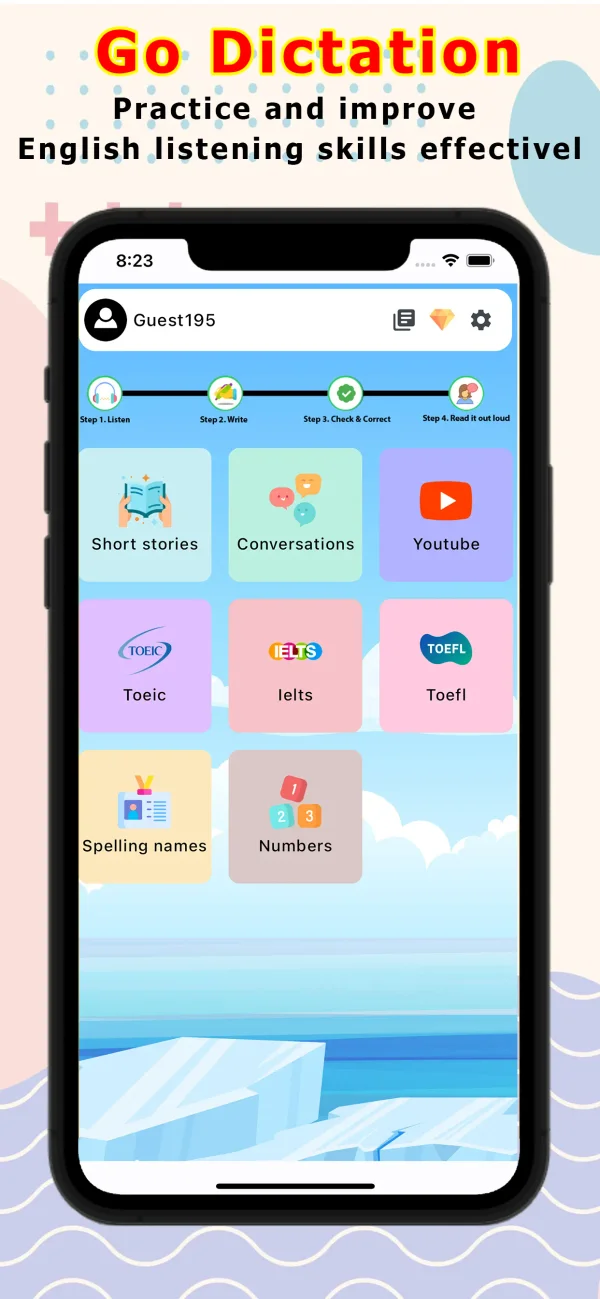
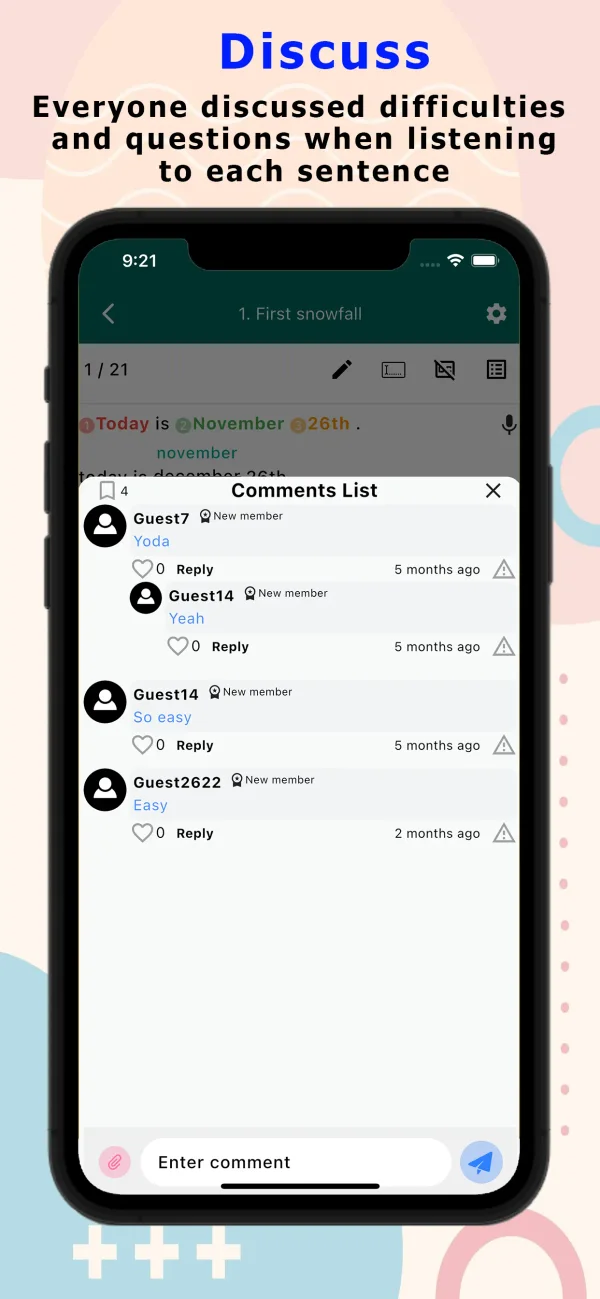
Practice and improve English listening skills effectively
* Listening and copying spelling practice is a commonly used technique to help candidates improve their listening skills effectively.
* The method of listening and copying dictation will help you remember better, expand your vocabulary as well as form English reflexes
*Dictation is a technique used in language teaching and testing in which a passage is read aloud to learners and they must write down what they hear as accurately as possible.
* Listening sources can be videos, audio, recordings, podcasts that contain native speakers' voices with English - British or English - American accents.
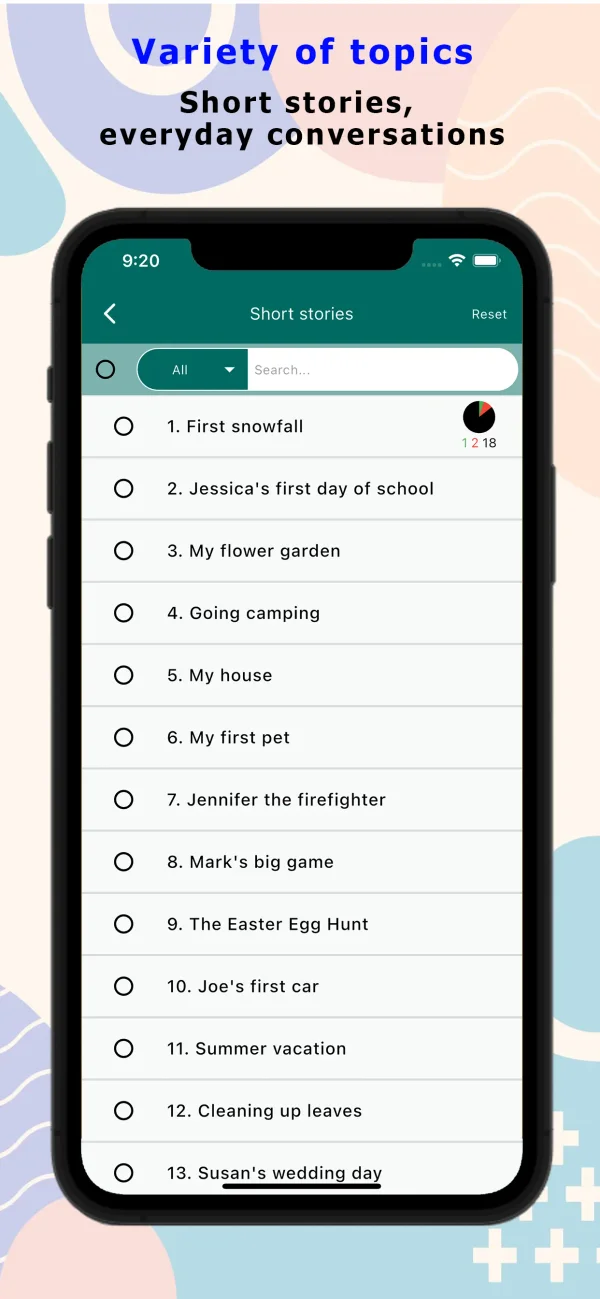
* A variety of easier-to-listen topics such as education, environment, work, school, subjects, ielts, toeic, toefl,...
Step 1 - Start listening: Depending on your listening ability, you will choose the time to stop the video. For example, after a sentence of about 5-10 words, you stop the video and take notes on what you hear. You will do this until the listening ends. Continue listening 1-2 more times to enhance your skills.
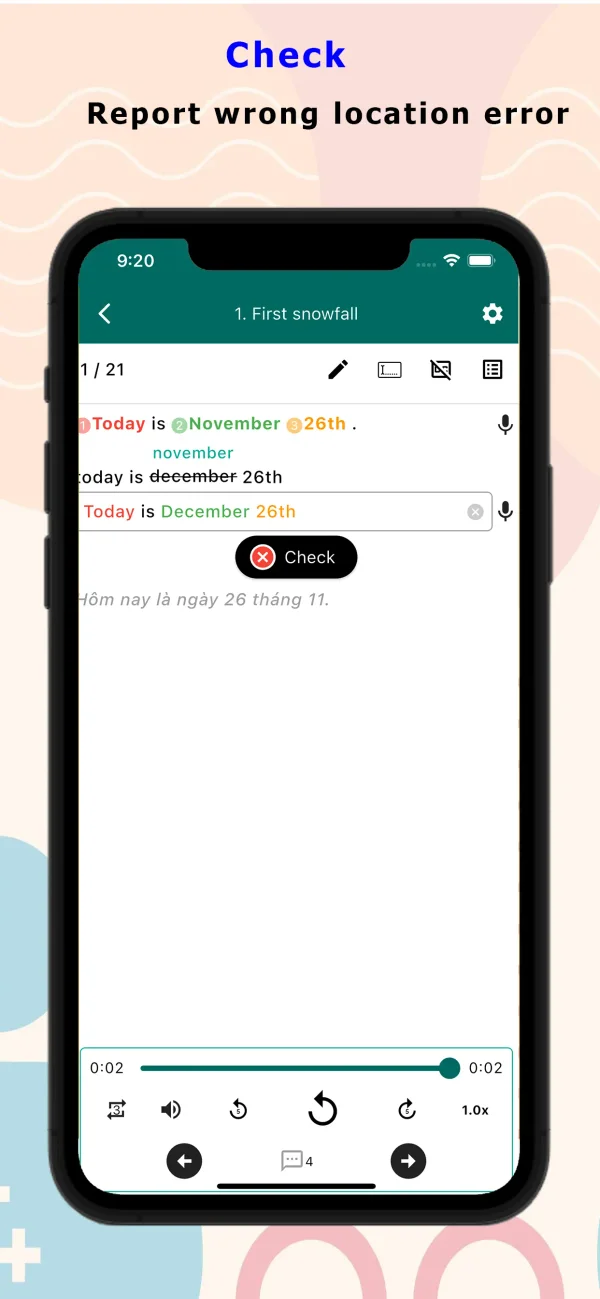
Step 2 - Compare the transcript with your dictation: After listening to the entire lesson about 3 times, you will compare your notes, correct incorrect words and fill in the parts you left blank. This comparison will help you identify the mistakes you often encounter to avoid mistakes in the real test.
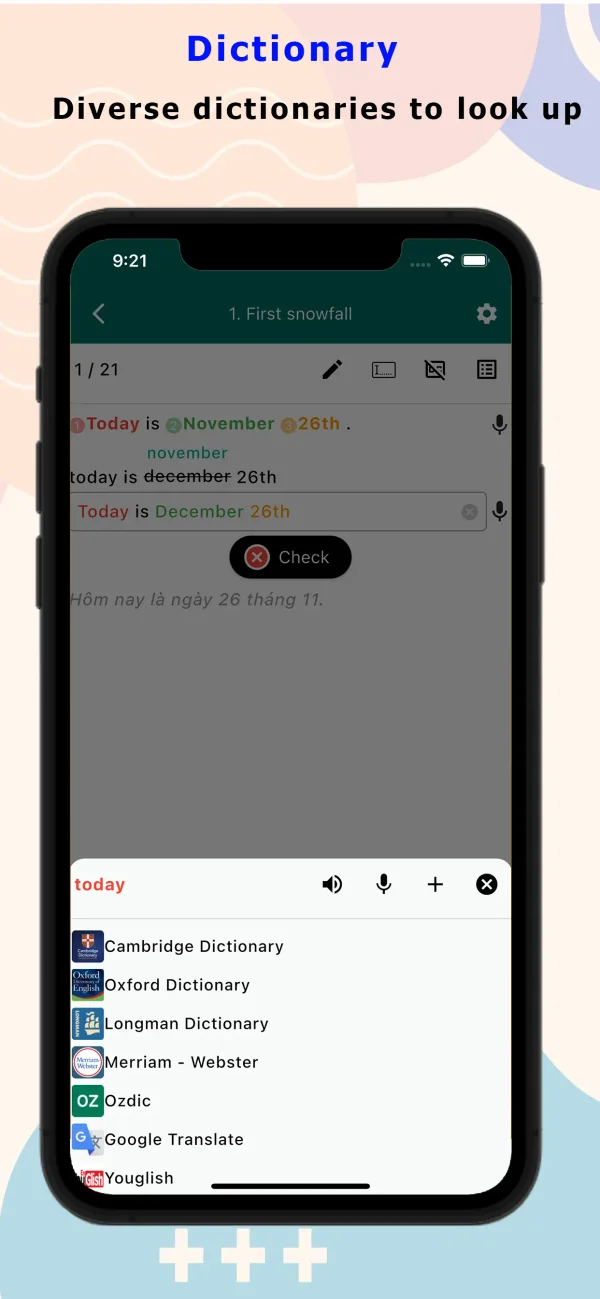
Step 3 - Correct pronunciation errors through reading: You should look up words in the dictionary that you do not know how to read or read incorrectly, then read the entire transcript again and record it. Listening back to the recording will help you compare your pronunciation with the native speaker's, because the way we pronounce will determine our ability to listen and understand.
Step 4 - Listen to the audio over and over again: Listening over and over again will increase your English listening reflexes and help you remember many useful vocabulary.
---------------------------------------------
***SUPPORT:
Software: Go Dictation
Author: Nguyen Van Duy
Call/SMS/Zalo: 0868934697
Fb: facebook.com/duy.pablo
Email: Leo.appvn@gmail.com
What’s new
Version 1.0.2 · Oct 16, 2024
Updated the interface and added some features
App privacy
What Duy Nguyen Van declares on the App Store about how this app handles data.
-
Data used to track you
May be used to track you across apps and websites owned by other companies.
- Identifiers
- Usage data
- Diagnostics
-
Data linked to you
May be collected and linked to your identity.
- Contact info
- Usage data
-
Data not linked to you
May be collected but is not linked to your identity.
- Purchases
- Contact info
- User content
- Identifiers
- Diagnostics
Privacy practices may vary, for example with the features you use or your age.
Information
- Seller
- Duy Nguyen Van
- Category
- Education
- Version
- 1.0.2
- Updated
- Oct 16, 2024
- Released
- May 6, 2024
- Size
- 62.8 MB
- Requires
- iOS 12.0 or later
- Age rating
- 4+
- Price
- Free
- In-app purchases
- Yes
- Languages
- English
- Copyright
- © Duy Leo
You might also like
-
 English Listen and WriteListen It - Type It.
-
 Dictingo - English DictationPractice Dictation English
-
 FunFunSpell English DictationSchool English dictation
-
 bting EnglishListening, Spoken & Dictation
-
 Daily Dictation EnglishEnglish Listening Practice
-
 Parroto: Shadowing & DictationEnglish Speaking & Listening
-
 Learn English - LingolandComprehensive English with AI
-
 IELTS SpeakingIELTS Speaking
-
 Learn English By Listening +Audio Lessons & Transcripts
-
 Tubeshad: English ShadowingIELTS Speaking & Pronunciation