Go Game Connect
1 or 2 devices; 19, 13 or 9
Designed for iPhone, iPad, iPod touch
Free · In-app purchases
- Age rating4+
- CategoryBoard
- DeveloperPeter Kramer
- LanguagesEnglish
- Size5.7 MB
Links to the official App Store page
Download.org hosts no file of Go Game Connect. The button opens its official App Store page, published by Peter Kramer. Listing last checked on Nov 12, 2026.
Screenshots
About
Go Connect 1.4 allows you to play Go on iPhones and iPads using one shared device or two connected devices. The two connected devices share their board and their real-time moves through a local WiFi network or through Apple's Game Center. Using the Game Center, the two devices can be distant.
This app does NOT 'play' Go itself - it is just a board and stones, not a player. You must know the basic rules of Go to use this app.
* Select board size of 19x19 or 13x13 or 9x9
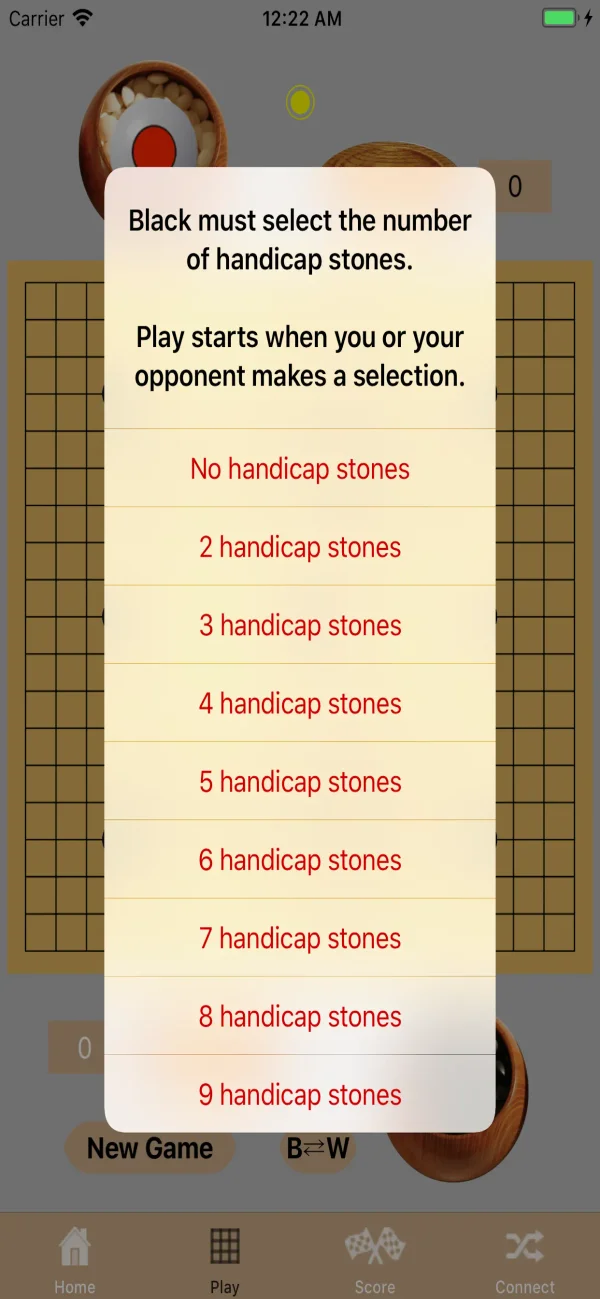
* Select number of handicap stones
* Touch-and-drag or tap-and-tap to move stones from container
* Touch-and-drag to move last moved stone again
* Enlarge board with a single tap; return to full board with second tap; also responds to stretch and pinch finger gestures
* Detects and removes captured stones
* Detects and prevents illegal Ko moves
* Play Board and separate Score Board
* Scores Board scores indicated bordered territories and captured stones
* Connect any two nearby devices together through WiFi
* Play with distant friends using Apple's Game Center
* Game Center voice chat and text messaging
Is it free? The app - yes. The first 1000 stones come free with each device - try it. After that you must purchase (using IAP) stones for 3000 per $1 (about 10 cents per game). Purchased stones can be transferred from one device to other devices owned by the same user.
Screenshots:
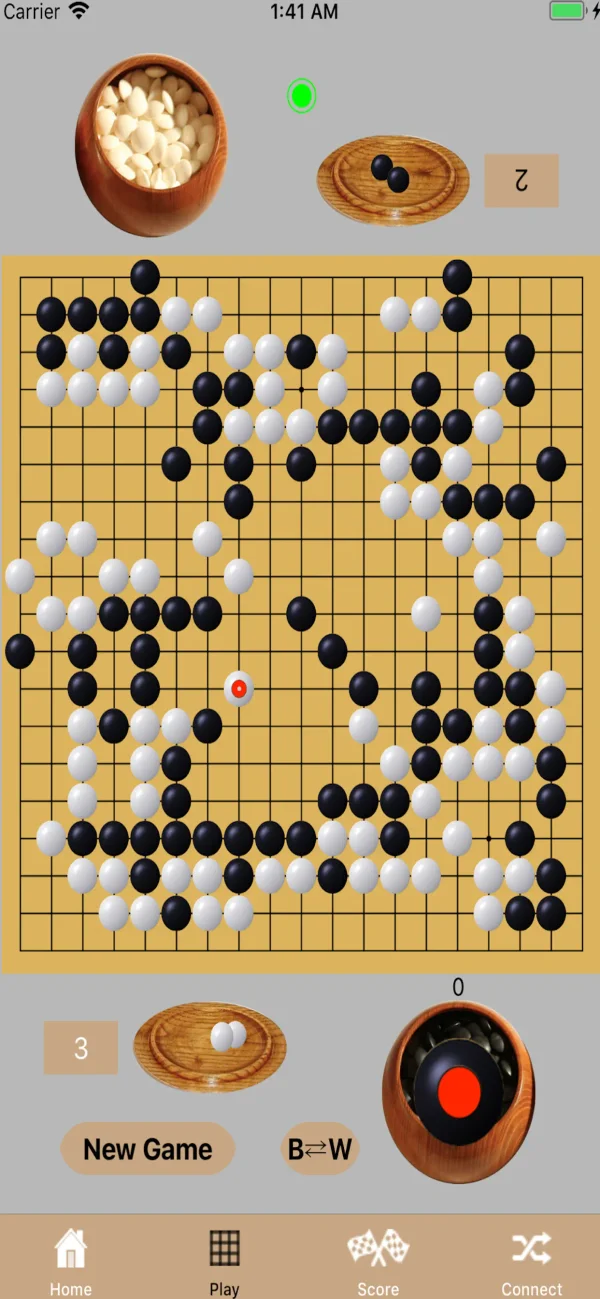
1) Example of game in mid-game; White has just played. (Actually this is the famous W160 move from 'The Game of the Century', 1933, White: Honinbo Shusai, Black: Go Seigen.)
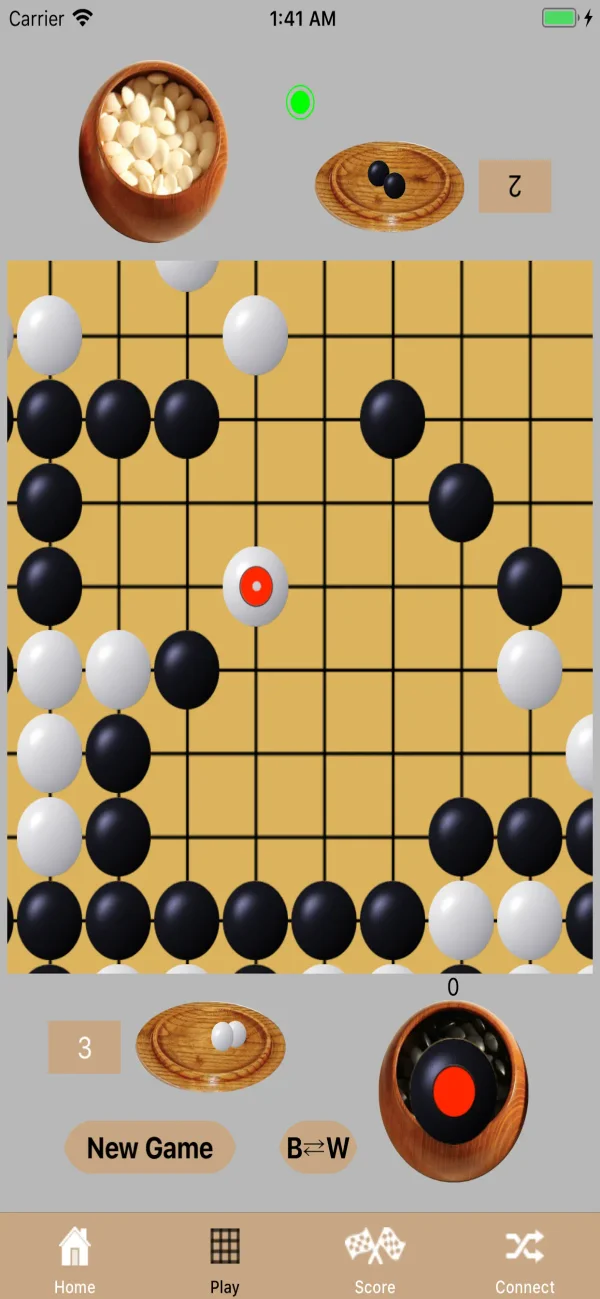
2) Close-up (using stretch) of W160 (#1 above).
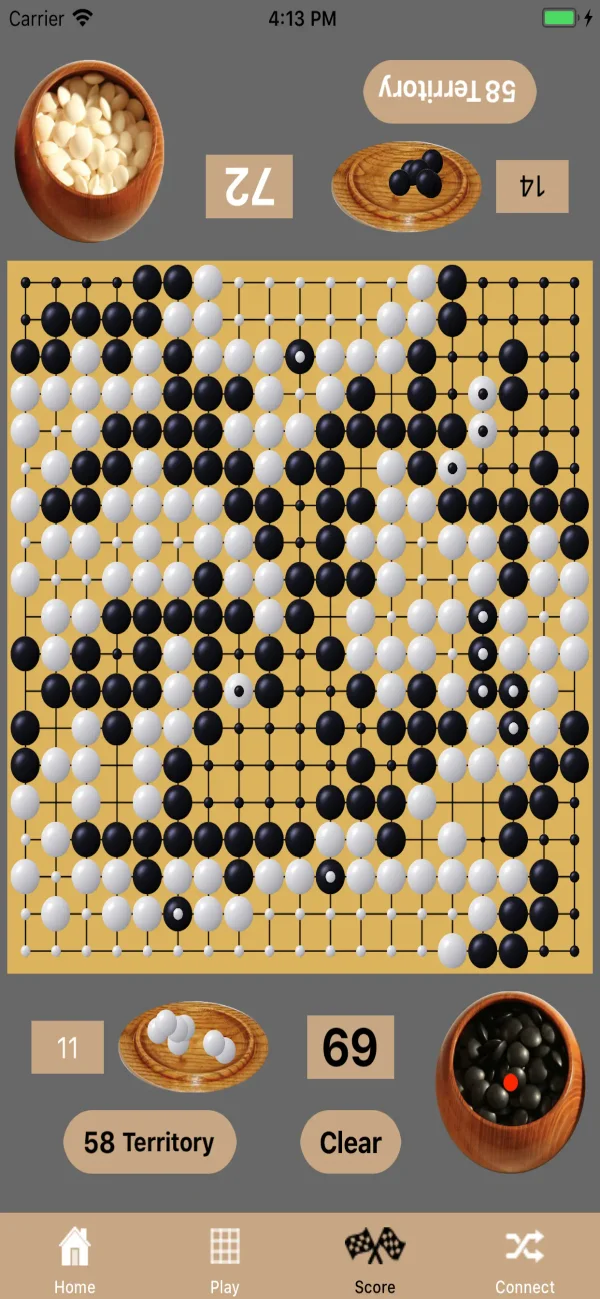
3) Scoring of a game (after completion of game in #1 above). (Please use Contact Us in the app if you see where White is +2 not +3.)
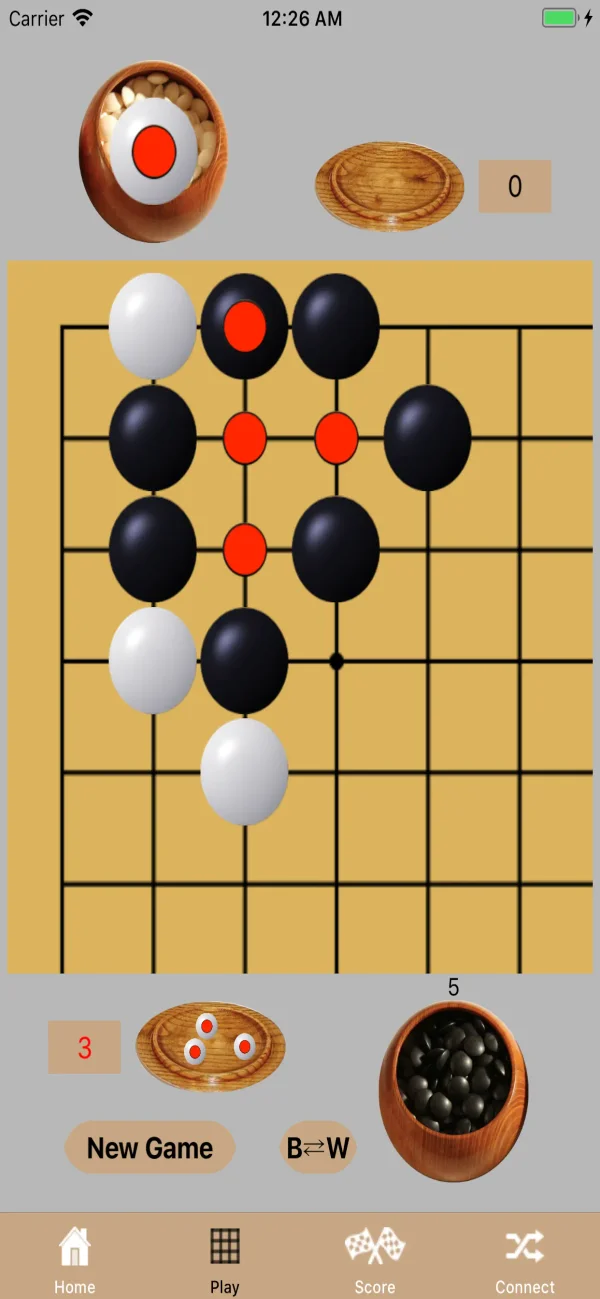
4) Enlarged board (by tapping the board) of a move in which Black captures 3 stones.
5) Starting screen when two devices are connected. Player who will be Black selects the number of handicap stones.
What’s new
Version 1.5.1 · Jan 22, 2026
iOS26 capable
SharePlay allows video connection at the same time as you play with a remote player
App privacy
What Peter Kramer declares on the App Store about how this app handles data.
-
Data not collected
The developer does not collect any data from this app.
Privacy practices may vary, for example with the features you use or your age.
Information
- Seller
- Peter Kramer
- Category
- Board
- Version
- 1.5.1
- Updated
- Jan 22, 2026
- Released
- Aug 29, 2018
- Size
- 5.7 MB
- Requires
- iOS 12.0 or later
- Age rating
- 4+
- Price
- Free
- In-app purchases
- Yes
- Languages
- English
- Copyright
- © 2018 Peter B. Kramer
You might also like
-
 Simply Go - Play & LearnOffline Go, AI & Lessons
-
 The World GoBoard
-
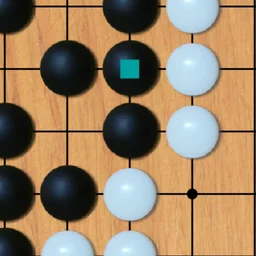 Black & White GoPlay Go offline against top AI
-
 Go ChallengerGo game(Tsumego)
-
 WeiqiHubPlay and train weiqi.
-
 AI KataGo Go: TsumegoAI Go & Tsumego
-
 Dango - Play Online Go GamePlay Online Go & Challenge AI
-
 Little GoBoard
-
 Go - Play with FriendsBoard
-
 CrazyStone DeepLearningEnjoy Online and Offline Go