- Age rating4+
- CategoryBusiness
- DeveloperValterra Power US, LLC
- LanguagesEnglish
- Size17.8 MB
Links to the official App Store page
Download.org hosts no file of Go Power! Connect. The button opens its official App Store page, published by Valterra Power US, LLC. Listing last checked on Nov 12, 2026.
Screenshots


About
Stay connected, even when you’re off the grid.
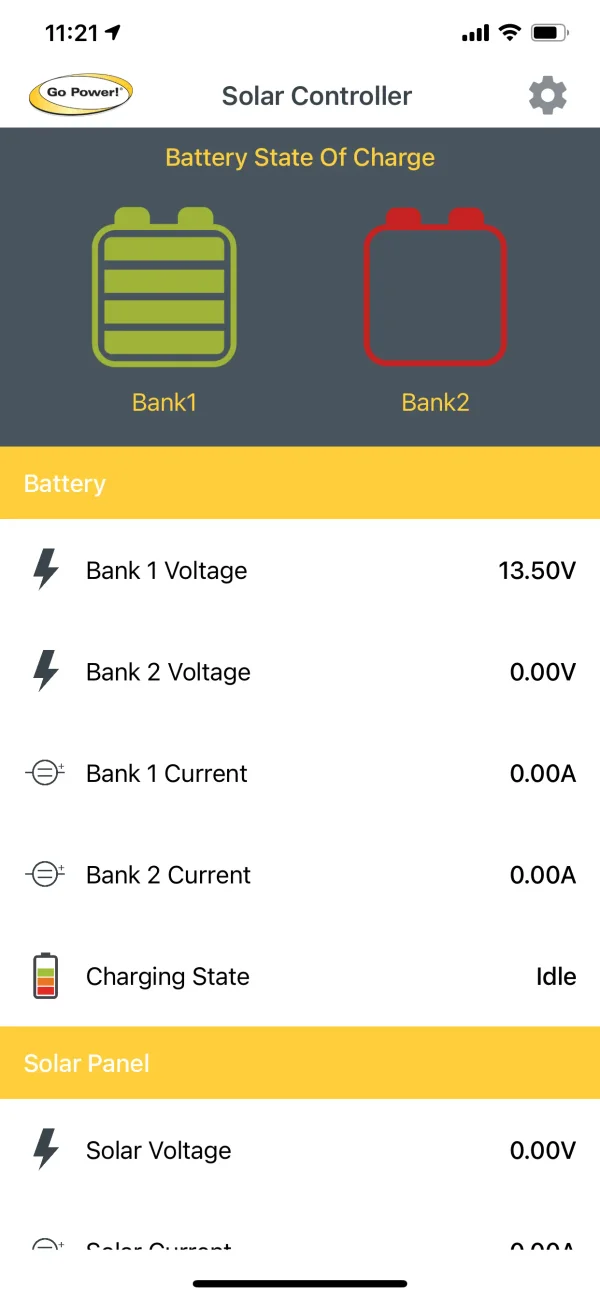
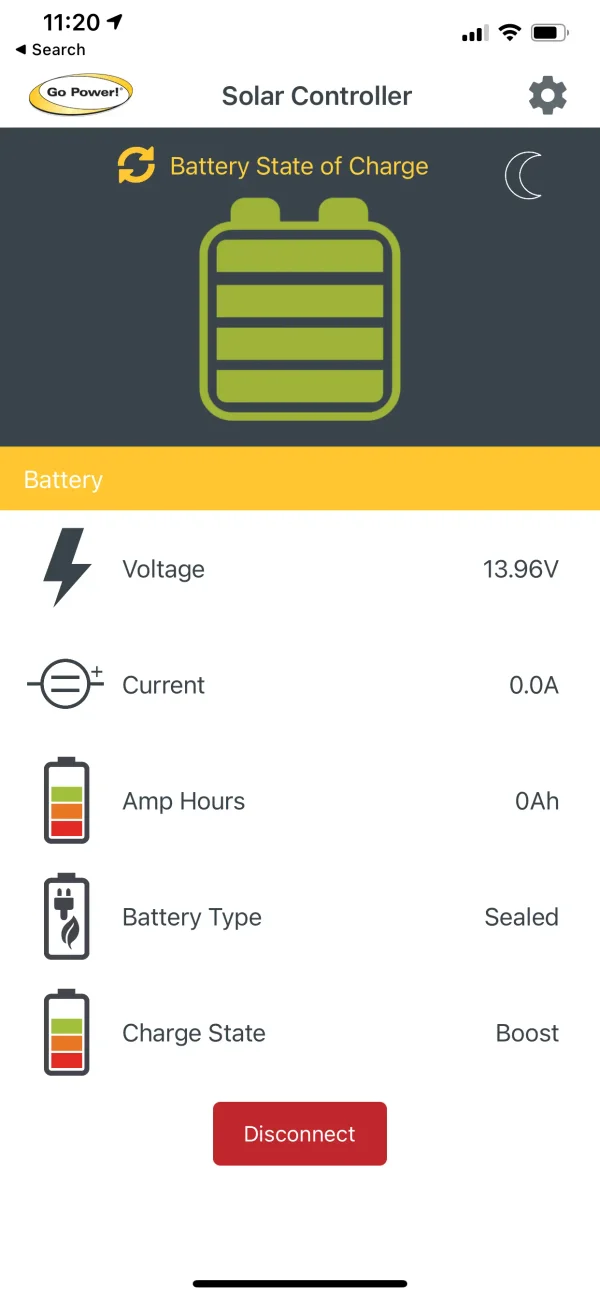
View essential battery and solar charging information for your Go Power! mobile solar system from your cell phone or tablet. Go Power! Connect allows you to stay connected to your solar charging system from up to 25-feet away.
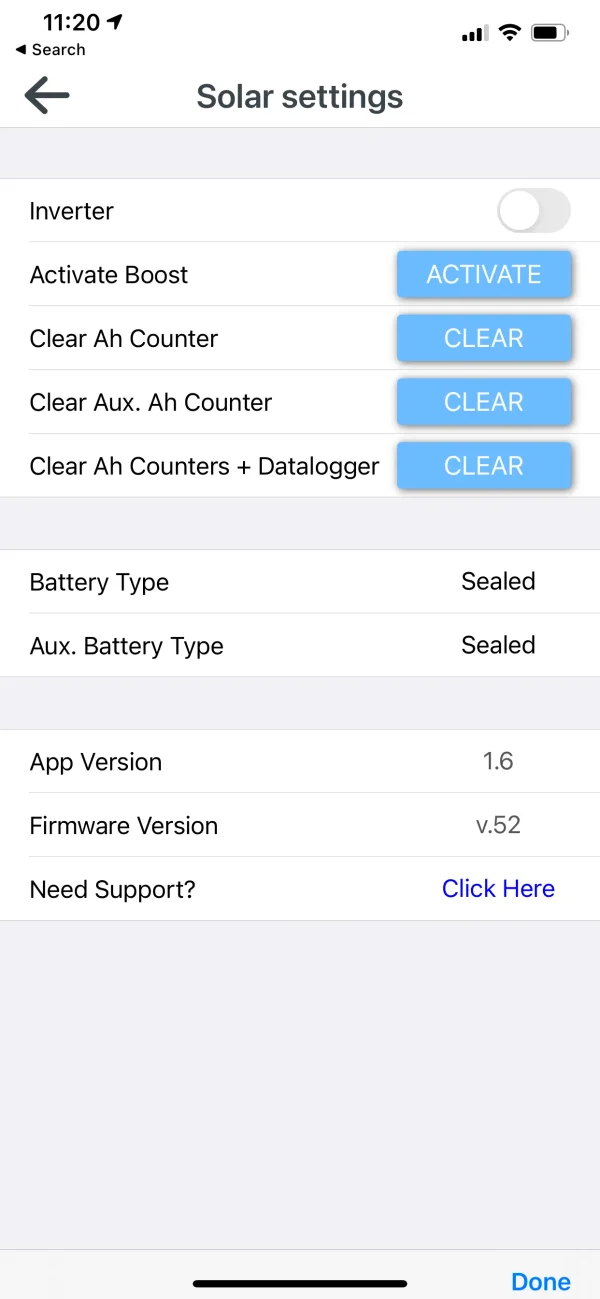
Compatible with Go Power! Bluetooth enabled products, this connectivity suite allows you to view your battery charging information, set your charge controller from afar, and view your solar performance remotely.
30-Amp PWM Solar Charge Controller
The Go Power! Bluetooth Enabled 30-amp Solar Controller (GP-PWM-30-UL) allows you to view and set essential battery information, including:
- Review Solar Charging Current,
- Activate Max Boost,
- Viewing Battery Voltage,
- Check on Battery State of Charge (SOC),
- and Set the battery type and charging profile
10 & 30-amp MPPT (RV-C) Solar Charge Controllers
The newest Go Power! solar controllers feature an optional Bluetooth Enabled remote (GP-RVC-R) which allows you to use the controller without being connected to an RV-C system. Features include:
- Review Solar Charging Current,
- Viewing Battery Voltage,
- Check on Battery State of Charge (SOC),
- and Set the battery type and charging profile
Supported Bluetooth GP-Products:
1. GP-PWM-30-UL BLE
2. GP-PWM-30-SB BLE Controller
3. GP-ADV-LITHIUM-100Ah + 300Ah Batteries with Bluetooth security *NEW*
4. GP-Battery Manager
5. 30A & 10A MPPT-RVC Controller with BLE-Remote
6. 60A MPPT-RVC Controller with BLE-Remote
7. Advance Inverter Charger
8. Smart Sine Wave Inverter
9. MPPT-DB 40 + 30A
10. Advance Sine Wave Inverter with Transfer Switch
Users having PWM-30-UL issues please do the following:
1. App loads nothing on display: Disconnect PWM-30 (POWER OFF) for 30 Seconds, Forget Device on phone's bluetooth, Delete App, Re-install, follow pairing procedure (A+B) & Add Device.
2.Please ensure to press the disconnect button after using the app.
What’s new
Version 1.16.10 · Oct 28, 2026
Better support for the Go Power! Dometic PowerTrak system!
Connect to our new line of inverters , inverter chargers and dual bank solar controllers!
App privacy
What Valterra Power US, LLC declares on the App Store about how this app handles data.
-
Data not collected
The developer does not collect any data from this app.
Privacy practices may vary, for example with the features you use or your age.
Information
- Seller
- Valterra Power US, LLC
- Category
- Business
- Version
- 1.16.10
- Updated
- Oct 28, 2026
- Released
- Nov 23, 2018
- Size
- 17.8 MB
- Requires
- iOS 13 or later
- Age rating
- 4+
- Price
- Free
- Languages
- English
- Copyright
- © 2019 Valterra Products, LLC