
- Age rating4+
- CategorySports
- Developerjiang liu
- LanguagesEnglish+ 1 more
- Size8.1 MB
Links to the official App Store page
Download.org hosts no file of GoForPlay. The button opens its official App Store page, published by jiang liu. Listing last checked on Nov 12, 2026.
Screenshots
About
Find a tennis court you can actually play on — not a list of addresses you have to check one by one.
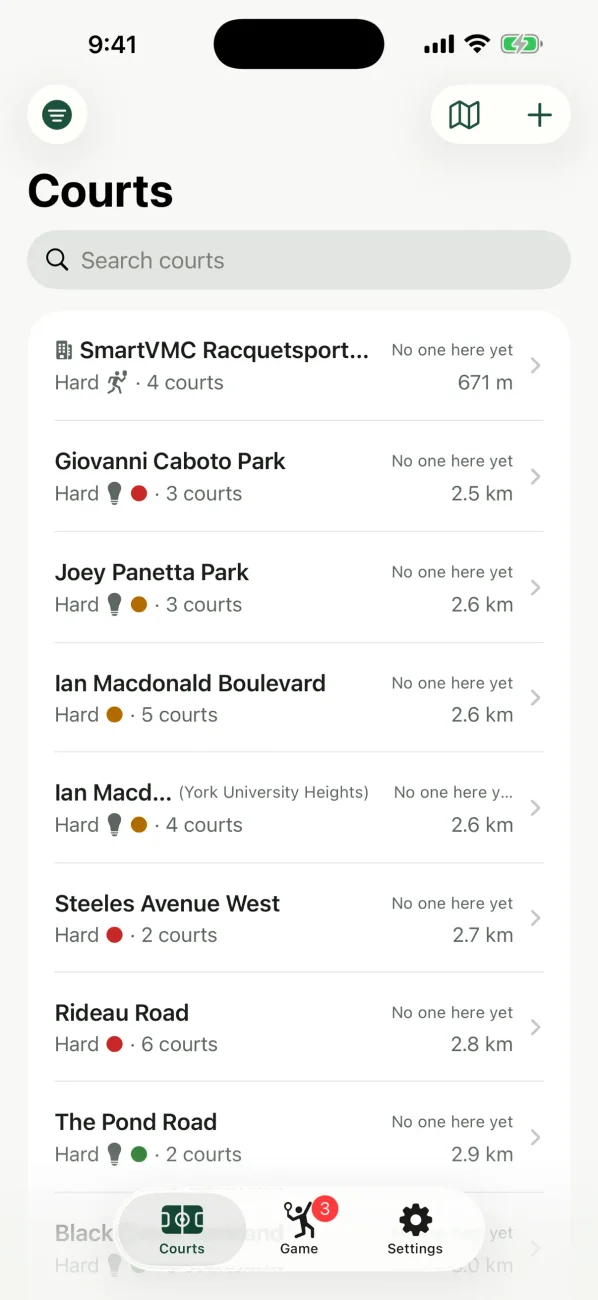
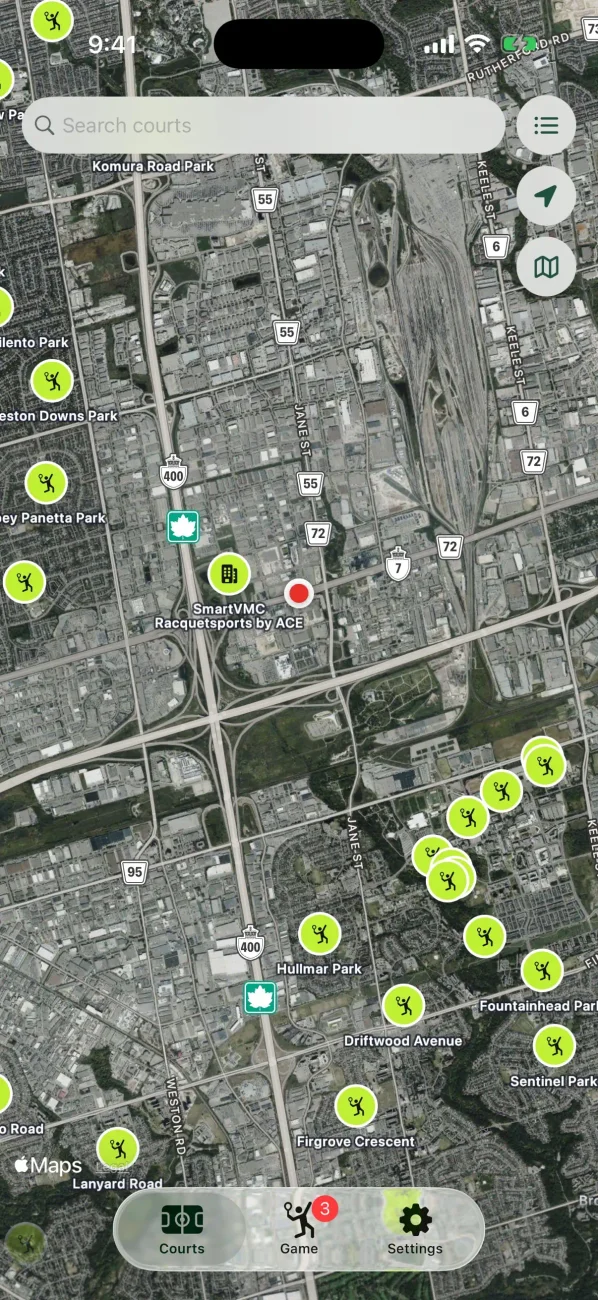
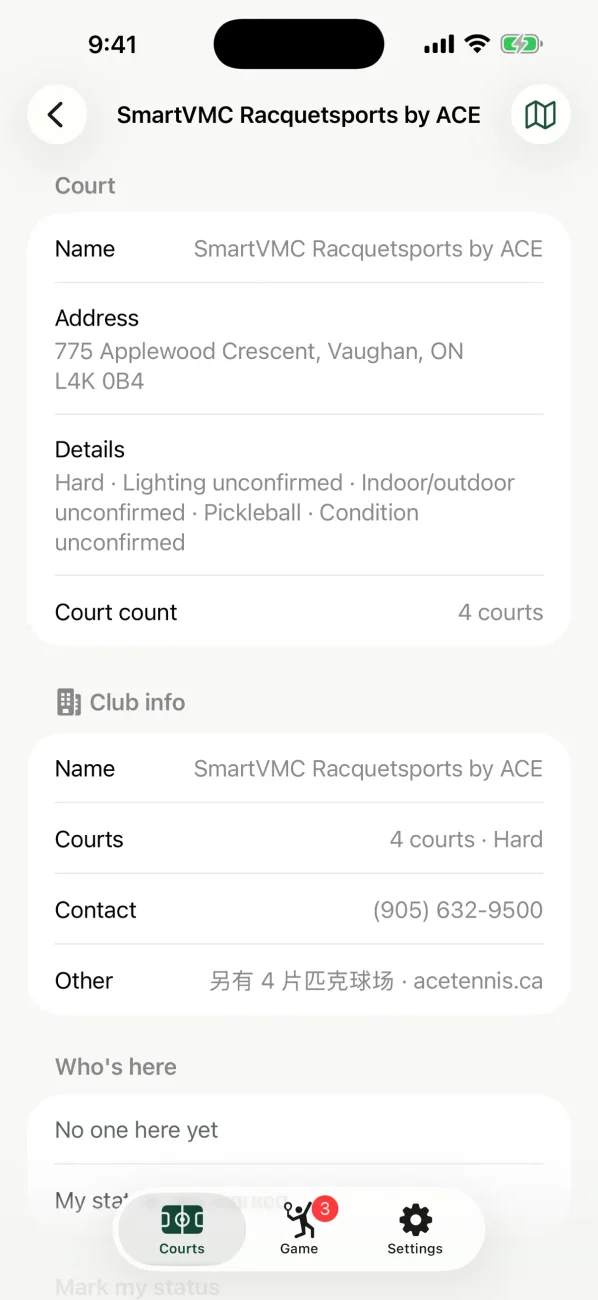
GoForPlay maps hundreds of public tennis courts across Toronto and the Greater Toronto Area, with the details that decide whether a court is playable tonight: surface, lighting, indoor or outdoor, and how many courts are on site.
WHAT YOU CAN DO
• See courts on a map or in a list, whichever answers your question faster
• Filter by surface, lighting, indoor/outdoor and court count
• See how far each court is from you — everything within 20 km is ordered by distance
• Mark "want to play" or "playing now" and see how many other players are around
• Add a court that's missing (we review new ones before they appear for everyone), or correct one that's wrong
• Read club details for courts that belong to a club
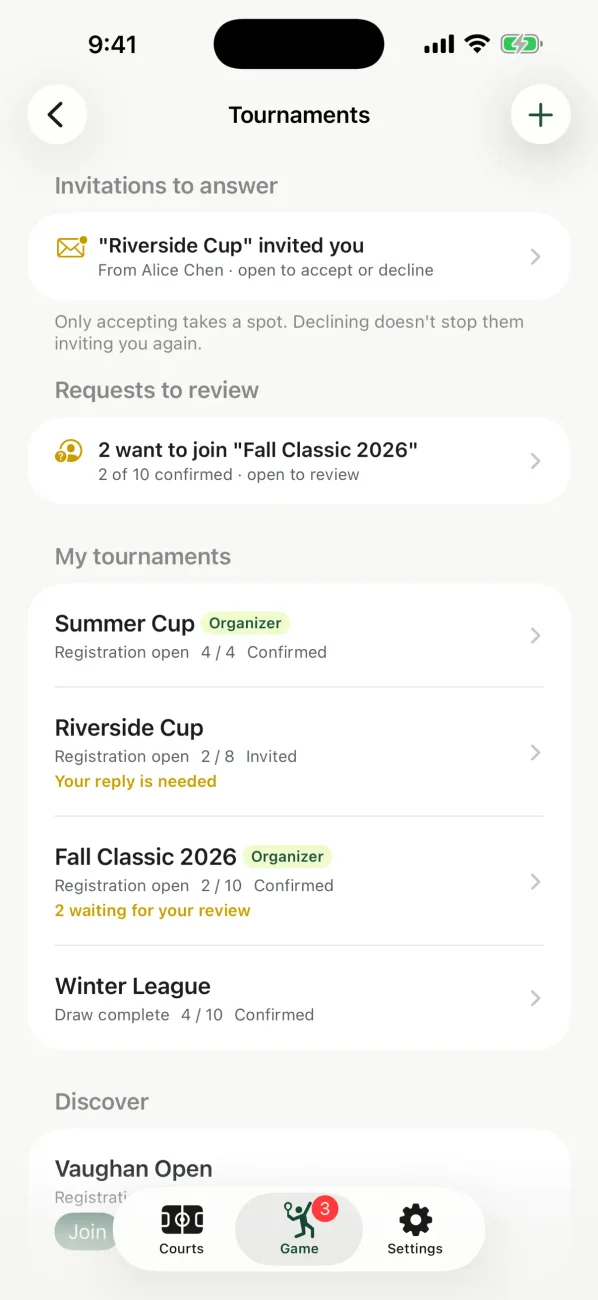
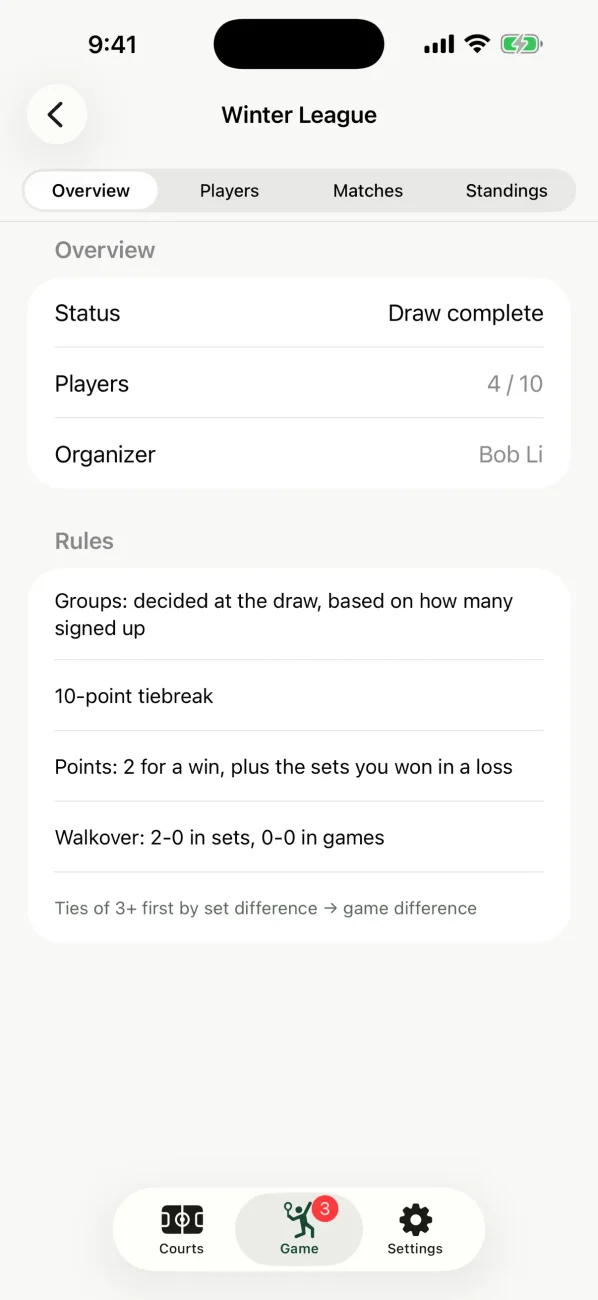
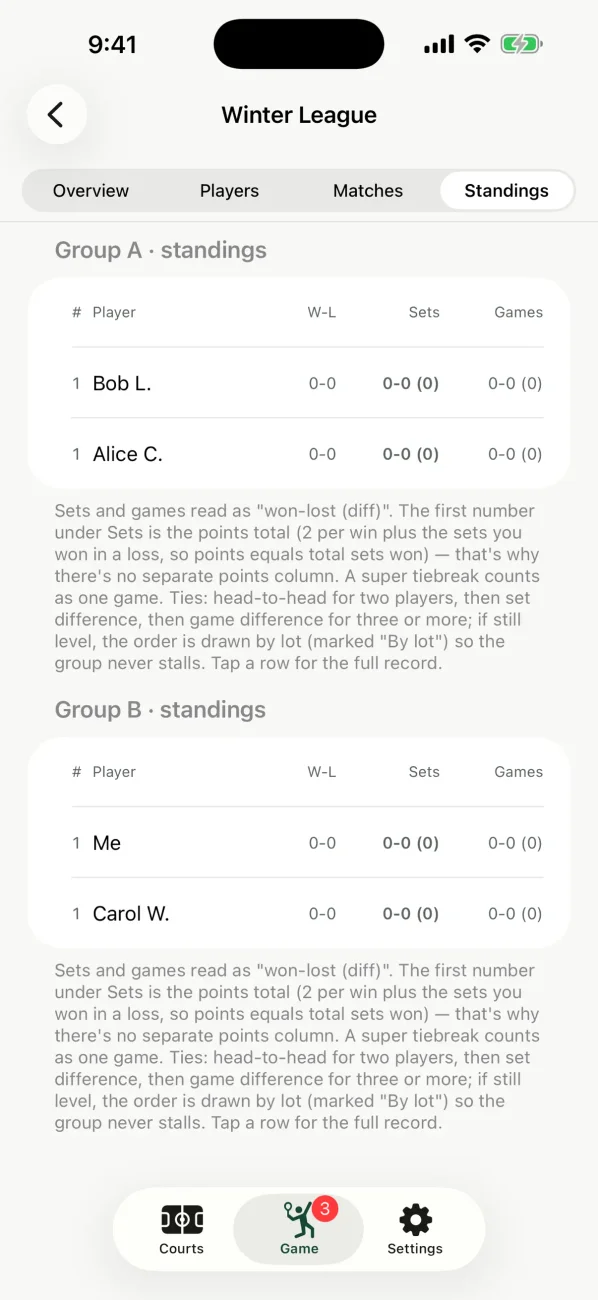
• Run a tournament: join by code, invite players by username, group stage plus knockout bracket, record scores, and watch the standings update
HONEST ABOUT WHAT YOU GET
• Court data comes from public sources and from other players. It can be out of date or wrong. Always check with the court operator before you travel.
• We do not book courts, take payments, or run any venue.
• The "want to play / playing now" signal is deliberately loose: it shows a count, not names, and it fades after two hours. It is a hint, not a commitment.
• Casual pickup games are not open yet. The tab says so plainly instead of showing empty lists.
• Coverage is currently Toronto and the GTA. Other cities are not in yet.
FREE
No ads, no tracking, no in-app purchases. Sign in with Apple, Google, email, or continue as a guest — a guest account can still browse every court and mark a status.
What’s new
Version 1.0.1 · Nov 2, 2026
Navigate from anywhere you see a court — a new Navigate button in the court detail top bar, and under Open Details on the map's place card. It opens your phone's map app.
Your travel mode, your call — Navigate opens the place page, not turn-by-turn driving. You pick walking, driving, or transit once you're there.
Your matches stand out — in a tournament schedule, the status of matches you can record (Not played, or the score) now shows as a yellow-green pill, so you can spot what's waiting on you.
Fixed: that highlight now uses the brand yellow-green, matching the color used elsewhere in the app instead of the darker green it had.
App privacy
What jiang liu declares on the App Store about how this app handles data.
-
Data linked to you
May be collected and linked to your identity.
- Location
- Contact info
- User content
- Identifiers
- Other data
Privacy practices may vary, for example with the features you use or your age.
Information
- Seller
- jiang liu
- Category
- Sports
- Version
- 1.0.1
- Updated
- Nov 2, 2026
- Released
- Nov 1, 2026
- Size
- 8.1 MB
- Requires
- iOS 17.0 or later
- Age rating
- 4+
- Price
- Free
- Languages
- English, Simplified Chinese
- Copyright
- © @ 2026 JIANGMAN CULTURE COMMUNICATION LTD.
You might also like
-
 Tekrise Tennis Swing AnalysisAI Assistant for Tennis Coach
-
 Tennistory: Tennis Racket CareString Tension Meter & Tracker
-
 CheckMotionAI sports & movement analysis
-
 FoloCam – AI Sports CameraAuto Ball Tracking for Sports
-
 SmartHit - AI Tennis CoachRally Video Clips & Trail
-
 TennisForm: AI Stroke AnalysisStroke Analysis & Clipping
-
 Tennistry: Tennis MatchesFind tennis matches instantly
-
 AceCue: AI Tennis CoachStroke analysis, fixes, drills
-
 SportArc: AI Coach & Auto CutTennis, Ping Pong & Badminton
-
 NisplaySports