
Golf Battle Studio
AI Swing Coach & GHIN
Designed for iPhone, iPad, iPod touch
Free
- Age rating4+
- CategorySports
- DeveloperMinjeong Kim
- LanguagesEnglish+ 3 more
- Size61.1 MB
Links to the official App Store page
Download.org hosts no file of Golf Battle Studio. The button opens its official App Store page, published by Minjeong Kim. Listing last checked on Nov 24, 2026.
Screenshots

About
Where a Round Becomes a Match — Golf Battle Studio
Film your swing and get AI coaching. Run your club's rounds and tournaments on a live leaderboard. Follow the action with AI commentary even when you're off the course.
[Key Features]
1. AI Swing Analysis
- Film a swing or pick one from your library, trim it, and tap Analyze.
- The AI checks six phases of your swing, marks what's good and what needs work, and tells you what to fix first.
- Watch a coaching video made on your phone, and track every analysis in your history.
2. Instructor Feedback
- Send your swing (side and front views) to an instructor and get feedback scene by scene.
- Videos keep uploading when you leave the app for the home screen.
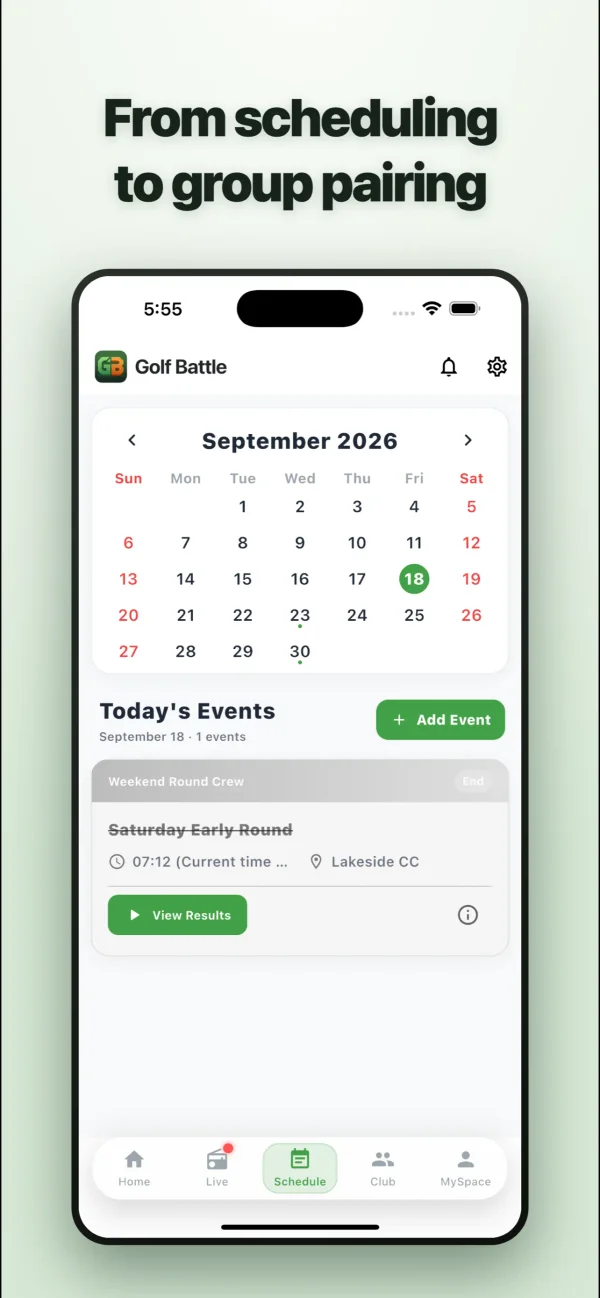
3. From Meetup to Tee Groups
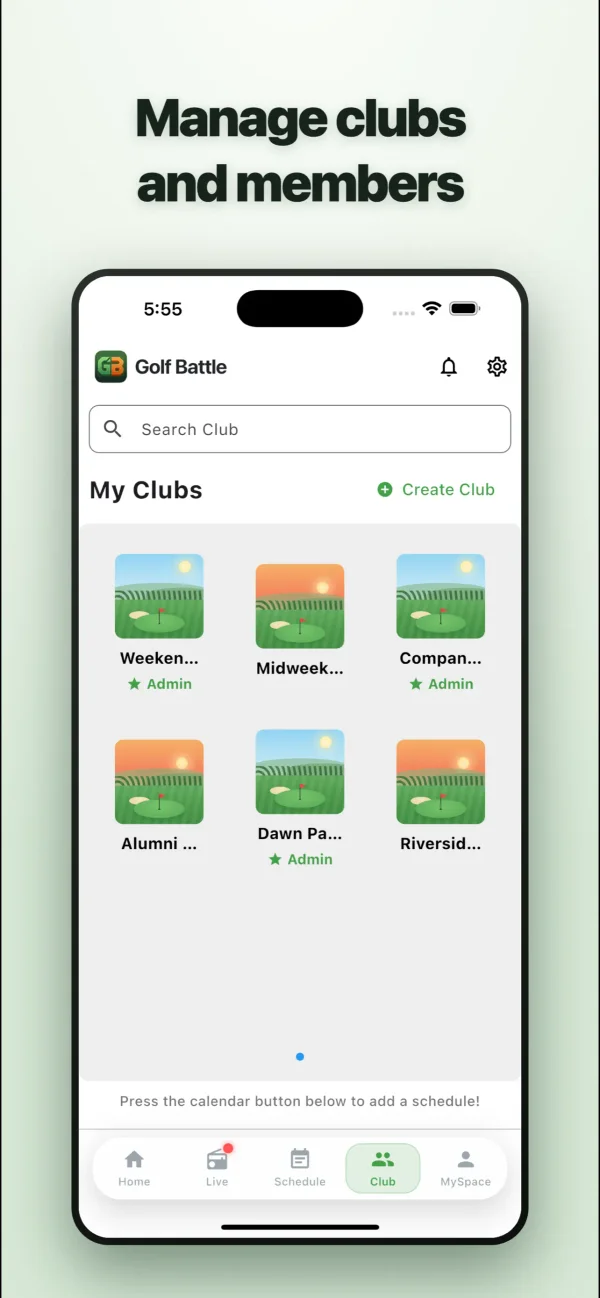
- Create a club and bring members in with an invite code.
- Schedules, announcements, polls, and group pairings all live in one place.
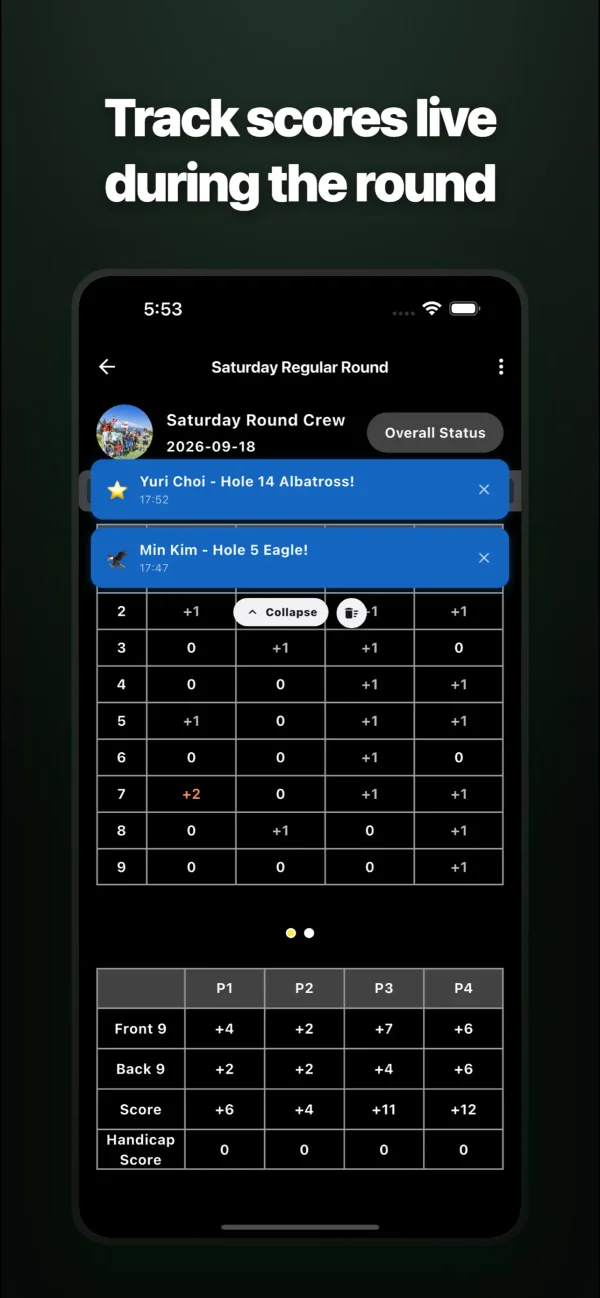
4. Live Tournaments and Score Battles
- Every hole you enter lands on the leaderboard instantly.
- Stroke play and team play are both supported, so the standings shift all round long.
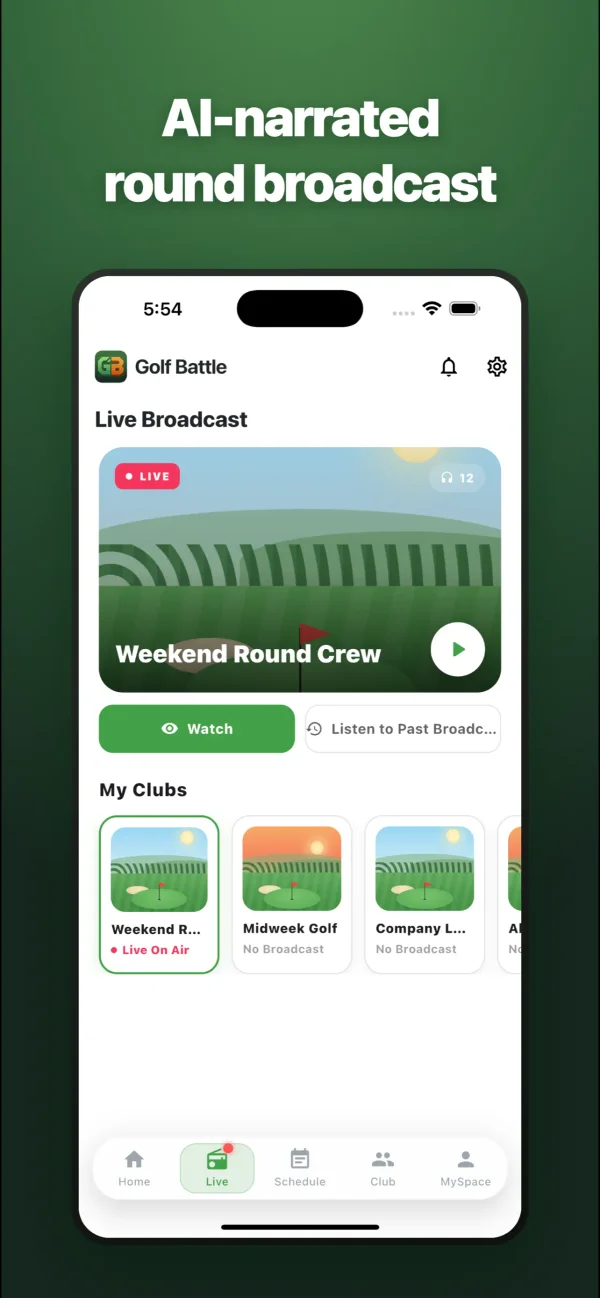
5. AI Live Commentary
- Not on the course? Turn on Golf Battle Live.
- An AI caster reads the play and broadcasts it as real-time audio. Missed a hole? Catch it on replay.
6. Handicap, Stats and Rankings
- Keep your GHIN Handicap Index next to your rounds.
- Track your score trend on a clear graph, and see exactly where you stand in your club's rankings.
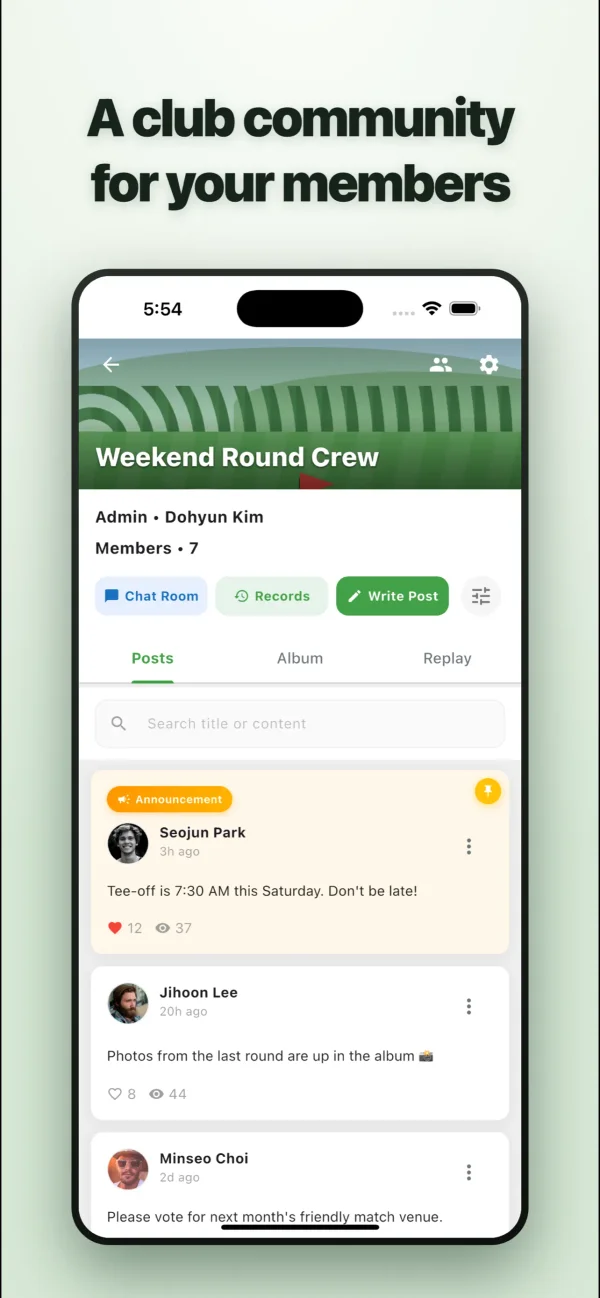
7. Your Club's Own Feed
- Round recaps, swing clips, gear show-and-tell — share it with your members.
Download Golf Battle Studio and turn your next round into a match.
What’s new
Version 1.0.50 · Nov 23, 2026
• AI swing analysis: tap Analyze and you're back on your history right away. A card at the top shows preparing, uploading and saving.
• Swing videos are converted to 1080p on your phone before upload, so they go up faster and HDR clips keep natural colors.
• Videos sent to an instructor keep uploading when you go to the home screen, with progress shown on a card.
• New Instructor feedback tab on the home screen.
• Stability improvements and bug fixes.
App privacy
What Minjeong Kim declares on the App Store about how this app handles data.
-
Data linked to you
May be collected and linked to your identity.
- Location
-
Data not linked to you
May be collected but is not linked to your identity.
- Contact info
Privacy practices may vary, for example with the features you use or your age.
Information
- Seller
- Minjeong Kim
- Category
- Sports
- Version
- 1.0.50
- Updated
- Nov 23, 2026
- Released
- Feb 17, 2025
- Size
- 61.1 MB
- Requires
- iOS 15.0 or later
- Age rating
- 4+
- Price
- Free
- Languages
- English, Korean, Simplified Chinese, Traditional Chinese
- Copyright
- © 2026.Golbang Inc
You might also like
-
 Golf AI ManagerSports
-
 HMB GolfHalf Moon Bay, California
-
 Golf Passport: Course FinderJournal, trips & bucket list
-
 Tornu Golf - Swing TempoMeasured Rhythm & Timing
-
 ToktiGolf - Golf Score, GolfAIFor your golf score & Photo
-
 Ai예약비서Sports
-
 Coyote Creek GC Tee TimesSports
-
 San Juan OaksGolf Course & Country club app
-
 Shoreline Golf Links - CASports
-
 Rancho Del ReyGolf Course & Country Club App