
Golf Swing Camera
SlowMo Auto Video Analyzer
Designed for iPhone, iPad
Free · In-app purchases
- Age rating4+
- CategorySports
- DeveloperTim Leland
- LanguagesEnglish
- Size6.4 MB
Links to the official App Store page
Download.org hosts no file of Golf Swing Camera. The button opens its official App Store page, published by Tim Leland. Listing last checked on Nov 23, 2026.
Screenshots


About
Golf Swing Camera helps players and coaches record, review, and share golf swings on iPhone and iPad.
Set up your phone, step into view, and swing when ready. The app watches for swing motion during a continuous practice session, automatically captures each swing, trims the clip, saves it to your library, and opens it for review. Keep practicing without walking back to the camera after every shot.
MANUAL RECORDING FOR COACHES
Choose Manual on the camera screen to start and stop recording yourself. Film a player, drill, or demonstration and save the full video without automatic swing trimming. Automatic recording remains the default. Set Manual as your default recording mode in Settings if you mainly use the app for lessons.
REVIEW EVERY DETAIL
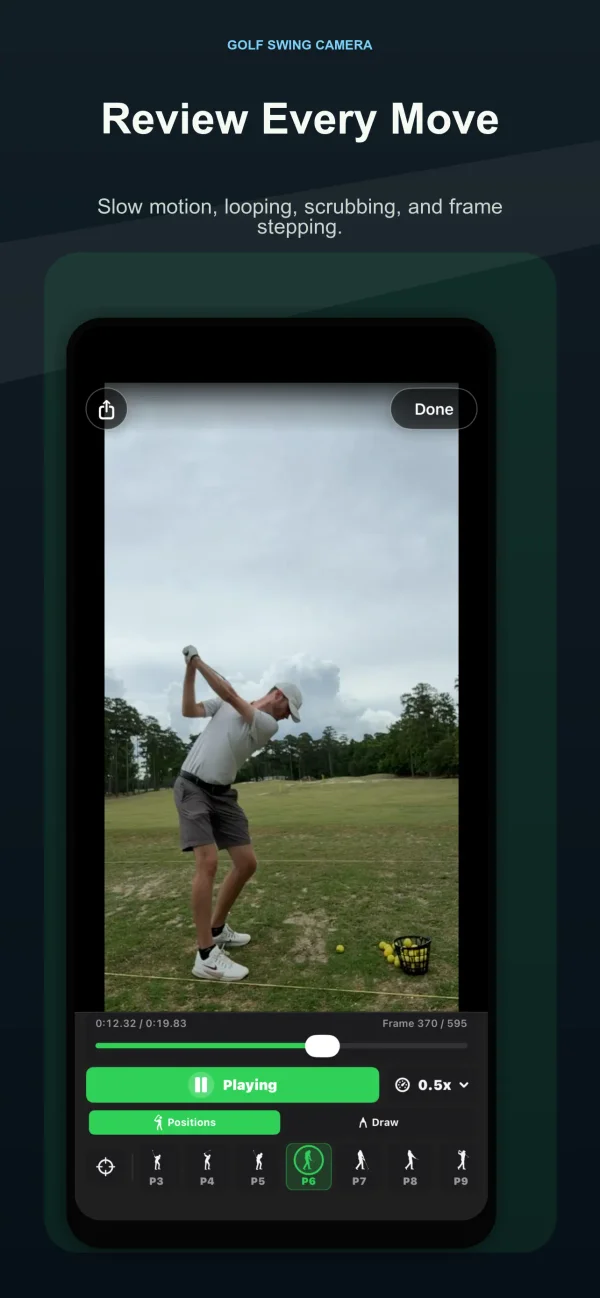
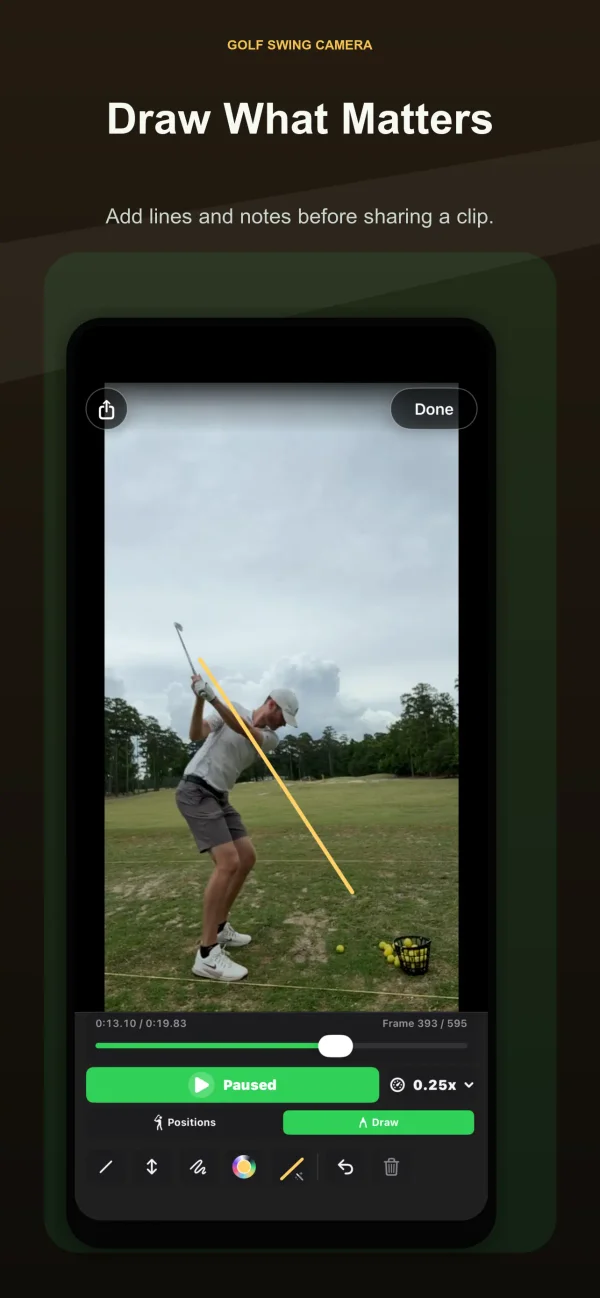
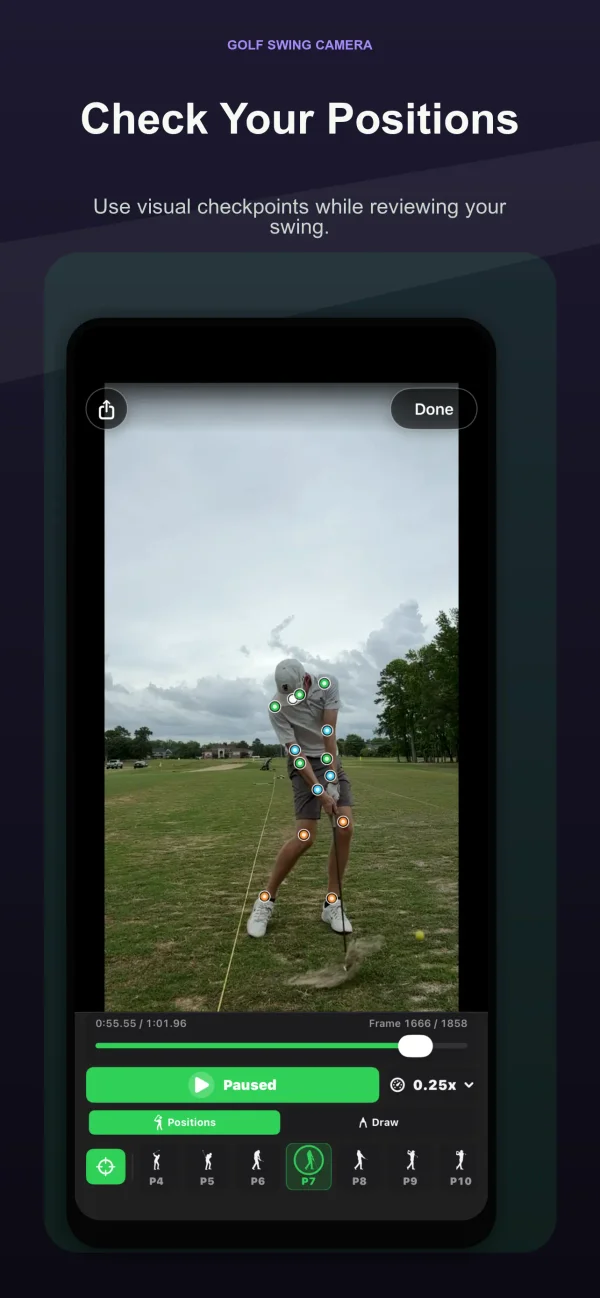
Watch swings in slow motion at 0.25x, 0.5x, or full speed. Step through frames, loop key sections, scrub precisely, add swing-position markers, draw lines and angles, and use body-point overlays and suggested checkpoints to study your movement.
COMPARE SWINGS SIDE BY SIDE
Choose two swings from a session or directly from review. Play them together with synchronized slow motion, pause on matching positions, and scrub both clips precisely to spot changes in setup, sequencing, and impact.
CREATE A COACH REVIEW
Record a narrated review with synchronized playback, pauses, and timed drawings. Voice processing uses the iPhone's built-in microphone for clear narration, and the finished review can be shared with a student, coach, or friend.
BUILT FOR PRACTICE
• Automatic swing capture or manual start and stop
• Recording up to 240 fps on supported devices
• Adaptive frame rates when device conditions require it
• Front and rear camera support
• Configurable pre-roll and post-roll
• Local swing library organized by practice session
• Multi-select for comparing or deleting clips
• Import swing videos from Photos
• Share original, annotated, or Coach Review clips
• Optional iCloud library sync over Wi-Fi or cellular
PRIVATE BY DEFAULT
No account is required. Your videos stay on your device by default. If you enable iCloud sync, your library is stored privately in your iCloud account. Golf Swing Camera does not upload your swings to our servers.
SWING CAM PRO
Get swing checkpoint measurements, drill evidence, and practice-session analysis with a monthly or yearly auto-renewing subscription or a one-time lifetime purchase. Manage your subscription in your Apple Account settings.
Terms of Use
https://www.apple.com/legal/internet-services/itunes/dev/stdeula/
What’s new
Version 2.12 · Nov 22, 2026
• Swing Cam Pro adds checkpoint measurements, drill evidence you can open in the video, and a breakdown of repeated findings across a practice session.
• More reliable checkpoint and impact timing for recorded and imported swings.
• Updated camera and review controls with clearer labels and easier-to-tap buttons.
App privacy
What Tim Leland declares on the App Store about how this app handles data.
-
Data not collected
The developer does not collect any data from this app.
Privacy practices may vary, for example with the features you use or your age.
Information
- Seller
- Tim Leland
- Category
- Sports
- Version
- 2.12
- Updated
- Nov 22, 2026
- Released
- Jun 11, 2026
- Size
- 6.4 MB
- Requires
- iOS 17.0 or later
- Age rating
- 4+
- Price
- Free
- In-app purchases
- Yes
- Languages
- English
- Copyright
- © 2026 Tim Leland
You might also like
-
 SwingReview: Auto Golf CameraAuto records and trims swings
-
 Handy GolfPractice Golf, Improve Faster
-
 Golf Swing Cam: Slow MotionCorrect Mechanics Pro Trainer
-
 V1 Coach: Video Analysis AppGolf & Baseball swing lessons
-
 SwingSlapp Golf Swing AnalyzerSlow Motion Video Coach & Tips
-
 DeepSwing: Golf Launch MonitorSwing Analyzer, AI Coach & GPS
-
 Swing ReplayGolf Swing Training Aid
-
 Swing Tune-Up Golf AI AnalyzerGolf Cam, Analysis & Replay
-
 PuttViewAR Putting Trainer for Golfers
-
 TrackMan CameraSports