
Golf Swing Recorder
Swing Recording and Analysis
Designed for iPhone, iPad
Free · In-app purchases
- Age rating4+
- CategorySports
- DeveloperEdwin Compton
- LanguagesEnglish
- Size74.7 MB
Links to the official App Store page
Download.org hosts no file of Golf Swing Recorder. The button opens its official App Store page, published by Edwin Compton. Listing last checked on Nov 23, 2026.
Screenshots

About
Swing Recorder is the easiest way to record and instantly replay your golf swing using your favourite Apple device. Simply set your device down, address the ball, take your shot — and your swing is ready to watch immediately. No tapping, no trimming, no walking back to your phone.
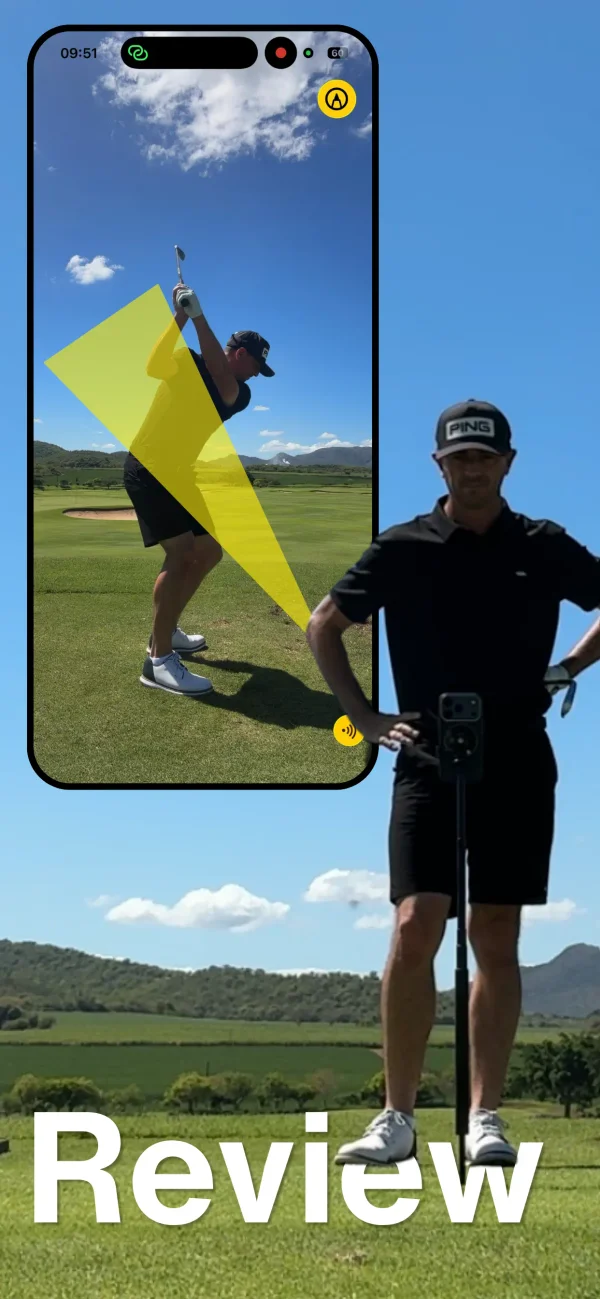
Perfect for the driving range, Swing Recorder automatically captures your swing and replays it with optional pause points at key positions (backswing, top, downswing, and impact). You can also slow the playback speed to analyze your mechanics with precision.
Prefer to study your swings later? Swing Recorder automatically saves each recording to your Photos app in a dedicated album.
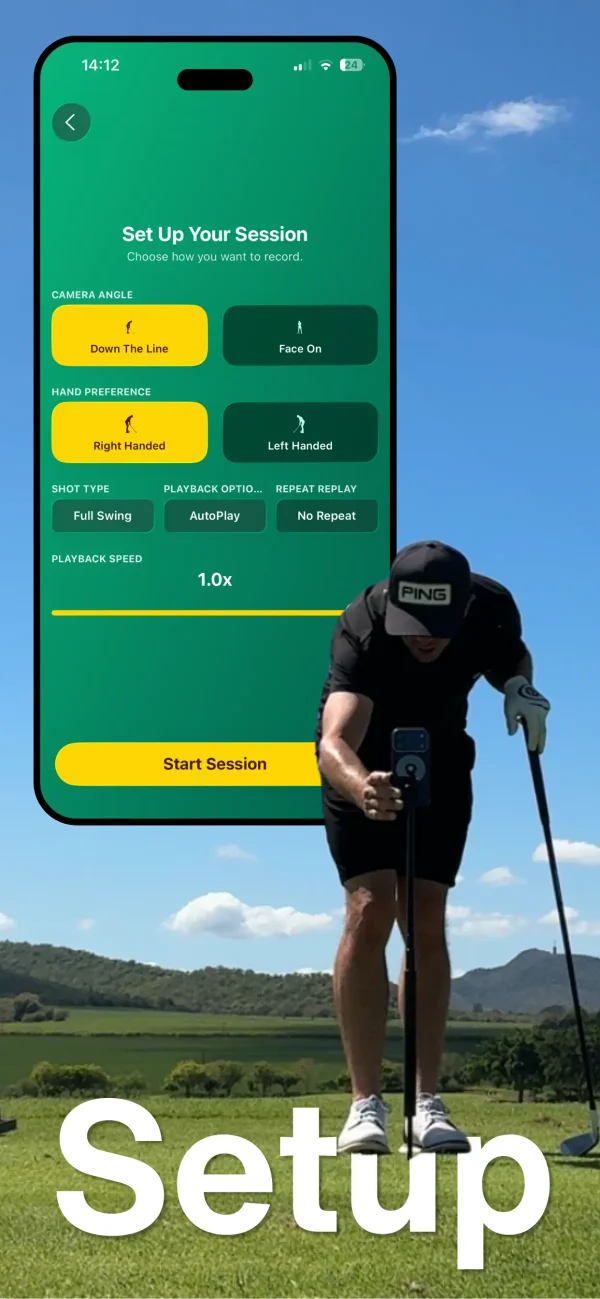
Built for the range. Choose your shot type — Full Swing, Pitch or Putt. Pick your angle — Face On or Down The Line. Select your replay speed and let Swing Recorder do the rest. No touching your phone between shots.
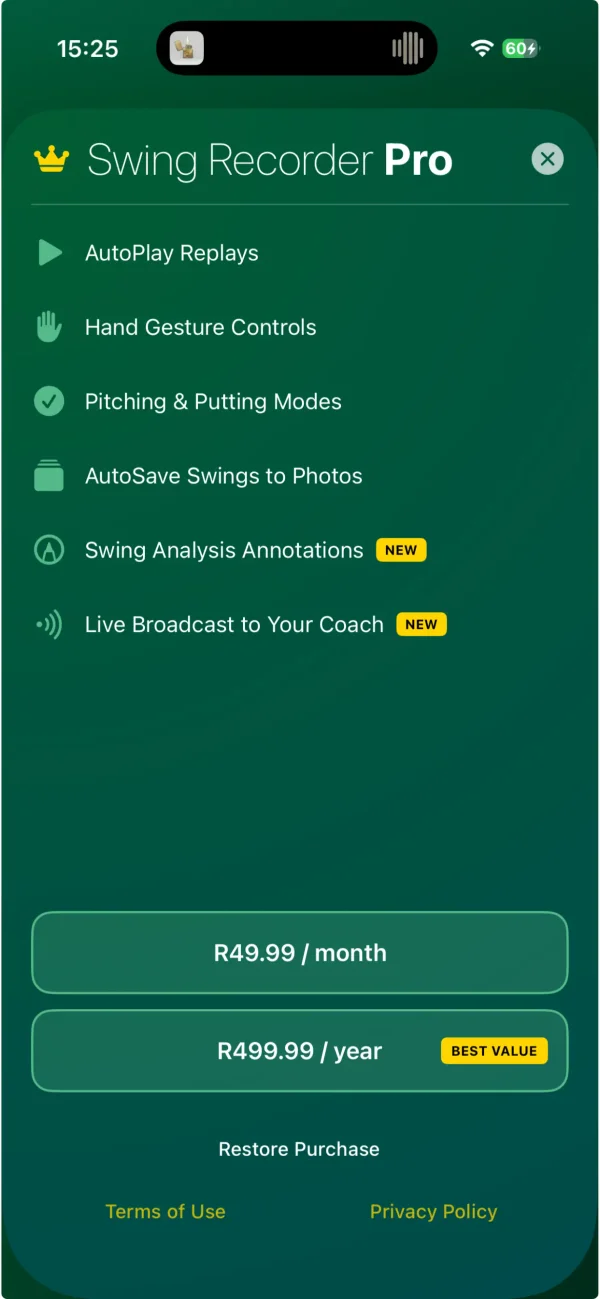
Share your swing live. Subscribers can stream every swing in real time to their coach or friends, who can comment, draw on the video, and send screenshots back — remote coaching made simple.
Master your swing. Train smarter. Improve faster.
Terms of Use: https://www.apple.com/legal/internet-services/itunes/dev/stdeula/
What’s new
Version 1.6.6 · Nov 22, 2026
New: My Coach (Pro). Link up with your coach and send them your swings straight from your phone.
- Scan your coach's QR code, or paste the link they sent you, to join.
- Send a Face On and a Down The Line video of the same swing to your coach. You'll see when they've opened it.
- Your coach's lessons arrive in My Lessons, and you'll get a notification when a new one comes in.
- Swings your coach records of you in a lesson show up in My Swings too.
New: My Players (Pro+). For coaches:
- Invite a player with a QR code, or add them manually.
- Watch the swings your players send you, and see which ones you've answered with a lesson.
- Save a swing for a player right from your phone, and it goes to their profile.
- Add your name and photo so your players know who their coach is.
Upload 3D (Pro+). Under Use Golf Swing Studio, choose Record Live or Upload 3D. Upload 3D sends a Face On and a Down The Line video from your library to Golf Swing Studio on your Mac, along with your Address, Top and Impact marks, and the Mac builds the 3D.
Send 3D Swing to Golf Swing Studio (Pro+). After you build a 3D Swing, one tap sends it to Golf Swing Studio on your Mac. It opens with both videos lined up and the Address, Top and Impact you marked.
Plus stability fixes and many smaller improvements.
App privacy
What Edwin Compton declares on the App Store about how this app handles data.
-
Data not collected
The developer does not collect any data from this app.
Privacy practices may vary, for example with the features you use or your age.
Information
- Seller
- Edwin Compton
- Category
- Sports
- Version
- 1.6.6
- Updated
- Nov 22, 2026
- Released
- Jan 10, 2025
- Size
- 74.7 MB
- Requires
- iOS 26.0 or later
- Age rating
- 4+
- Price
- Free
- In-app purchases
- Yes
- Languages
- English
- Copyright
- © Compton Golf PTY Ltd (2015)
You might also like
-
 Mirror Vision: Golf CoachingLive swing mirror at your feet
-
 DeepSwing: Golf Launch MonitorSwing Analyzer, AI Coach & GPS
-
 Swing Tune-Up Golf AI AnalyzerGolf Cam, Analysis & Replay
-
 Golf BPM Swing Tempo MusicGet PGA Tour Rhythm & Timing
-
 Shot Pattern - Golf GPSStrategy, Strokes Gained Stats
-
 Awesome Golf SimulatorSports
-
 CoachNow: Sports Coaching AppVideo Analysis & Feedback Kit
-
 GolfCam: Golf Video EditorGolf vlog w/ trace & scorecard
-
 Golf GameBook: Scorecard & GPSShot Tracker & Range Finder
-
 SmoothSwingGolf Shot Tracer & Golf GPS