
GolfDays
Automatic Swing Recording
Designed for iPhone, iPad
Free · In-app purchases
- Age rating4+
- CategorySports
- DeveloperKauriLab
- LanguagesEnglish+ 2 more
- Size15.1 MB
Links to the official App Store page
Download.org hosts no file of GolfDays. The button opens its official App Store page, published by KauriLab. Listing last checked on Nov 12, 2026.
Screenshots

About
Daily golf swing practice and form checks are the fastest way to improve your golf swing. GolfDays automatically records only the swing and supports form improvement through instant replay and swing comparison.
Do you want to make sure your swing form is correct and stable, but find it difficult to record and check your swing?
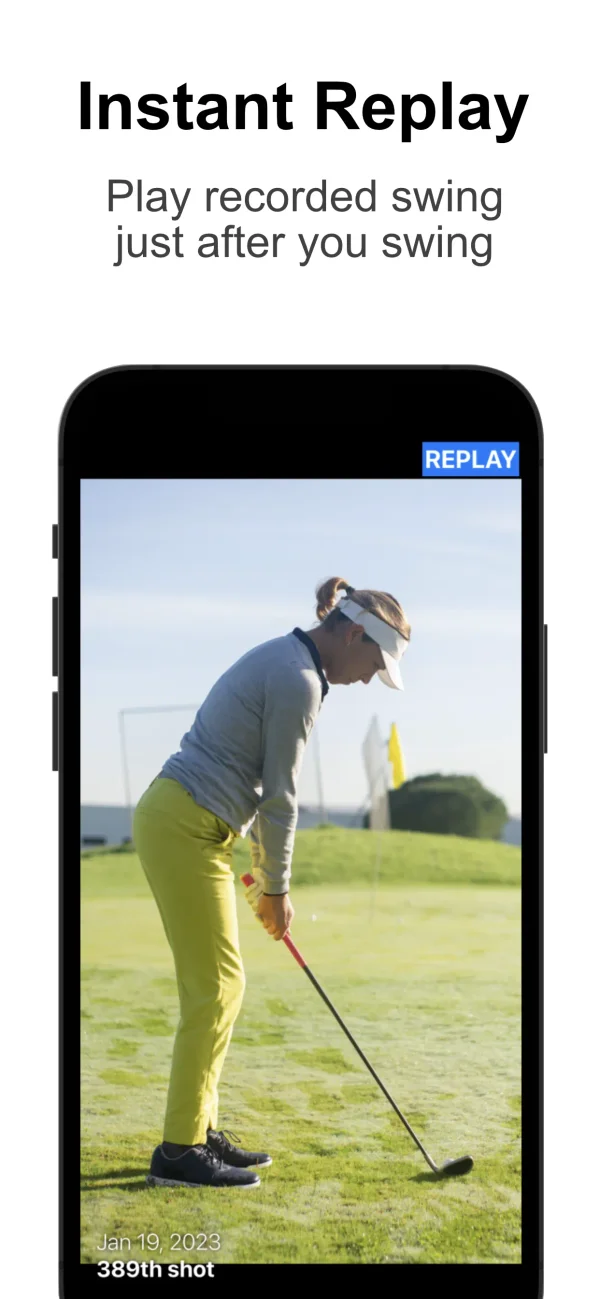
GolfDays automatically records only the golf swing and automatically plays back the swing immediately after the swing (slow playback and frame-by-frame playback are also possible).
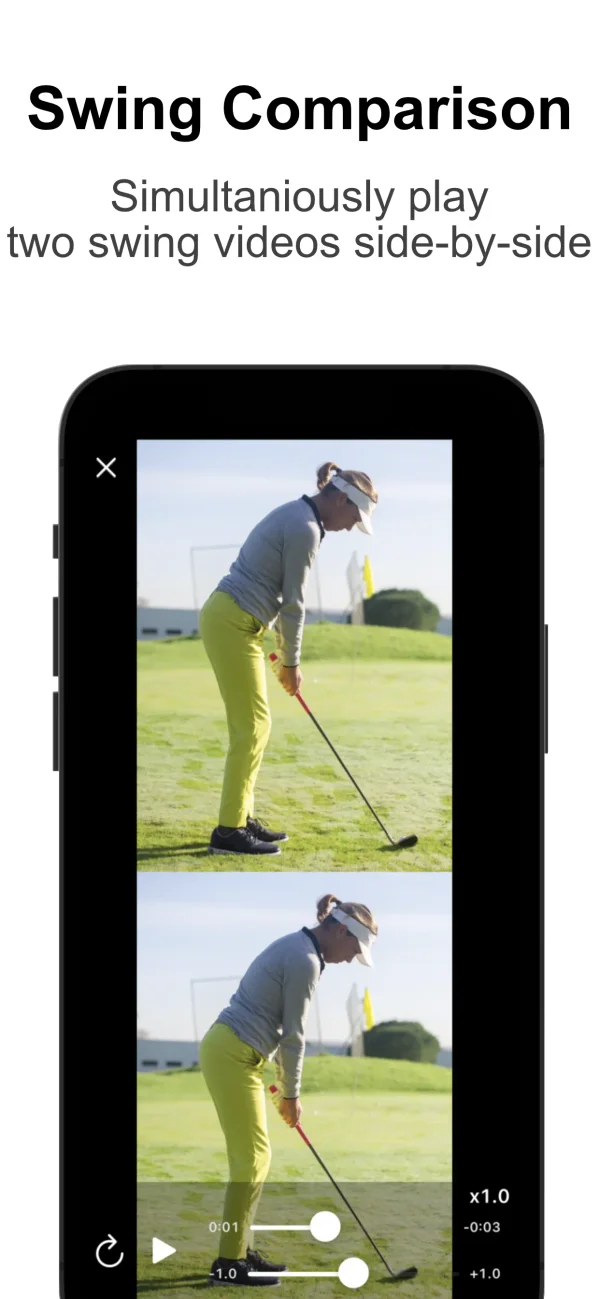
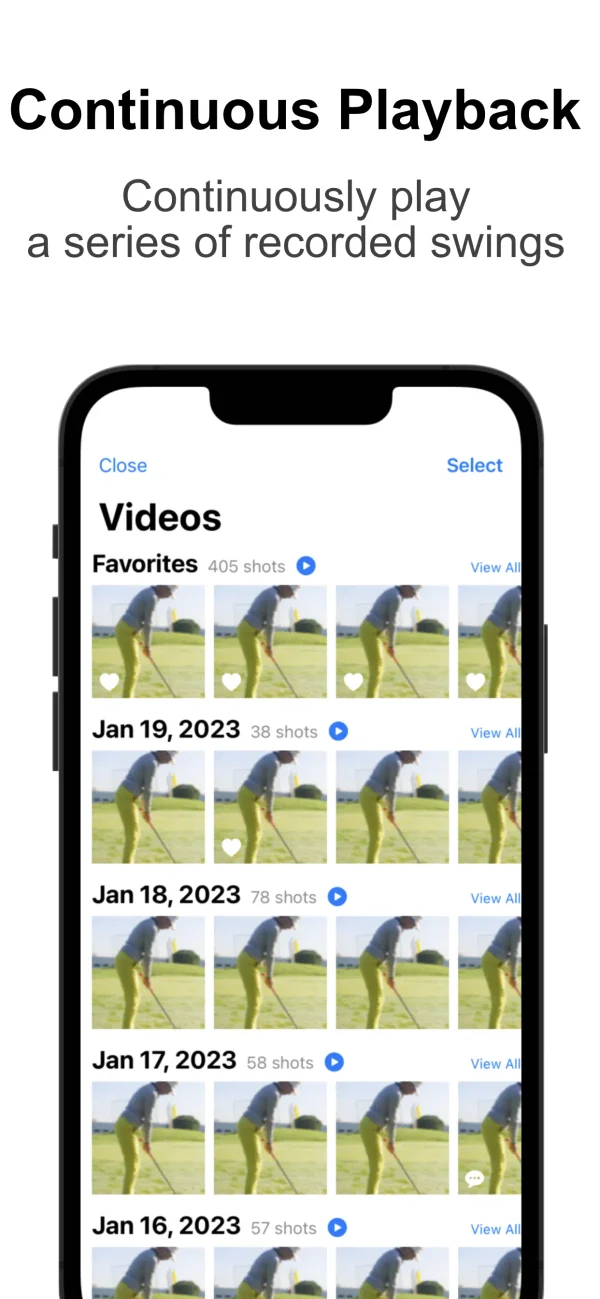
In addition, recorded swing videos can be played back continuously and compared.
*The number of videos that can be stored per day is limited to ten. Removing the limit is a paid option.
GolfDays uses the latest action recognition technology to automatically recognize your swing in the video and record only the swinging part.
The swing video is saved at a high frame rate*, so the form can be viewed in detail even when played back slowly or frame-by-frame.
*Maximum frame rate depends on device's chip
■ Features
- Instant Replay
Playbacks recorded swing immediately after you swing
- Recording Settings
Supports switching between rear & front cameras and zooming
- Playback
Playbacks recorded swings
Supports slow playback, frame-by-frame playback, and note input
- Continuous Playback
Continuously playbacks a serious of recorded swings
- Swing Comparison
Simultaneously playbacks two recorded swings side-by-side
Supports slow playback, frame-by-frame playback, scaling, and time lag adjustment between videos
■ Supported Devices
iPhone and iPad with A12 chip or later
■ Paid Options
Remove Quota, for removing the limit on the number of videos saved, is available with three purchase options: a monthly subscription, a yearly subscription, or one-time purchase.
As for the subscription options, Remove Quota automatically renews as a paid subscription, unless cancelled at least 24 hours before the date of renewal. The payment will be charged to Apple ID Account at confirmation of purchase. Your account will be charged for renewal within 24-hours prior to the end of the current period. You can cancel subscription anytime by turning off auto-renewal through your account settings. This must be done 24 hours before the end of subscription period to avoid being charged. The cancellation will take effect the day after the last day of the current subscription period, and you will be downgraded to the basic service.
We value the opinions of our users. We welcome your feedback.
- Privacy Policy: https://kaurilab.com/golfdays/privacy-policy
- Terms of Use: https://kaurilab.com/golfdays/terms-of-use
What’s new
Version 1.6 · Oct 12, 2026
- Improved UIs
ver. 1.4, 1.5
- Improved UIs
ver. 1.3
- Improved swing recognition accuracy for better performance.
- Resolved an issue where swings recorded with the front camera were flipped horizontally.
ver. 1.2
- Simplified Chinese UI is now supported.
App privacy
What KauriLab declares on the App Store about how this app handles data.
-
Data not collected
The developer does not collect any data from this app.
Privacy practices may vary, for example with the features you use or your age.
Information
- Seller
- KauriLab
- Category
- Sports
- Version
- 1.6
- Updated
- Oct 12, 2026
- Released
- Jan 22, 2023
- Size
- 15.1 MB
- Requires
- iOS 17.0 or later
- Age rating
- 4+
- Price
- Free
- In-app purchases
- Yes
- Languages
- English, Japanese, Simplified Chinese
- Copyright
- © 2023 KauriLab Inc.
You might also like
-
 AIGOLF-Golf AI AnalysisSwing Analysis and Comparison
-
 Golf Swing Cam: Slow MotionCorrect Mechanics Pro Trainer
-
 Mirror Vision: Golf CoachingLive swing mirror at your feet
-
 Swing Tune-Up Golf AI AnalyzerGolf Cam, Analysis & Replay
-
 CoachView Slowmo Video PlayerYour new Coaches Eye tool
-
 Golf BPM Swing Tempo MusicGet PGA Tour Rhythm & Timing
-
 Swing Profile Golf AnalyzerSwing Analysis & Training Aid
-
 Swing ReplayGolf Swing Training Aid
-
 GolfCam: Golf Video EditorGolf vlog w/ trace & scorecard
-
 V1 Golf: Golf Swing AnalyzerVideo Analysis Drill technique