
- Age rating4+
- CategoryTravel
- DeveloperVictor Adedamola
- LanguagesEnglish
- Size39.7 MB
Links to the official App Store page
Download.org hosts no file of GoLiner. The button opens its official App Store page, published by Victor Adedamola. Listing last checked on Nov 10, 2026.
Screenshots
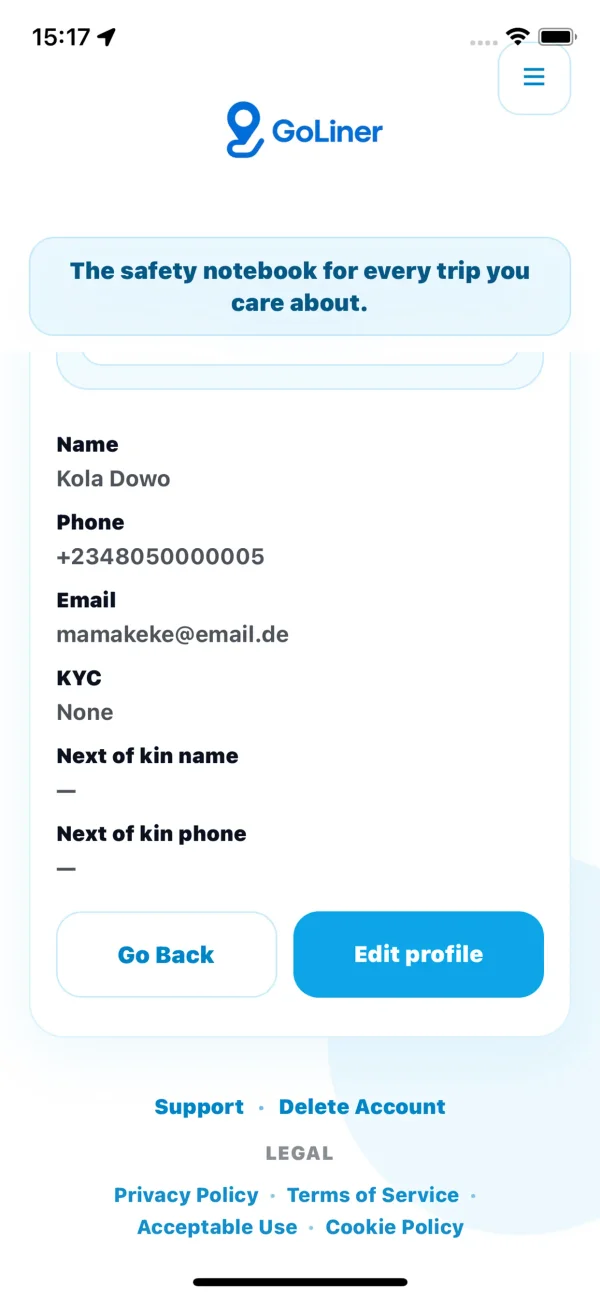
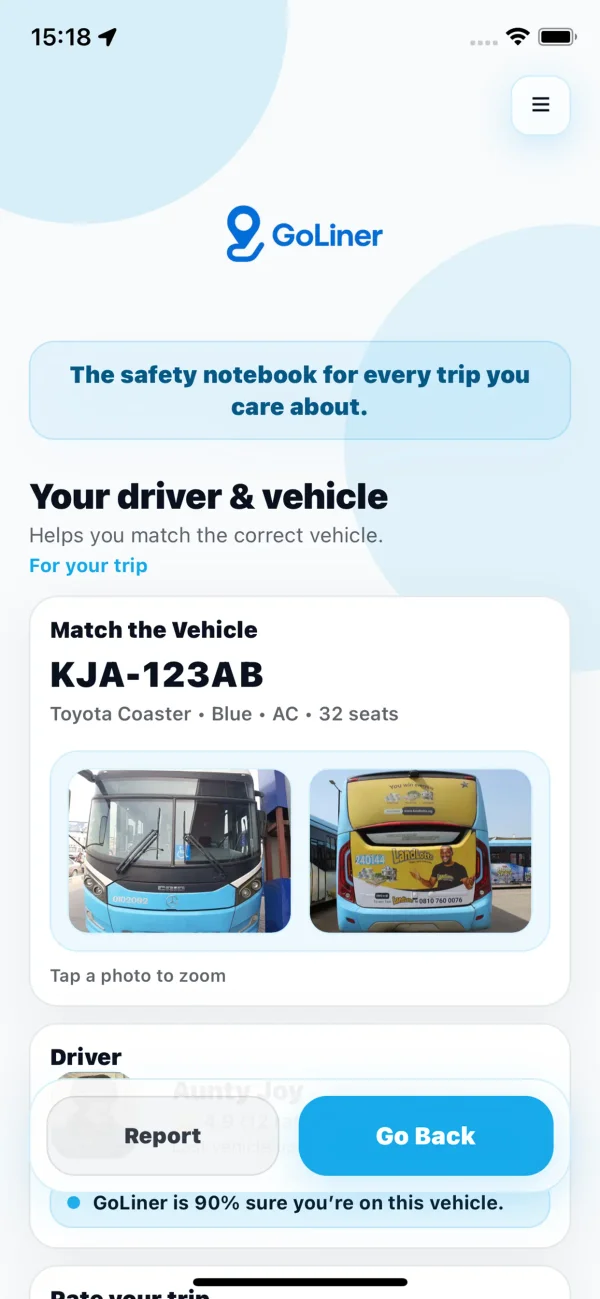
About
GoLiner helps passengers create a clear digital safety record for every journey they care about.
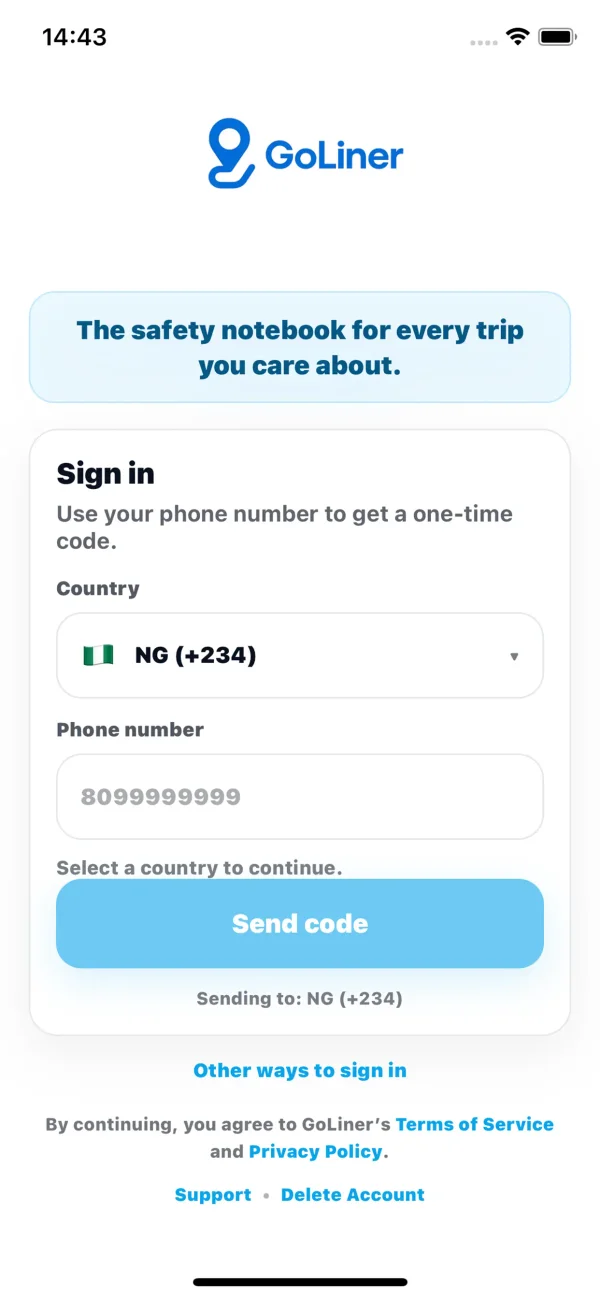
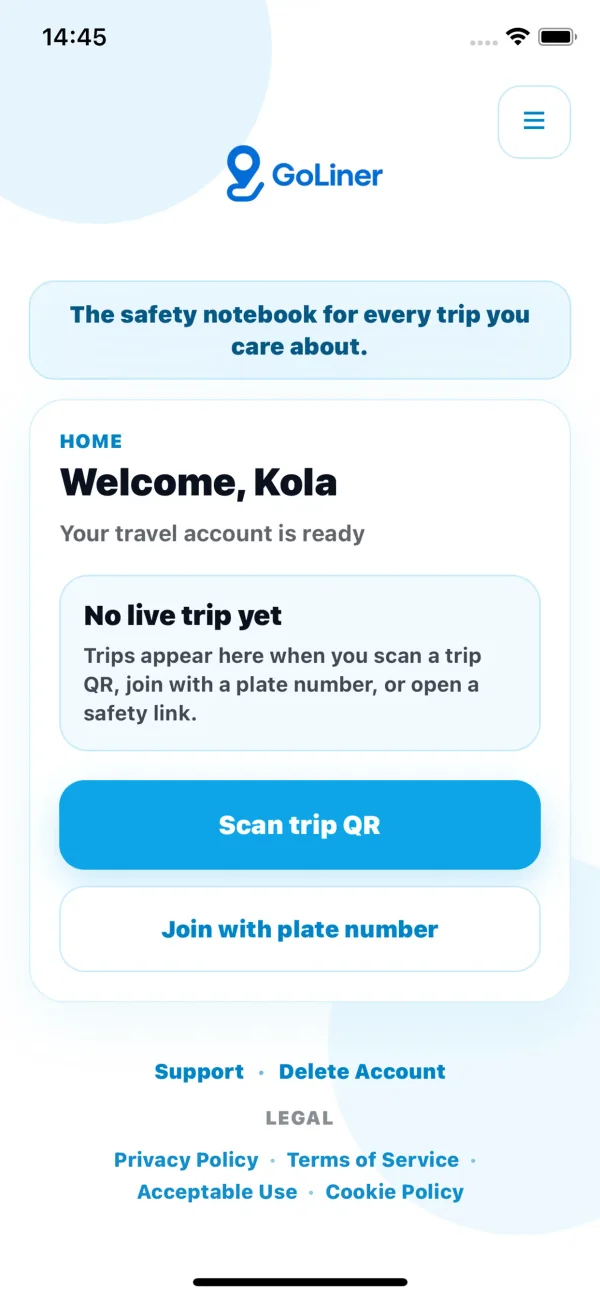
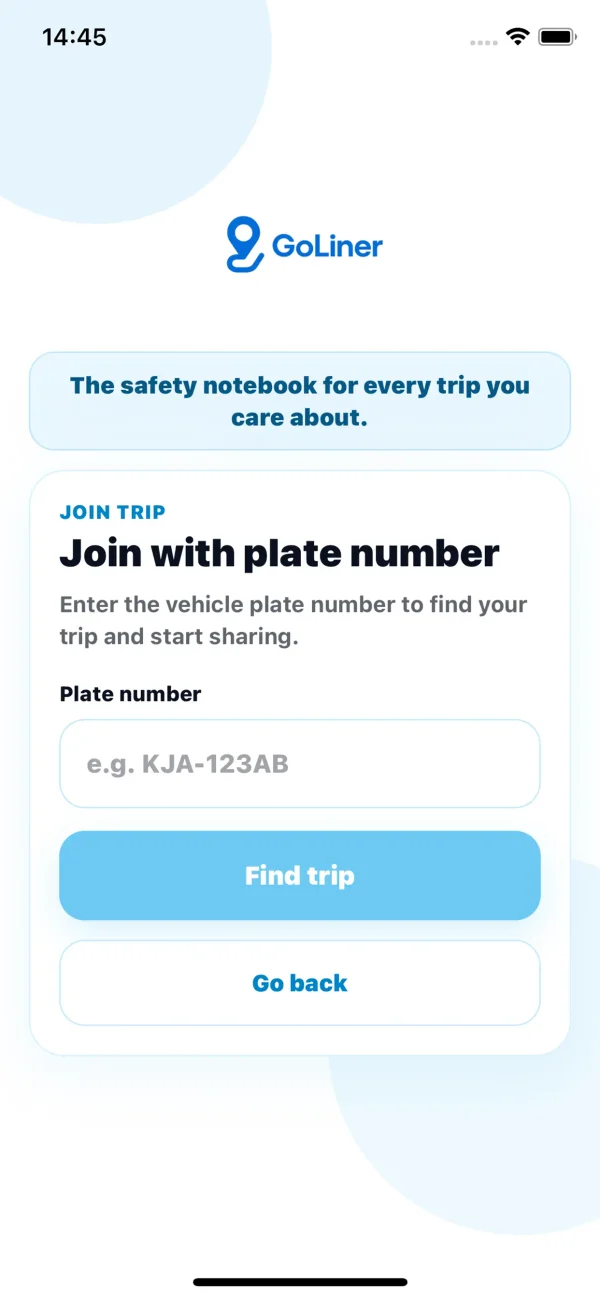
Join an active trip using the vehicle’s plate number and the driver’s current GoLiner PIN, or scan the GoLiner Safety QR displayed on the vehicle. Once joined, you can share a live Safety Link with trusted contacts so they can follow important journey updates.
JOIN AND FOLLOW YOUR TRIP
• Join with a vehicle plate number and rotating driver PIN
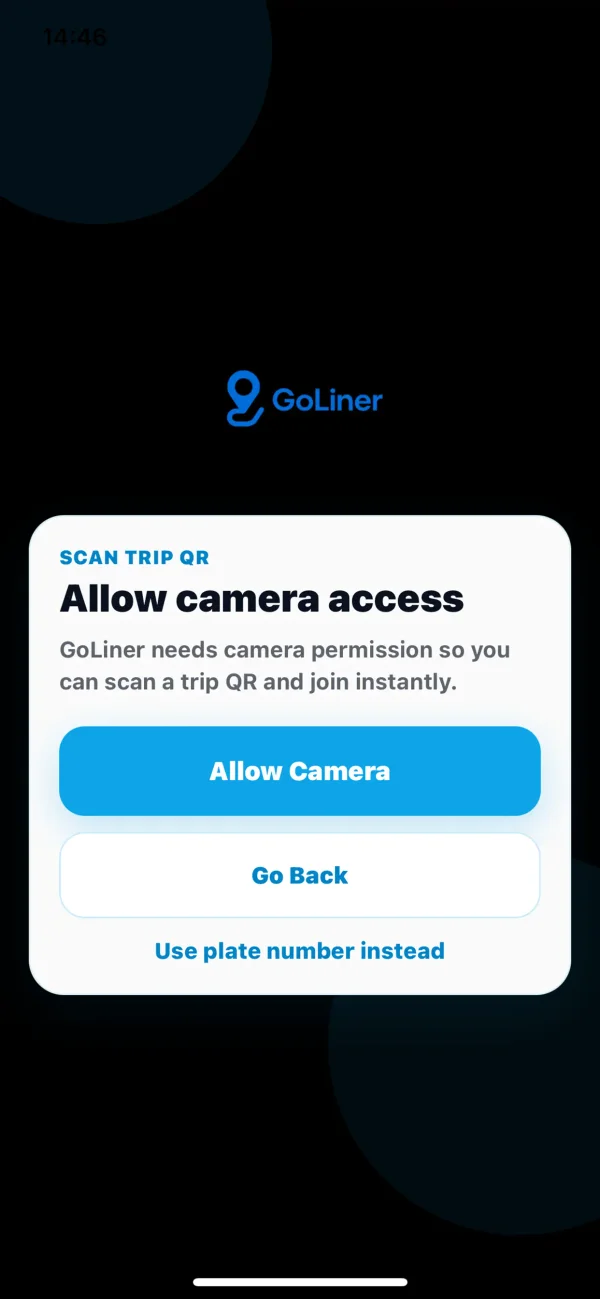
• Scan a GoLiner Safety QR to begin
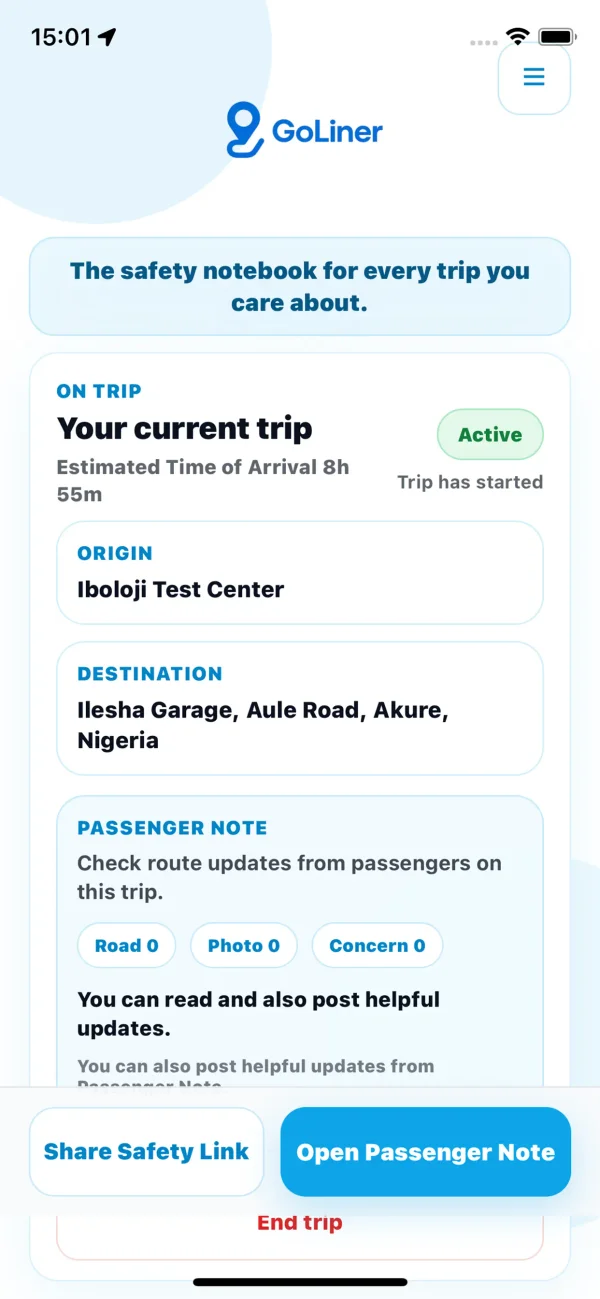
• View your current route and trip status
• See available driver, vehicle and operator information
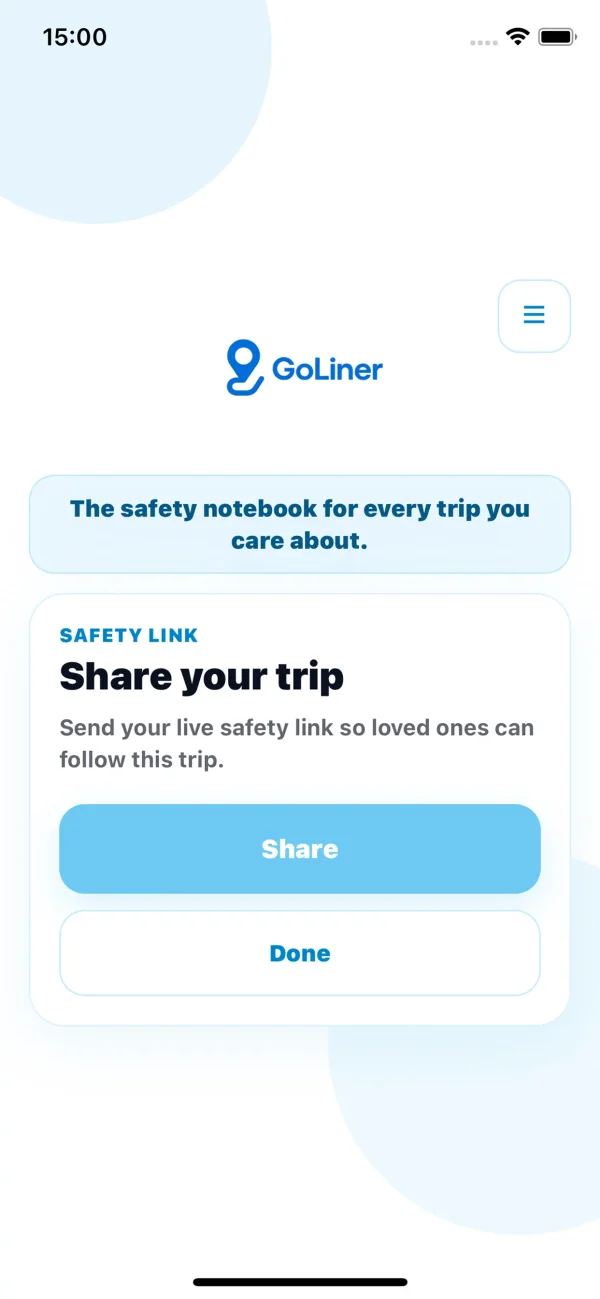
• Share your Safety Link with family and trusted contacts
• End your passenger session when you leave the vehicle
• Rate completed journeys
• Review your previous trips in Trip History
KEEP LOVED ONES INFORMED
A GoLiner Safety Link allows trusted contacts to follow the journey without needing to travel with you. Depending on the available trip information, they may be able to view:
• Current journey status and route
• Vehicle location updates
• Origin and destination
• Driver and vehicle details
• Passenger journey progress
• Shared route updates and concerns
PASSENGER NOTE
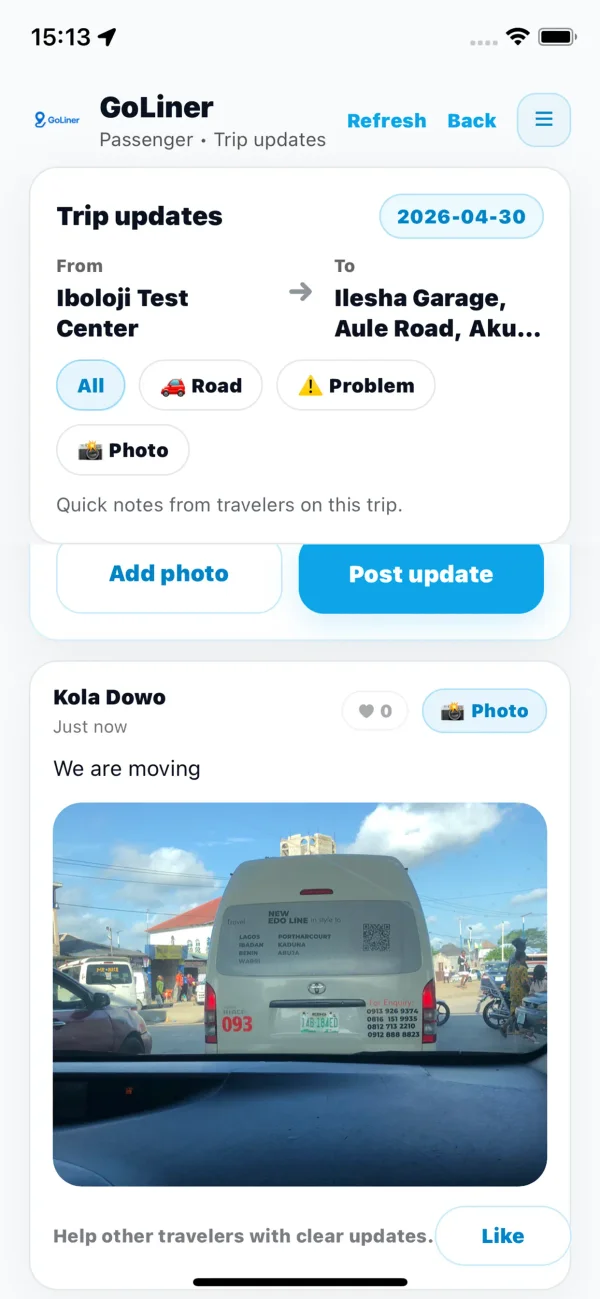
Passenger Note helps people travelling on the same route share useful journey information.
Passengers can:
• Post road and route updates
• Share helpful photos
• Report journey concerns
• Read updates from other travellers
• Support useful posts with likes
TRIP ASSIST
Trusted contacts can use Trip Assist to request help reaching a loved one during an active journey. Passengers travelling on the same vehicle can receive the request in their GoLiner inbox and respond when appropriate.
YOUR GOLINER BOOKINGS
View transport bookings connected to your account’s email address or phone number.
Depending on the booking, you may be able to:
• View upcoming and previous journeys
• Open your transport ticket
• Complete a pending payment
• See seat and passenger information
• View an assigned vehicle and driver
• Contact the transport office or assigned driver
GOLINER SAFEGUARD SCHOOLRUN
Approved school transport assistants can use Assistant Mode to manage assigned SchoolRun duties.
Assistant Mode may include:
• Viewing assigned school runs
• Checking in for a scheduled run
• Confirming arrival at pickup and drop-off stops
• Recording student boarding, no-shows and handovers
• Verifying the correct Parent Safety PIN
• Reviewing completed and unresolved student actions
• Keeping authorised location updates active during a live SchoolRun
GoLiner may use background location during an active passenger trip or an authorised SchoolRun assignment so journey records and permitted location updates can continue when the app is not open.
GoLiner supports journey visibility and record keeping. It does not replace emergency services, responsible travel decisions or the transport operator’s legal and safety obligations.
What’s new
Version 1.0.4 · Jul 16, 2026
What’s new in GoLiner:
• Easier trip joining with a vehicle plate number, current driver PIN or GoLiner Safety QR
• Improved current-trip information and Safety Link sharing
• Added access to GoLiner bookings, tickets, payment status and vehicle assignments
• Improved Passenger Note for road updates, photos and journey concerns
• Improved Trip Assist requests, inbox updates and notifications
• Stronger SchoolRun Assistant workflows for stop arrival, boarding, no-shows and handovers
• Improved Parent Safety PIN validation before student boarding
• Faster refresh of SchoolRun assignments and driver or assistant changes
• More reliable location updates during active trips and authorised SchoolRuns
• Improved profile, trip history, ratings, sign-out and account navigation
• General performance, reliability and stability improvements
App privacy
What Victor Adedamola declares on the App Store about how this app handles data.
-
Data linked to you
May be collected and linked to your identity.
- Location
- Contact info
- User content
- Identifiers
- Diagnostics
Privacy practices may vary, for example with the features you use or your age.
Information
- Seller
- Victor Adedamola
- Category
- Travel
- Version
- 1.0.4
- Updated
- Jul 16, 2026
- Released
- May 5, 2026
- Size
- 39.7 MB
- Requires
- iOS 15.1 or later
- Age rating
- 4+
- Languages
- English
- Copyright
- © Hypergold Limited
You might also like
-
 Dymond fleets RiderYour Trusted Ride Partner
-
 Shuttlers PilotTravel
-
 Ceno - Request a rideBook rides easily
-
 Hotels.ngBook hotels in Nigeria
-
 TripLIRide in style and comfort
-
 EnviableTravel
-
 Wakanow AffiliatesTravel
-
 SimpliRide – Request a rideTravel with Ease
-
 Libmot Mobile AppTravel
-
 GIG MobilityYour foremost mobility app.