Gomotornav
Dashcam, Video Editor & Routes
Designed for iPhone
Free · In-app purchases
- Age rating4+
- CategoryUtilities
- DeveloperGofuture Technology Co.,Ltd
- LanguagesEnglish+ 1 more
- Size71.6 MB
Links to the official App Store page
Download.org hosts no file of Gomotornav. The button opens its official App Store page, published by Gofuture Technology Co.,Ltd. Listing last checked on Nov 23, 2026.
Screenshots


About
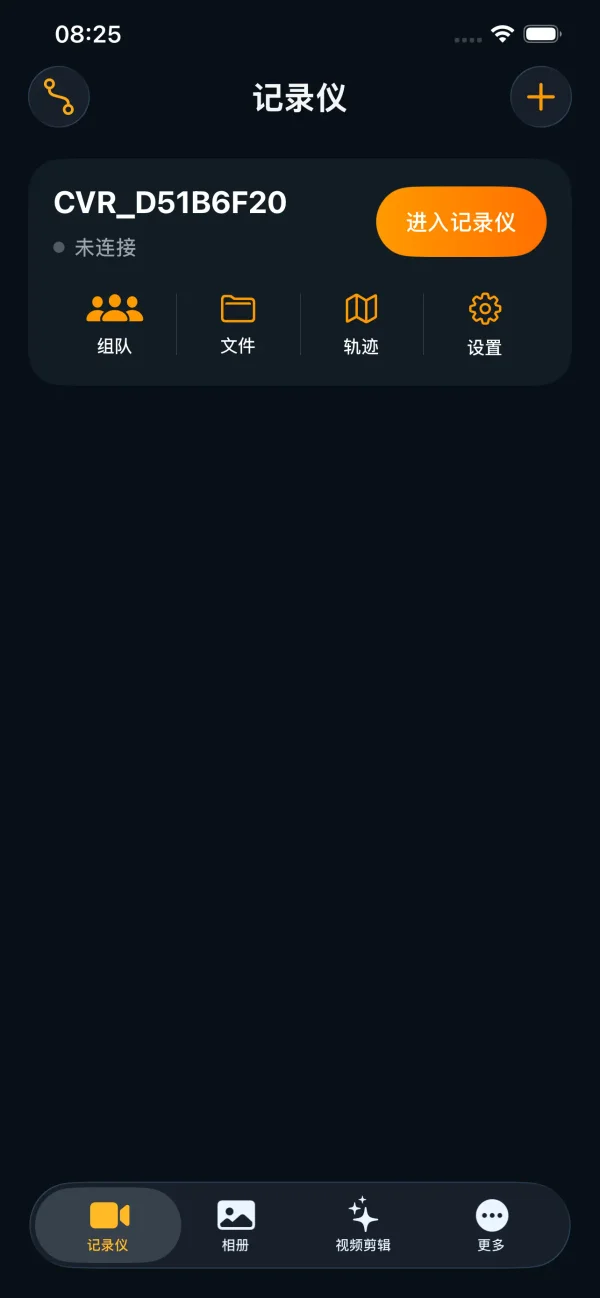
Gomotornav is a companion for compatible dashcams, with device controls, footage management, basic video editing and ride features.
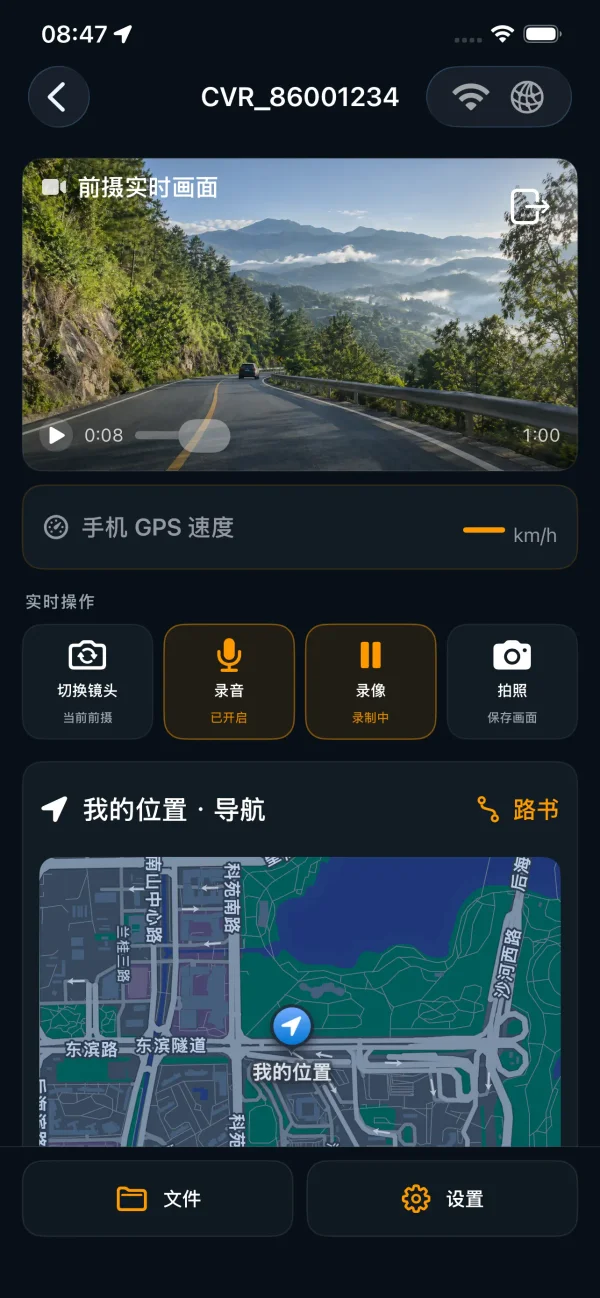
Connect to your dashcam's Wi-Fi to preview video and use the recording, photo and camera controls supported by your device. Browse device files and manage downloaded footage locally.
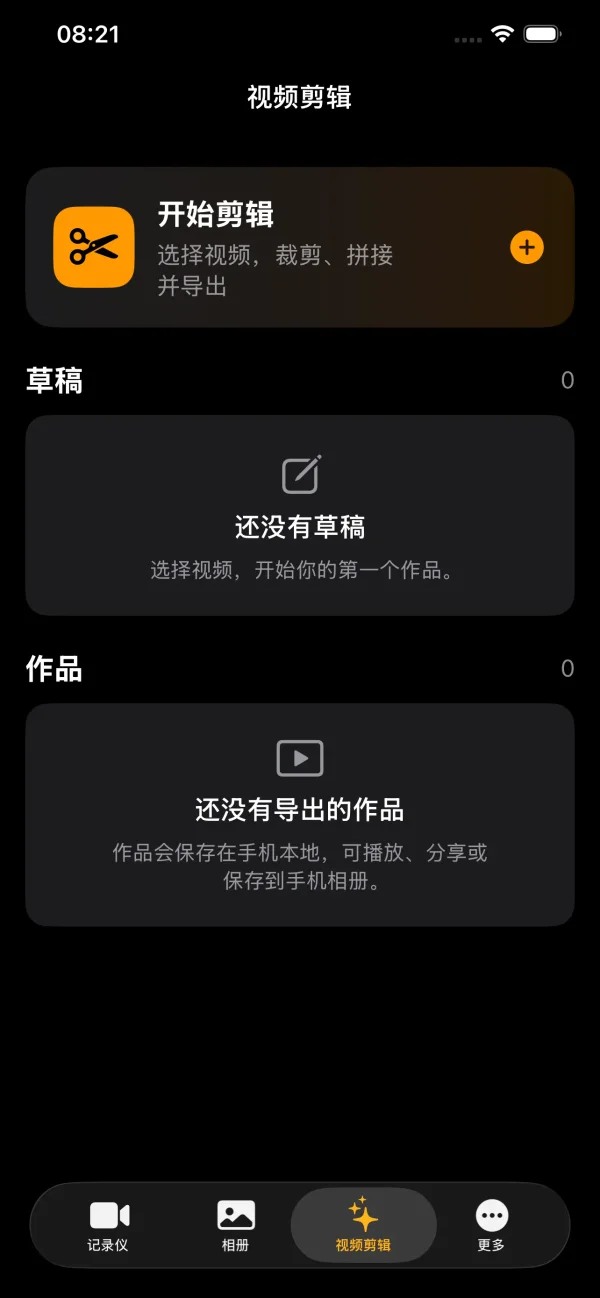
Select videos from Photos, Files or downloaded dashcam recordings. Trim, split, arrange and join clips, change speed and volume, then export a movie to save or share. Some dashcam formats require an on-device compatibility conversion before editing.
Import or record GPX routes and save or export them. Route guidance follows the shape of the route. It does not provide complete road restrictions, lane guidance or automatic off-route recalculation.
Team Voice requires purchased voice time. Buy 100 personal hours using Apple In-App Purchase. Your balance and usage are synced with your Gomotornav account. Time counts while you are connected, including when muted or listening, and stops after disconnecting. Purchased time does not expire and does not renew automatically. The purchase screen shows the current App Store price in your local currency. Sign in to create a room or join using a teammate's room number or QR invitation. Internet and microphone access are required. Mute, leave, report or block as needed.
Authorized manufacturer accounts can select a supplier, manufacturer and customer, then scan device codes for factory enrollment. Ordinary users do not need factory enrollment to use supported device features. Scan a device QR code to save its model and hardware variant offline, or scan again to correct it. Go online to get matching published firmware, download and verify it, then confirm transfer to the compatible external dashcam.
A compatible dashcam and its Wi-Fi are required for device features. Online maps, voice, support and firmware downloads require internet access. Features vary by device. Some screens currently use Chinese labels. Operate the app only when safely stopped.
Support: helen@gofuturetech.com
Privacy: https://gomotornav-api.gofuturetech.com/privacy
What’s new
Version 1.3.1 · Nov 18, 2026
Long-press a downloaded firmware package to delete it after confirmation and free local storage.
Improve firmware upgrade navigation and restriction messages.
Fix photo capture getting stuck when the video preview is not ready.
Fix GPS synchronization recovery after leaving and reopening the page.
Improve privacy protection for Wi-Fi configuration diagnostics.
App privacy
What Gofuture Technology Co.,Ltd declares on the App Store about how this app handles data.
-
Data linked to you
May be collected and linked to your identity.
- Purchases
- Contact info
- User content
- Identifiers
- Usage data
- Diagnostics
Privacy practices may vary, for example with the features you use or your age.
Information
- Seller
- shenzhen Gofuture Technology co..Limited
- Category
- Utilities
- Version
- 1.3.1
- Updated
- Nov 18, 2026
- Released
- Oct 14, 2026
- Size
- 71.6 MB
- Requires
- iOS 16.7 or later
- Age rating
- 4+
- Price
- Free
- In-app purchases
- Yes
- Languages
- English, Simplified Chinese
- Copyright
- © 2026 shenzhen Gofuture Technology co..Limited