
Good Remote: TV Remote Control
Universal Smart TV & Mirroring
Designed for iPhone, iPad
In-app purchases
- Age rating4+
- CategoryUtilities
- DeveloperGokhan Altinci
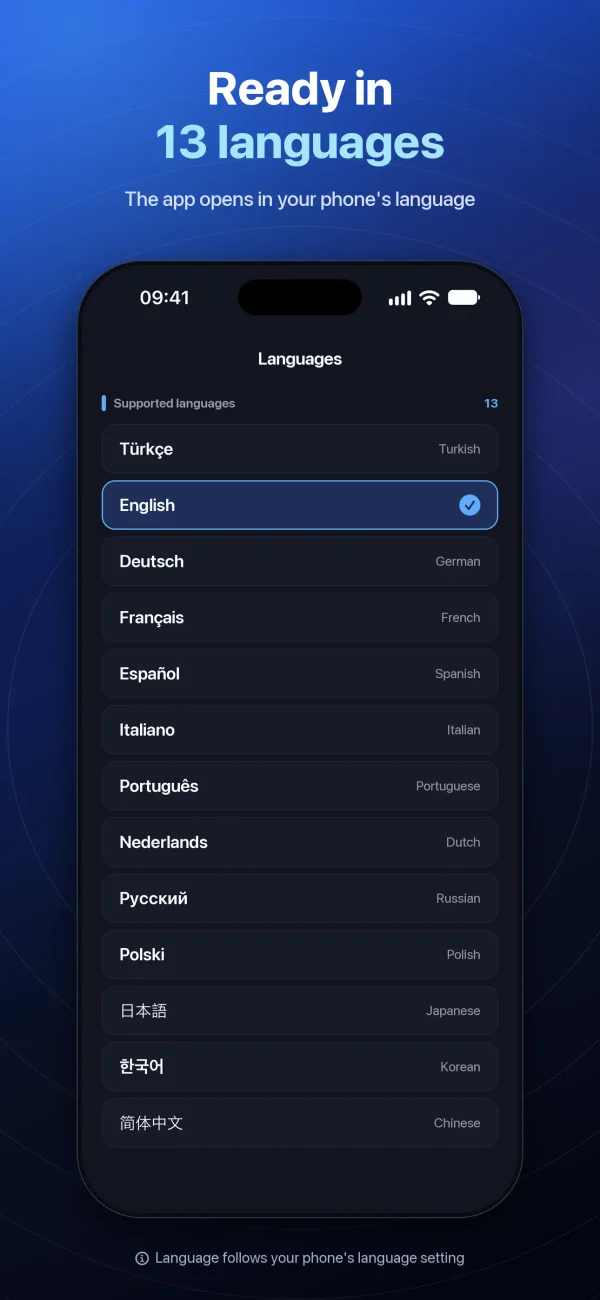
- LanguagesEnglish+ 12 more
- Size158.8 MB
Links to the official App Store page
Download.org hosts no file of Good Remote: TV Remote Control. The button opens its official App Store page, published by Gokhan Altinci. Listing last checked on Nov 15, 2026.
Screenshots


About
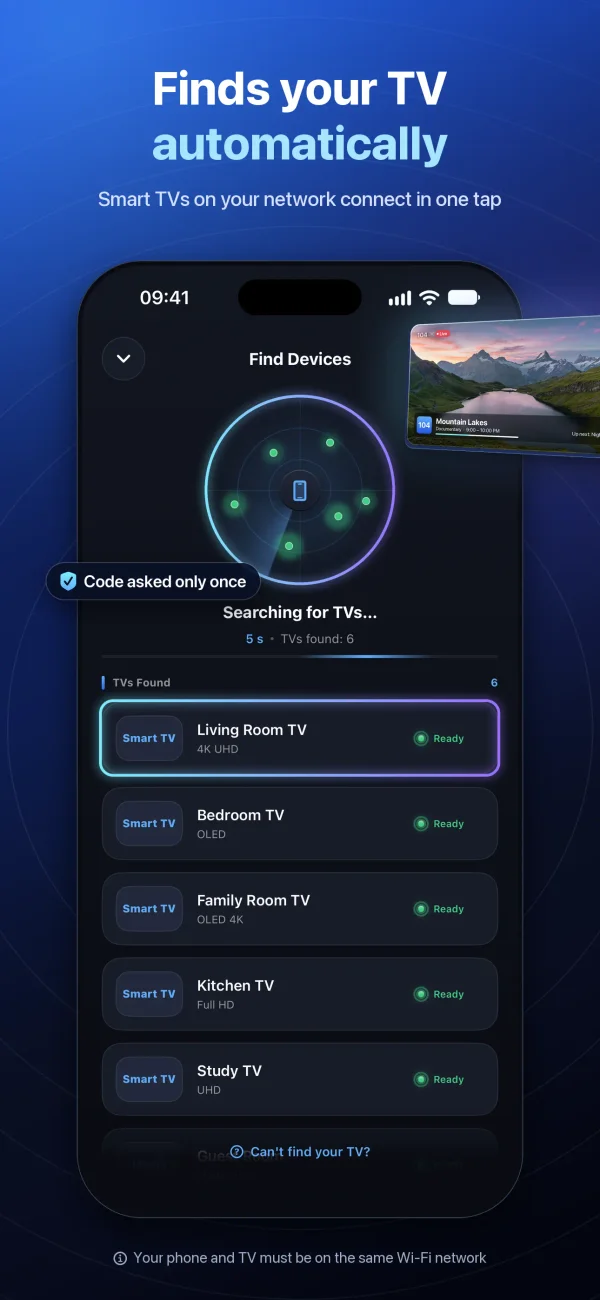
Good Remote turns your iPhone into a complete remote for your smart TV. It finds TVs and streaming boxes on your Wi-Fi network automatically, with no setup and no extra hardware.
Remote control
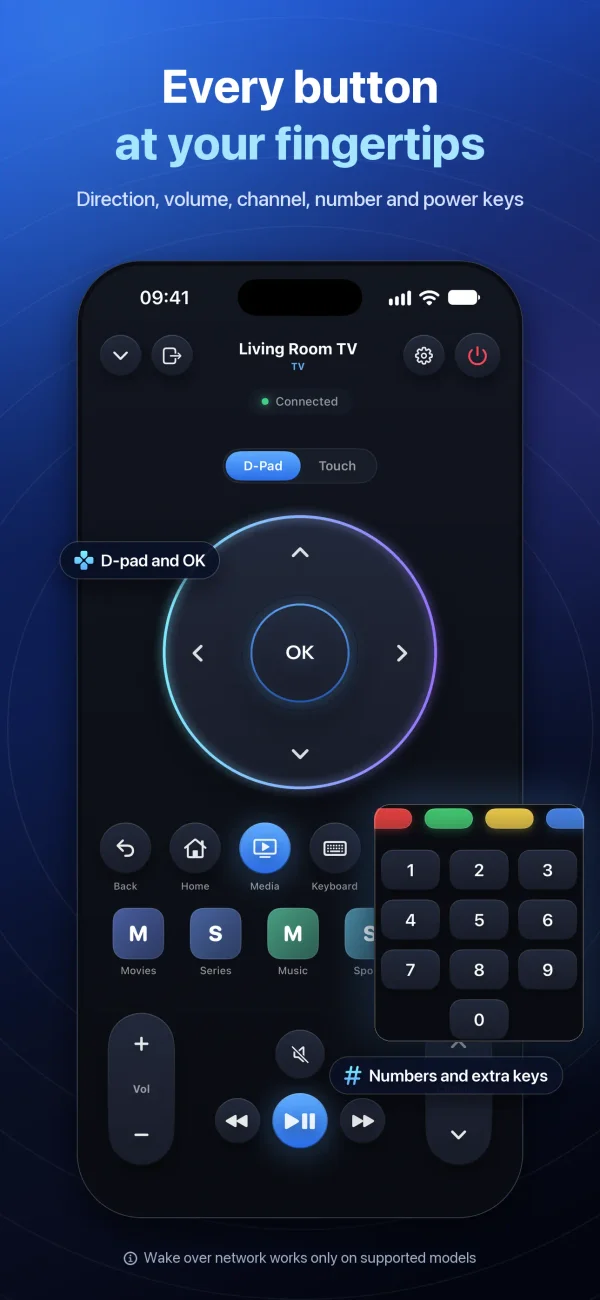
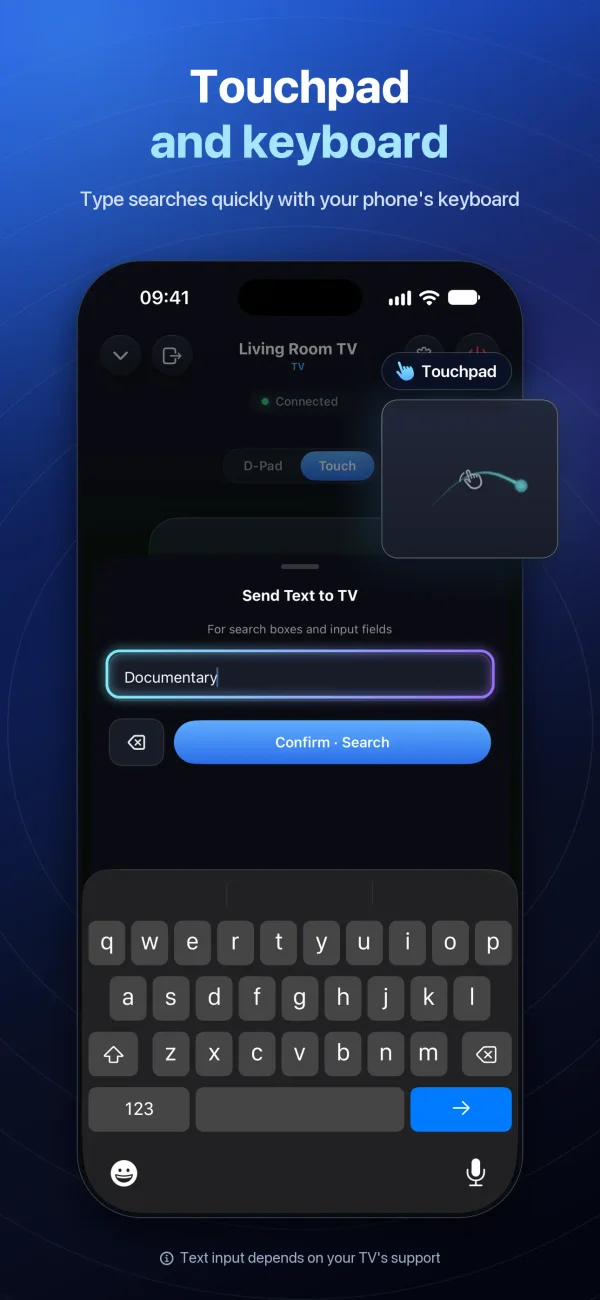
• Large directional pad with an OK button, or a touchpad you can swipe
• Haptic feedback; volume and channel buttons repeat when held
Power, volume, channels and more
• Power, volume, mute and channel buttons always at hand
• Input (source) selection and a TV settings button
• Number pad, colour buttons, programme guide and subtitles on supported TVs
Keyboard text entry
• Type on your TV with your iPhone keyboard instead of picking letters one by one with the arrow keys
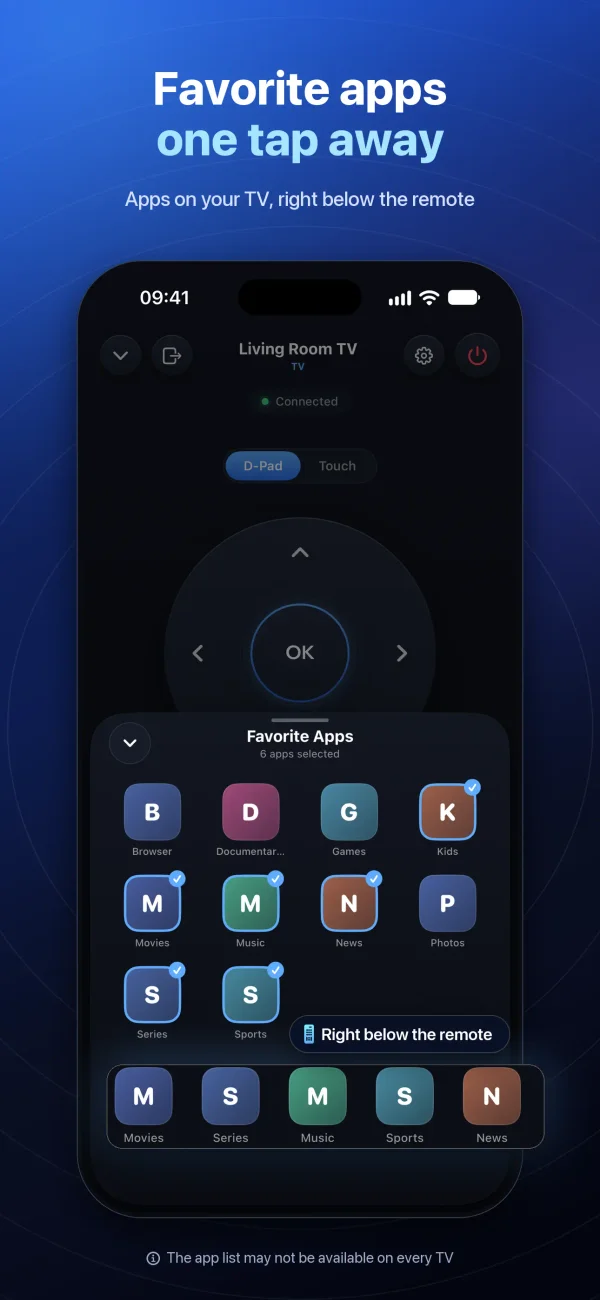
Favourite apps
• The apps installed on your TV are read directly from the TV, together with their icons
• Add your favourites to a row on the remote and open them with one tap
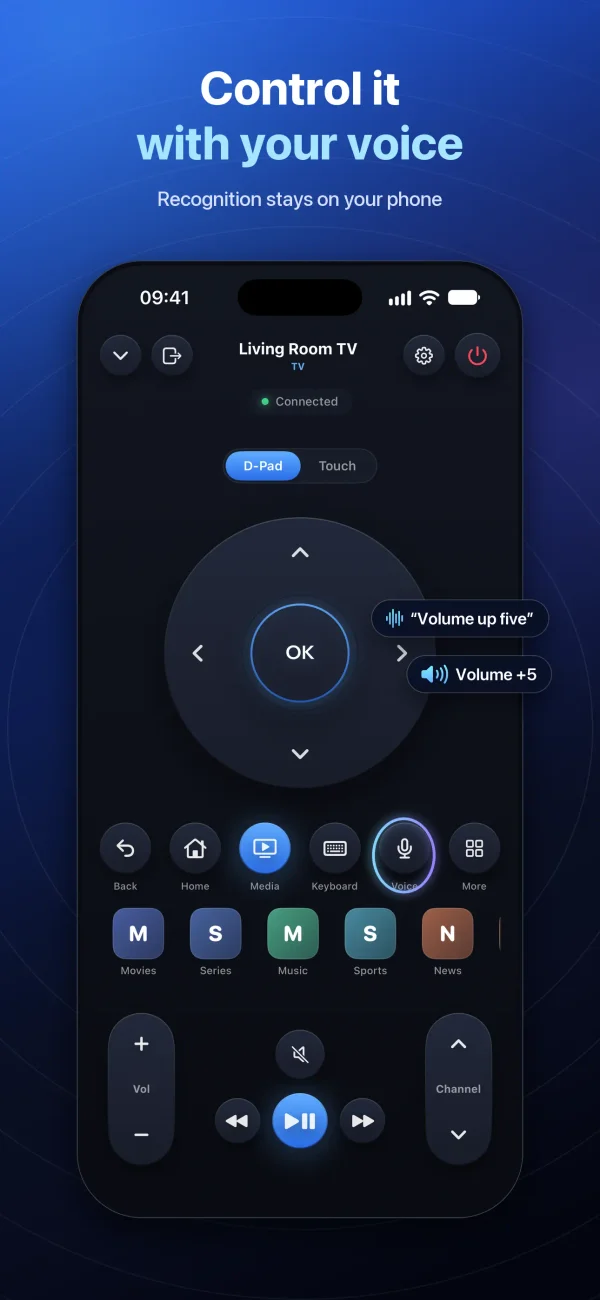
Voice commands
• Press Voice and say commands like "volume up" or "channel twelve"
• Recognition runs entirely on your phone; your voice never leaves it
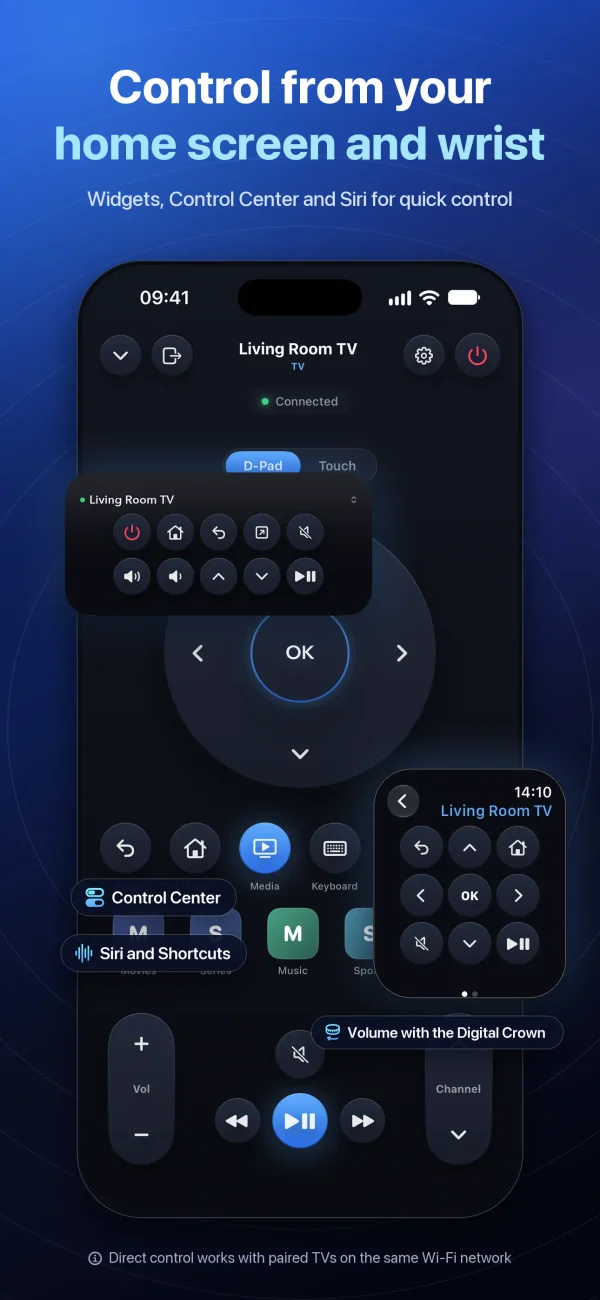
Apple Watch, Siri and Control Centre
• Arrow keys and play/pause from your watch; volume with the Digital Crown
• Adjust volume and turn the TV on or off with Siri and Shortcuts
• Add power and volume buttons to Control Centre
Screen mirroring
• Your iPhone screen appears live on the TV
• 1080p or 4K quality; a delay of 3–5 seconds is normal
Photo, video and music casting
• Play your photos, videos and music on the TV
• 4K videos included
File transfer with your computer
• Send files in both directions between your iPhone and your computer
• Files never leave your local network
Keyboard and mouse for your computer
• Your iPhone becomes a wireless keyboard and mouse for your computer
Home Screen and Lock Screen widgets
• Turn the TV on, adjust the volume, mute or change channels without opening the app
• Choose which TV the widget controls
Wake your TV over the network
• Turn on a TV in standby over Wi-Fi, on models that support waking over the network
Automatic reconnection
• If the connection drops, Good Remote reconnects to your TV on its own
Connection help and one-tap problem report
• If a connection fails, animated step-by-step help shows which setting to check on your TV
• Report a problem in one tap: an email is prepared with your TV model and the connection steps, and you decide whether to send it
Compatibility
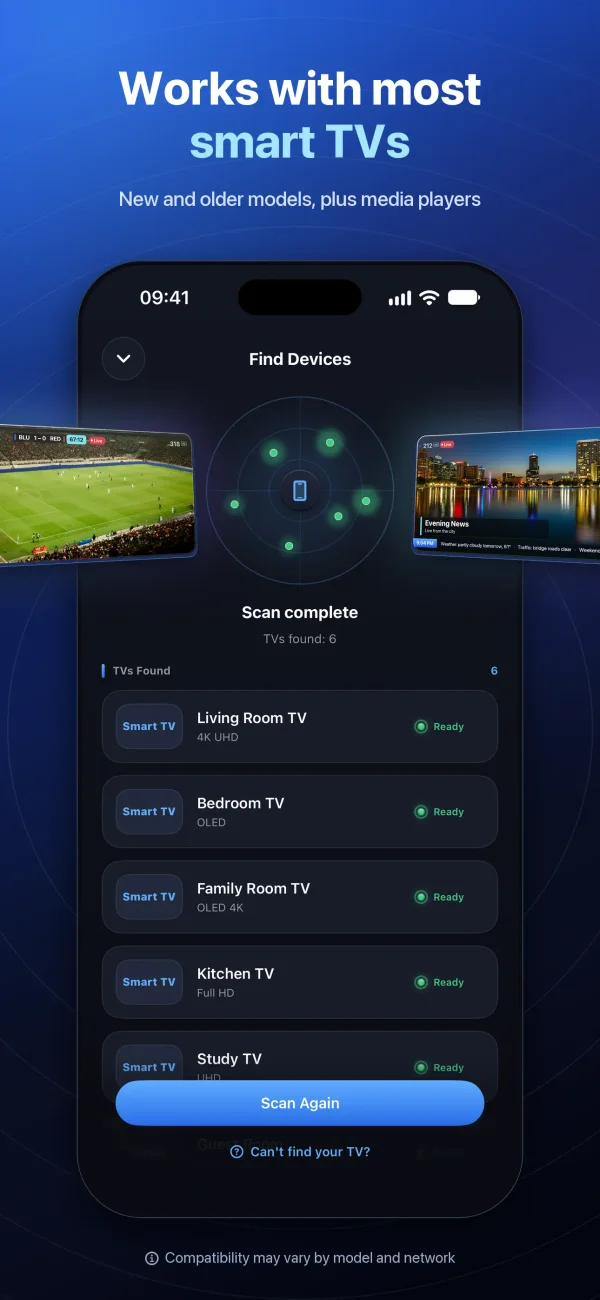
• Works with most smart TVs and streaming boxes on your Wi-Fi network that can be controlled over the network, from current models to many older ones
• Your iPhone and TV must be on the same Wi-Fi network
• TVs that can only be controlled with an infrared (IR) remote are not supported
• Good Remote is an independent app, is not affiliated with any TV manufacturer and does not provide any content
Premium
You can try every feature for 15 minutes of use (the timer only runs while a device is connected). After that, Premium keeps everything unlocked: an auto-renewing monthly or yearly subscription, or a one-time lifetime purchase. The price is shown in the App Store in your local currency before you buy. Subscriptions renew automatically unless cancelled at least 24 hours before the end of the current period; you can manage or cancel them in your App Store account settings. The lifetime purchase does not renew; "lifetime" means for as long as the app remains available.
Support: support@goodiptvplayer.com
Terms of Use (EULA): https://www.apple.com/legal/internet-services/itunes/dev/stdeula/
Privacy Policy: https://goodiptvplayer.com/remote/gizlilik.html
What’s new
Version 1.0.7 · Nov 12, 2026
Apple TV, iPad and more devices
Apple TV and iPad are now supported, and sound systems and media players are recognised too; your phone's keyboard opens by itself when a text field appears, Apple Watch control works even when the app is closed, and the app is faster with a new icon.
App privacy
What Gokhan Altinci declares on the App Store about how this app handles data.
-
Data not collected
The developer does not collect any data from this app.
Privacy practices may vary, for example with the features you use or your age.
Information
- Seller
- Gokhan Altinci
- Category
- Utilities
- Version
- 1.0.7
- Updated
- Nov 12, 2026
- Released
- Aug 10, 2026
- Size
- 158.8 MB
- Requires
- iOS 17.0 or later
- Age rating
- 4+
- In-app purchases
- Yes
- Languages
- English, Dutch, French, German, Italian, Japanese, Korean, Polish, Portuguese, Russian, Simplified Chinese, Spanish + 1 more
- Copyright
- © 2026 Gokhan Altinci
You might also like
-
 SmartUs: TV Remote ControlSmart TV Remote Control
-
 Good RemoteFast remote for your TV
-
 Desktop RemoteWireless Touchpad & Keyboard
-
 TV Remote TRCRemote control for smart TVs
-
 TV Remote & Smart CastRemote Control for TV
-
 Remote Control - for Smart TVUniversal TV Controller & Pad
-
 SceneCast Remote: TV HubScenes,Cast & TV Control
-
 TvPilot: Wifi Smart TV RemoteControl Smart TV Easily
-
 KumandaUtilities
-
 Tesla Screen Mirror - RelayCast iPhone to your Tesla