
Google Calendar: Get Organized
Easily plan & schedule
Designed for iPhone, iPad
Free · In-app purchases
- Age rating4+
- CategoryProductivity
- DeveloperGoogle
- LanguagesEnglish+ 43 more
- Size269.1 MB
Links to the official App Store page
Download.org hosts no file of Google Calendar: Get Organized. The button opens its official App Store page, published by Google. Listing last checked on Nov 30, 2026.
Screenshots

About
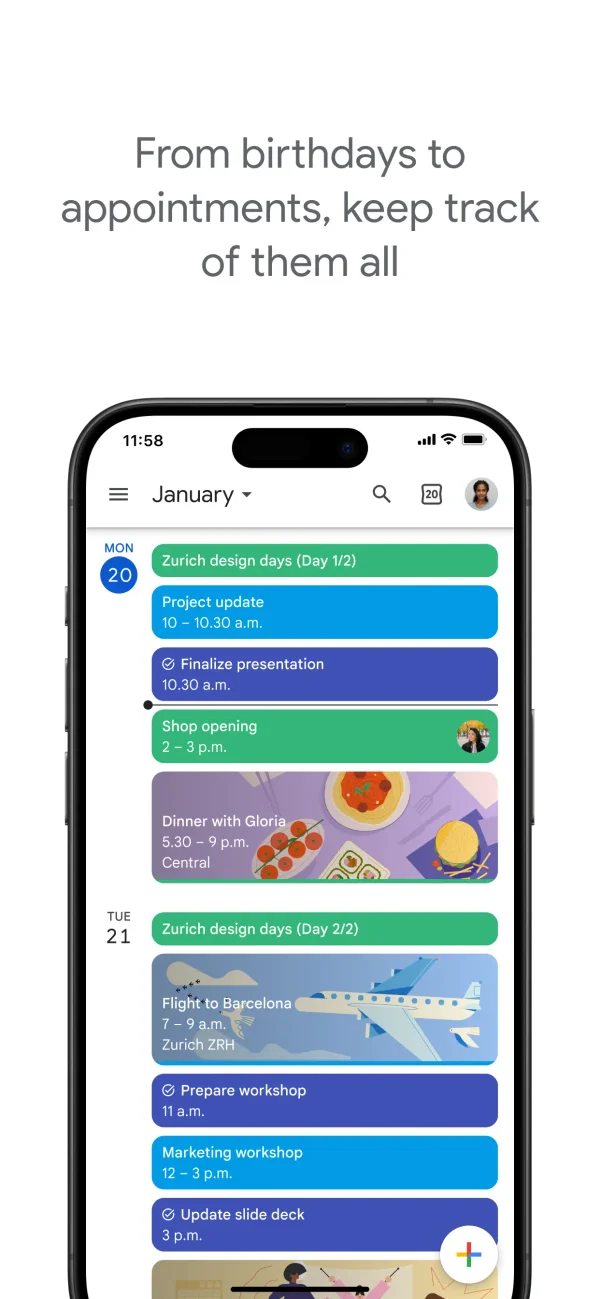
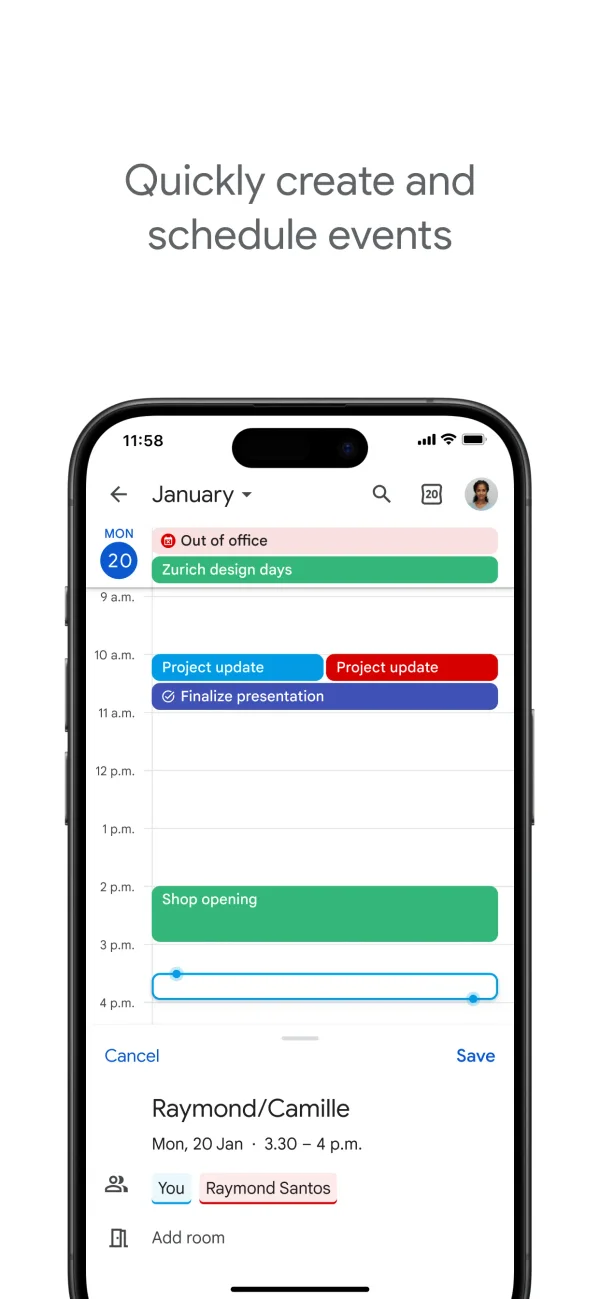
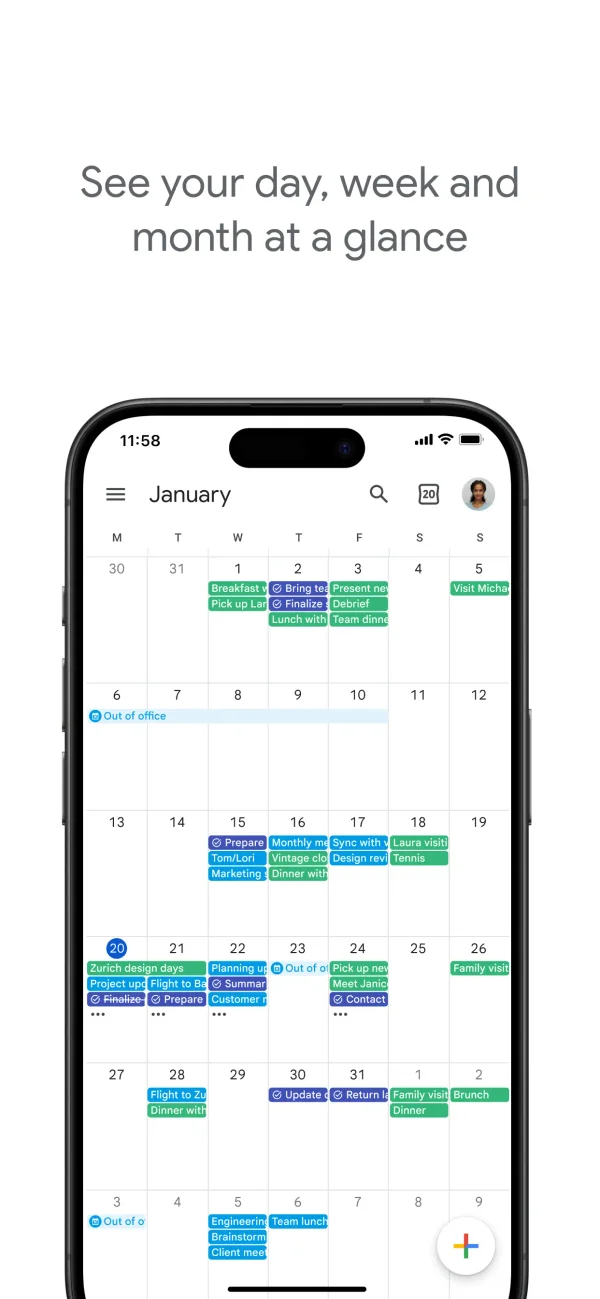
The official Google Calendar app helps you stay organized and plan your day with easy event creation, multiple calendars, customizable views, widgets, and tasks.
With Google Calendar, you can:
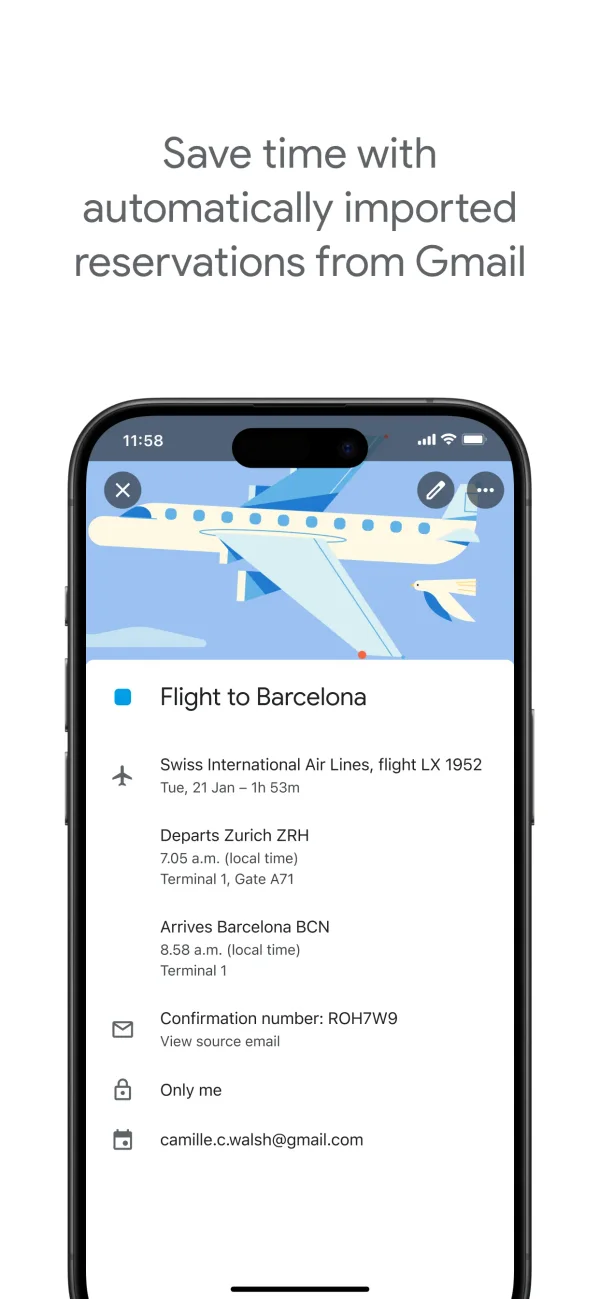
• Get events automatically added to your Calendar from Gmail, including flight, hotel, concert, and restaurant reservations.
• Go from using Calendar on your iPhone, iPad, or Apple Watch to your computer without missing a beat when you’re logged into the same Google account.
• Consolidate and view Google Calendar events side-by-side with other calendars on your device, including Exchange and iCloud.
• Keep family, friends, and colleagues in the loop with shared calendars, so they can view, add, or modify events.
• Quickly switch between month, week, and day views.
• Stay on top of to-dos by creating and managing tasks alongside your events in Calendar.
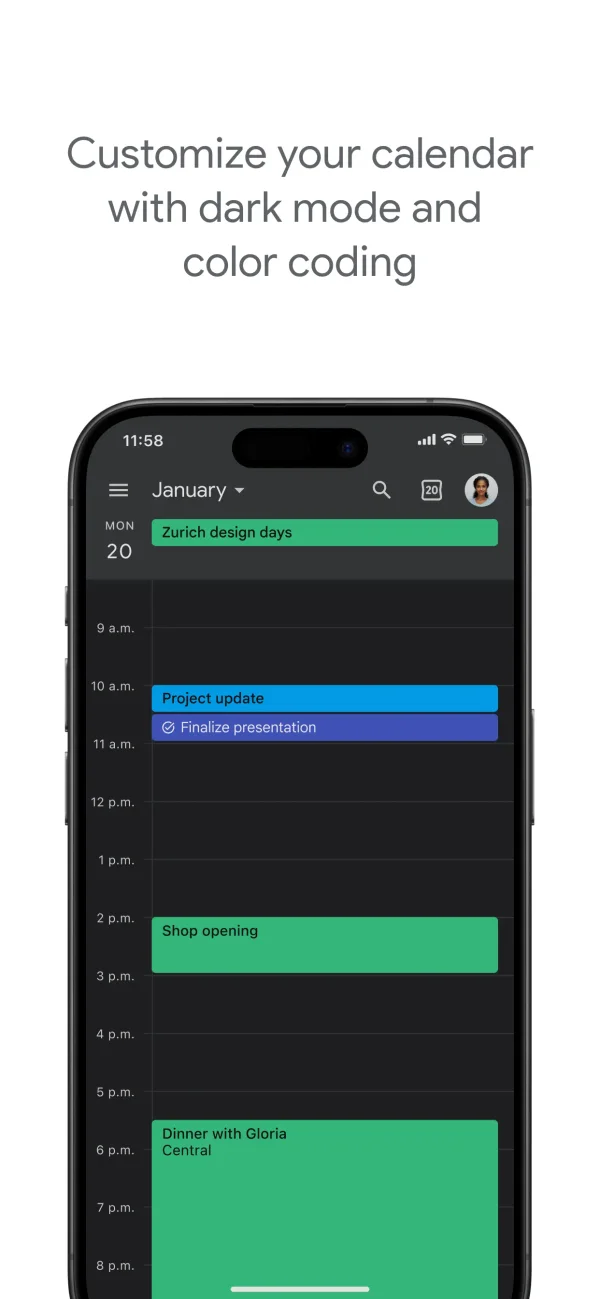
• Personalize your Google Calendar with light or dark mode or by color-coding your events
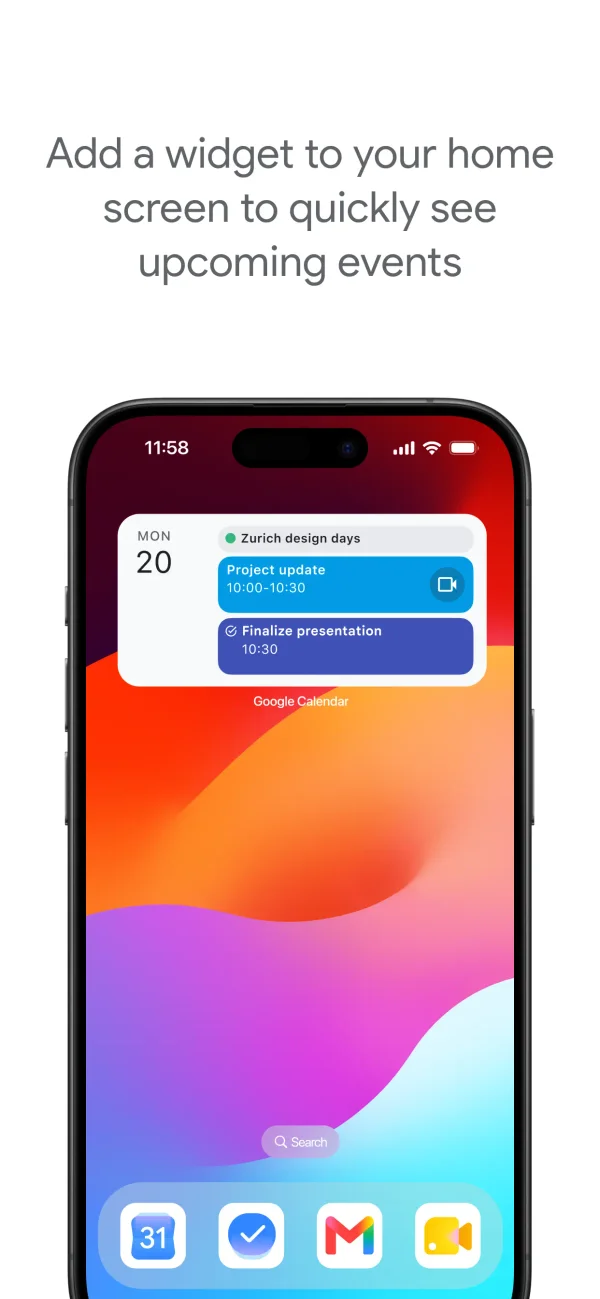
• Always know what's next while on the go with Google Calendar on Apple Watch by customizing your watch face with Calendar complications or adding widgets.
Google Calendar is part of Google Workspace, allowing you and your team to easily connect, create, and collaborate across all your favorite Google tools. You can:
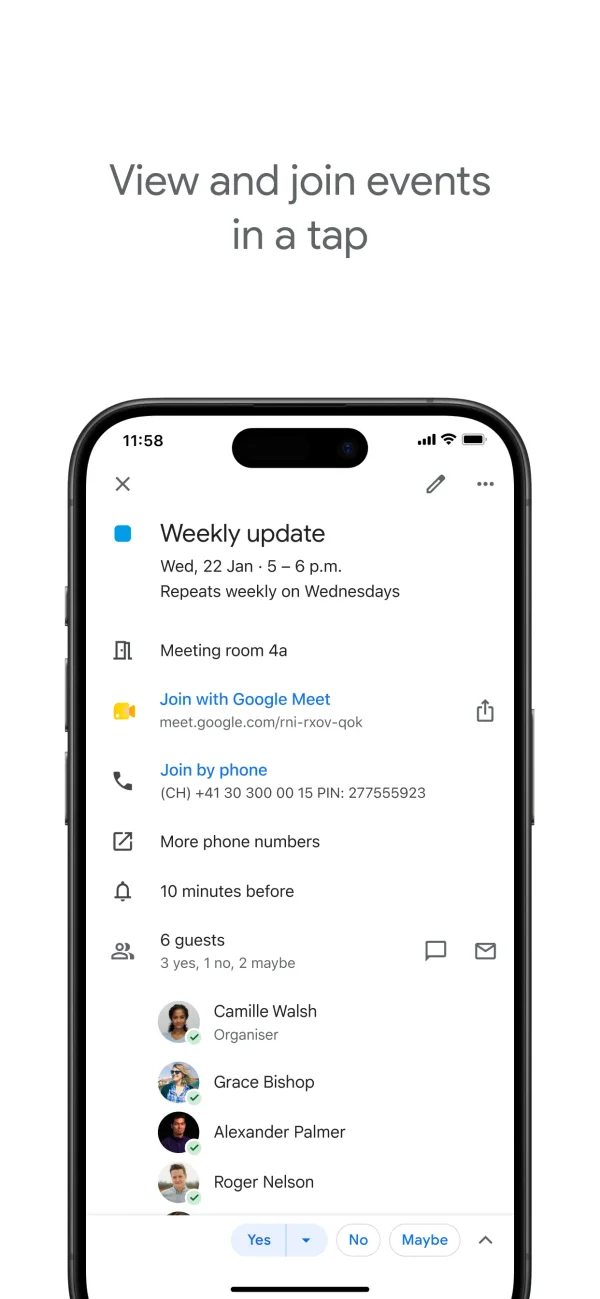
• Collaborate in a hybrid work environment by adding a Google Meet video call to an Calendar event
• Get access to professional booking pages to easily book clients and customers*.
• Schedule meetings with teammates by checking their availability or layering their calendars in a single view
• Add your working location to your calendar to make it easier for your teammates to schedule meetings with you*.
• Keep everyone on track for a meeting by attaching meeting notes, pre-read materials, and other documents directly to a calendar event.
• Use Google Calendar with confidence knowing it’s supported by Google’s enterprise-level privacy, user safety and data security.
* Requires a Google Workspace or Google One AI Premium subscription
What’s new
Version 26.44.0 · Nov 16, 2026
• Bug fixes and performance improvements.
App privacy
What Google declares on the App Store about how this app handles data.
-
Data linked to you
May be collected and linked to your identity.
- Purchases
- Location
- Contact info
- Contacts
- User content
- Search history
- Identifiers
- Usage data
- Diagnostics
- Other data
-
Data not linked to you
May be collected but is not linked to your identity.
- Diagnostics
Privacy practices may vary, for example with the features you use or your age.
Information
- Seller
- Google LLC
- Category
- Productivity
- Version
- 26.44.0
- Updated
- Nov 16, 2026
- Released
- Mar 10, 2015
- Size
- 269.1 MB
- Requires
- iOS 18.0 or later
- Age rating
- 4+
- Price
- Free
- In-app purchases
- Yes
- Languages
- English, Bengali, Bulgarian, Catalan, Croatian, Czech, Danish, Dutch, Finnish, French, German, Greek + 32 more
- Copyright
- © Google Inc.
You might also like
-
 Calendars: Schedule Planner2026 Daily Organizer・Reminder
-
 Notion CalendarFor your work and life
-
 Trello: Daily Task TrackerTrack & Manage To Do Lists
-
 TickTick:To-Do List & CalendarTask remind, planner,countdown
-
 SimpleCal: Simple CalendarFast, Easy Schedule Planner
-
 Notion: Notes, Tasks, AIPlan, organize, track projects
-
 Fantastical CalendarReminders & Todo List
-
 Todoist: To Do List & CalendarTask manager & Reminders
-
 Structured: Daily Planner TodoVisual Calendar & Organizer
-
 Pencil Planner & Calendar ProHandwritten daily agenda