- Age rating4+
- CategoryEducation
- DeveloperGoogle
- LanguagesEnglish+ 68 more
- Size202.7 MB
Links to the official App Store page
Download.org hosts no file of Google Classroom. The button opens its official App Store page, published by Google. Listing last checked on Nov 24, 2026.
Screenshots



About
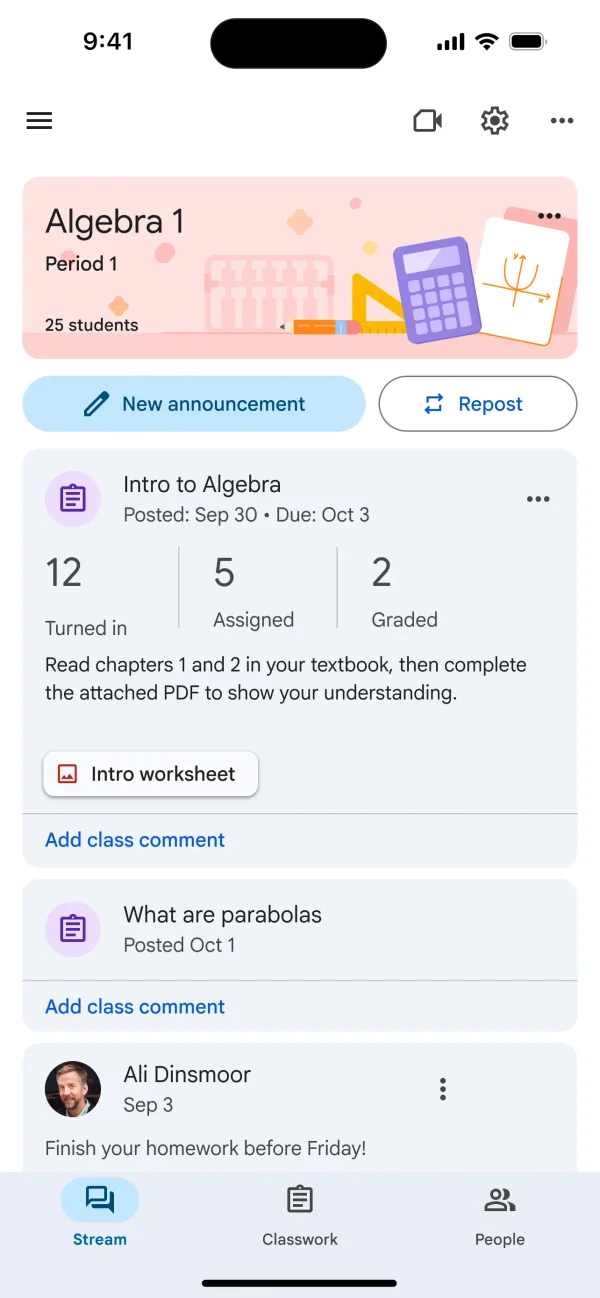
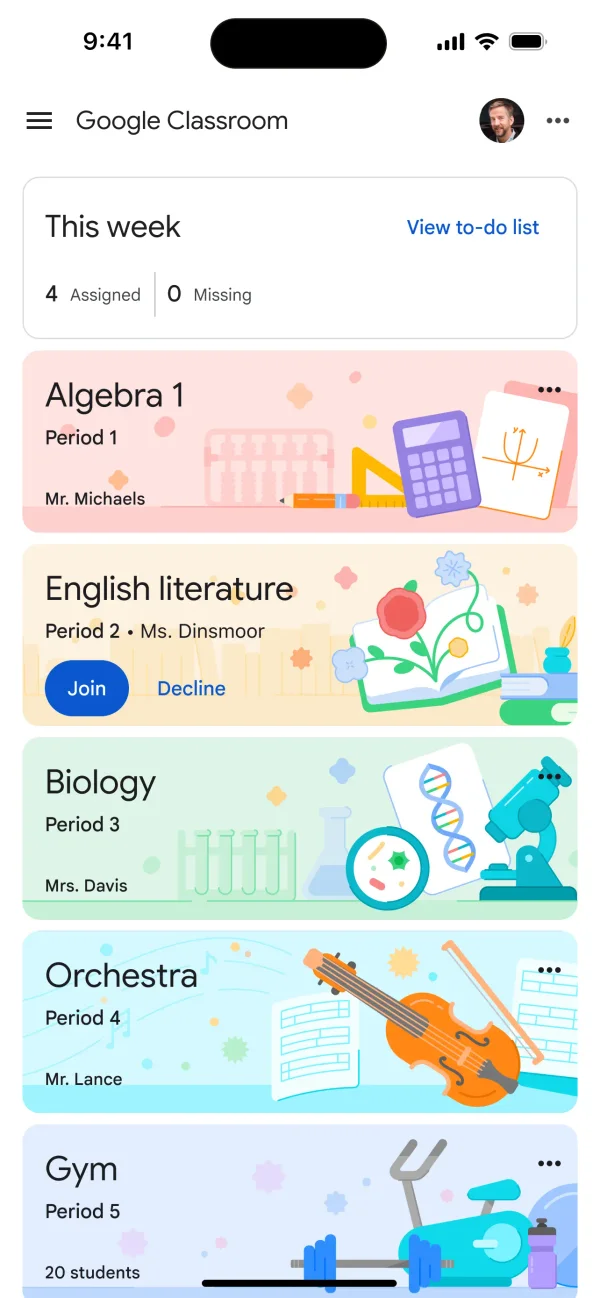
Classroom is a free service for schools, non-profits, and anyone with a personal Google account. Classroom makes it easy for learners and instructors to connect—inside and outside of schools. Classroom saves time and paper, and makes it easy to create classes, distribute assignments, communicate, and stay organized.
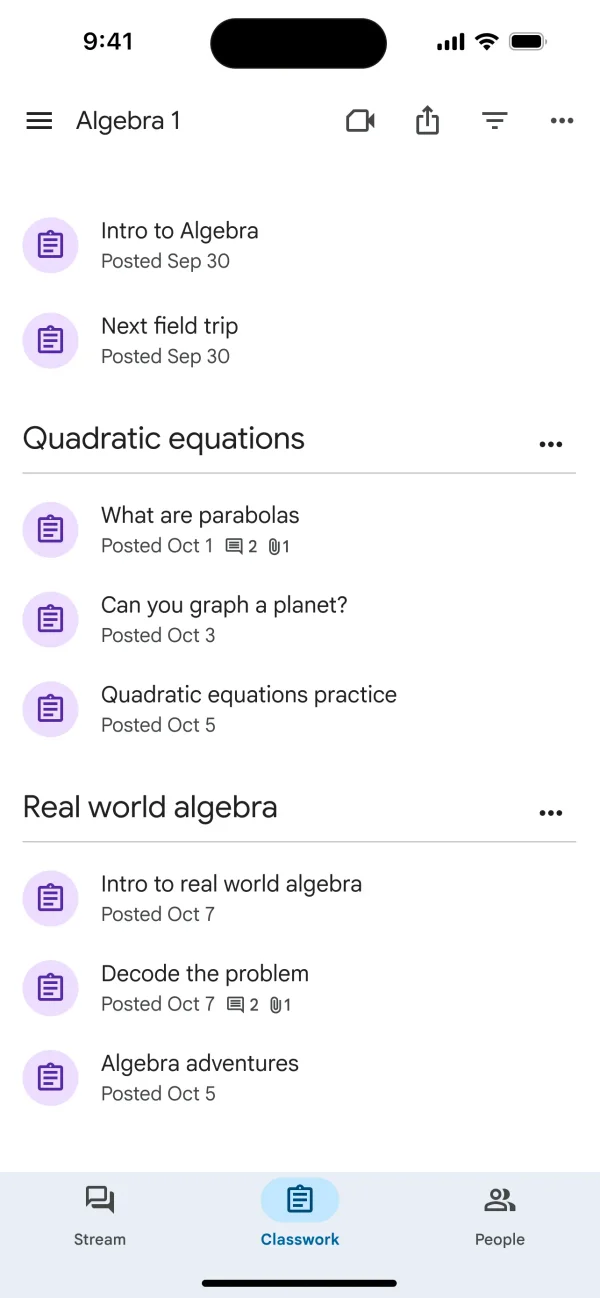
Classroom is designed to help teachers create, collect, and grade assignments paperlessly, including time-saving features like the ability to automatically make a copy of a Google Document for each student. It also creates Drive folders for each assignment and for each student to help keep everyone organized.
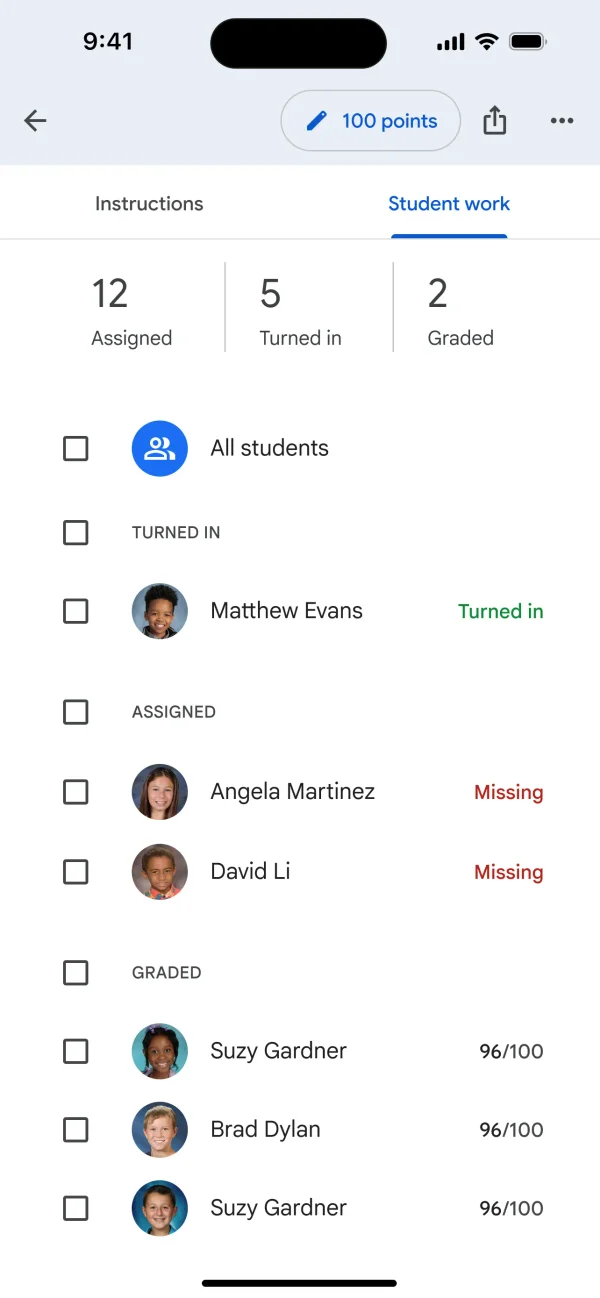
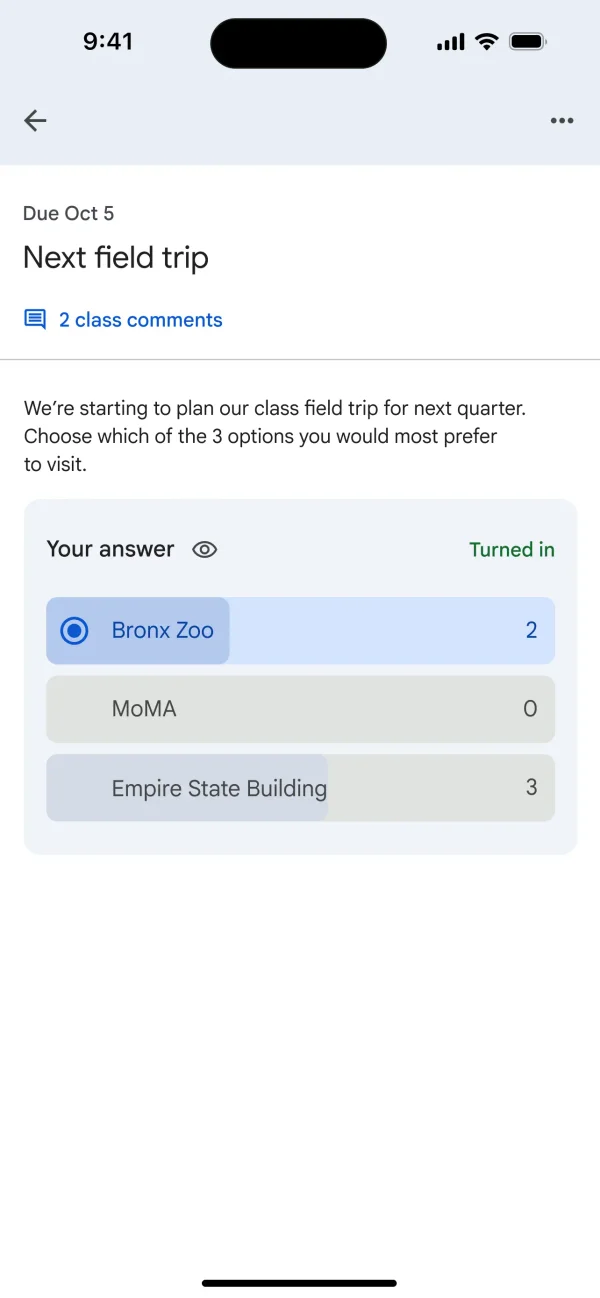
Students can keep track of what’s due on the Assignments page and begin working with just a click. Teachers can quickly see who has or hasn't completed the work, and provide direct, real-time feedback and grades right in Classroom.
With the mobile app for iOS, students and teachers can view their classes and communicate with their classmates in real time. Students can open their assignments and work on them right from their iPhone or iPad. Teachers can keep track of who has turned in work and grade the assignment - at school or on the go. Students and teachers receive notifications when they have new content in Classroom, so they are always up to date.
There are many benefits of using Classroom:
Easy to set up
Teachers can add students directly or share a code with their class to join. It takes just minutes to set up.
Saves time
The simple, paperless assignment workflow allows teachers to create, review, and grade assignments quickly, all in one place.
Improves organization
Students can see all of their assignments on an assignments page, and all class materials (e.g., documents, photos, and videos) are automatically filed into folders in Google Drive.
Enhances communication
Classroom allows teachers to send announcements and start class discussions instantly. Students can share resources with each other or provide answers to questions on the stream.
Secure
Like the rest of Google Workspace for Education services, Classroom contains no ads, never uses your content or student data for advertising purposes.
Permissions Notice:
Camera: Needed to allow the user to take photos or videos and post them to Classroom.
Microphone: Needed to enable audio capture for recording videos to be posted to Classroom.
Photos: Needed to allow the user to attach photos or videos to Classroom. Photos or videos posted to Classroom will be stored on Google servers in order to show them in Classroom.
What’s new
Version 3.71.300053810 · Nov 18, 2026
* Bug fixes and performance improvements
App privacy
What Google declares on the App Store about how this app handles data.
-
Data linked to you
May be collected and linked to your identity.
- Location
- Contact info
- Contacts
- User content
- Search history
- Identifiers
- Usage data
- Diagnostics
- Other data
Privacy practices may vary, for example with the features you use or your age.
Information
- Seller
- Google LLC
- Category
- Education
- Version
- 3.71.300053810
- Updated
- Nov 18, 2026
- Released
- Jan 13, 2015
- Size
- 202.7 MB
- Requires
- iOS 17.0 or later
- Age rating
- 4+
- Price
- Free
- Languages
- English, Afrikaans, Albanian, Arabic, Armenian, Assamese, Azerbaijani, Basque, Bengali, Bulgarian, Burmese, Catalan + 57 more
- Copyright
- © Google Inc.
You might also like
-
 Aeries Mobile PortalFor Parents and Students
-
 Campus StudentEducation
-
 PowerSchool MobileEducation
-
 WaygroundQuizizz is now Wayground.
-
 EdpuzzleMake any video your lesson
-
 StudentVUEEducation
-
 StudentVUE (New)Education
-
 CleverSingle sign-on for education
-
 MingaCreating Amazing Schools
-
 5-Star StudentsEducation