
- Age rating4+
- CategorySocial Networking
- DeveloperGoogle
- LanguagesEnglish+ 54 more
- Size614.9 MB
Links to the official App Store page
Download.org hosts no file of Google Meet. The button opens its official App Store page, published by Google. Listing last checked on Nov 23, 2026.
Screenshots


About
Google Meet is a high-quality video calling app designed to help you have meaningful and fun interactions with your friends, family, colleagues, and classmates, wherever they are.
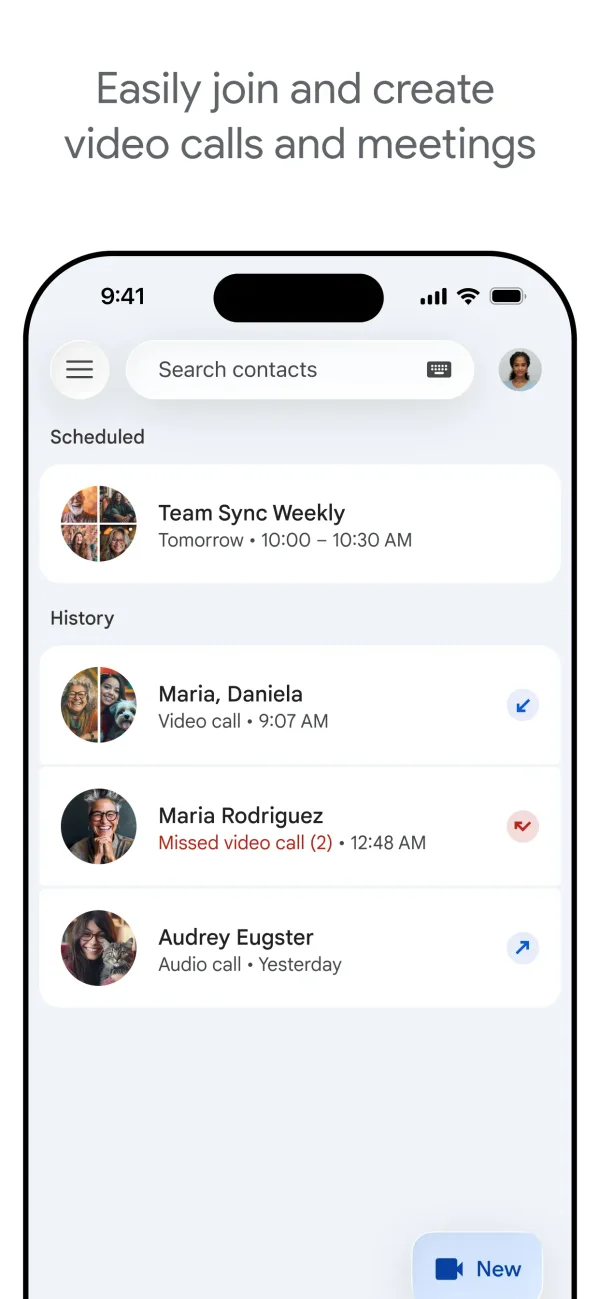
Meet lets you connect in whatever way works for you: Call someone spontaneously, schedule time together, or send a video message that they can watch and respond to later.
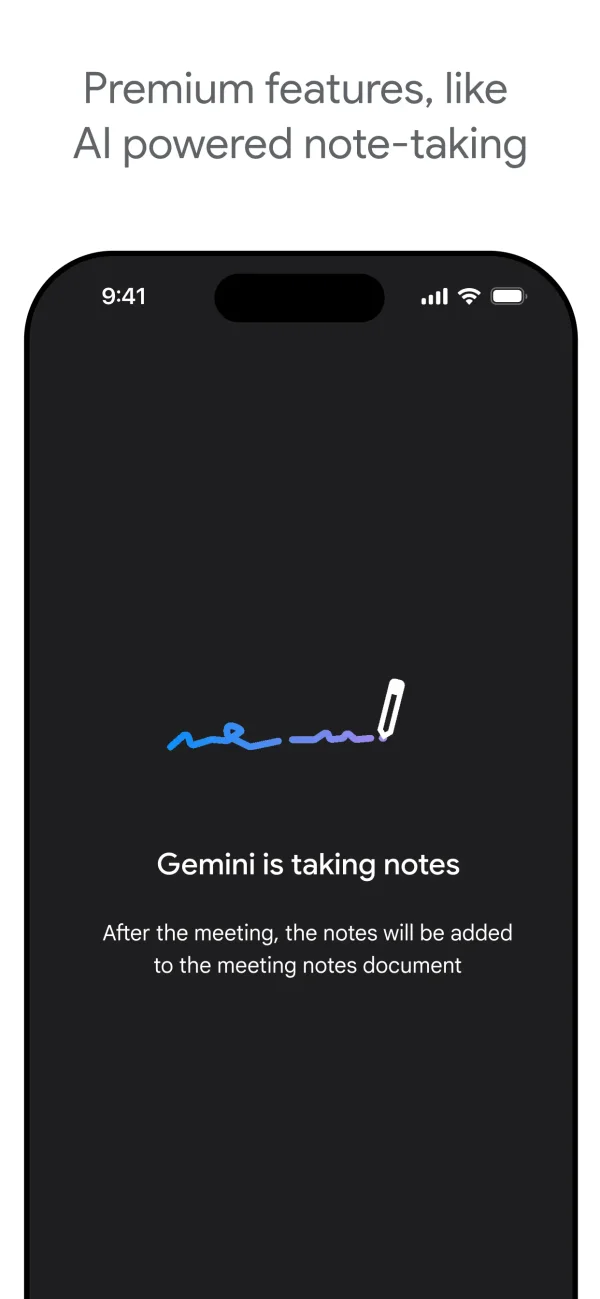
Meet also helps you get things done. It integrates with other Google Workspace apps like Gmail, Docs, Slides, and Calendar, and offers a number of features to help you run smooth and engaging meetings, like noise cancellation, in-call chat, recordings, and more.*
Features to look forward to:
Make spontaneous calls or host video meetings with your friends and colleagues, all in one app.
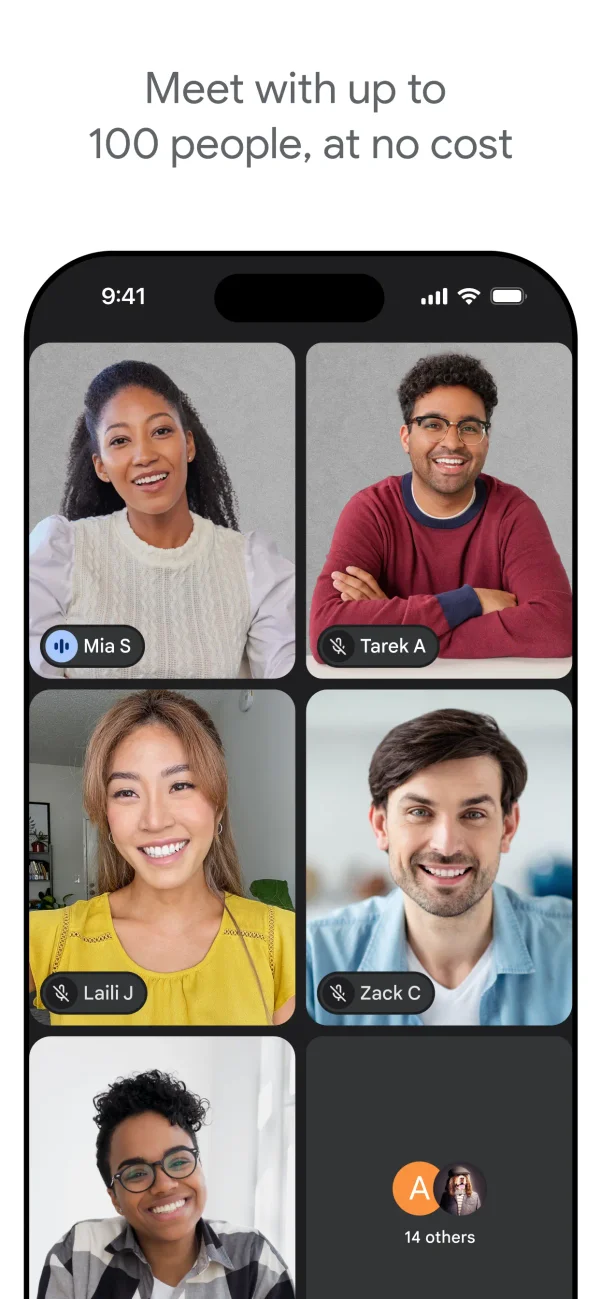
Enjoy one-on-one video calls for up to 24 hours and host meetings for up to 60 minutes and 100 people at no cost.
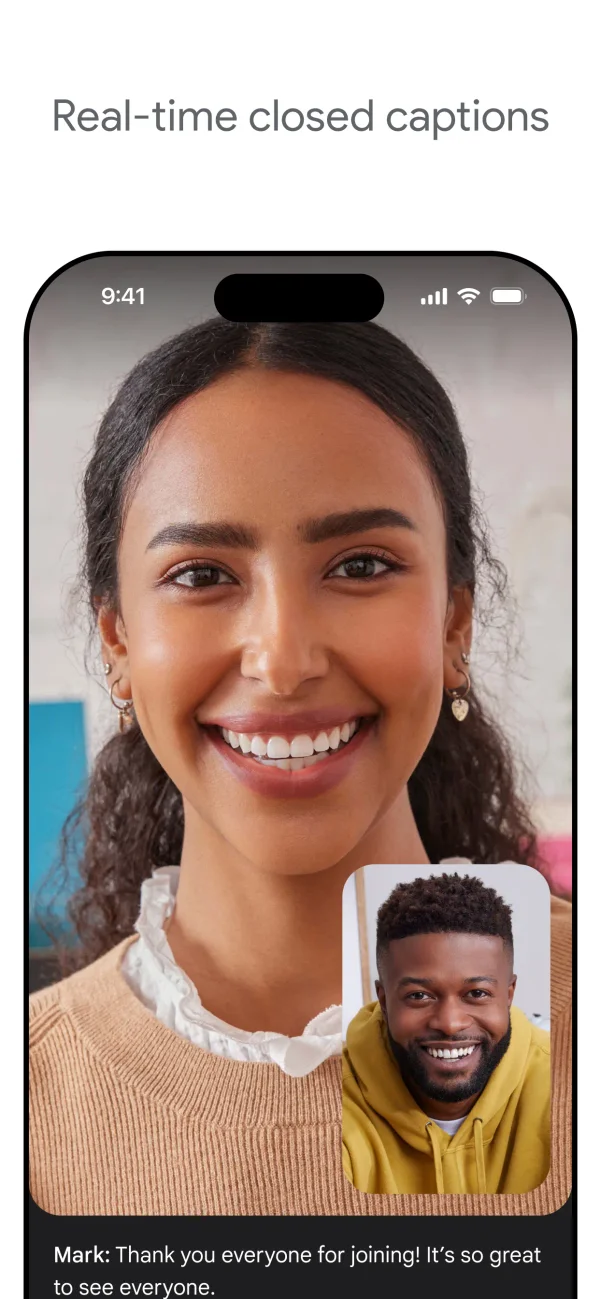
Follow along in your preferred language with real-time translated captions in over 70 languages.
Use in-call chat to share ideas, ask questions, or provide feedback without interrupting the flow of the conversation.
Make your calls more engaging with in-call emojis that allow you to express yourself seamlessly without interrupting the conversation.
Share visuals like photos, videos, and presentations during your call to collaborate or simply share memories from your recent vacation.
Make your calls with family and friends more fun with stackable effects that allow participants to add multiple backgrounds, filters, and animations, to create a personalized experience.
Use on-the-go mode for an audio-only experience with larger call controls, making it easier to take calls with fewer distractions while walking, driving, or using public transportation.
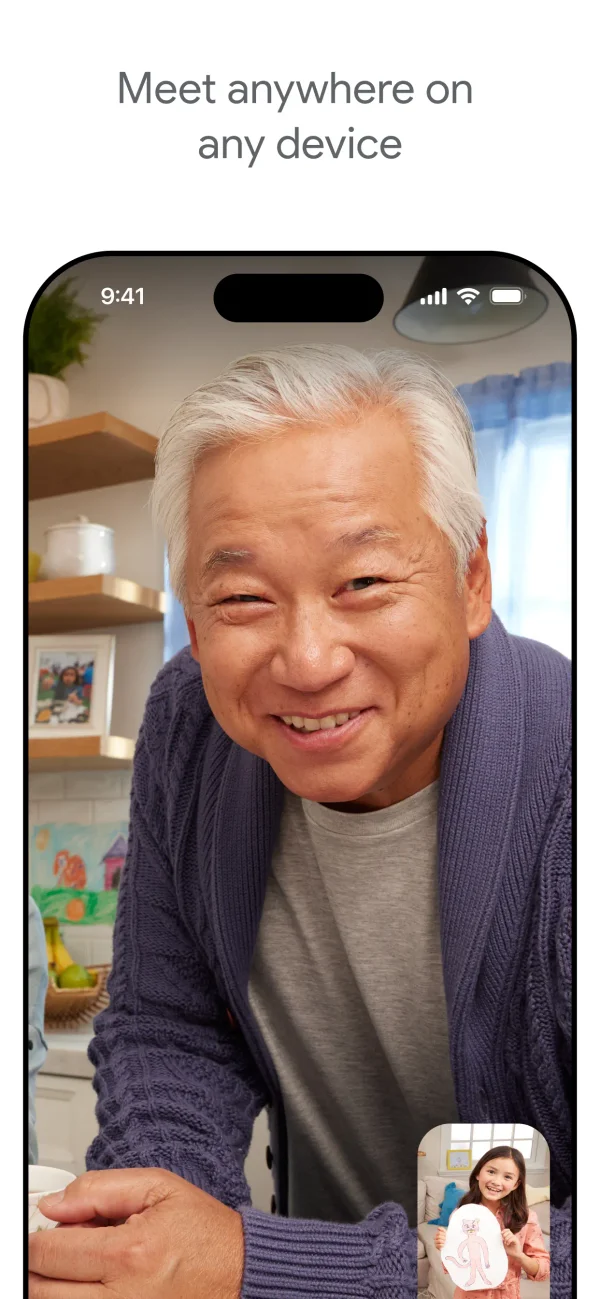
Access on any device: Meet works across mobile, tablet, web, and smart devices,** so everyone can join.
High quality video: Show up looking your best with up to 4k video quality video***.
Learn more about Google Meet: https://workspace.google.com/products/meet/
Follow us for more:
Twitter: https://twitter.com/googleworkspace
Linkedin: https://www.linkedin.com/showcase/googleworkspace
Facebook: https://www.facebook.com/googleworkspace/
*Meeting recording, noise cancellation are available as premium features. See https://workspace.google.com/pricing.html for more details
**Not available in every language.
***Bandwidth permitting. Google Meet automatically adjusts to the highest video quality possible based on your bandwidth.
Data charges may apply. Check your carrier for details.
Specific feature availability may vary based on device specifications.
What’s new
Version 385.0 · Nov 16, 2026
Bug fixes and performance improvements.
App privacy
What Google declares on the App Store about how this app handles data.
-
Data linked to you
May be collected and linked to your identity.
- Purchases
- Location
- Contact info
- Contacts
- User content
- Search history
- Identifiers
- Usage data
- Diagnostics
- Other data
Privacy practices may vary, for example with the features you use or your age.
Information
- Seller
- Google LLC
- Category
- Social Networking
- Version
- 385.0
- Updated
- Nov 16, 2026
- Released
- Sep 2, 2016
- Size
- 614.9 MB
- Requires
- iOS 18.0 or later
- Age rating
- 4+
- Price
- Free
- Languages
- English, Afrikaans, Arabic, Basque, Bengali, Bulgarian, Catalan, Croatian, Czech, Danish, Dutch, Estonian + 43 more
- Copyright
- © 2016 Google Inc.
You might also like
-
 Jitsi MeetVideo meetings for everyone
-
 JusTalk - Video Chat & CallsMeet Happy, Share the Moment
-
 Repost+ for Instagram .Manage posts & videos
-
 botimSecure. Seamless. Simplified.
-
 WhatsAppGroup messaging & calling
-
 MessengerText, audio and video calls
-
 Marco Polo - Video MessengerHelping you feel close
-
 Reports・Followers UnfollowersUnfollow & Follow Tracker
-
 ThreadsJoin the conversation
-
 noteit - bff widgetbffs on your home screen