GPS Camera Map - WatermarkCam
#1 GPS Camera Watermark
Designed for iPhone, iPad
In-app purchases
- Age rating4+
- CategoryPhoto & Video
- DeveloperTri Noviantoro
- LanguagesEnglish
- Size23.2 MB
Links to the official App Store page
Download.org hosts no file of GPS Camera Map - WatermarkCam. The button opens its official App Store page, published by Tri Noviantoro. Listing last checked on Nov 10, 2026.
Screenshots

About
Welcome to GPS Camera Map – WatermarkCam!
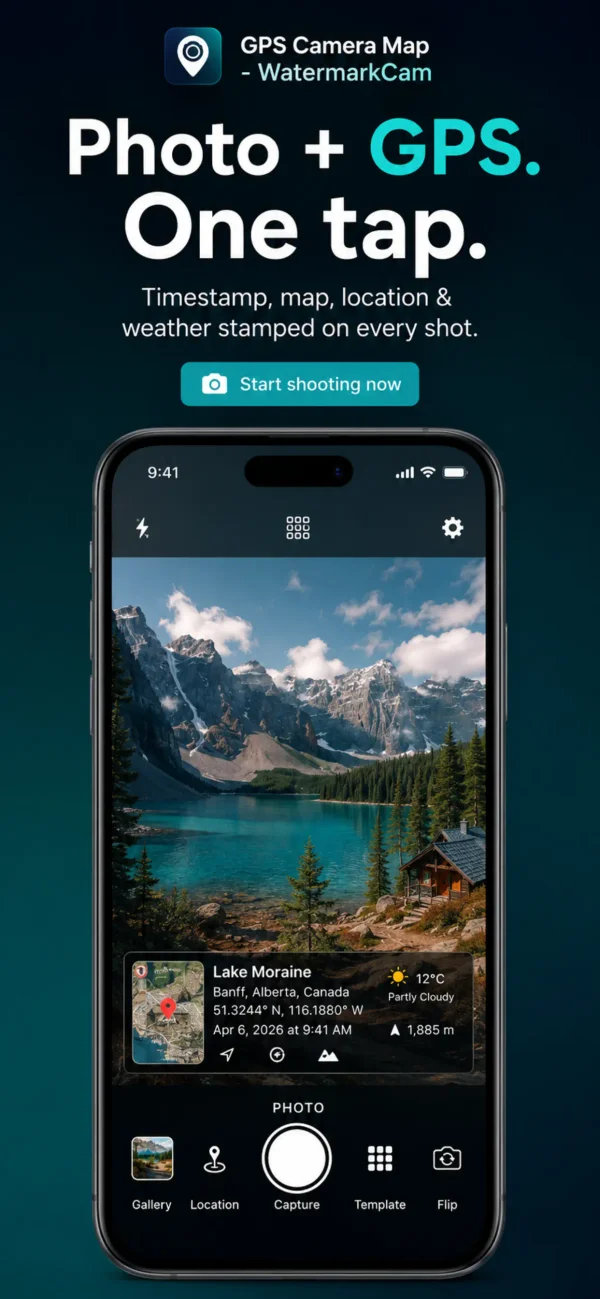
Capture photos with beautiful GPS, date, map, and weather watermarks burned in automatically. GPS Camera Map turns your iPhone or iPad into a smart location camera — see the full stamp live before you shoot, then save proof-ready photos in one tap.
HOW IT WORKS:
1. Shoot: Open the camera, pick a watermark template, and preview your GPS stamp in real time.
2. Customize: Toggle location, map, weather, coordinates, notes, logo, and social handles — then adjust map style and zoom.
3. Save: Photos are stamped on your device and saved to your library. Browse recent captures in the in-app Gallery.
FEATURES:
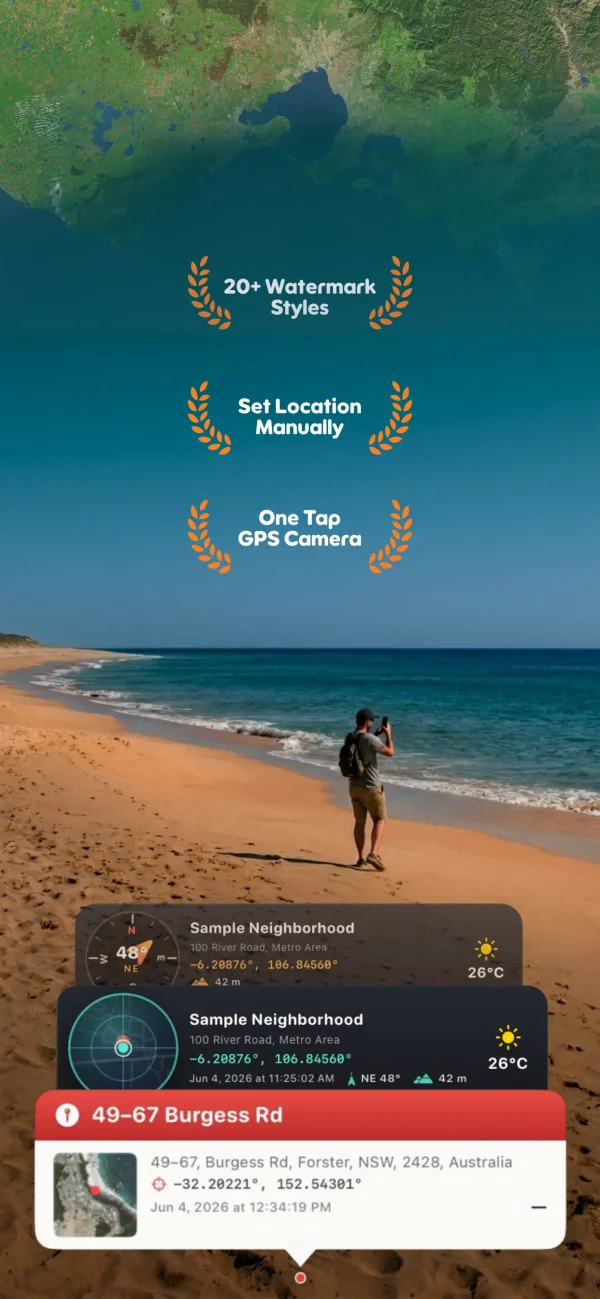
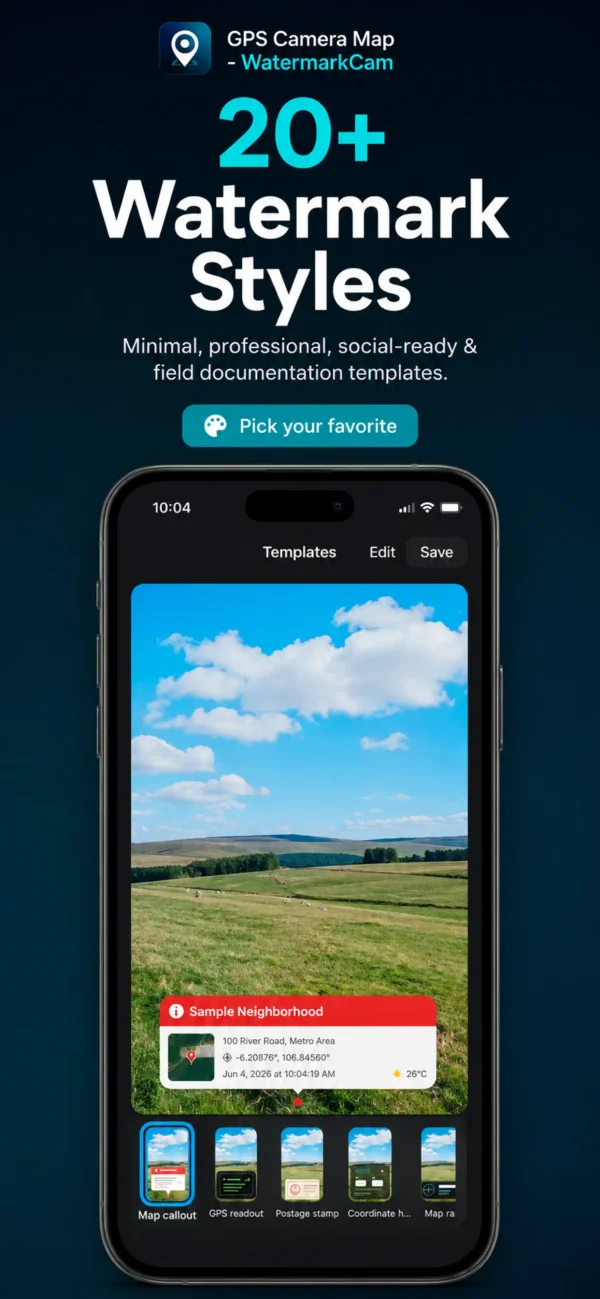
• 20+ Watermark Templates: From classic GPS bars to map banners, compass dials, travel journal, blueprint field cards, and more.
• Live Stamp Preview: See date, time, address, coordinates, map snapshot, and weather on screen before you capture.
• GPS & Manual Location: Use live GPS or drop a pin on the map to set exactly where the stamp should show.
• Map Snapshots: Embed a real map tile on your watermark with multiple map styles.
• Weather on Stamp: Add current conditions to your photo when location is available.
• Template Editor: Control every field, map size, logo image, custom notes, and social handles.
• Camera Tools: Grid, horizon level, self-timer, and aspect ratios (9:16, 1:1, 4:3).
• Photo Quality Options: Balanced, High, or Maximum resolution capture.
• In-App Gallery: Browse, zoom, share, and manage stamped photos in one place.
• iPad Friendly: Full-screen template picker and location map on iPad.
• Privacy Focused: Photos are processed and stored on your device. We do not upload your images to our servers.
GPS CAMERA MAP PRO SUBSCRIPTION:
Unlock the full experience with GPS Camera Map Pro. Get access to every premium watermark template, full field controls, and Maximum photo quality.
Subscription options:
• Weekly Plan ($3.99)
• Yearly Plan ($39.99)$39.99 Best Value
(Prices may vary by region and are shown in the app before purchase.)
SUBSCRIPTION TERMS:
Payment will be charged to your Apple ID at confirmation of purchase. Subscriptions automatically renew unless canceled at least 24 hours before the end of the billing period. Your account will be charged for renewal within 24 hours prior to the end of the current period. Manage or cancel subscriptions in your App Store Account Settings.
Privacy Policy:
https://agarsupaya.com/gpscam/privacy-policy.html
Terms of Use:
https://agarsupaya.com/gpscam/terms-of-use.html
Contact Support:
agarsupaya@icloud.com
App privacy
What Tri Noviantoro declares on the App Store about how this app handles data.
-
Data not collected
The developer does not collect any data from this app.
Privacy practices may vary, for example with the features you use or your age.
Information
- Seller
- Tri Noviantoro
- Category
- Photo & Video
- Version
- 1.0
- Updated
- Jun 15, 2026
- Released
- Jun 14, 2026
- Size
- 23.2 MB
- Requires
- iOS 17.0 or later
- Age rating
- 4+
- In-app purchases
- Yes
- Languages
- English
- Copyright
- © 2026 Agar Supaya
You might also like
-
 GPS Camera - ZaisusGPS Location Photo & Videos
-
 GEO: Timestamp GPS Map CameraGeotag Watermark Photo Video
-
 GeoStamp Cam: GPS Photo VideoGPS Map Camera & Geotag Photo
-
 PinShot - Check-in CameraWatermarked as you shoot
-
 Fast Camera Video EditorCrop, Merge, Speed and Filter
-
 Timestamp Camera: Photo, VideoGPS Photo Location Map Camera
-
 GPS Camera - Photo LocationGeotag Map Stamp and Timestamp
-
 Wonder Stamp - Stamp CameraWatermark Camera
-
 CompressNStampResize, stamp & watermark pics
-
 Timestamp Camera : PhotoRecordGPS, Date & Time Photo Stamps