
GPS Locatorz: Waypoint Finder
Save location, lat long, GPX
Designed for iPhone
Free
- Age rating4+
- CategoryNavigation
- DeveloperEric Hexter
- LanguagesEnglish
- Size627.0 KB
Links to the official App Store page
Download.org hosts no file of GPS Locatorz: Waypoint Finder. The button opens its official App Store page, published by Eric Hexter. Listing last checked on Nov 23, 2026.
Screenshots


About
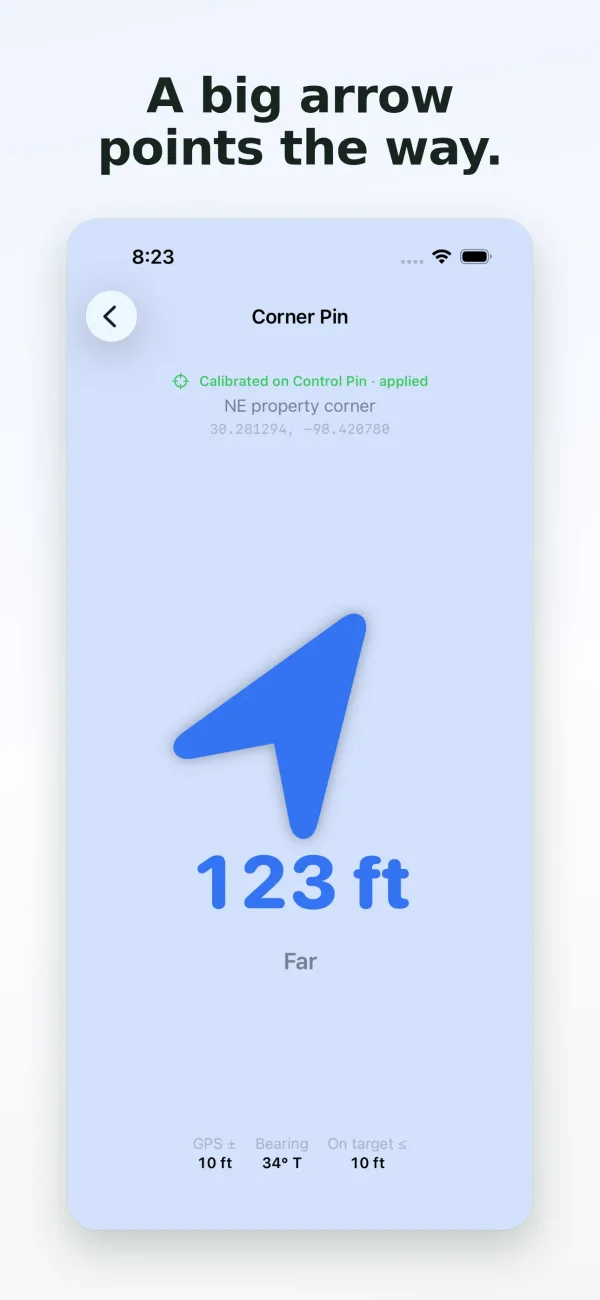
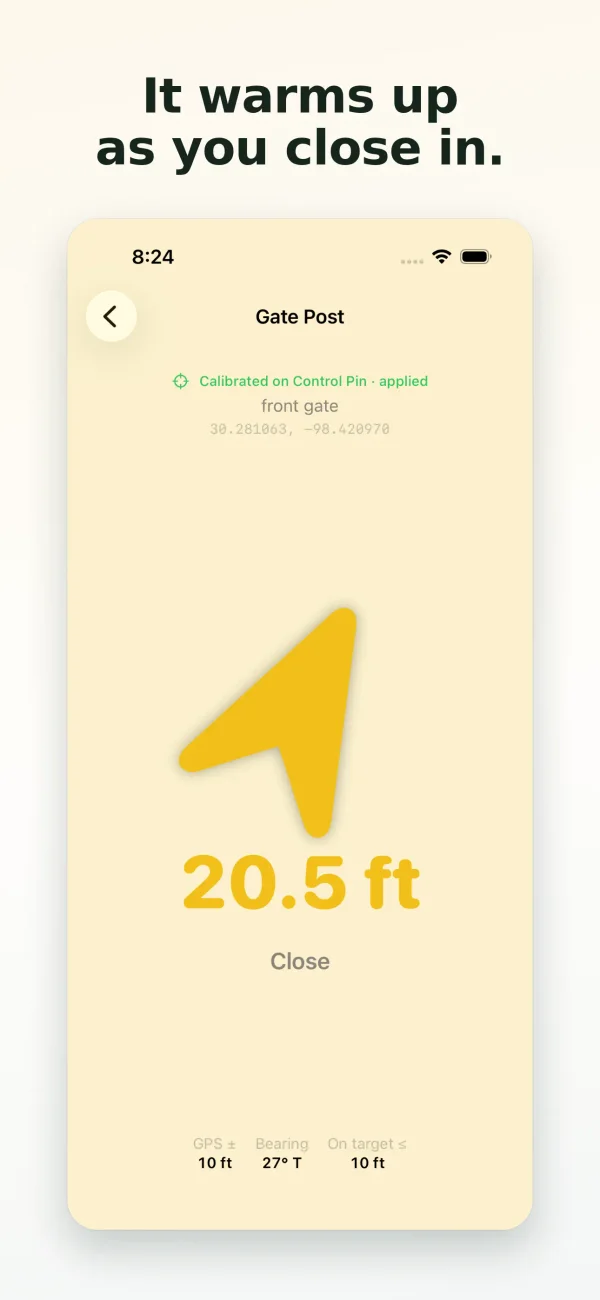
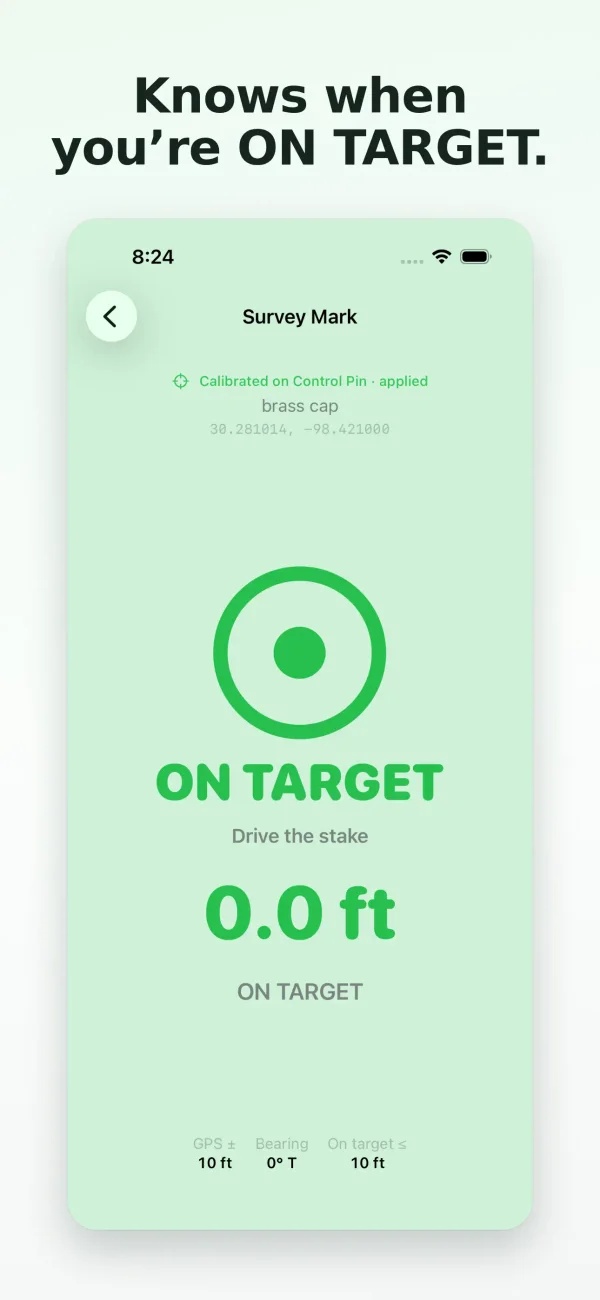
GPS Locatorz turns your iPhone into a simple, rugged way to find your way back to any spot. Save the places that matter - a property corner, a well, where you parked, a good fishing hole, a trail junction - then walk. A big arrow points the way and the whole screen warms from cold blue to green as you close in, locking to ON TARGET with a buzz so you can stop right on the mark.
Built for the field:
- Import points from a CSV or GPX file, add one by hand, or capture your current spot.
- Homing screen with a big directional arrow, live distance, and a haptic when you arrive.
- Site calibration - stand on a known point and the app measures your GPS bias, then corrects nearby points for tighter accuracy.
- Survey-in averaging - hold still and it averages a stack of fixes, dropping the bad ones, for a tighter saved point.
- Works fully offline. No account, no cloud - your points stay on your device.
- Distances in feet or meters.
GPS Locatorz is honest about accuracy: it won't claim "on target" tighter than your phone's GPS can actually confirm.
Note: a phone's GPS and compass have real-world limits. GPS Locatorz is a field aid, not a substitute for a licensed survey.
What’s new
Version 0.3.2 · Nov 19, 2026
- On target, a chevron around the circle now points to the exact spot until you are dead center.
- "Dead center" confirmation with a light tap.
- New About screen, with a quick way to rate the app.
- Clearer location permission text and empty-list hint.
App privacy
What Eric Hexter declares on the App Store about how this app handles data.
-
Data not collected
The developer does not collect any data from this app.
Privacy practices may vary, for example with the features you use or your age.
Information
- Seller
- Eric Hexter
- Category
- Navigation
- Version
- 0.3.2
- Updated
- Nov 19, 2026
- Released
- Oct 28, 2026
- Size
- 627.0 KB
- Requires
- iOS 16.0 or later
- Age rating
- 4+
- Price
- Free
- Languages
- English
- Copyright
- © 2026 OOM Hexception, LLC
You might also like
-
 Been: Private Location LogYour places. Your journal.
-
 GPS StakeoutProperty Corner & Line Finder
-
 Boarding Pass CustodianBoading Pass Scanner & Keeper
-
 Big NorthGiant, Readable Watch Compass
-
 maps.earthNavigation
-
 ArrowToWaypointNavigation
-
 4x4 Cockpit4x4 Off-road Cockpit
-
 FlockDetour: Flock Camera MapALPR Map & Plate Reader Alerts
-
 Offline Maps & GPS Navigation3D Navigation & Offline Routes
-
 TimeTrails: GPS Route TrackerAutomatic Location History