
GPS Path - Mock Locations Data
Route Planner & GPX Tools
Designed for iPhone, iPad
Free · In-app purchases
- Age rating4+
- CategoryUtilities
- DeveloperDao Nguyen Trong
- LanguagesEnglish
- Size83.9 MB
Links to the official App Store page
Download.org hosts no file of GPS Path - Mock Locations Data. The button opens its official App Store page, published by Dao Nguyen Trong. Listing last checked on Nov 17, 2026.
Screenshots
About
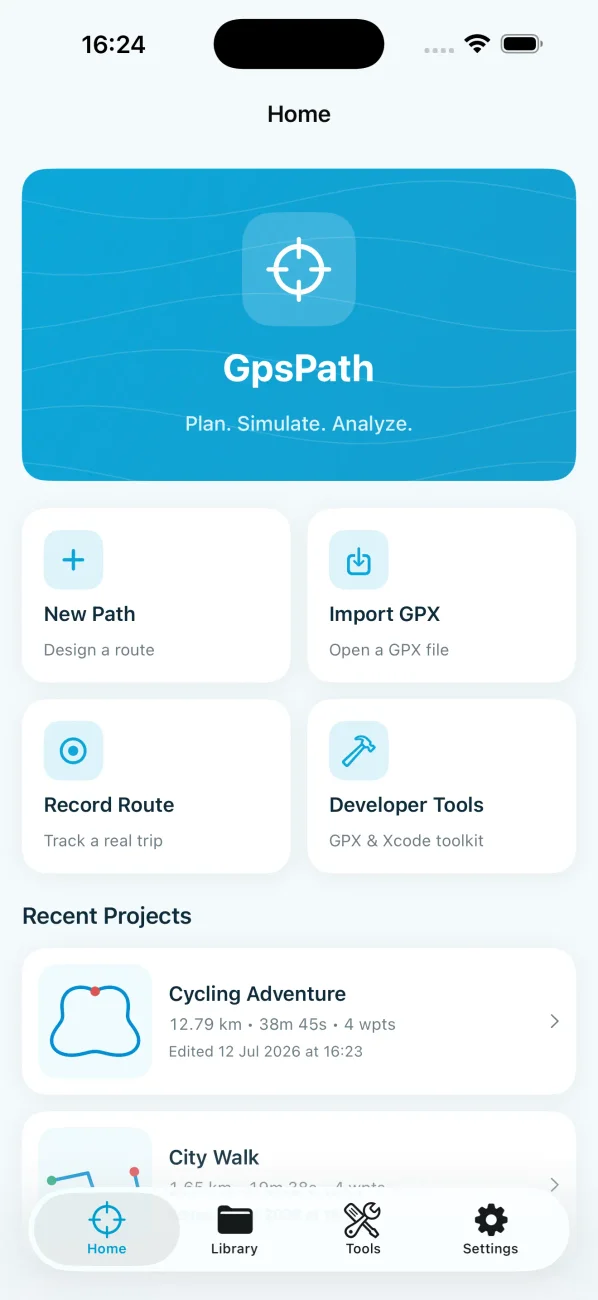
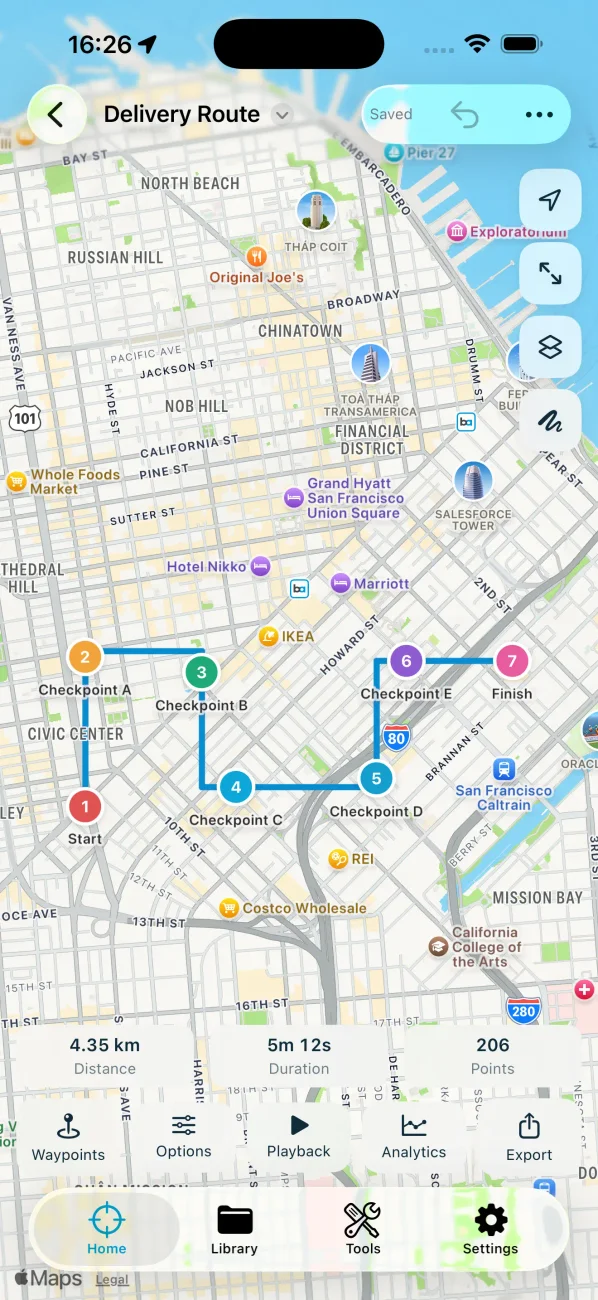
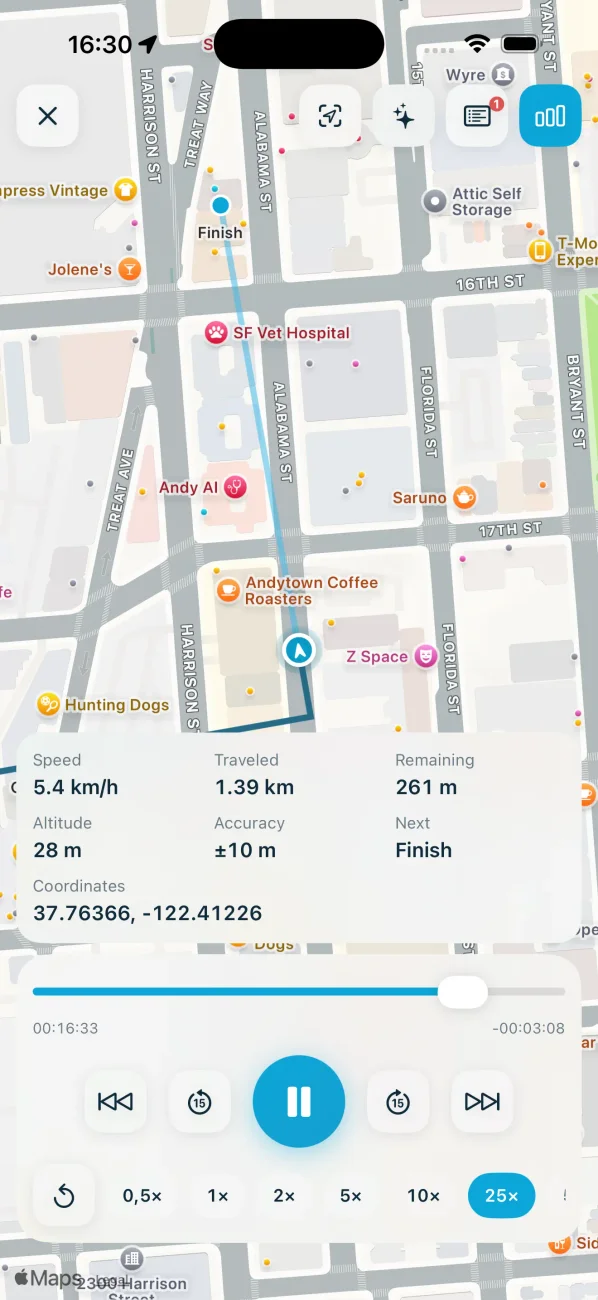
Create and manage routes on an interactive map. Add waypoints, adjust route details, review distance and duration, and replay each journey directly inside the app.
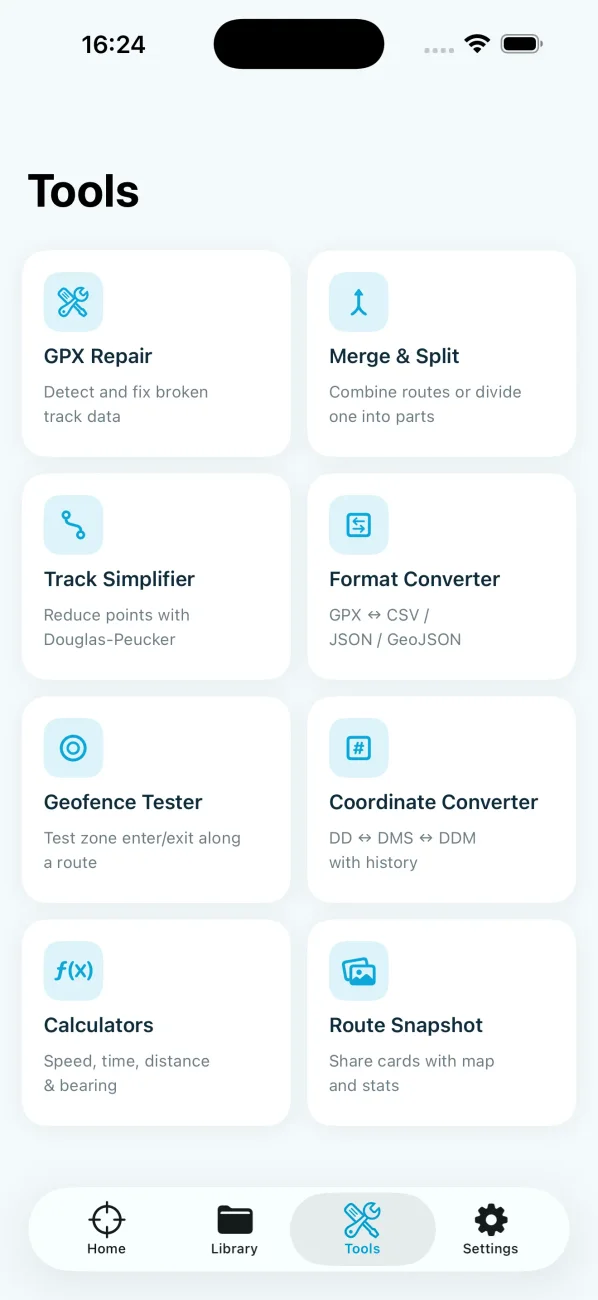
Use built-in tools to import and export GPX files, inspect coordinates, organize saved routes, and view useful trip statistics.
Key Features
• Create routes with multiple waypoints
• Add, edit, reorder, and remove route points
• Review distance, duration, speed, and elevation
• Replay routes with adjustable playback speed
• Import and export GPX files
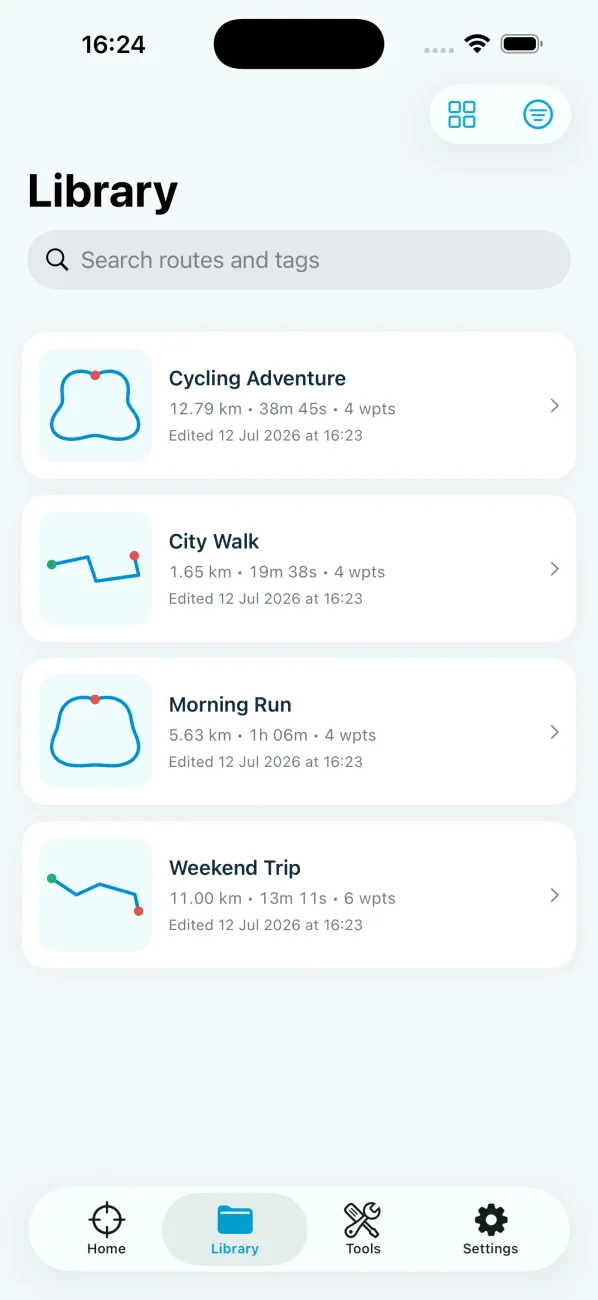
• Save and organize routes in a personal library
• Inspect and convert coordinate data
• Record routes using your current location
• View route statistics and charts
• Create map summaries for sharing
• Use dedicated layouts for iPhone and iPad
Route playback is provided only as an in-app visualization.
Location access is requested only when you choose to view your current position or record a route. Other route creation, editing, playback, and file tools can be used without location permission.
Your saved route data is stored locally on your device.
Premium Membership Subscription
• You can subscribe for unlimited access to all features and content offered for purchase within app.
• Subscriptions are billed weekly, monthly at the rate selected depending on the subscription plan.
• Subscriptions auto-renew at the cost of the chosen package, unless cancelled 24-hours in advance prior to the end of the current period. The subscription fee is charged to your iTunes account at confirmation of purchase. You may manage your subscription and turn off auto-renewal by going to your Account Settings after purchase. Per Apple policy, no cancellation of the current subscription is allowed during active subscription period. Once purchased, refunds will not be provided for any unused portion of the term.
• If eligible for free trial and you subscribe before your free trial ends, the rest of your free trial period will be forfeited as soon as your purchase is confirmed. Subscriptions will start immediately after free trial ends unless cancelled at least 24 hours prior to the end of the trial period.
Privacy Policy:
https://telegra.ph/Privacy-Policy-07-12-124
Term Of Use:
https://telegra.ph/Term-Of-Use-07-12
Contact Us:
https://telegra.ph/Contact-Us-11-29-2
*We would love to receive all your feedback to improve my app.
What’s new
Version 1.0.2 · Jul 24, 2026
Thank you for using app! This update brings general bug fixes and stability improvements, along with a refreshed app name and optimized search keywords to help you find the app more easily.
App privacy
What Dao Nguyen Trong declares on the App Store about how this app handles data.
-
Data not collected
The developer does not collect any data from this app.
Privacy practices may vary, for example with the features you use or your age.
Information
- Seller
- Dao Nguyen Trong
- Category
- Utilities
- Version
- 1.0.2
- Updated
- Jul 24, 2026
- Released
- Jul 17, 2026
- Size
- 83.9 MB
- Requires
- iOS 17.0 or later
- Age rating
- 4+
- Price
- Free
- In-app purchases
- Yes
- Languages
- English
- Copyright
- © 2026 NTD-APPS
You might also like
-
 GPS Location - Changer MockMapSave Places & Plan Routes
-
 GPS Faker 365:Location ChangerRoute Simulator & EXIF Editor
-
 iAnyGo - Location Change&MoveLocation change
-
 GeoSwitch: Location ChangerSafari Location Changer
-
 GPS Location - Changer LocaCamCamera with Location Info
-
 GeoSpoof: Location ChangerGPS, Safari & Timezone Spoofer
-
 GPS Simulator Location - RouteGPS route tracker & GPX tools
-
 Location Changer App +Change DNS, IP, Geo
-
 Fake GPS & Location ChangerEXIF Viewer & Metadata Remover
-
 Gps Emulator Tool: Any Go TrakSimulate & record GPS routes