GPS Speed Tracker: Speedometer
HUD Speed, Odometer & Altitude
Designed for iPhone, iPad
Free · In-app purchases
- Age rating4+
- CategoryTravel
- DeveloperANDREI RUSTI
- LanguagesEnglish+ 10 more
- Size9.6 MB
Links to the official App Store page
Download.org hosts no file of GPS Speed Tracker: Speedometer. The button opens its official App Store page, published by ANDREI RUSTI. Listing last checked on Nov 25, 2026.
Screenshots
About
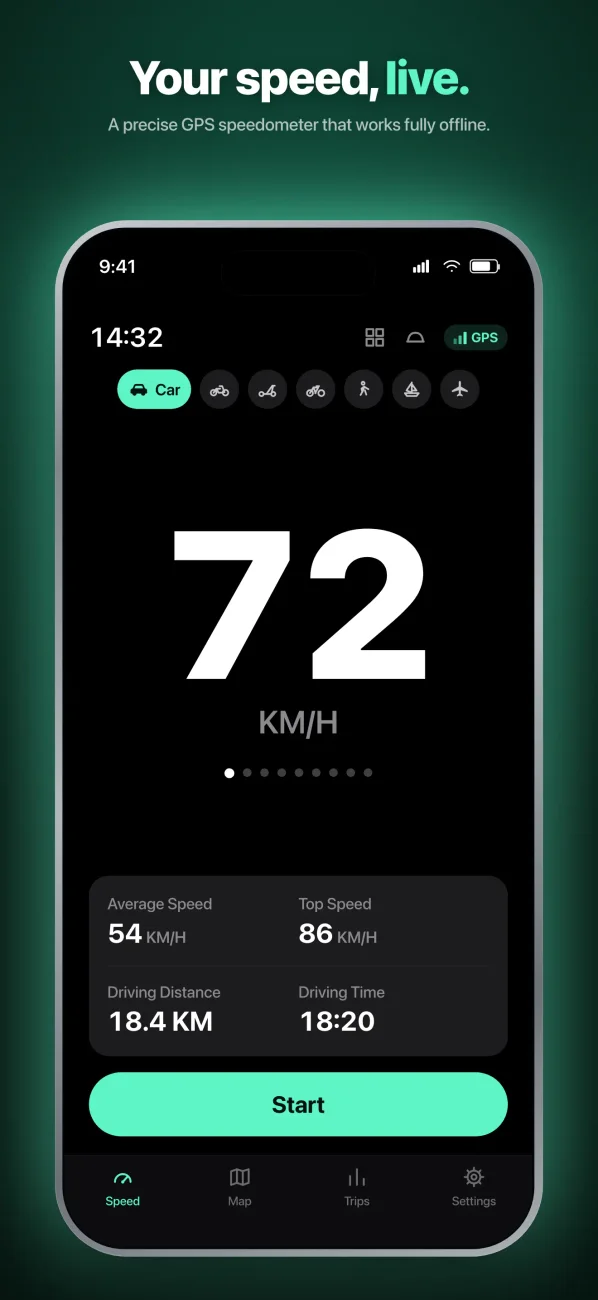
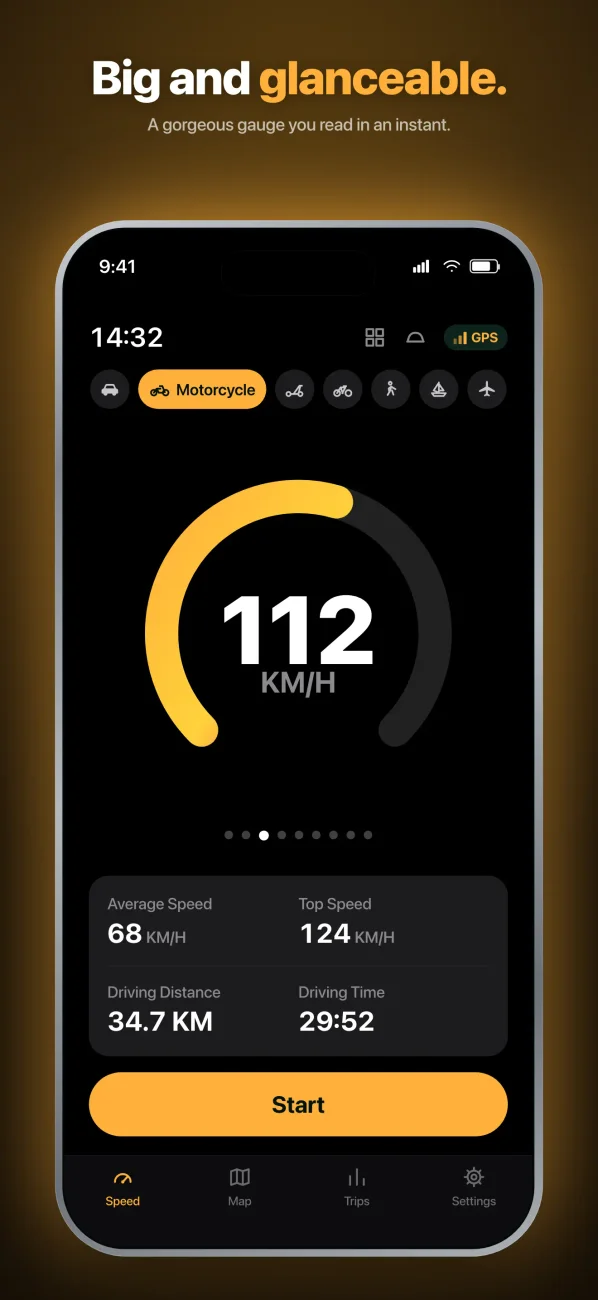
The GPS speedometer for every ride. Live speed on 20 beautiful dashboards, a windshield HUD for night drives, and every trip recorded automatically — even with no signal.
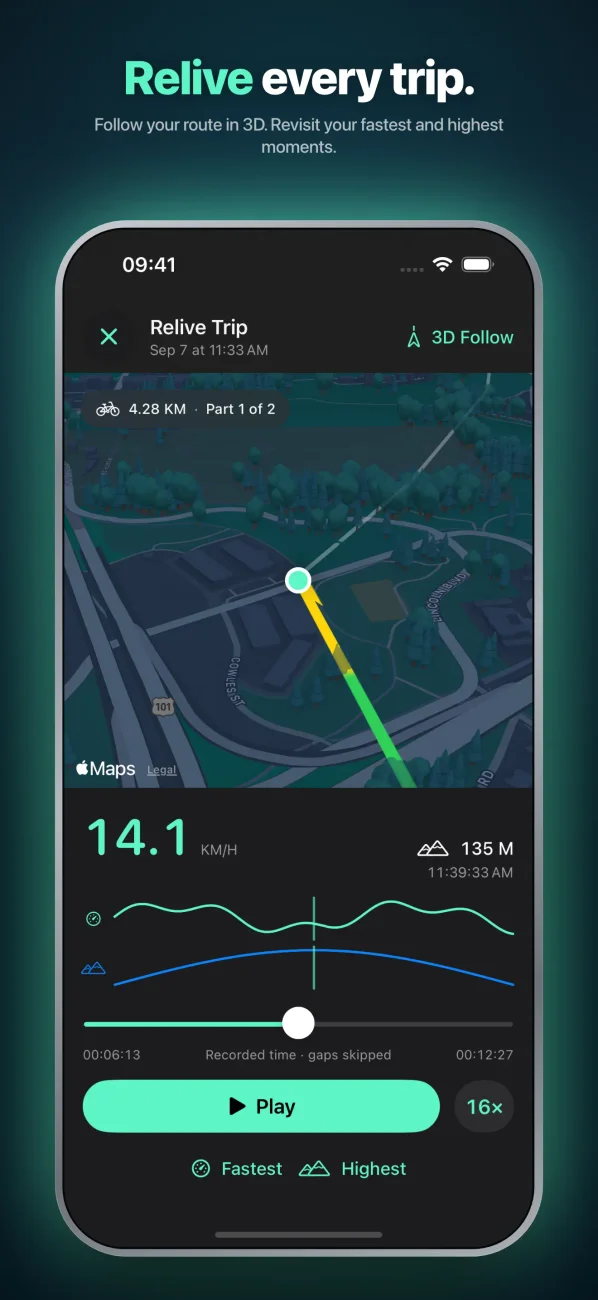
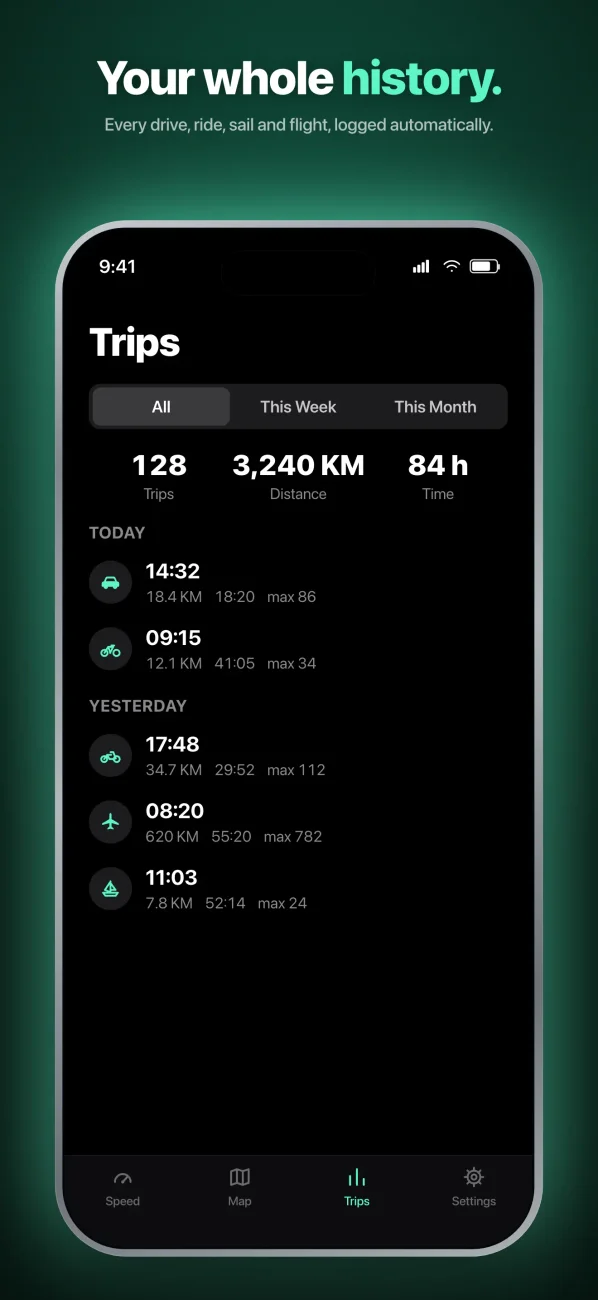
Drive, ride, ski, sail, take the train or fly: pick your mode and go. Speed, distance, time and altitude update live, and every trip is saved with its route, top speed and elevation. Relive it in 3D, share it as a stunning card, or follow it from your Lock Screen, Apple Watch or CarPlay.
LIVE SPEEDOMETER
• Precise GPS speed in km/h, mph or knots, with altitude in meters or feet
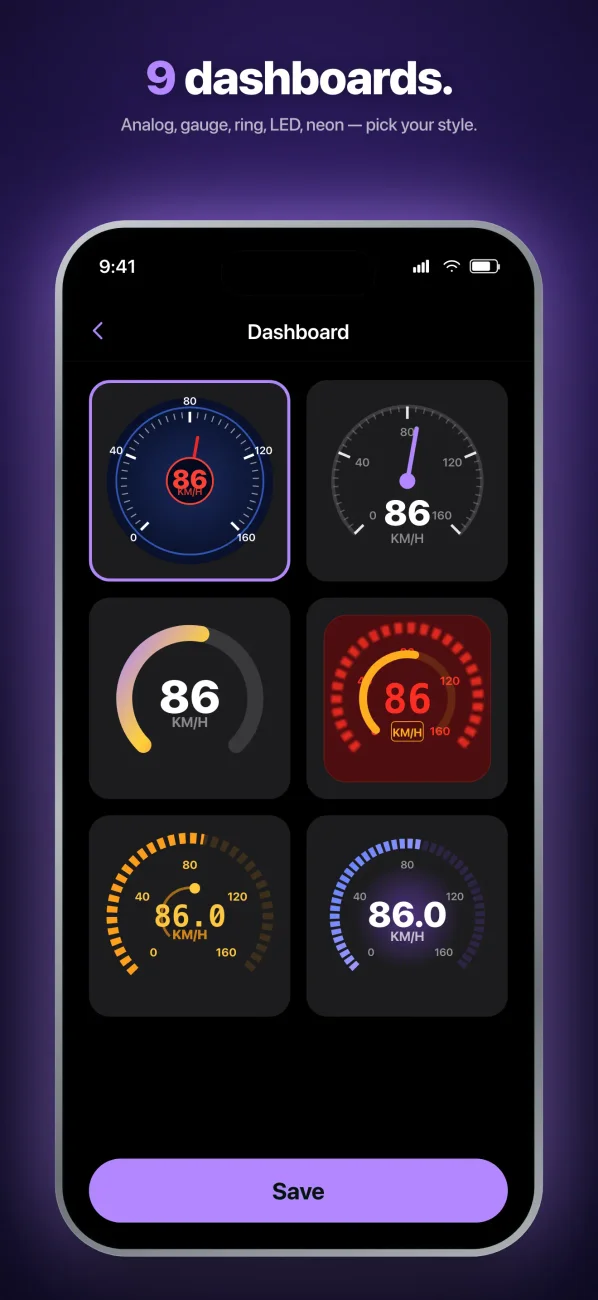
• 20 dashboards: analog dials, digital displays, neon, LED, vintage and more
• Flight cockpit tapes for speed and altitude, Trend for the last two minutes, Slope for ski days
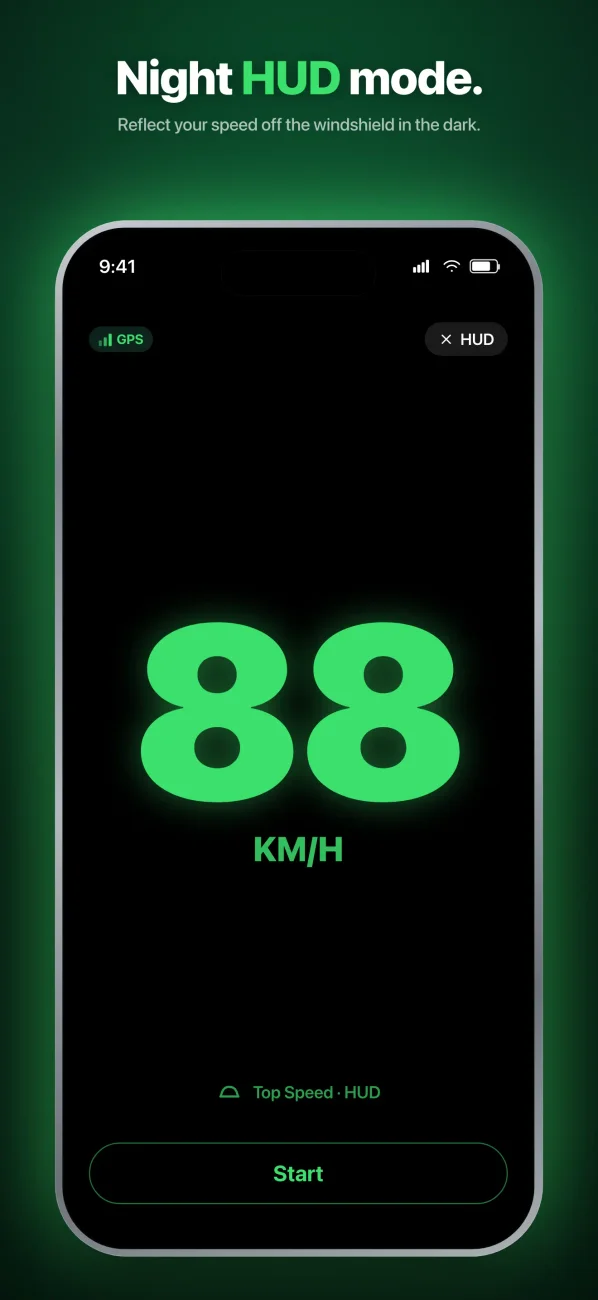
• HUD mode — lay your phone on the dash and read your speed in the windshield
• Speed limit alerts with sound and haptics
• 12 color themes
BUILT FOR EVERY RIDE
• Car, motorcycle, e-scooter, bicycle, walking, ski, train, boat and airplane modes
• Ski mode counts your runs and total descent
• Gauge scales tuned to each mode, from a walk to a jet
TRIP RECORDING
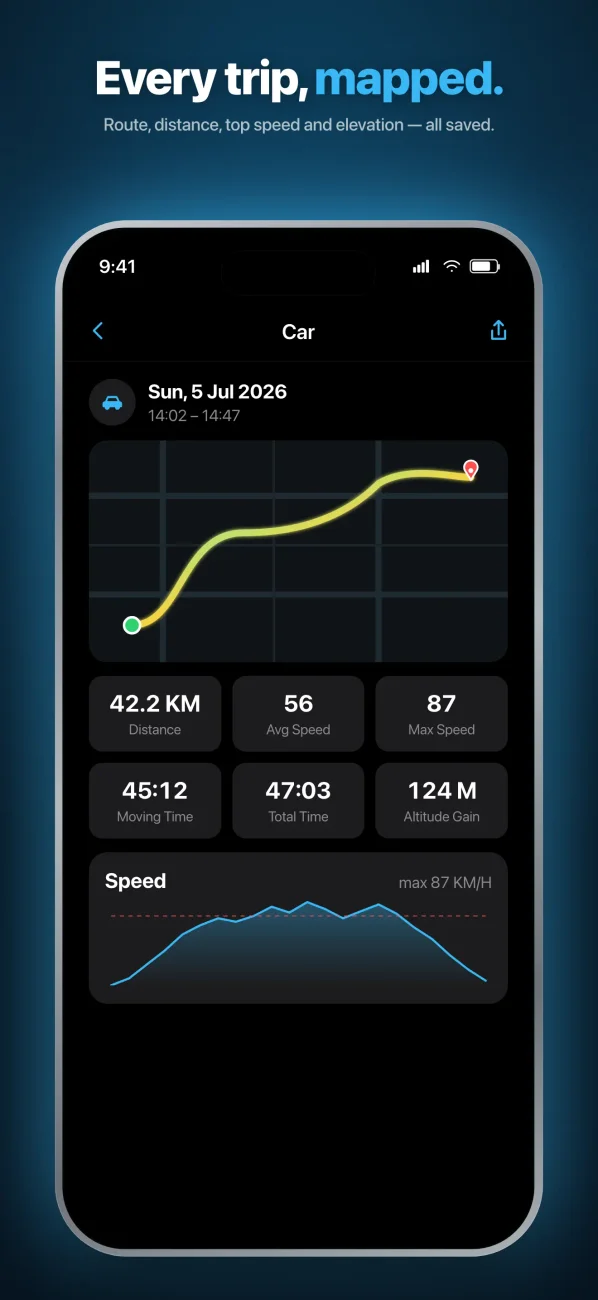
• Every trip saved with a speed-colored route map
• Distance, moving time, average and top speed, altitude gain
• Speed and altitude charts you can scrub
• A trip summary when you stop — with new top-speed records
• Auto-pause when you stop; trips are recovered even if the app closes mid-trip
• Filter by this week, this month or all time, with a lifetime odometer
RELIVE IN 3D
• Replay any trip with a 3D follow camera, overhead view or the whole route
• Scrub the timeline, change playback speed, jump to your fastest and highest points
• Save the replay as a video to share
SHARE YOUR TRIPS
• Beautiful trip cards for posts (4:5) and stories (9:16)
• Highlight top speed or distance, with or without the route
LOCK SCREEN, APPLE WATCH & CARPLAY
• Live Activity with speed, distance and time — pause or stop without unlocking
• Dynamic Island shows your live speed
• Speed, distance and time on Apple Watch in the Smart Stack and on the CarPlay Dashboard
• Odometer widgets for the Home Screen and Lock Screen
• Start a trip from Control Center, the Action button or Siri
WORKS OFFLINE
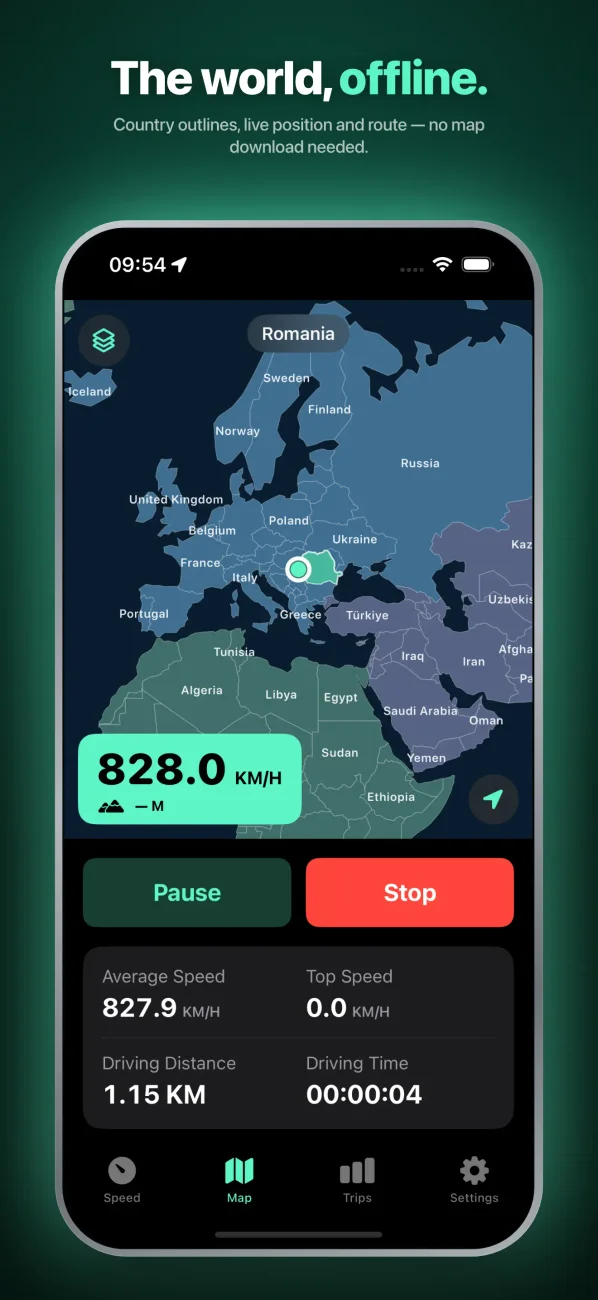
• Speed, trip recording and the Offline World map need no Wi-Fi or mobile data
• See country borders, your position and your route anywhere — even in flight
PRIVATE BY DESIGN
• No account, no sign-up
• Your precise location is processed on your iPhone, and your trip history stays there
GPS SPEED TRACKER PRO
One purchase, no subscription:
• No ads
• All 20 dashboards and HUD mode
• Unlimited trip history (free shows your latest 10 trips)
• GPX and CSV export
• Relive videos without the watermark
• Every future Pro feature
Pay once. Keep it forever.
What’s new
Version 2.3 · Nov 11, 2026
• Picture in Picture: Keep your speed in view while you use Maps or any other app. Tap the new Picture in Picture button on the Speed tab and your speed floats in a small window, with your speed limit sign, that turns red when you go over the limit. Want it to open by itself? Turn on Settings › Picture in Picture › Open During Trips.
• Quick Set Speed Limits: Tap the speed limit sign on the Speed tab to change your limit on the go. Pick one of six Quick Set values, or set any limit with the slider and the −/+ buttons. Touch and hold a Quick Set value to replace it with your current limit.
• Open GPX Files: Got a GPX file from a friend, or exported one yourself? GPS Speed Tracker now appears when you open or share a GPX file from Files, Mail or Messages. Each track becomes a trip in your history, with its route, speed and elevation, and trips you already have are skipped.
• Faster Trips Tab: Trips now opens right away, however many trips you have recorded.
App privacy
What ANDREI RUSTI declares on the App Store about how this app handles data.
-
Data used to track you
May be used to track you across apps and websites owned by other companies.
- Identifiers
- Usage data
-
Data linked to you
May be collected and linked to your identity.
- Location
- Identifiers
- Usage data
- Diagnostics
-
Data not linked to you
May be collected but is not linked to your identity.
- Diagnostics
Privacy practices may vary, for example with the features you use or your age.
Information
- Seller
- ANDREI RUSTI
- Category
- Travel
- Version
- 2.3
- Updated
- Nov 11, 2026
- Released
- Jul 14, 2026
- Size
- 9.6 MB
- Requires
- iOS 17.0 or later
- Age rating
- 4+
- Price
- Free
- In-app purchases
- Yes
- Languages
- English, French, German, Italian, Japanese, Korean, Portuguese, Russian, Simplified Chinese, Spanish, Ukrainian
- Copyright
- © R Andrei 2026
You might also like
-
 Hike, Sail, Fly: GPS LocatorPrivate GPS & GPX tracker
-
 SkyPocketThe Ultimate Flight Mode App
-
 Speedometer Lite - Mph TrackerTachometer & Drive Tracker
-
 RateCat:Currency ConverterExchange Rates & Calculator
-
 Currency++Exchange & AI Safety
-
 You Will Be LateDoor Time for real life
-
 Save Locations with PhotosAdd places to offline maps
-
 Nomad Translator - No InternetVoice, Text & Photo Offline
-
 LandMeter - GPS Area MeasureField, Acreage & Distance
-
 PhotrailYour travel map, automatically