- Age rating17+
- CategoryProductivity
- DeveloperJUAN ANGEL SIERRA MARTELO
- LanguagesEnglish
- Size82.5 MB
Links to the official App Store page
Download.org hosts no file of GPS Tracking+. The button opens its official App Store page, published by JUAN ANGEL SIERRA MARTELO. Listing last checked on Nov 8, 2026.
Screenshots

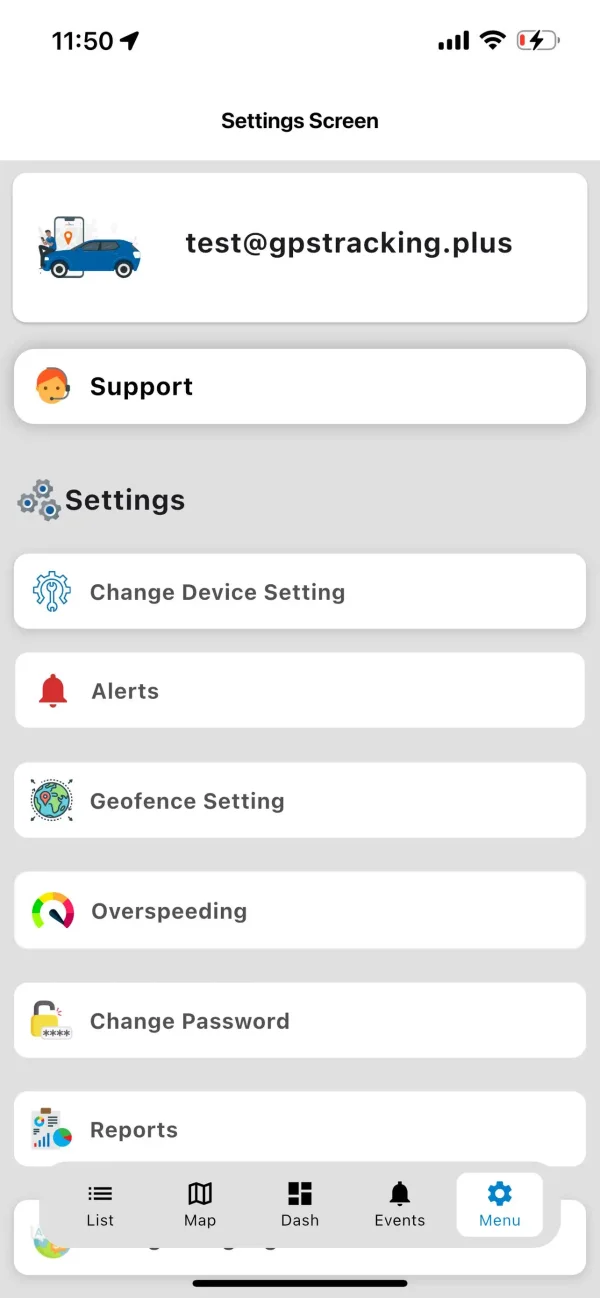
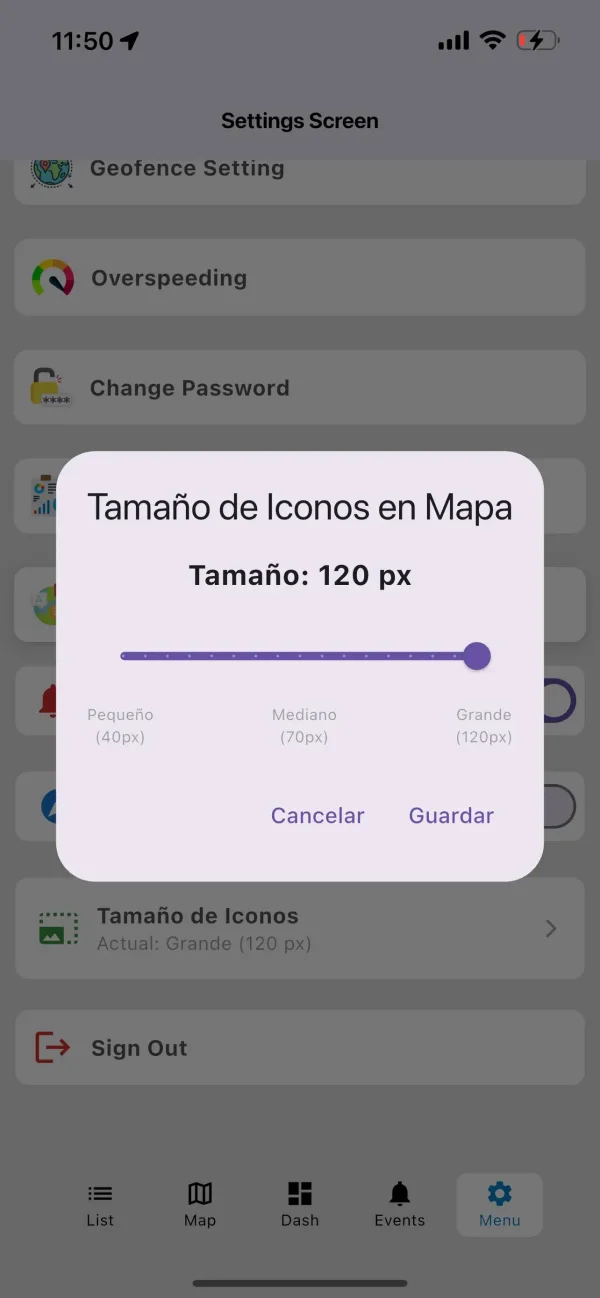
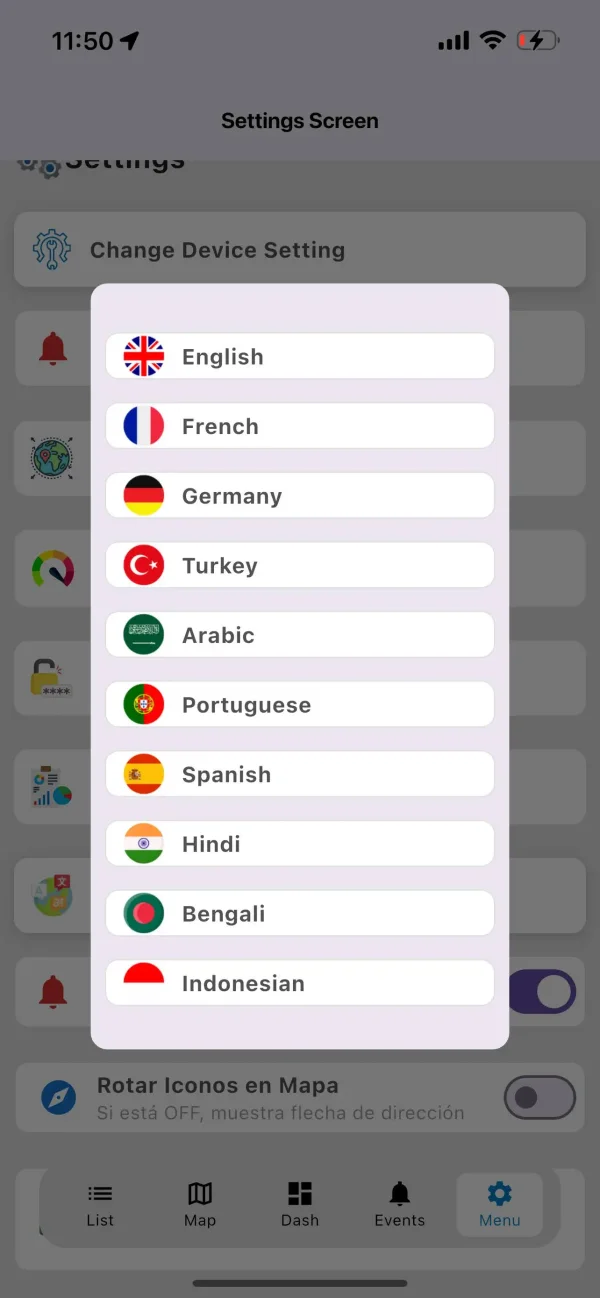
About
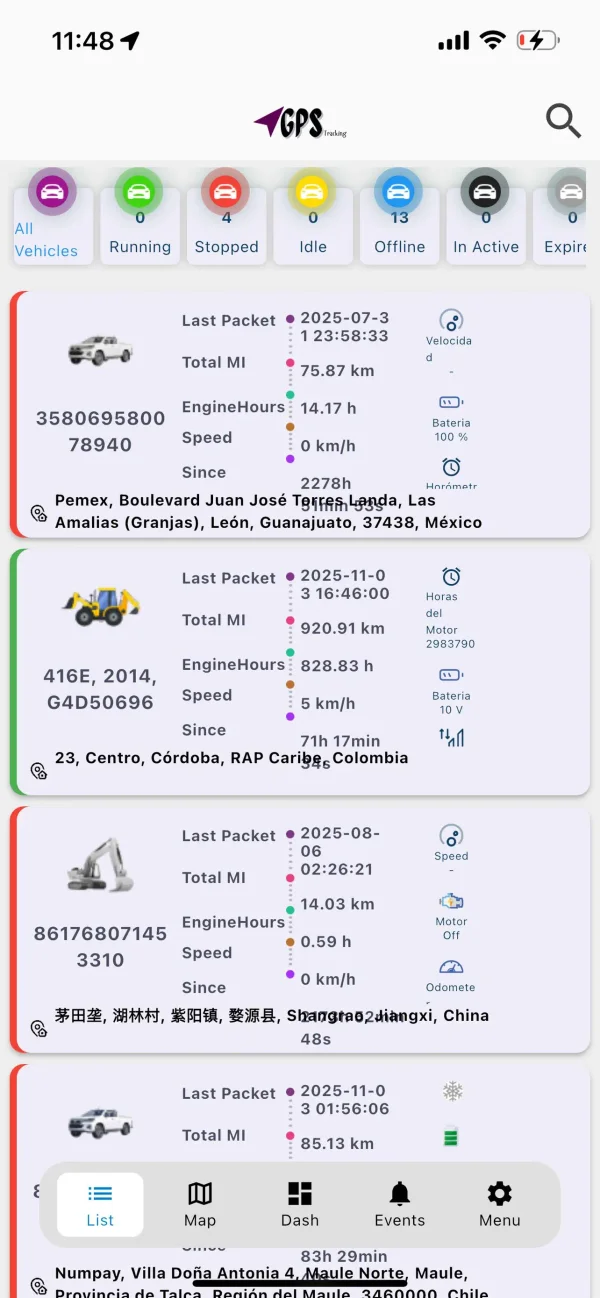
GPS Tracking Plus lets you track your vehicles and assets in real time from your iPhone or iPad. Designed for fleets, businesses and private users who need reliable location and instant alerts. Main features:
Real-time tracking
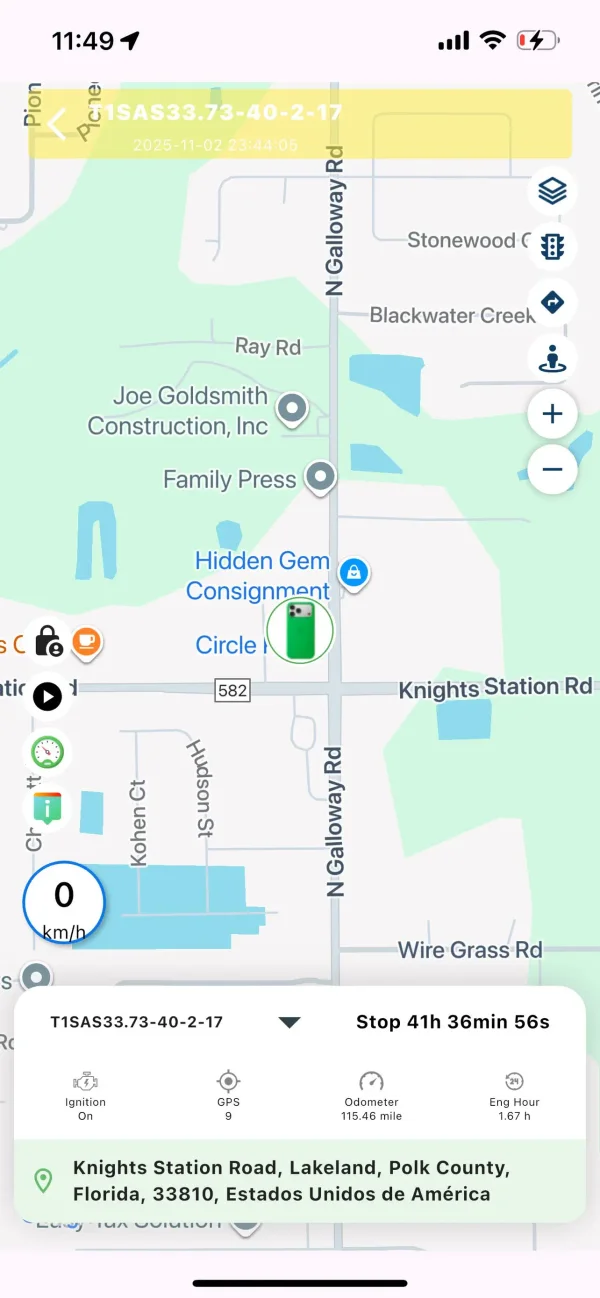
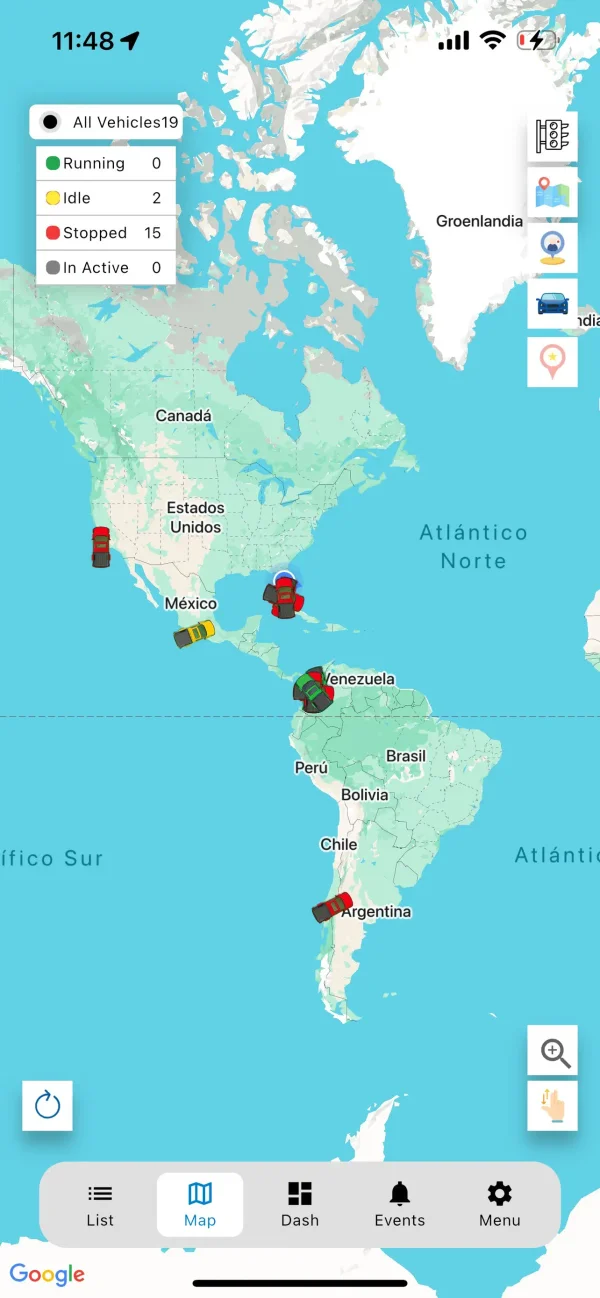
— See your vehicles and assets on the map with live position updates.
Push notifications
— Get instant alerts for geofence entry/exit, speed limits, panic events and disconnection. Notifications work when the app is open, in the background or closed.
Geofences
— Define zones and receive alerts when a vehicle enters or leaves them.
Maps
— Full integration with maps for tracking, routes and location history.
Alerts and events
— Speed alerts, geofence alerts and other events delivered straight to your device.
Secure access
— Sign in with your account; your data is synced with the GPS Tracking Plus service.
Fleet and assets
— Manage multiple vehicles or assets from a single app.
GPS Tracking Plus helps you stay in control of your fleet and assets with professional GPS tracking and reliable push notifications on iOS.
What’s new
Version 34.10.20+120 · Oct 20, 2026
We’ve completely redesigned the iPad experience and made major improvements to our real-time map!
• Native iPad Support: A newly optimized interface for larger screens. Features a new side navigation menu, split views (Master-Detail) to explore your vehicles and the map simultaneously, and adaptive dashboards.
• Live Map Enhancements: Collapsible side panel on iPad to maximize your map view. Vehicle icons now dynamically sync their colors in real-time based on their status (moving, idle, or stopped).
• Faster Engine Cut-Off (KillSwitch): Instant visual feedback when sending commands to your vehicles, along with better multi-language support.
• Speed Limits: Automatic adjustments to speed limits to comply with local regulations (mph formats).
• Bug Fixes: Under-the-hood performance upgrades, visual bug fixes, and overall app stability improvements.
App privacy
What JUAN ANGEL SIERRA MARTELO declares on the App Store about how this app handles data.
-
Data not collected
The developer does not collect any data from this app.
Privacy practices may vary, for example with the features you use or your age.
Information
- Seller
- JUAN ANGEL SIERRA MARTELO
- Category
- Productivity
- Version
- 34.10.20+120
- Updated
- Oct 20, 2026
- Released
- Apr 1, 2025
- Size
- 82.5 MB
- Requires
- iOS 15.0 or later
- Age rating
- 17+
- Languages
- English
- Copyright
- © 2026 Soluciones Tecnologicas SAS