GPUFieldDiag
GPU Codes, Commands & XID
Designed for iPhone, iPad
$0.99 · In-app purchases
- Age rating4+
- CategoryReference
- DeveloperSanjay Korde
- LanguagesEnglish
- Size1.2 MB
Links to the official App Store page
Download.org hosts no file of GPUFieldDiag. The button opens its official App Store page, published by Sanjay Korde. Listing last checked on Nov 24, 2026.
Screenshots
About
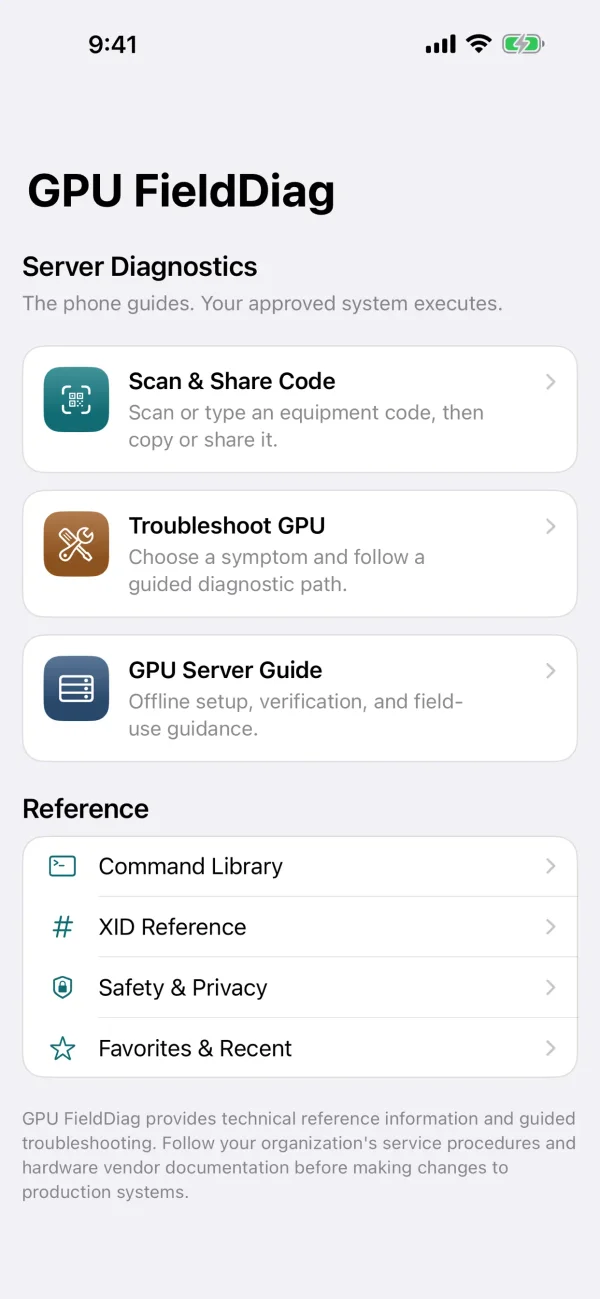
GPU FieldDiag is an offline GPU field reference. The iPhone guides the work. Commands run only on the console your organization already approves. The app does not connect to the GPU server and does not upload logs.
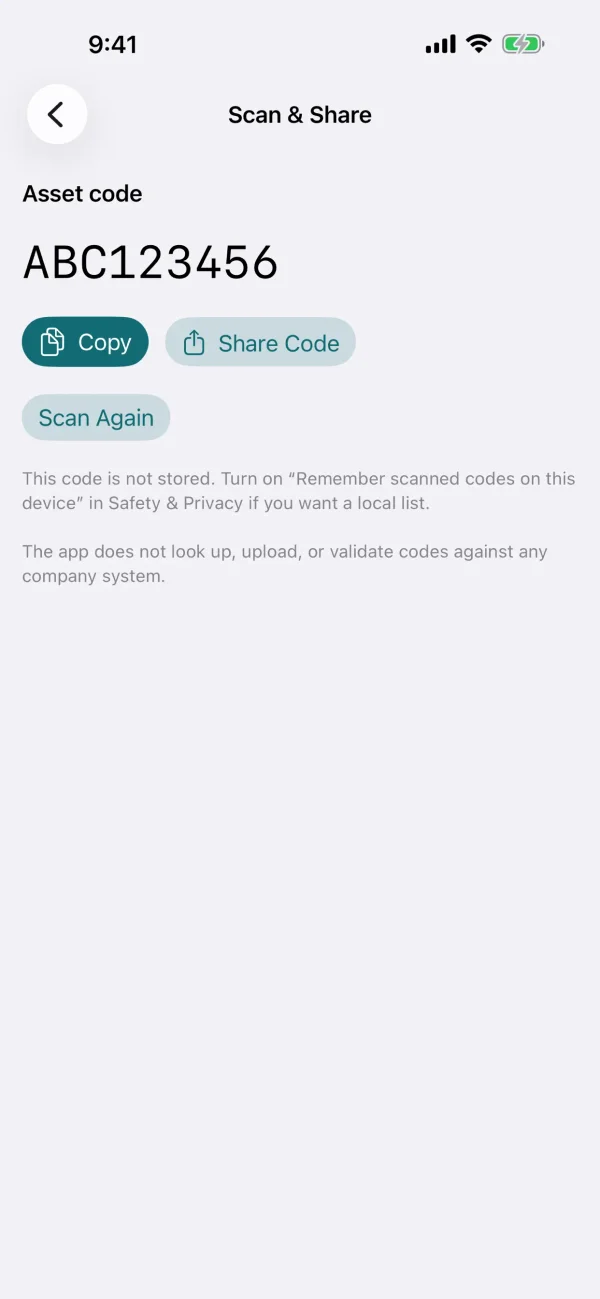
Scan a barcode or QR code on a GPU, CPU, or chassis label, or type the code. The scanner reads QR, Data Matrix, Code 128, Code 39, PDF417, EAN, UPC, and other common barcodes. Copy the code or share it with the iOS share sheet. The app does not look the code up.
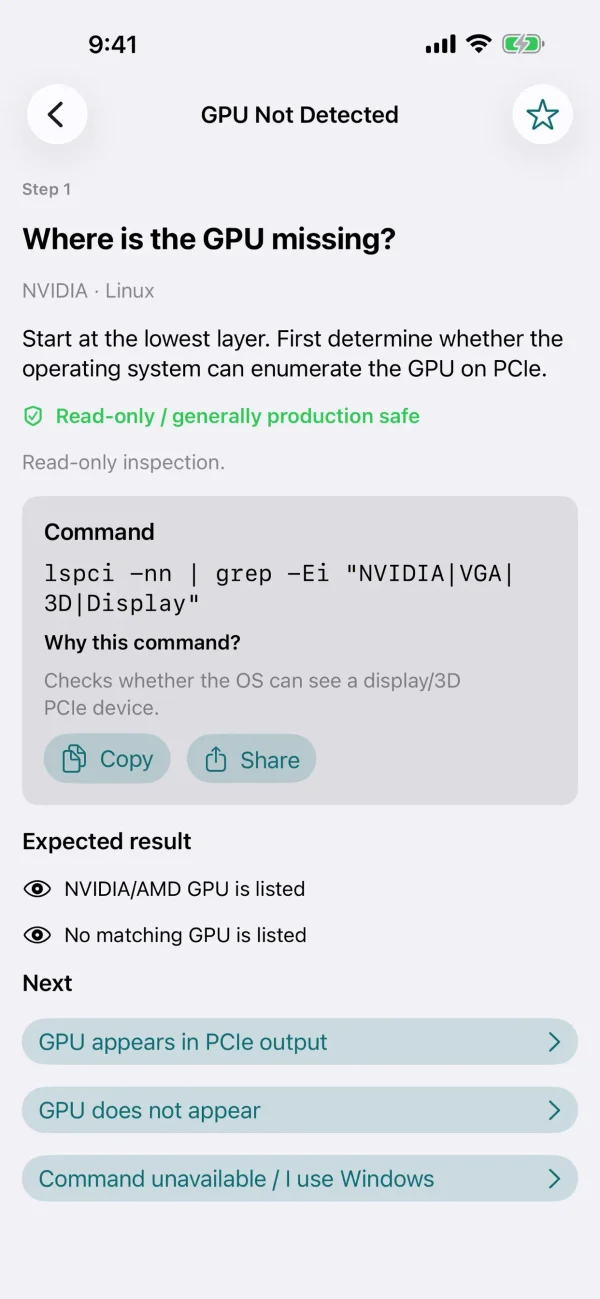
Start from a GPU symptom, such as a missing GPU, an XID, ECC, thermals, power, containers, or a job that cannot see the GPU. Each step shows the command, why it exists, the risk, and what to compare. You read the result on the approved terminal and tap the closest observation.
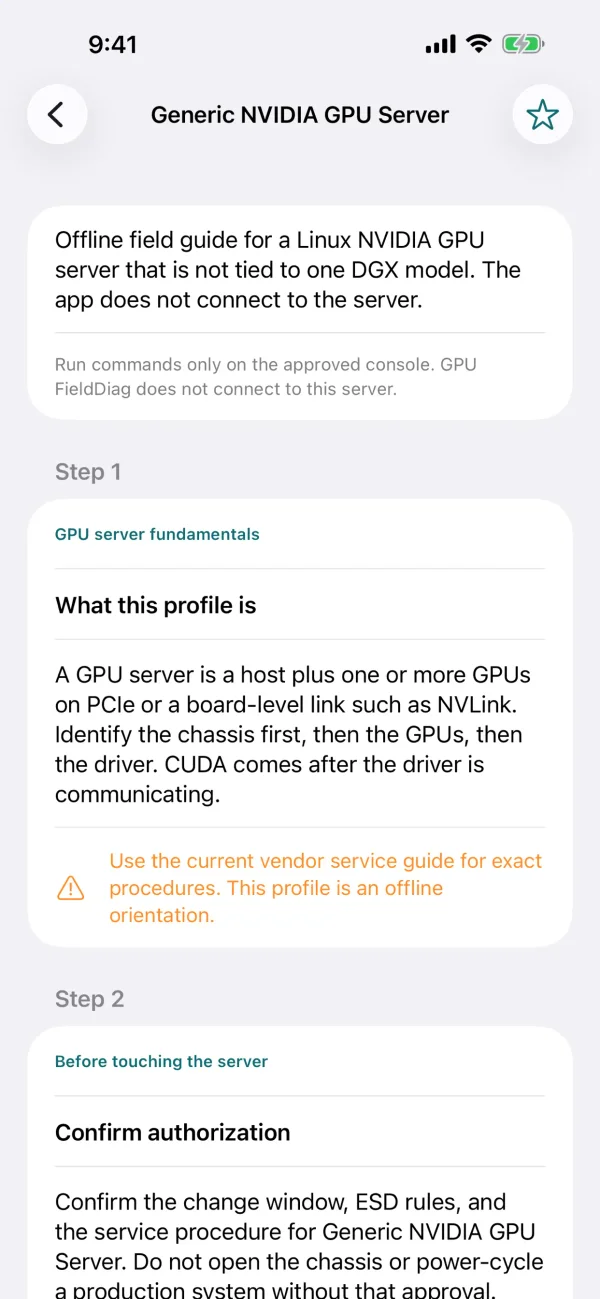
Read GPU server guides for a generic NVIDIA GPU server, DGX H100, DGX H200, DGX B200, and a generic AMD Instinct server. Guides cover identity, power-on, driver and software checks, thermals, topology, shutdown, evidence, and escalation.
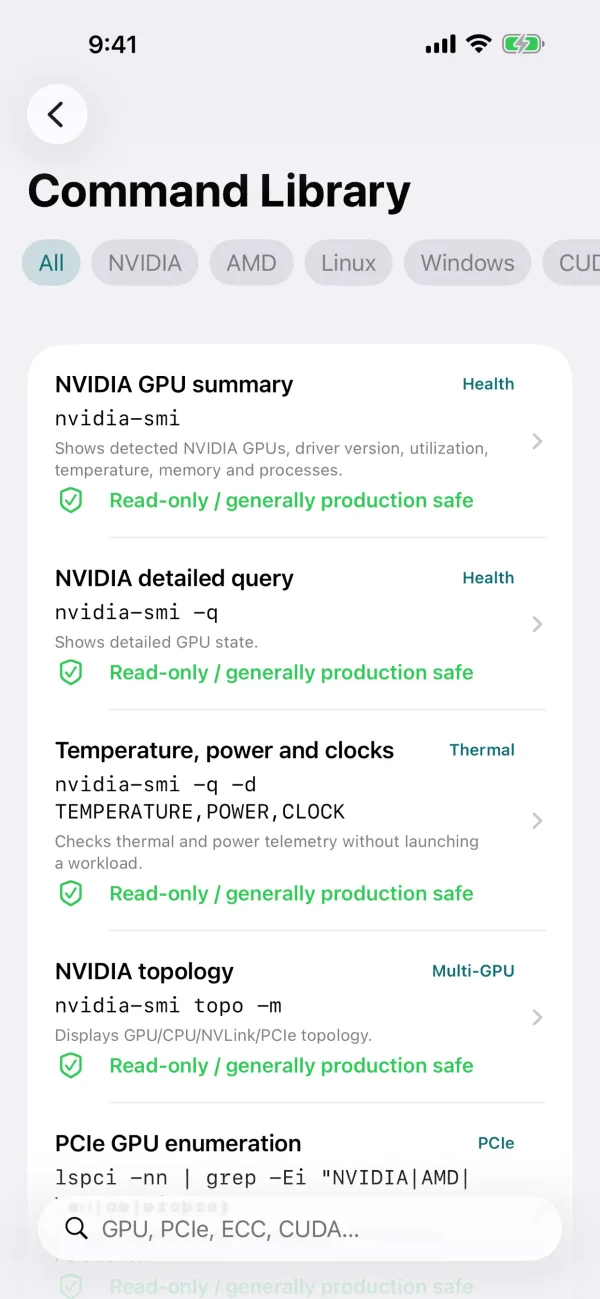
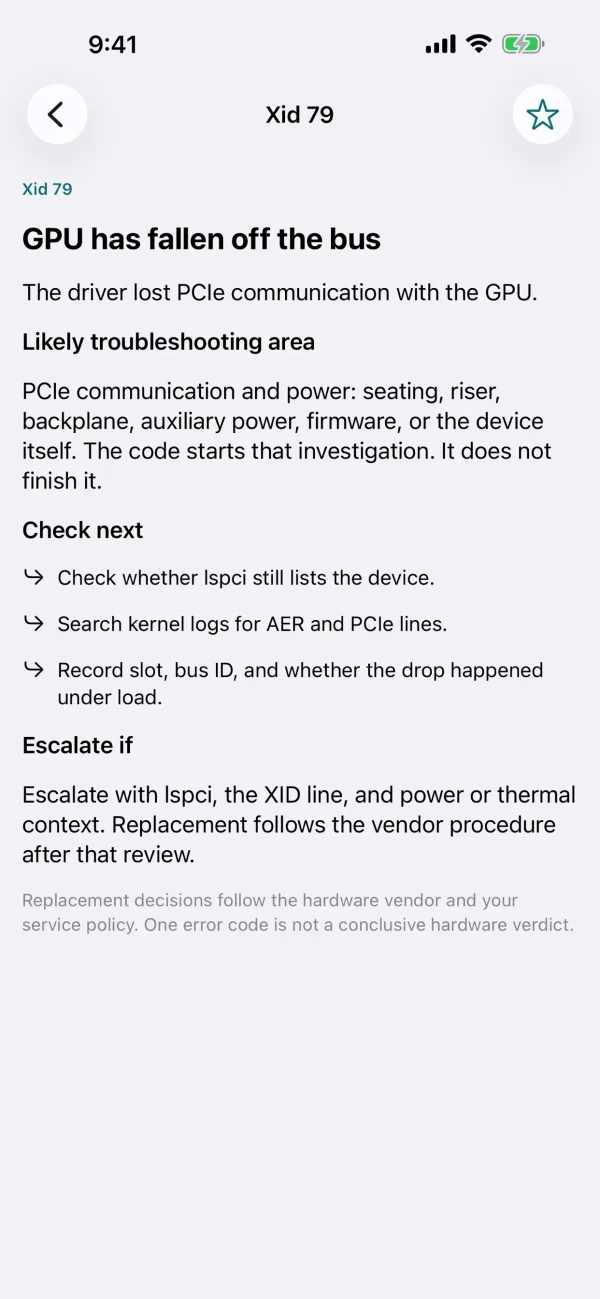
The GPU command library, glossary, field checklists, and XID reference stay on the device. Search covers the bundled library only. An XID points to a troubleshooting area. It does not decide that a GPU should be replaced. Checklist ticks stay on the device and are not uploaded.
NVIDIA, CUDA, DGX, NVLink, AMD, Instinct, and related names are trademarks of their owners. GPU FieldDiag is an independent reference and is not affiliated with or endorsed by those companies.
GPU FieldDiag provides technical reference information and guided troubleshooting. Follow your organization's service procedures and hardware vendor documentation before making changes to production systems.
What’s new
Version 1.2 · Nov 23, 2026
• Unlock GPU FieldDiag Pro for the full offline reference
• Keep Scan & Share and Safety & Privacy free
• Faster close-up barcode and QR scanning with zoom
• On-screen guide for supported code types
• Search, glossary, and field checklists
• Restore Purchases from Safety & Privacy
App privacy
What Sanjay Korde declares on the App Store about how this app handles data.
-
Data not collected
The developer does not collect any data from this app.
Privacy practices may vary, for example with the features you use or your age.
Information
- Seller
- Sanjay Korde
- Category
- Reference
- Version
- 1.2
- Updated
- Nov 23, 2026
- Released
- Oct 5, 2026
- Size
- 1.2 MB
- Requires
- iOS 17.0 or later
- Age rating
- 4+
- Price
- $0.99
- In-app purchases
- Yes
- Languages
- English
- Copyright
- © Cinematics
You might also like
-
 PointWord: What's That Word?Point at a word, learn it
-
 Star Fort BuilderIts history, not a mystery
-
 FrankenCANineteen cellular automata
-
 B737 CB737 NG & MAX Circuit Breakers
-
 Eka Panchang - Hindu CalendarYour festivals, home and away
-
 Daily BrainLearn difficult words a day
-
 Math Duel: Multiplayer BattleMath Facts for 1 or 2 Players
-
 Compute with GoogleEducation
-
 Learn Chinese App: Flash CardsLearn Chinese For Beginners
-
 Flower Identifier: ID ScannerIdentification by Picture AI