Graffiti Creator
Custom Names, Logos & Stickers
Designed for iPhone, iPad, iPod touch
Free · In-app purchases
- Age rating4+
- CategoryGraphics & Design
- DeveloperBinh Le
- LanguagesEnglish
- Size50.0 MB
Links to the official App Store page
Download.org hosts no file of Graffiti Creator. The button opens its official App Store page, published by Binh Le. Listing last checked on Nov 22, 2026.
Screenshots

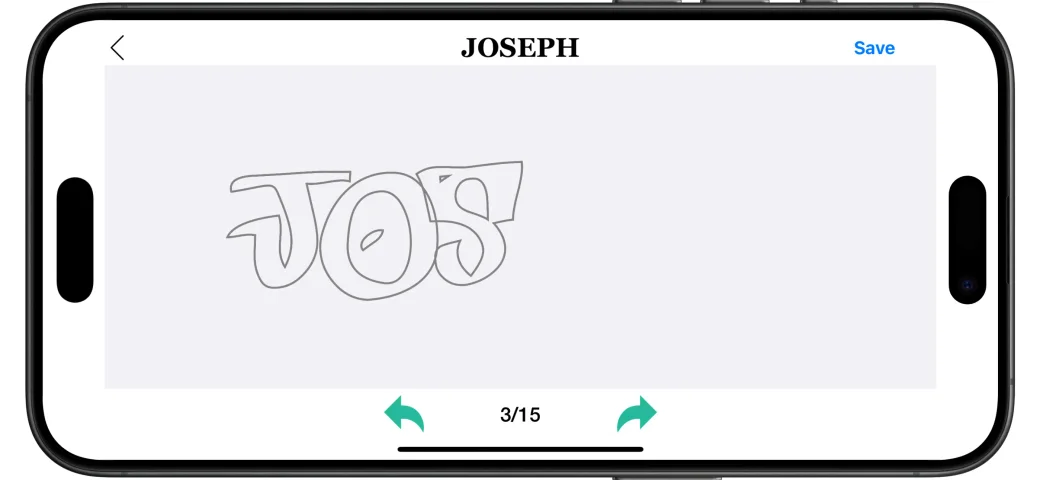
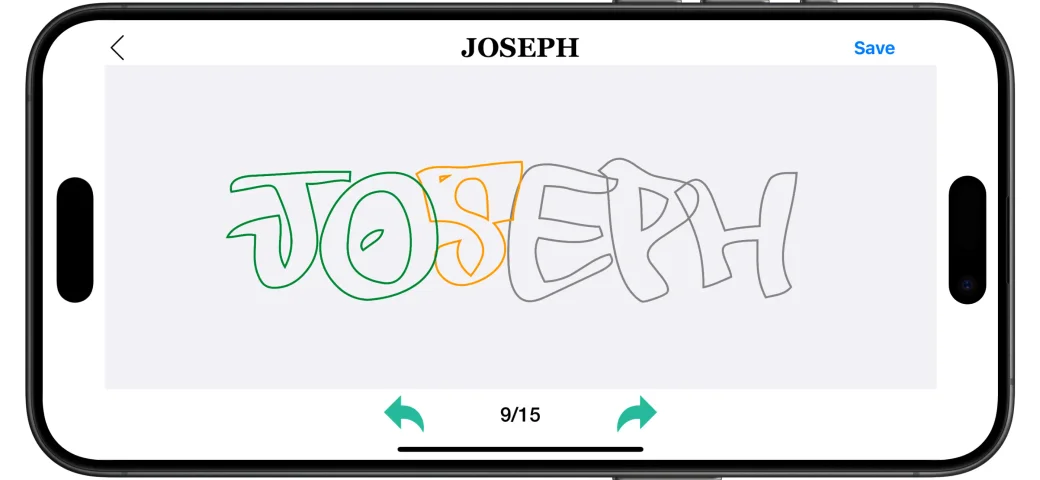
About
Graffiti Creator: AI Graffiti, Editor Studio & Custom Name Design
Create custom graffiti names, bold lettering, and unique street art with Graffiti Creator. Generate designs with AI, customize them in Editor Studio, and preview your artwork on real walls with AR Preview. No drawing experience required.
Key Features
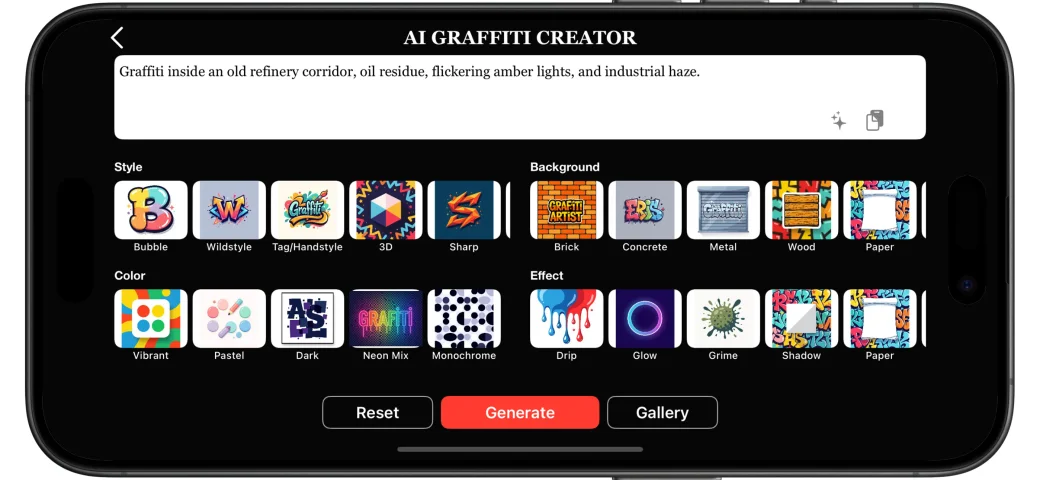
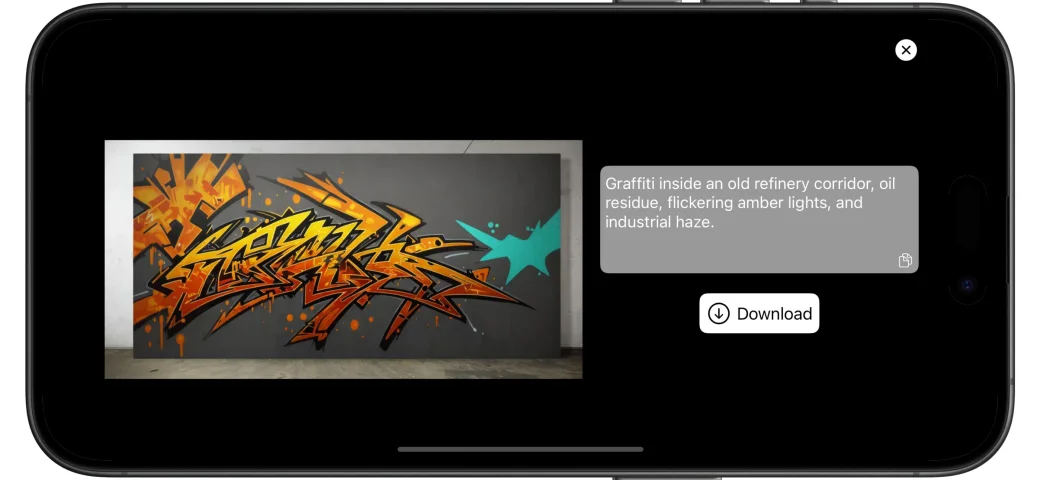
AI Graffiti Generator
Describe a style, color palette, or theme to generate original graffiti artwork. Create ideas for names, tags, logos, and creative text.
AR Preview
See your design in your surroundings through your camera. Move, resize, and rotate the artwork to explore different placements, then capture and save your preview.
Editor Studio
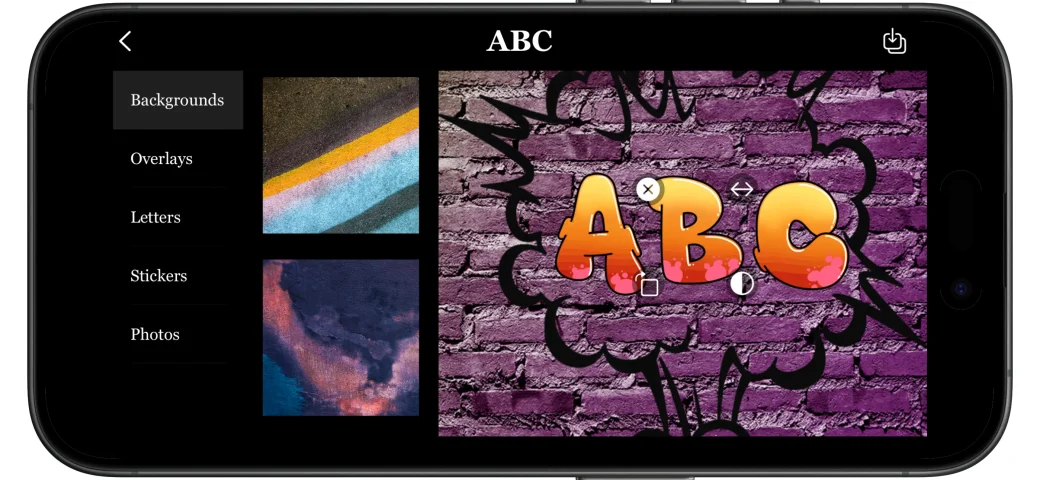
Customize your designs with tools to:
• Move, resize, rotate, and flip objects
• Add stickers, shapes, and decorative elements
• Customize backgrounds
• Arrange layers
• Continue editing AI-generated graffiti
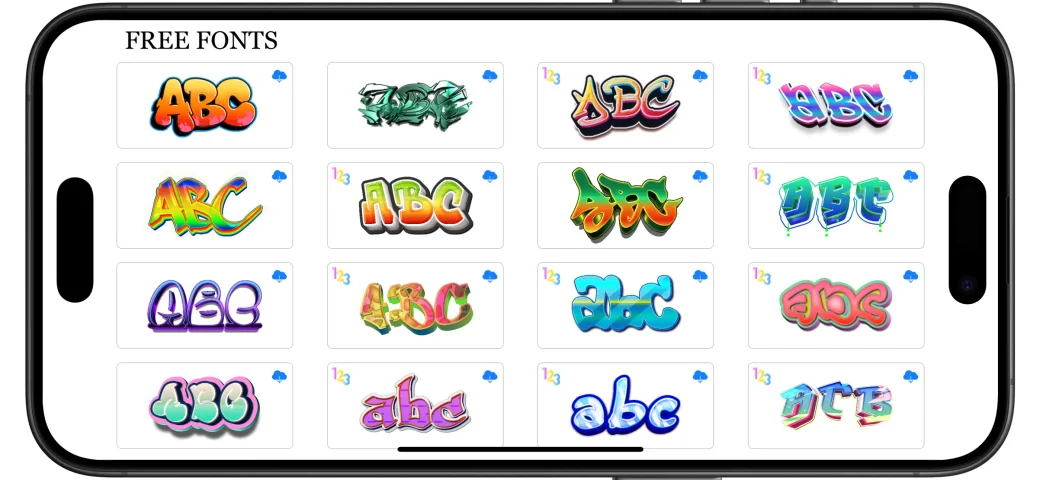
Graffiti Fonts
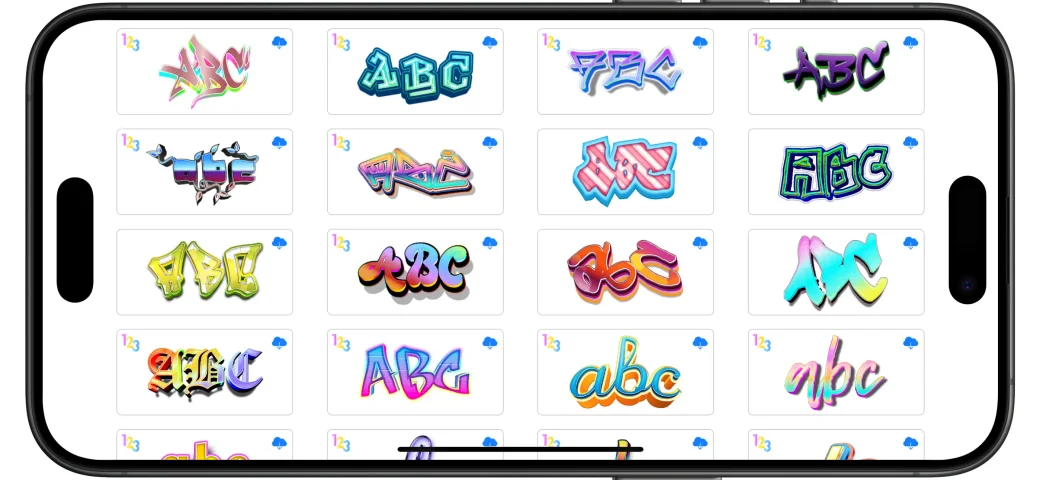
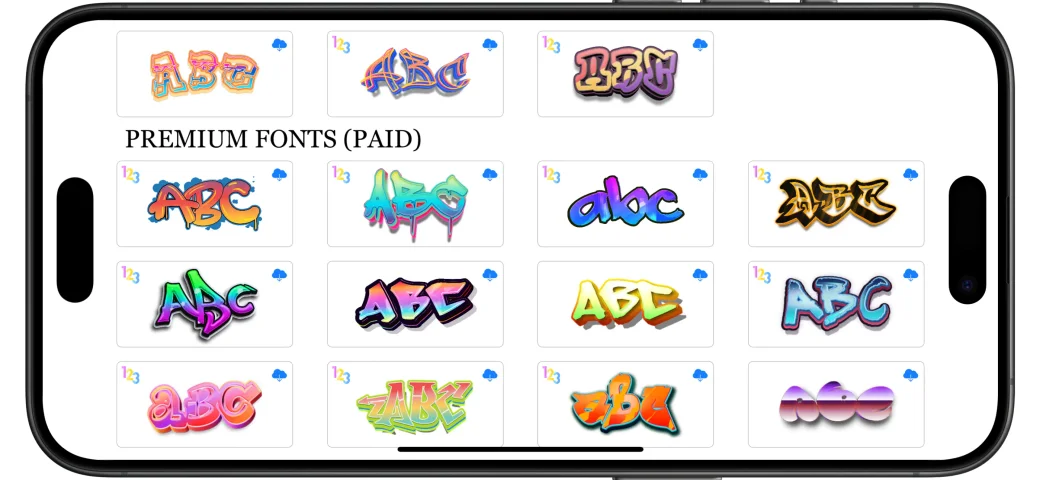
Explore graffiti-inspired fonts, outlines, shadows, and bold lettering styles.
Custom Text Creator
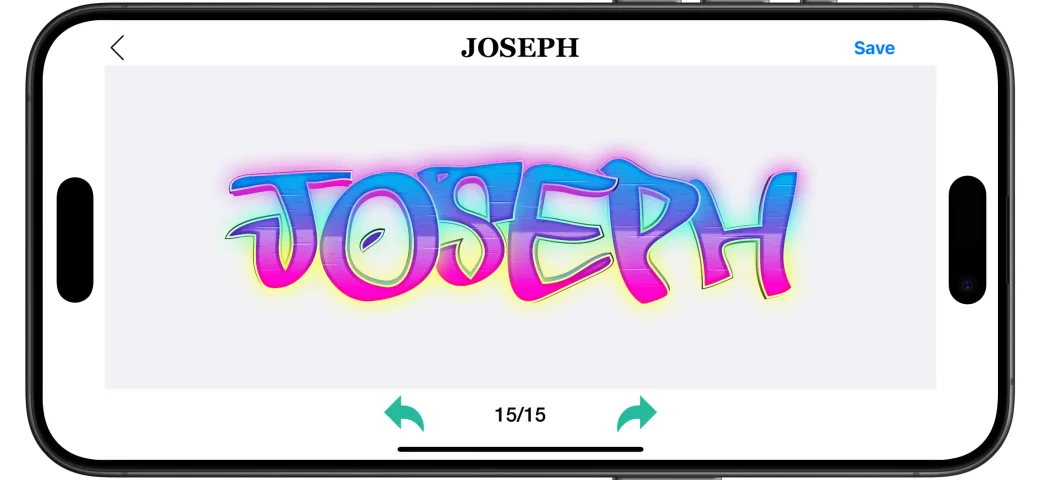
Create personalized graffiti with up to 12 characters, numbers, and creative effects. Design names, tags, nicknames, quotes, logos, and decals.
Drawing Tutorials
Learn graffiti techniques with guided lessons for tags, lettering, and sketching.
High-Quality Export
Save high-resolution artwork for stickers, decals, shirts, posters, social media, logos, and printing.
Easy Save & Share
Export your designs to Photos or share them with friends and social platforms.
Regular Updates
Discover new AI styles, fonts, editing tools, and creative features through regular updates.
Why Choose Graffiti Creator?
• Generate graffiti designs with AI
• Preview artwork on real-world surfaces with AR
• Customize designs in Editor Studio
• Explore hundreds of graffiti-inspired fonts
• Create without drawing experience
Design graffiti names, street art, custom logos, personalized lettering, and more—all in one app.
Privacy Policy: https://bimake.net/graffiti-creator/privacy-policy.html
Terms and Conditions: https://bimake.net/graffiti-creator/terms-and-conditions.html
What’s new
Version 2.1.4 · Nov 20, 2026
Introducing AR Preview! Place your graffiti design in your surroundings, adjust its size and position, and capture a preview to save or share. We’ve also made improvements to help you create and customize your artwork.
App privacy
What Binh Le declares on the App Store about how this app handles data.
-
Data used to track you
May be used to track you across apps and websites owned by other companies.
- Identifiers
-
Data not linked to you
May be collected but is not linked to your identity.
- Identifiers
- Usage data
- Diagnostics
Privacy practices may vary, for example with the features you use or your age.
Information
- Seller
- Binh Le
- Category
- Graphics & Design
- Version
- 2.1.4
- Updated
- Nov 20, 2026
- Released
- Apr 8, 2020
- Size
- 50.0 MB
- Requires
- iOS 15.0 or later
- Age rating
- 4+
- Price
- Free
- In-app purchases
- Yes
- Languages
- English
- Copyright
- © Binh Le
You might also like
-
 Graffiti Fonts - GraffwriterLettering, Photos, Art, Design
-
 Graffiti Spray Can Art - LIGHTA Fun Pocket Graffiti Gizmo!
-
 Graffiti AI: Graffiti Text ArtAI Graffiti Design - Name Art
-
 Graffiti AI: Mural & Wall ArtTag Design Creator & Generator
-
 Fonts - Logo MakerText Art & Lettering
-
 Calligraphy Tracing - FlourishCursive & Lettering Art Pens
-
 Tenada: Graphic Design EditorLogo Maker, Poster & 3D Text
-
 Calligraphy Practice · CursiveAbc letter tracing & writing
-
 Logo Maker ‧AI Gaming Logo. Graphic Design
-
 AI Tattoo Maker + GeneratorTattoo Design Ideas Creator