
Great Circle Map
Flight Routes on a 3D Globe
Designed for iPhone, iPad, Mac, iPod touch
Free
- Age rating4+
- CategoryNavigation
- DeveloperThe NFC Mint LLC
- LanguagesEnglish+ 7 more
- Size87.1 MB
Links to the official App Store page
Download.org hosts no file of Great Circle Map. The button opens its official App Store page, published by The NFC Mint LLC. Listing last checked on Nov 17, 2026.
Screenshots


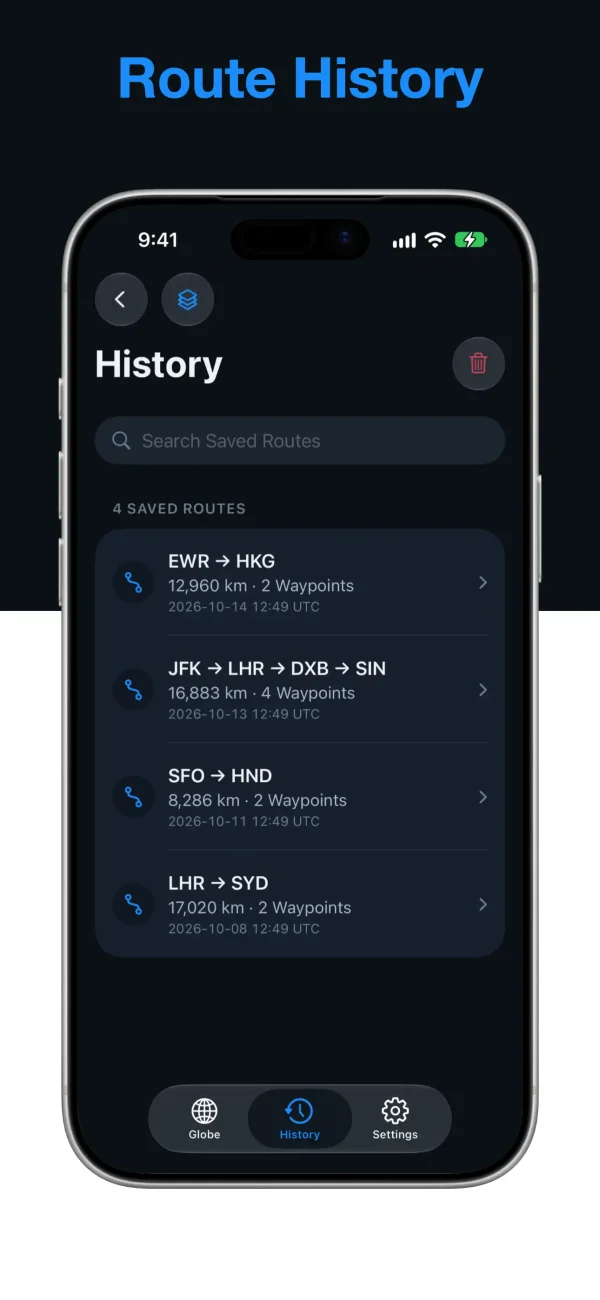

About
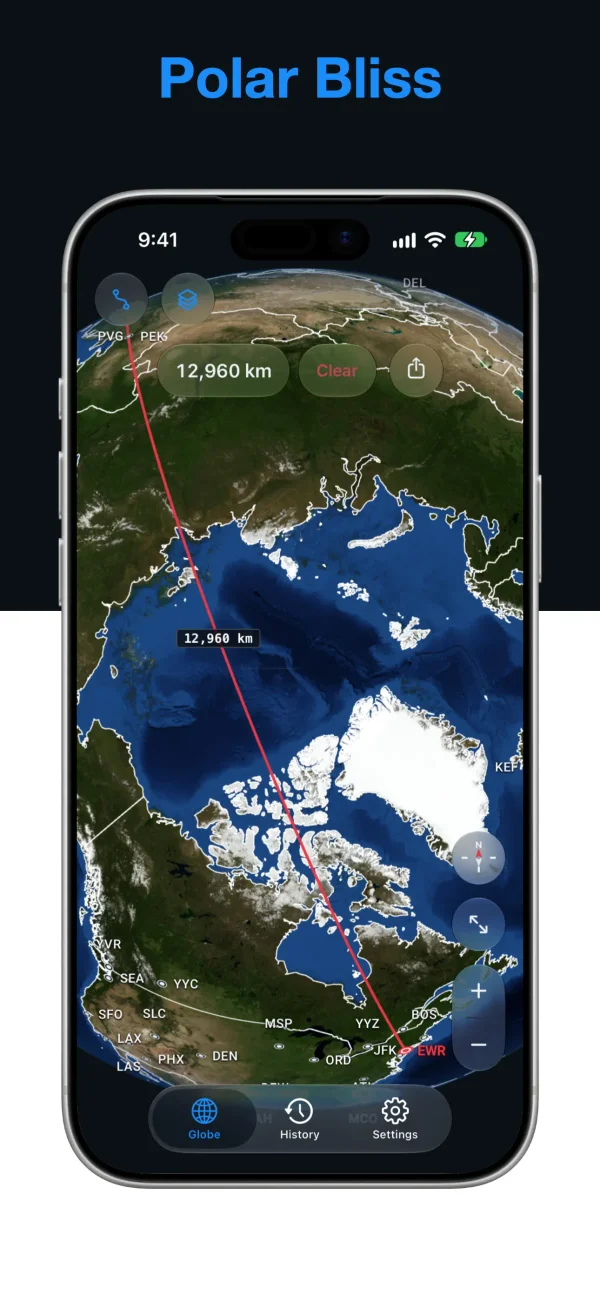
A globe you can turn in any direction, including straight over the poles. Great circle routes cross the poles, so we built a globe that follows them there. Enter two airports and the shortest path between them is drawn on the Earth itself, with distance and bearing on every leg.
A Globe With No Pole Clamp
Most map apps clamp the view at the poles. North stays up, and the globe stops turning right where great circle routes go. Great Circle Map uses a quaternion arcball instead. Drag in any direction and the globe follows, straight over the North or South Pole. Drag along the outer edge and the view rolls, so any direction can face upward.
Find Any Airport
• Search the full OurAirports database by IATA code, ICAO code, or city name.
• Enter two airports and the great circle between them is drawn with its distance.
• Recent routes save automatically and recreate with one tap.
Waypoints and Weather
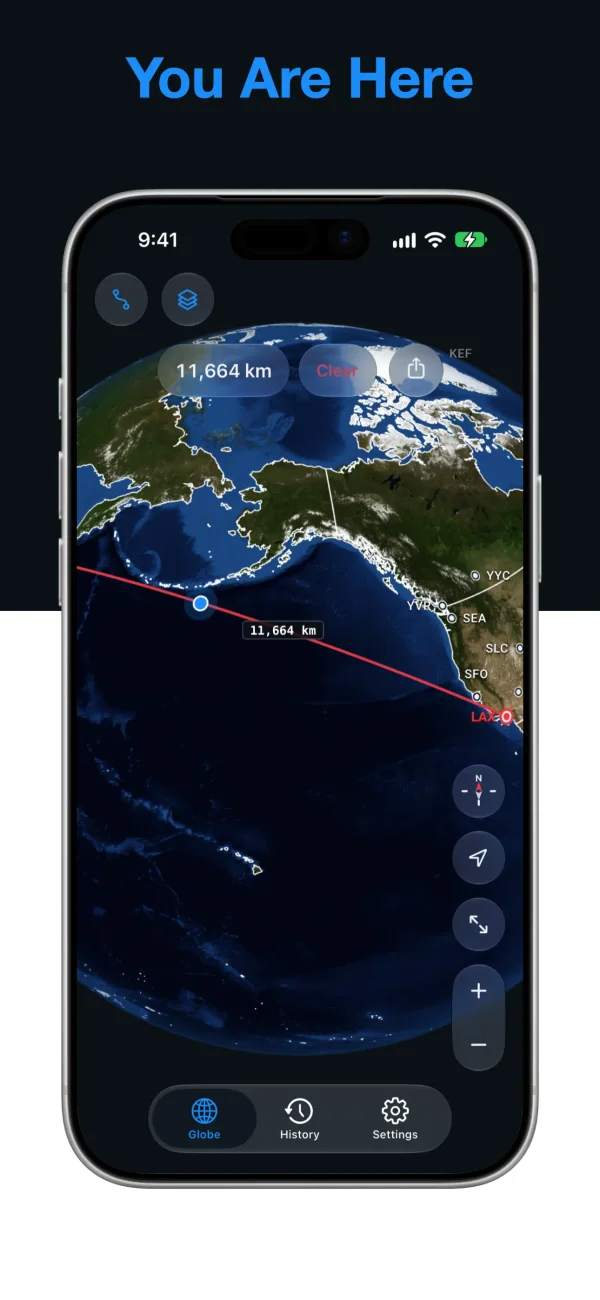
• Double-tap anywhere on the globe to drop a waypoint. Double-tap it again to delete it.
• Add as many waypoints as you want. There is no limit.
• Every waypoint shows current conditions, temperature, and wind direction and speed in knots, from Open-Meteo.
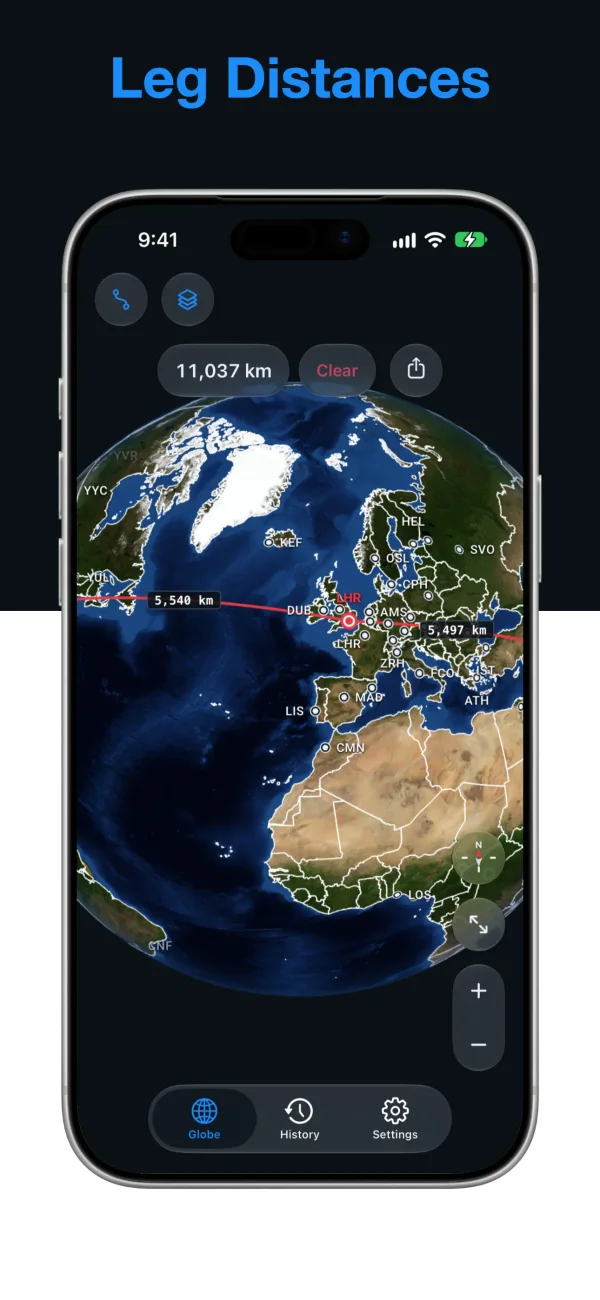
Distance on Every Leg
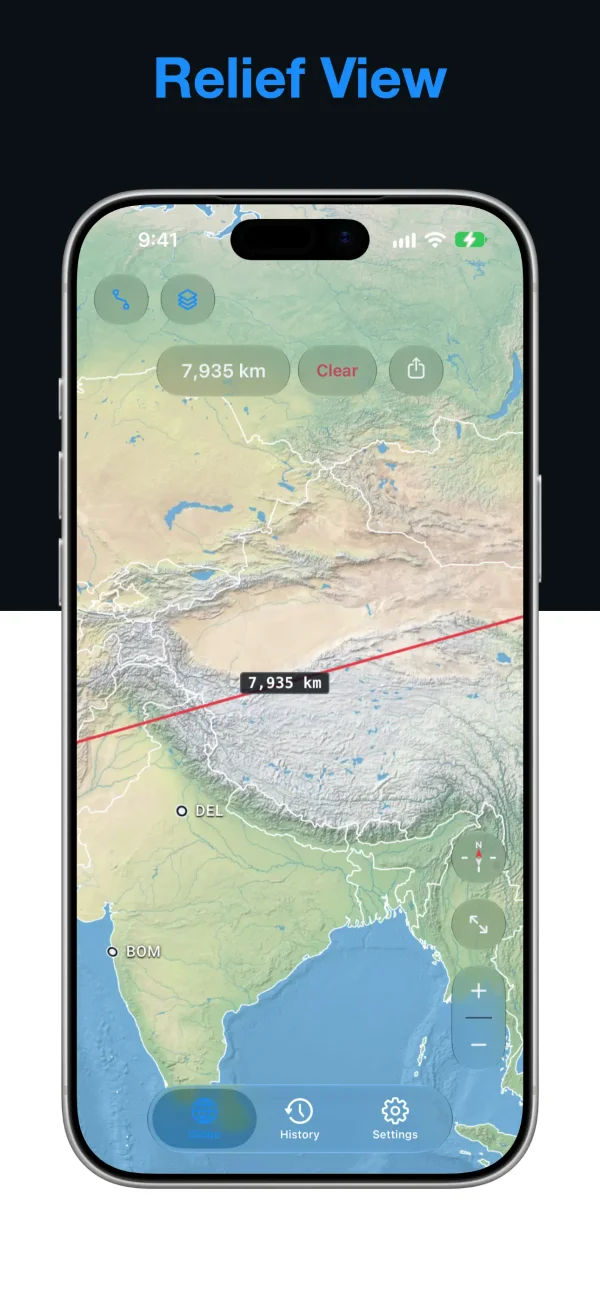
• Each leg carries a sliding distance label and its initial bearing.
• A running total stays pinned at the top of the screen.
• Units switch between kilometers, nautical miles, and statute miles.
Choose Your Earth
• NASA Blue Marble satellite imagery or Natural Earth relief.
• Toggle borders, airports, labels, and the grid.
• View the globe in perspective or orthographic projection.
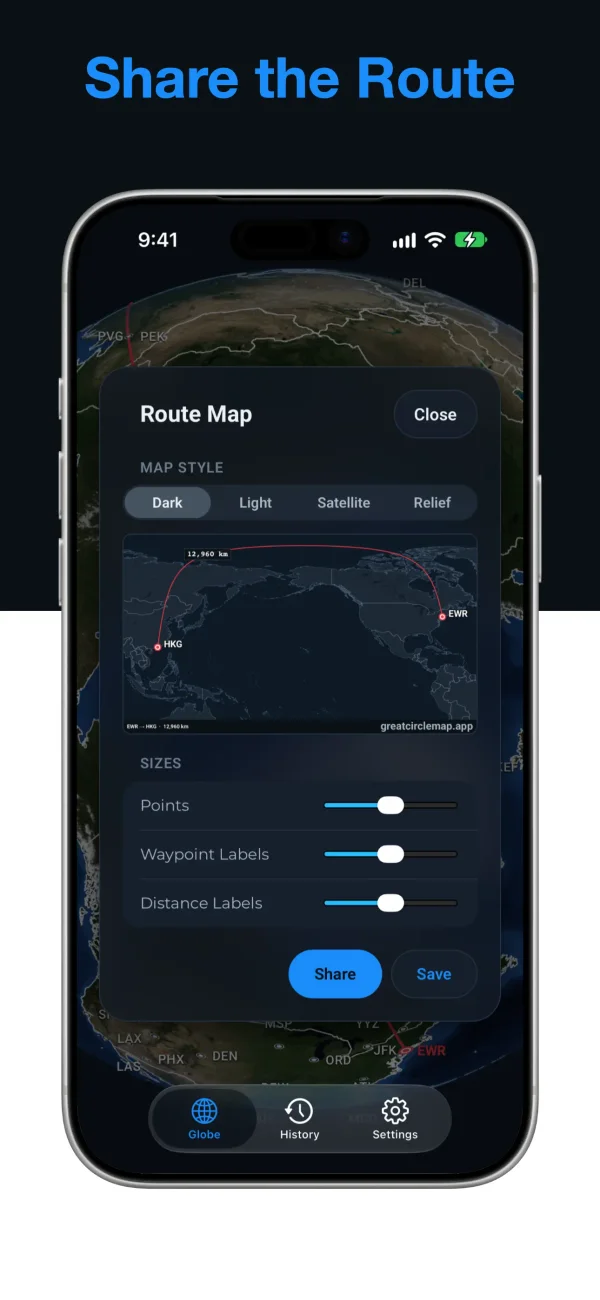
Share the Route
• Create Map exports your route as a flat map projection image.
• The map unrolls across the antimeridian, so polar routes render cleanly.
Privacy
There are no analytics and no tracking. Weather requests send only waypoint coordinates to Open-Meteo. The privacy policy is at https://greatcirclemap.app/privacy-policy-great-circle-map
Learn More
The guide at https://greatcirclemap.app/guide.html walks through every feature.
What’s new
Version 1.7.5 · Nov 8, 2026
When you unfold your phone, you now see only the globe if the Route card was closed on the outer display. If it was open, it stays open beside the globe.
App privacy
What The NFC Mint LLC declares on the App Store about how this app handles data.
-
Data not collected
The developer does not collect any data from this app.
Privacy practices may vary, for example with the features you use or your age.
Information
- Seller
- The NFC Mint LLC
- Category
- Navigation
- Version
- 1.7.5
- Updated
- Nov 8, 2026
- Released
- Sep 3, 2026
- Size
- 87.1 MB
- Requires
- iOS 15.6 or later
- Age rating
- 4+
- Price
- Free
- Languages
- English, French, Japanese, Korean, Portuguese, Russian, Simplified Chinese, Spanish
- Copyright
- © The NFC Mint LLC
You might also like
-
 ParkPulse: Parking TimerFind your car, on time.
-
 Ubimage: Photo Location FinderTravel map & trip memories, AR
-
 Trip Packing List ManagerSmart Travel Packing Lists
-
 AtlasMe: Visited Countries MapScratch Off Travel Tracker
-
 AnalogTripAll-in-one trip log
-
 DryGoRoad Weather & Smart Alerts
-
 Yara - Travel ItineraryPlan. Explore. Relive.
-
 Global PositionNavigation
-
 Travel & Trip Video Animator3D Animated Route Map Maker
-
 GPS Travel JournalRecord Hikes or Roadtrip Route