
- Age rating4+
- CategoryUtilities
- DeveloperHiroto Terada
- LanguagesJapanese+ 1 more
- Size3.1 MB
Links to the official App Store page
Download.org hosts no file of Grey Tide. The button opens its official App Store page, published by Hiroto Terada. Listing last checked on Nov 14, 2026.
Screenshots



About
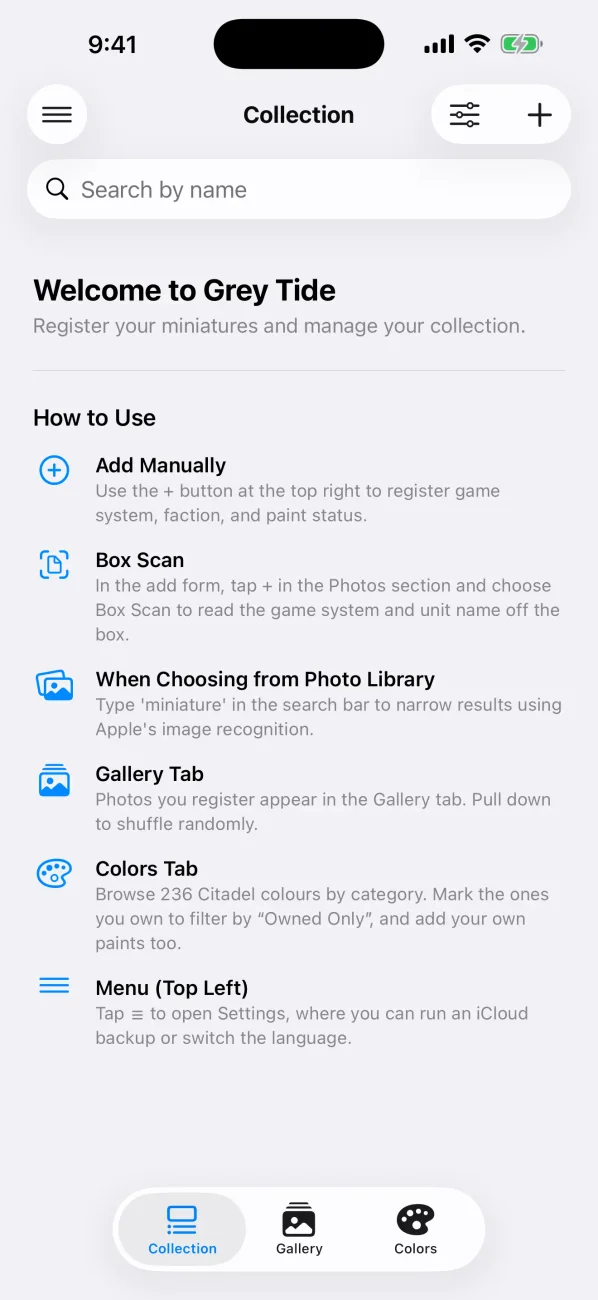
Grey Tide is an app for keeping track of your miniature collection and your painting.
Follow each miniature through its stages, and record exactly which paints you used and how, alongside your photos.
[Features]
- Collection
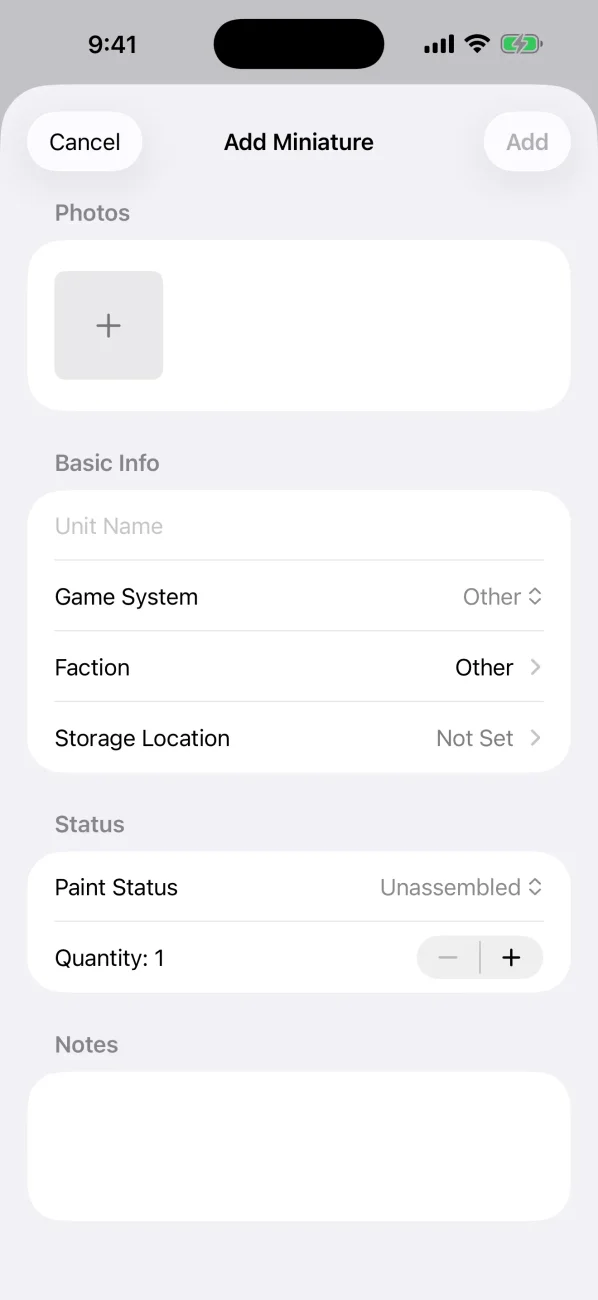
Organize by game system and faction. Record quantity, storage location, and notes. Search works in both English and Japanese.
- Painting progress
Six stages: Unassembled / Assembled / Primed / In progress / Painted / Parade ready.
- Photos and gallery
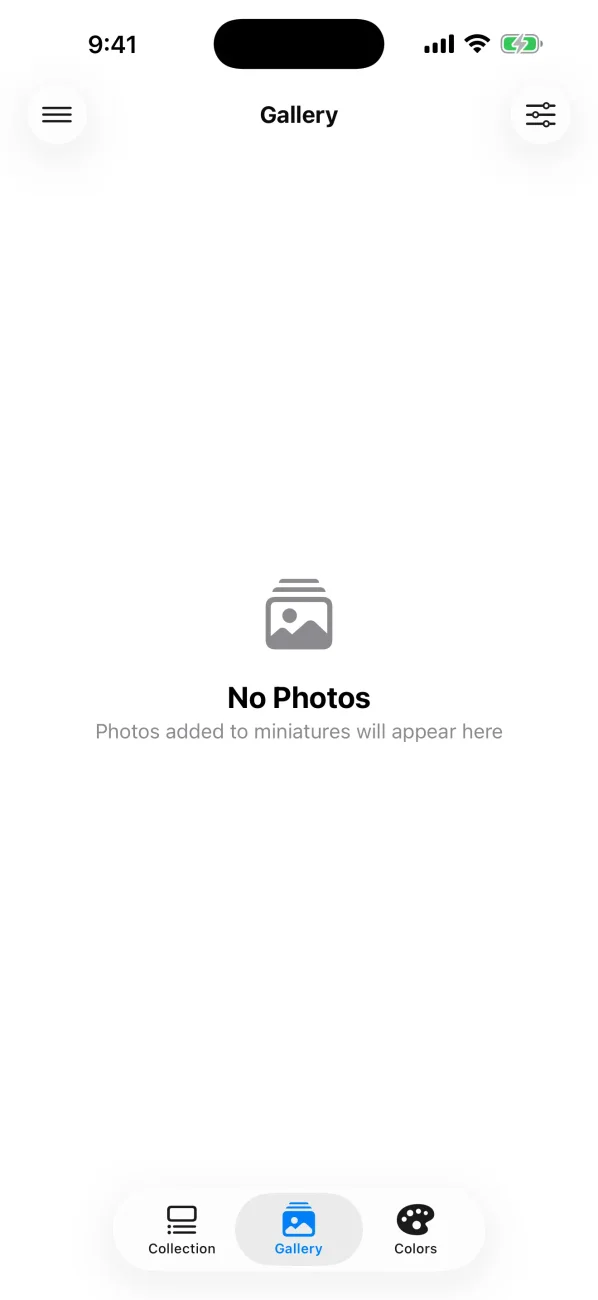
Store multiple photos per miniature and browse them all in a fullscreen gallery.
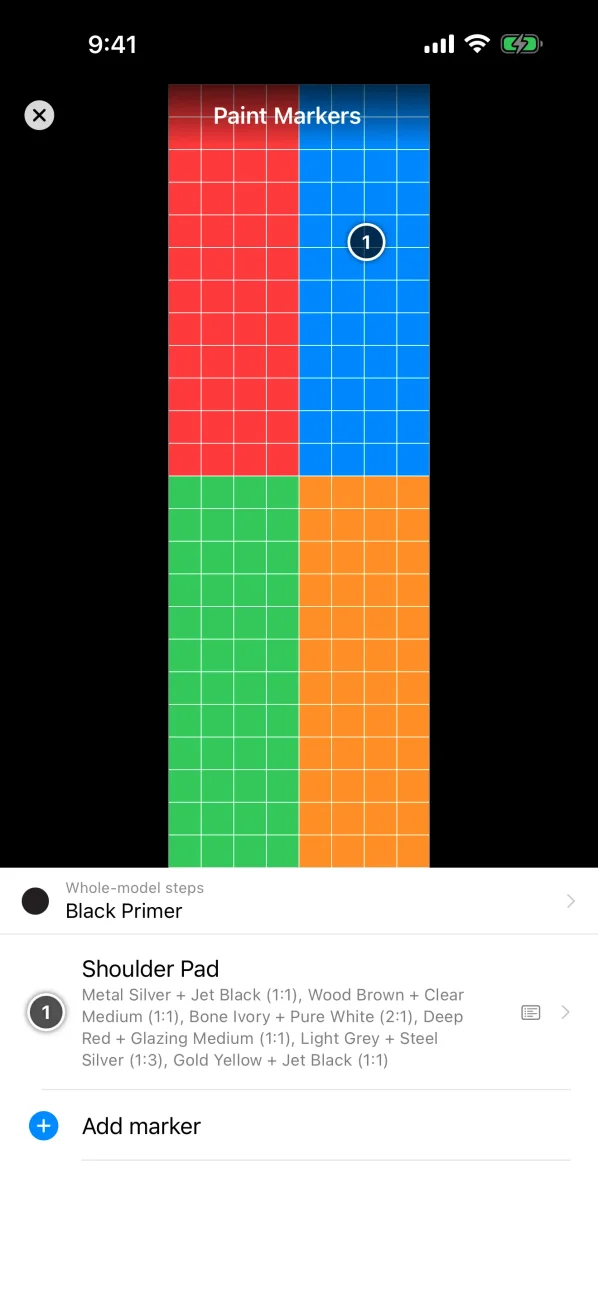
- Paint markers
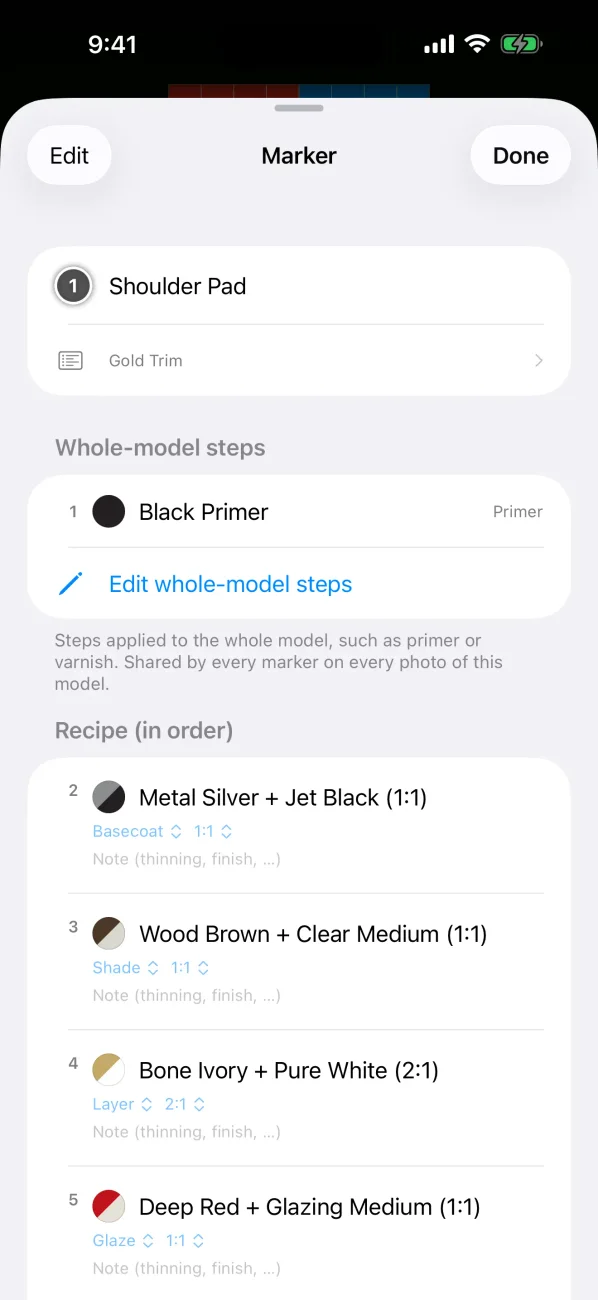
Pin a marker on the spot in a photo and save the paint, technique, mixing ratio (up to two paints), and your notes.
- Whole-model steps
Record steps applied to the whole miniature, such as primer and topcoat, in one place. They are shared across every photo and marker for that miniature.
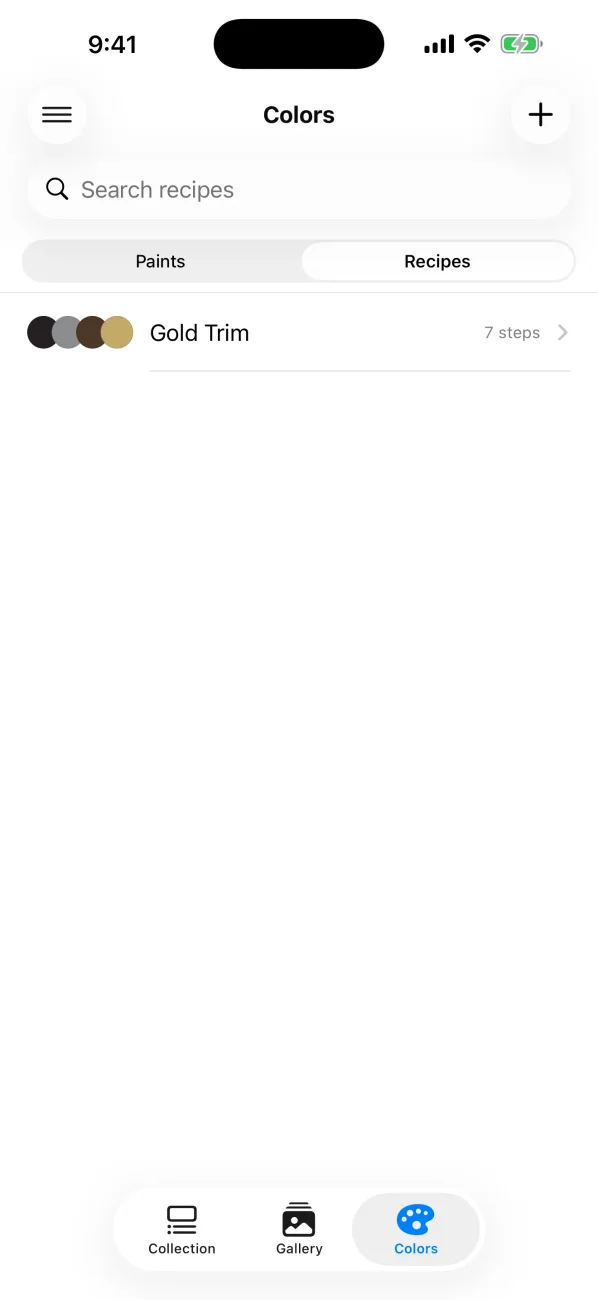
- Paint recipes
Save a marker's steps under a name and apply them to other markers, base coat included.
- Colour list
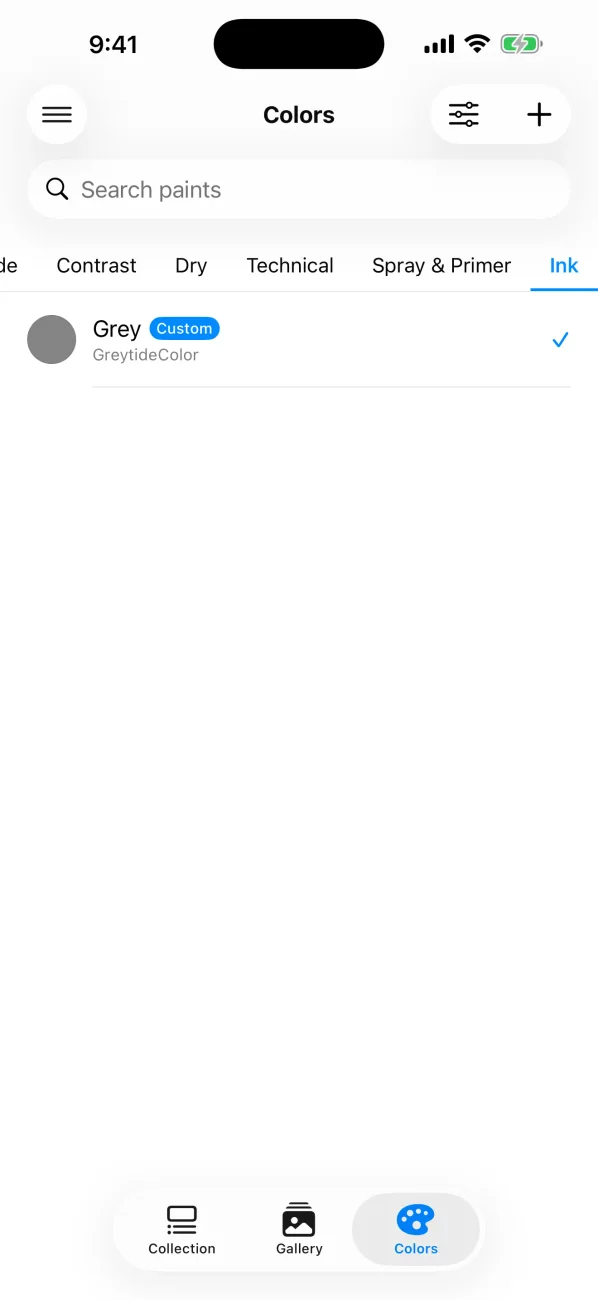
A built-in catalogue of 236 paints. Add your own paints, and mark the ones you own to filter down to what's on your shelf.
- Box scan
Photograph a box (supported manufacturers only) to read the unit name and fill it into the Add miniature form.
- Japanese / English
This is an unofficial, fan-made app. It is not affiliated with, endorsed, or sponsored by any miniature or paint manufacturer.
What’s new
Version v1.6.0 · Nov 7, 2026
What's New in 1.6.0
New
- Help & Tutorial: a new "How to Use" page in the side menu, available anytime.
- First-time guide: a step-by-step tutorial walks you through adding your first miniature, all the way to saving it.
- Any game, any kit: game systems can now be entered freely, so you can track miniatures from any tabletop game.
- Faster entry: new miniatures start with the game system you used last time.
- "None" faction: for terrain, scenery and kits that don't belong to a faction.
Improvements
- Deleting a miniature has moved to the edit screen to prevent accidental deletions.
- Delete confirmations now appear right next to the button you tapped (miniatures and custom paints).
- The "Recently used" section in the paint picker is easier to use.
Fixes
- The "Edit" button now shows in English when the app is set to English.
- Camera and photo permission messages are now shown in your language.
- Box Scan no longer shows "Unknown" when it can't detect a faction.
- Very early backup files now display their version correctly.
App privacy
What Hiroto Terada declares on the App Store about how this app handles data.
-
Data not collected
The developer does not collect any data from this app.
Privacy practices may vary, for example with the features you use or your age.
Information
- Seller
- Hiroto Terada
- Category
- Utilities
- Version
- v1.6.0
- Updated
- Nov 7, 2026
- Released
- Apr 7, 2026
- Size
- 3.1 MB
- Requires
- iOS 18.0 or later
- Age rating
- 4+
- Languages
- Japanese, English
- Copyright
- © 2026 Hiroto Terada
You might also like
-
 Hobby BenchTrack Your Painting Skills
-
 miniPal studioUtilities
-
 MiniMatch - Paint ManagerScan, Match & Collect Minis
-
 TinPotUtilities
-
 Hobby Rack - Paint TrackerMiniature Paints & Projects
-
 Paint FinderTrack, match & organize paints
-
 MiniPaint AI: Paint MiniaturesAI Paint Matches. Finish More.
-
 Mini Paint Recipe ManagerTrack Inventory & Mix Colors
-
 Counter NoteUtilities
-
 共有メモ-ShareMEMO-Utilities