
Grey to Glory
Miniature painting helper
Designed for iPhone, iPad
Free · In-app purchases
- Age rating12+
- CategoryGraphics & Design
- DeveloperOlivier Saleur
- LanguagesEnglish+ 3 more
- Size38.2 MB
Links to the official App Store page
Download.org hosts no file of Grey to Glory. The button opens its official App Store page, published by Olivier Saleur. Listing last checked on Nov 17, 2026.
Screenshots



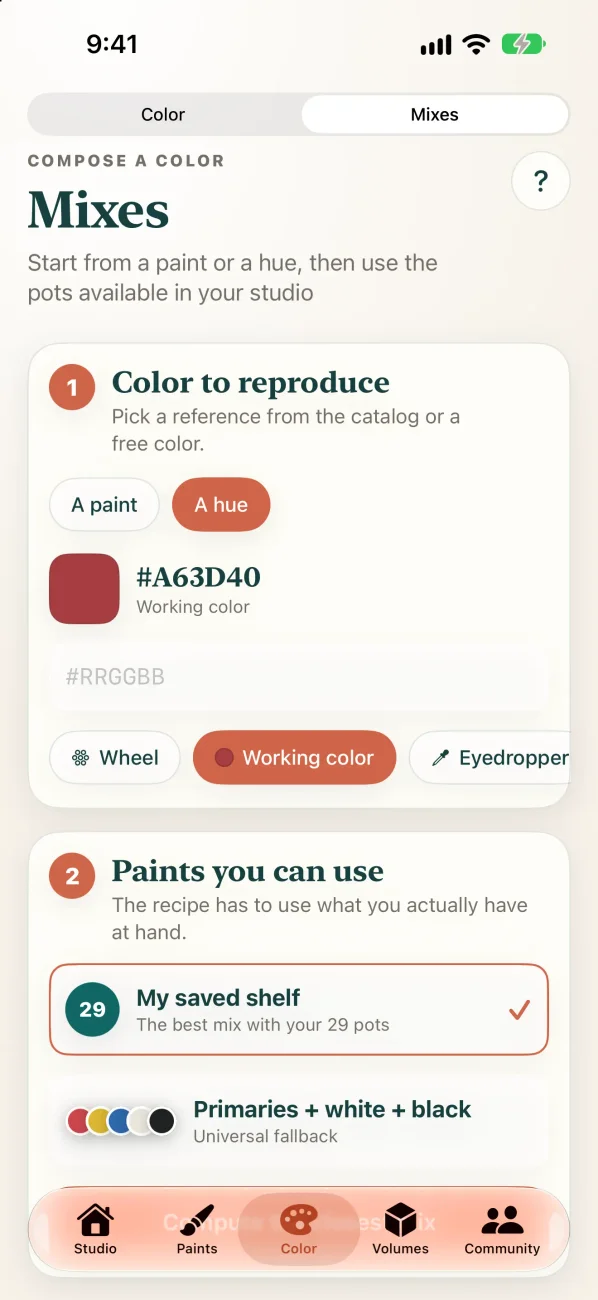
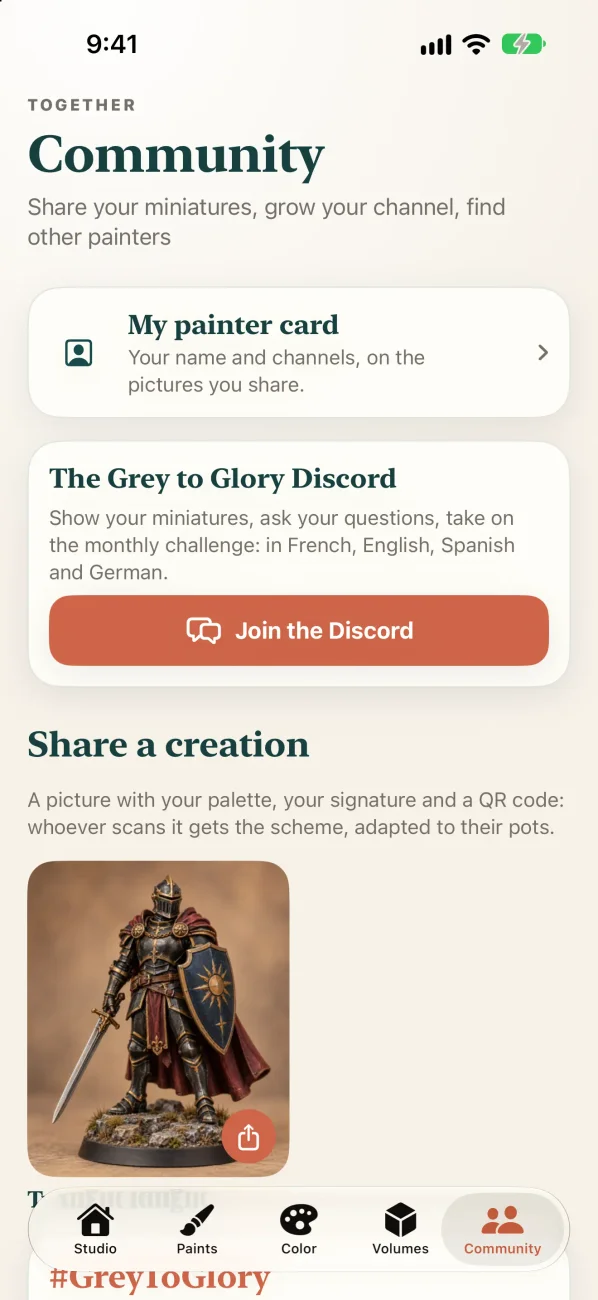
About
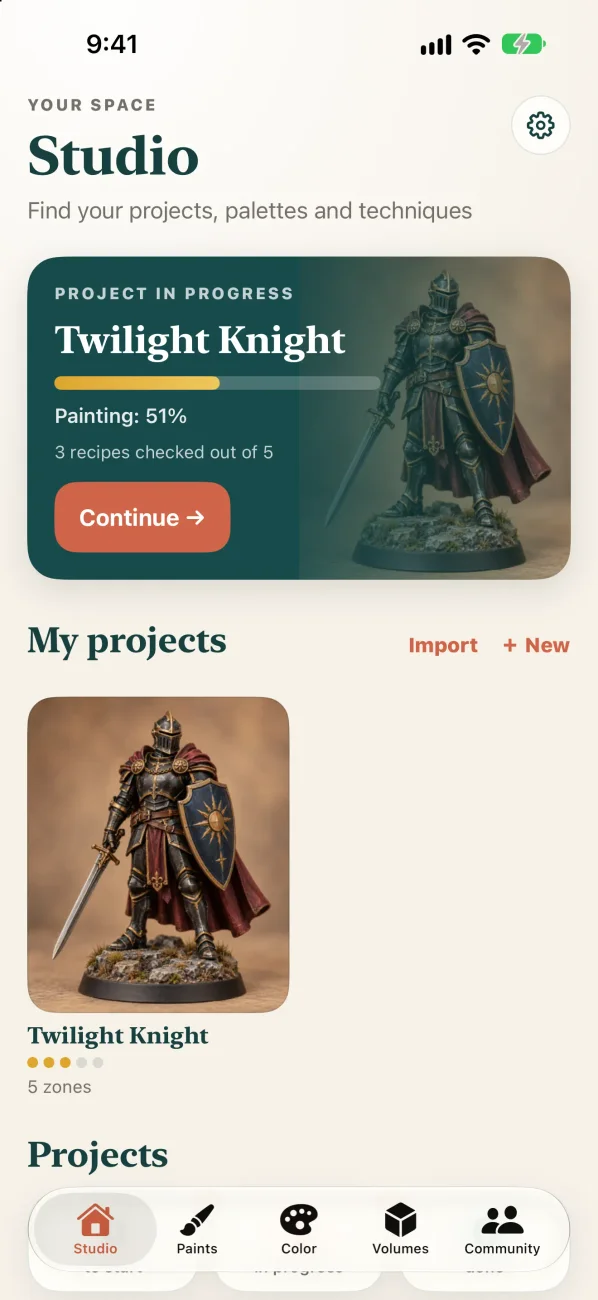
Grey to Glory is the miniature painter’s pocket studio: your pots, your colors, your recipes and the progress of your miniatures, all in one place. Free, no account, no ads and no data collection: everything stays on your device, and everything works offline except loading the reference artworks.
YOUR PAINTS
• A catalog of more than 11,000 paints from 31 brands, searchable by name, code, hue or hex.
• Your shelf in one tap, your favorite pots always first in every search.
• A shopping list: mark a pot “to buy”, tick it at the store, it joins your shelf.
• Scan a pot’s label with the camera to find it in the catalog, or photograph several pots at once.
COLORS
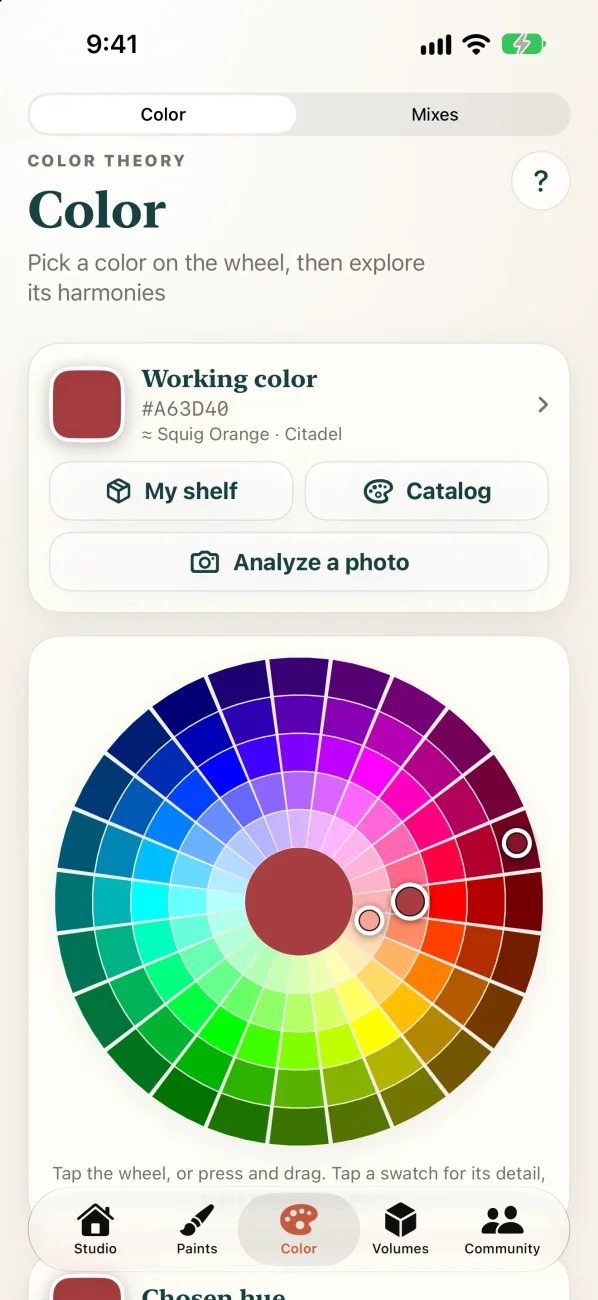
• A touch color wheel and seven harmonies (complementary, triad, analogous…).
• The closest paints to any color, with their ΔE difference.
• Mixes worked out from your own pots, or from primaries, white and black; keep the best ones.
• More than 400 public-domain artworks for inspiration.
LIGHT
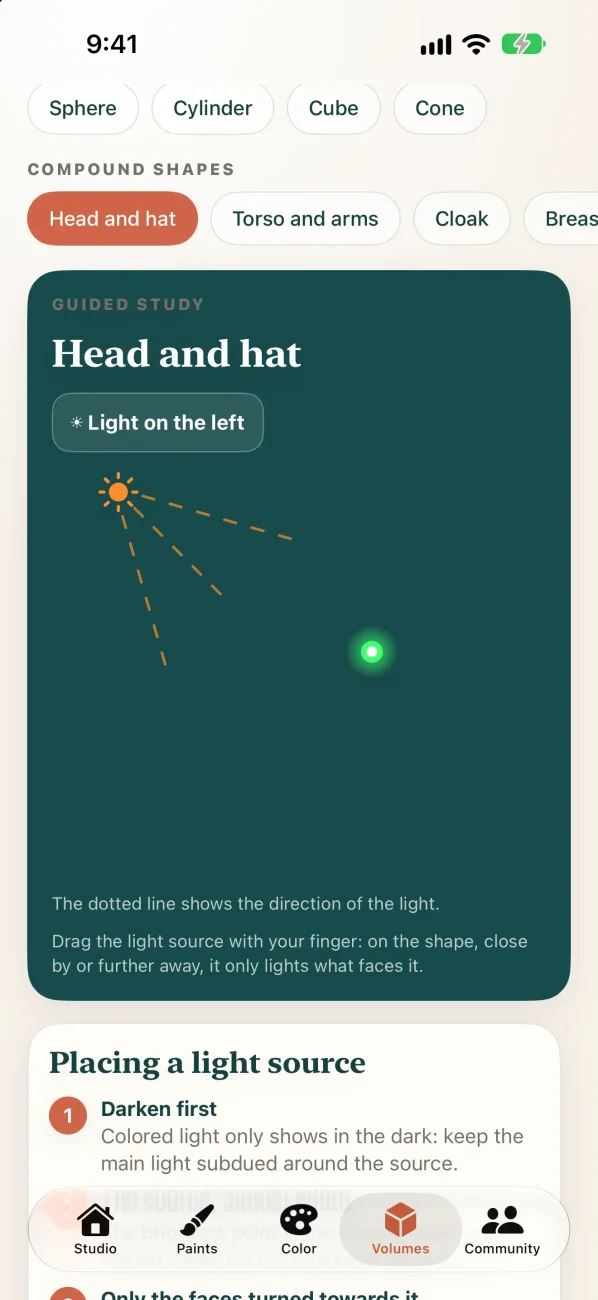
• Volumes: where to place deep shadow, shadow, base, highlight and spot highlight on a sphere, a cloak, a head…
• For each tone, the paint to use in your favorite brand.
• Light effects: non-metallic metal (NMM) and object source lighting (OSL), with their tones and placement rules.
• Source lighting in relief: drag the light with your finger, on the shape or further away; it only lights what faces it, even on a hat or a cloak.
• Step-by-step guided exercises to place shadows and highlights.
YOUR MINIATURES
• A photo, boxed zones, and for each zone a five-tone recipe suggested automatically, which you validate.
• Progress step by step, from prep to varnish, and an overview of your projects: what waits, what moves, what is done.
• The pots a recipe is missing go straight to your shopping list.
• Try another color on a zone of the photo, shadows and highlights kept, before adopting it.
• Simulate a 70/20/10 scheme on the photo of your primed miniature to see the result before you paint.
• Export the recipe as text or as an image, and share your miniature’s scheme: it adapts to the pots of whoever receives it.
• An army: its units, main colors and progress, shared as a picture or a video.
• A photo at each step, and a story video to show your miniature from grey to painted.
COMMUNITY
• Share a miniature as a picture: photo, palette, your signature and a QR code that opens the scheme.
• Your painter card (nickname, YouTube, Instagram, TikTok) on the pictures you share.
• The Grey to Glory Discord, in English, French, Spanish and German.
TO LEARN
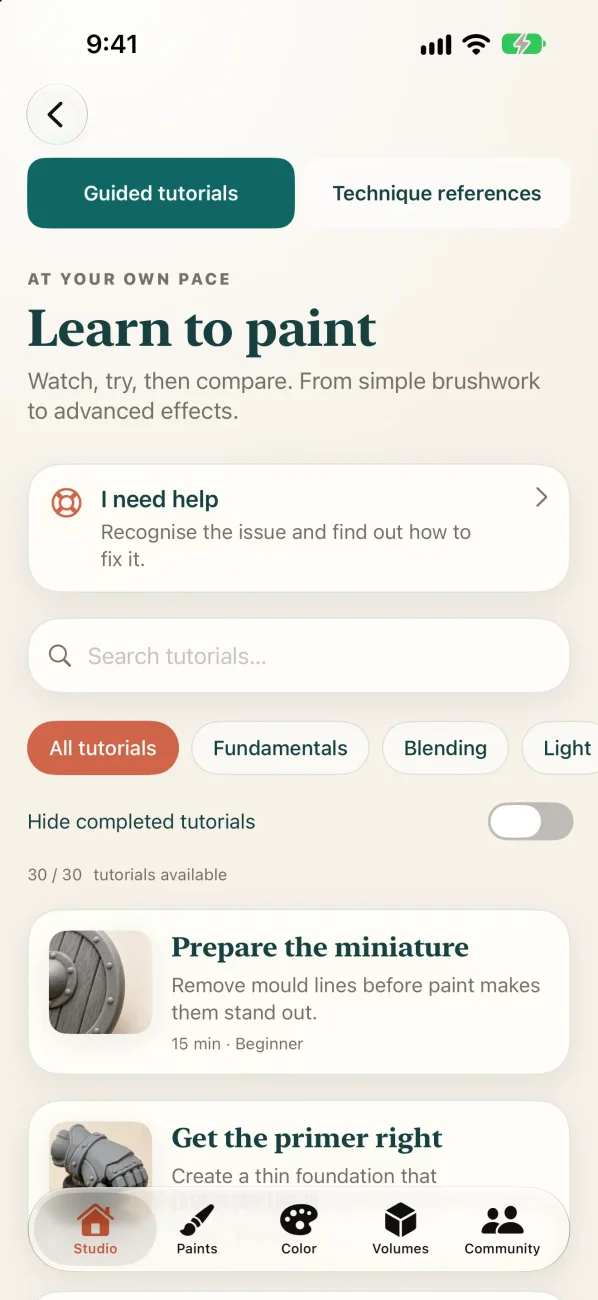
• 30 guided tutorials, from simple techniques to advanced effects.
• “I need help”: recognize a flaw from pictures and find out how to fix it.
• 18 technique sheets: washes, drybrushing, glazing, two-brush blending, priming, varnish, NMM, OSL…
Back up your studio to a file and restore it on another device.
Catalog colors come from a community dataset: they are approximate, and no screen shows a pot exactly. Grey to Glory is not affiliated with any paint brand.
What’s new
Version 1.2 · Oct 31, 2026
• 30 guided painting tutorials, from simple techniques to advanced effects.
• “I need help”: recognize a flaw from pictures and find out how to fix it.
• Armies: your units, main colors and progress, shared as a picture or a video.
• Step photos: follow your miniature from grey to painted and create a story video.
• Easier zone selection and color trials.
App privacy
What Olivier Saleur declares on the App Store about how this app handles data.
-
Data not collected
The developer does not collect any data from this app.
Privacy practices may vary, for example with the features you use or your age.
Information
- Seller
- Olivier Saleur
- Category
- Graphics & Design
- Version
- 1.2
- Updated
- Oct 31, 2026
- Released
- Oct 9, 2026
- Size
- 38.2 MB
- Requires
- iOS 18.0 or later
- Age rating
- 12+
- Price
- Free
- In-app purchases
- Yes
- Languages
- English, French, German, Spanish
- Copyright
- © 2026 Olivier Saleur
You might also like
-
 Paco - Paint CodexMiniature paint conversion
-
 Painted Mini StoriesGraphics & Design
-
 Paint VaultGraphics & Design
-
 MiniSightMiniature painter's companion
-
 Palettely : Color PalettesColor Picker & Mood Boards
-
 GreyForge - Miniature paintingColor Schemes & Paint Guides
-
 Paint CodexForge Your Painting Legacy
-
 Art Anatomy3D Pose & Figure Drawing Model
-
 Art Toolbox Painting Made EasyTools That Simplify Painting