
- Age rating17+
- CategoryShopping
- DeveloperUXDivers LTDA
- Size143.3 MB
Links to the official App Store page
Download.org hosts no file of Grial UIKit. The button opens its official App Store page, published by UXDivers LTDA. Listing last checked on Nov 17, 2026.
Screenshots



About
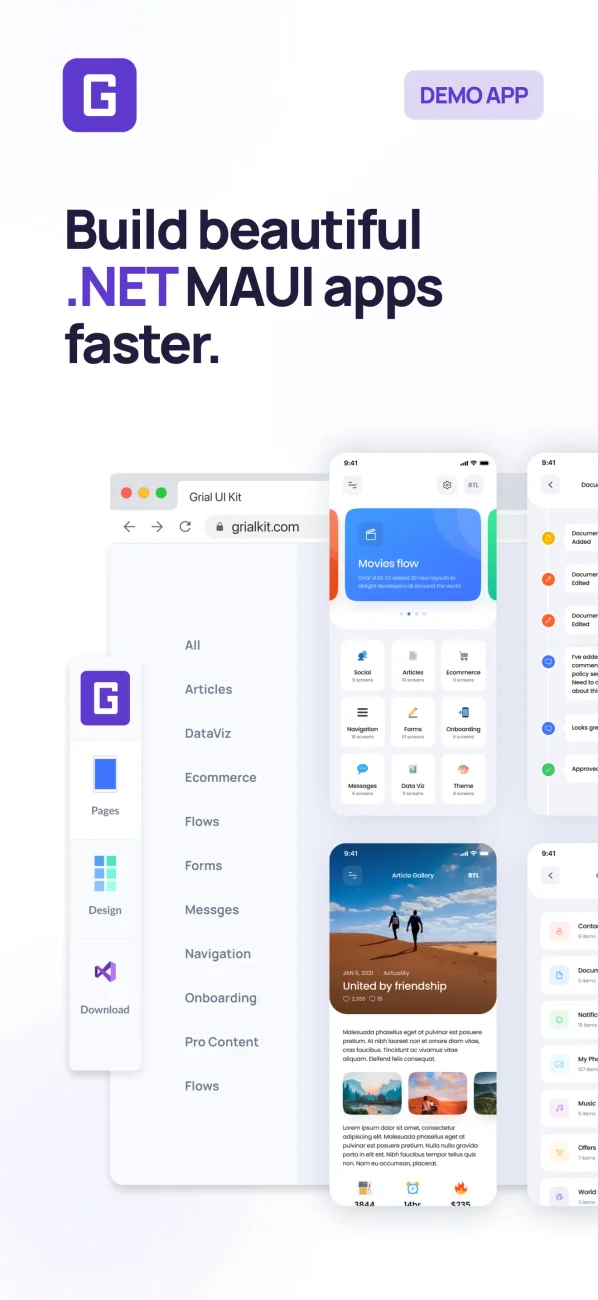
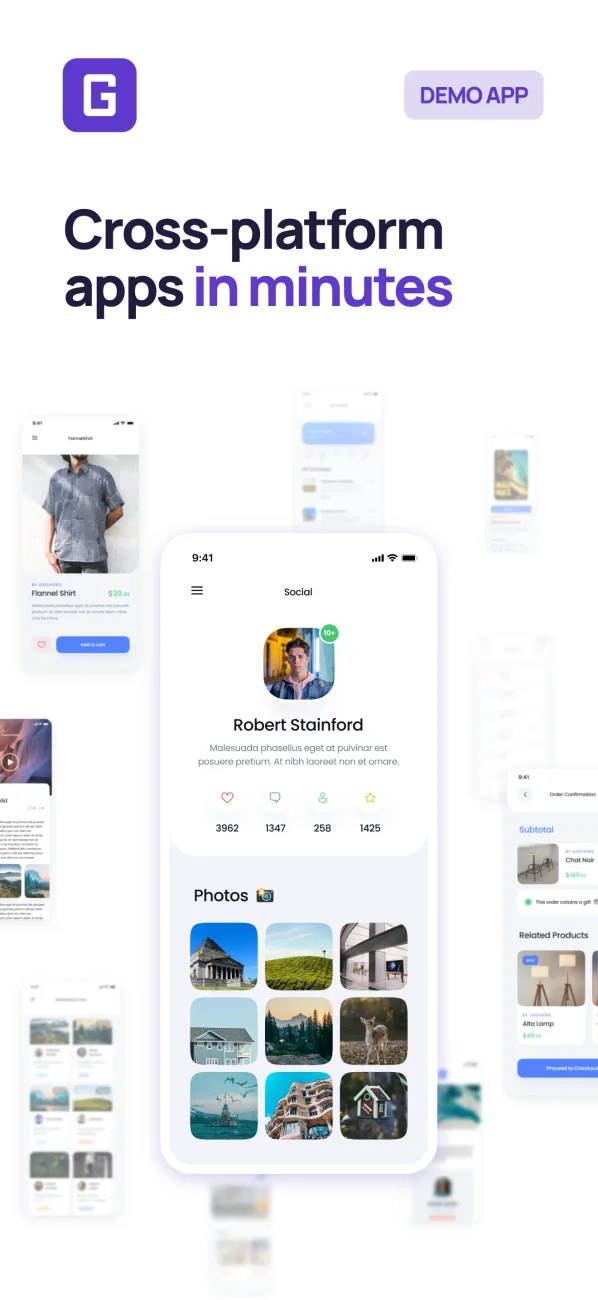
Grial UI Kit gives you everything you need to build beautiful, professional apps with .NET MAUI, fast. Designed with the MVVM pattern in mind, Grial ensures a clean separation between your app’s logic and a carefully crafted UI.
With over 300+ ready-to-use XAML templates, you can focus on building great apps instead of reinventing the wheel.
Key Features:
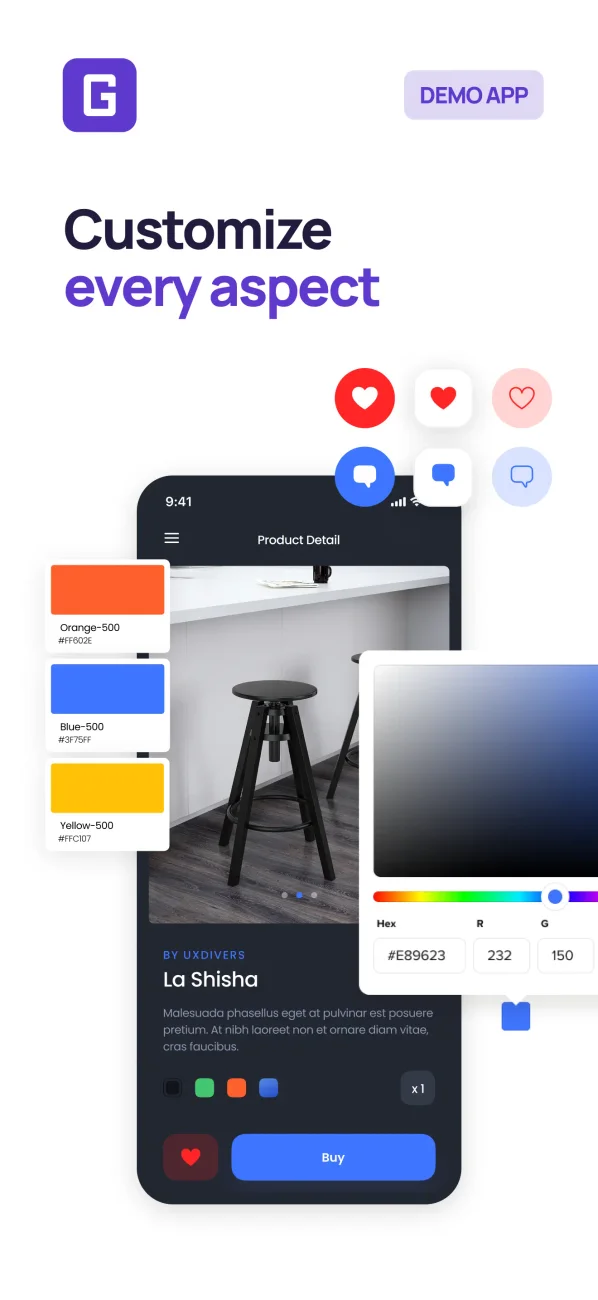
- Made for .NET Developers: Grial UI Kit offers a complete collection of fully customizable UI screens and resources. Easily change colors, elements, sizes, layouts, and themes — everything you need to get the exact look and feel you want.
- Grial Web Admin: Set up your project in minutes! Pick your pages, styles, themes, and app icon through our easy-to-use Web Admin. Download the project and start building right away.
- Stunning Themes: Choose from 6 beautiful themes to match your brand or project style.
- Tablet and Phone Support: Deliver a great user experience across different devices and orientations.
- Full RTL/LTR Support: Build apps for both left-to-right and right-to-left languages with minimal effort. Seamlessly switch layouts at runtime.
- Calendar Control: Add a beautiful, customizable calendar to your app with just a few lines of XAML. Supports day, week, and month views, with full control over styling, events, and interactions. Easily highlight dates, manage selections, and create rich scheduling experiences.
- Chart Controls: Visualize your data beautifully with Grial’s wide range of charts — including bar, line, pie, radial, and more. Fully customizable and designed for mobile, our charts help you build interactive, high-performance dashboards and data-driven screens with ease.
- Swipeable Layout Control: The perfect option whether you want to showcase a few items in an engaging loop with smooth animations or implement a simple binary choice interface (like yes/no, true/false).
- Stepper Control: Easily guide users through a series of steps or forms with the Stepper control. Perfect for onboarding, checkouts, or multi-step processes, it's fully customizable and works with horizontal or vertical layouts. Add icons, titles, descriptions, and track user progress with style.
- Drawer Control: Add extra layers of content without overwhelming users. Our Drawer control features smooth open/close animations for an elegant experience.
- DataGrid Control: Display tabular data beautifully with our customizable cross-platform DataGrid. Adjust everything from row colors to full cell templates. Supports sorting and selection too.
- Map Control: Create maps with custom markers, perfect for shops, restaurants, and more. Make finding places easier than ever.
- Video Player Control: Play local or remote videos with our fully customizable cross-platform player — perfect for video feeds or background videos. Supports popular formats, including YouTube.
- Floating Button Control: Make key actions more accessible. This stylish circular button sticks to the bottom of the screen and pops up a floating menu of options — fully customizable via XAML.
- Custom TabControl: Organize your content with a fully customizable, native-feeling TabControl. Add as many tabs as you need.
- Parallax View Control: Create stunning parallax scrolling effects with optional sticky headers — all with minimal setup.
- And More!
Also included: Charts, CardViews, Popups, Rating controls, Carousel, Checkboxes, Radio buttons, Sliders, ProgressBar, DataPresenter, GridView WrapPanel, Icons, Localization and more.
- Animations API: Bring your app to life! Easily add animations like translation, rotation, scaling, color changes, and fading. Create eye-catching effects with minimal effort.
- Emoji Support: Spice up your UI with emojis! Modern apps aren’t complete without them — add a little fun to your user experience.
- XAML Goodies Galore: Use powerful features like XAML expressions, responsive helpers, view trimming, converters, markup extensions, aliases, and more to streamline your development process.
What’s new
Version 4.4.128 · Jul 30, 2026
This release includes fixes and refinements for the control showcases introduced in the previous version, improving their stability, consistency, and overall behavior.
App privacy
What UXDivers LTDA declares on the App Store about how this app handles data.
-
Data not collected
The developer does not collect any data from this app.
Privacy practices may vary, for example with the features you use or your age.
Information
- Seller
- UXDivers LTDA
- Category
- Shopping
- Version
- 4.4.128
- Updated
- Jul 30, 2026
- Released
- Apr 8, 2016
- Size
- 143.3 MB
- Requires
- iOS 14.2 or later
- Age rating
- 17+
- Price
- Free
- Copyright
- © 2017 UXDivers
You might also like
-
 Fluxstore Multi-VendorShopping
-
 ZapcastShopping
-
 CRNA REKAShopping
-
 Al Raebi StoreAl Raebi Trading
-
 Bagisto Ethereal FashionEffortless Fashion Store Setup
-
 Futura.mnShopping
-
 FluxStore HaravanMStore Flutter Fashion Shop
-
 Ratee: Know Before You BuyScan, Read reviews and Rate.
-
 zimitConnecting Buyers and Sellers