Grid Music Player
36+ musical instruments!
Designed for iPhone, iPad, iPod touch
Free
- Age rating4+
- CategoryMusic
- DeveloperMohit Khanna
- LanguagesEnglish
- Size56.1 MB
Links to the official App Store page
Download.org hosts no file of Grid Music Player. The button opens its official App Store page, published by Mohit Khanna. Listing last checked on Nov 13, 2026.
Screenshots
About
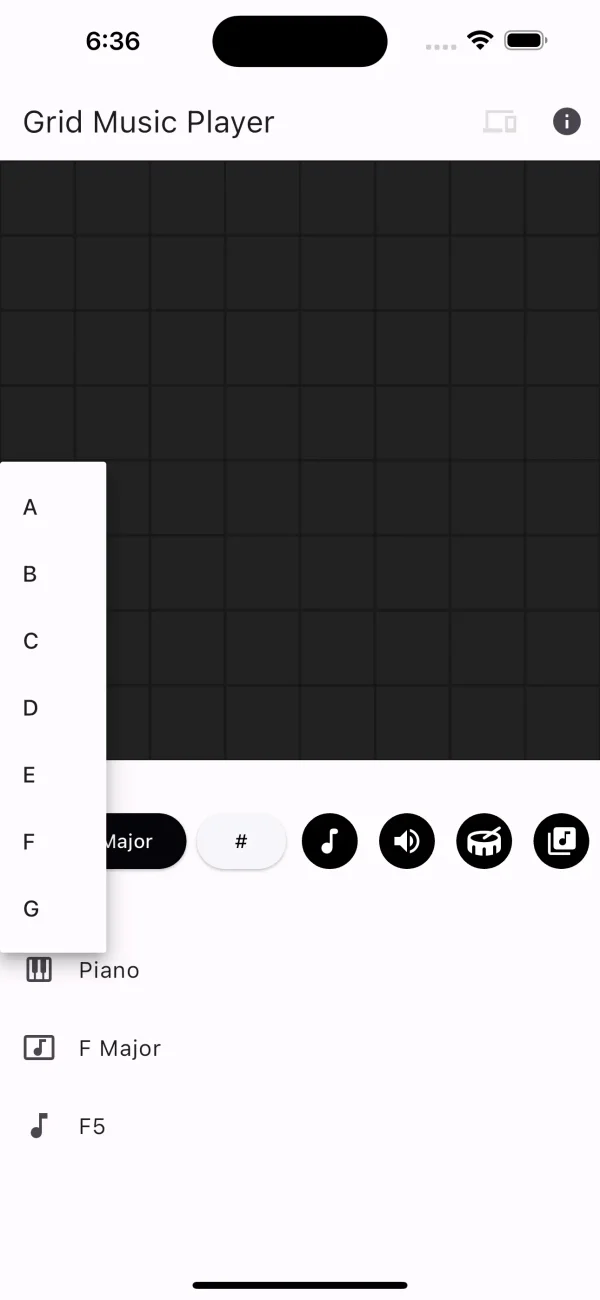
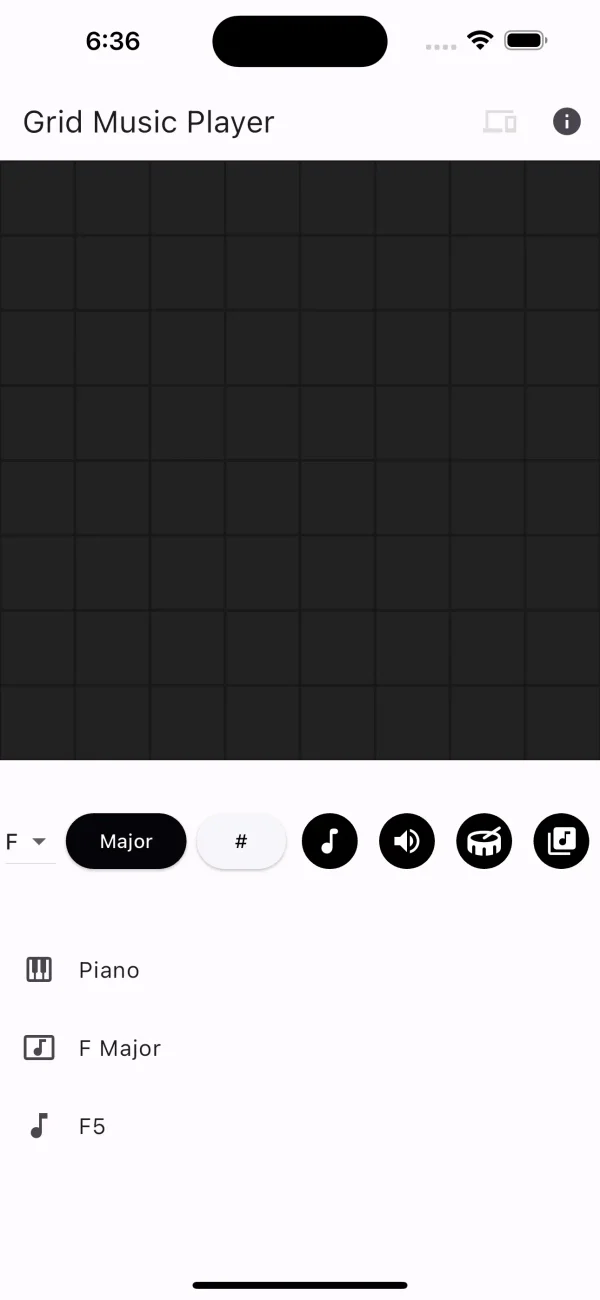
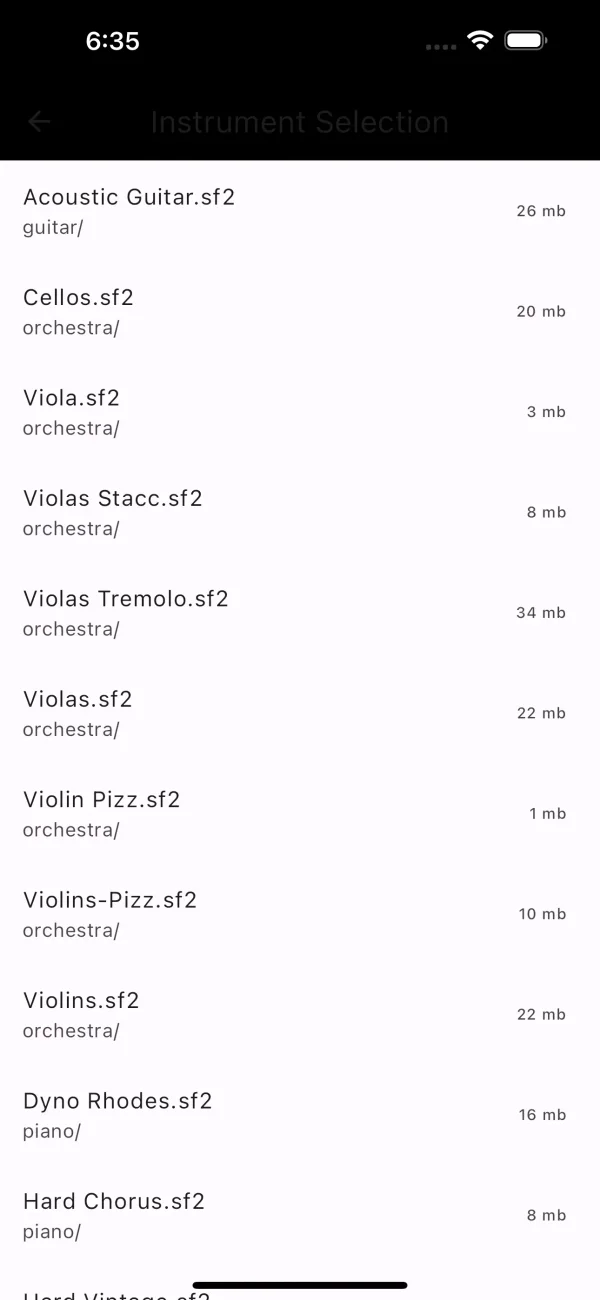
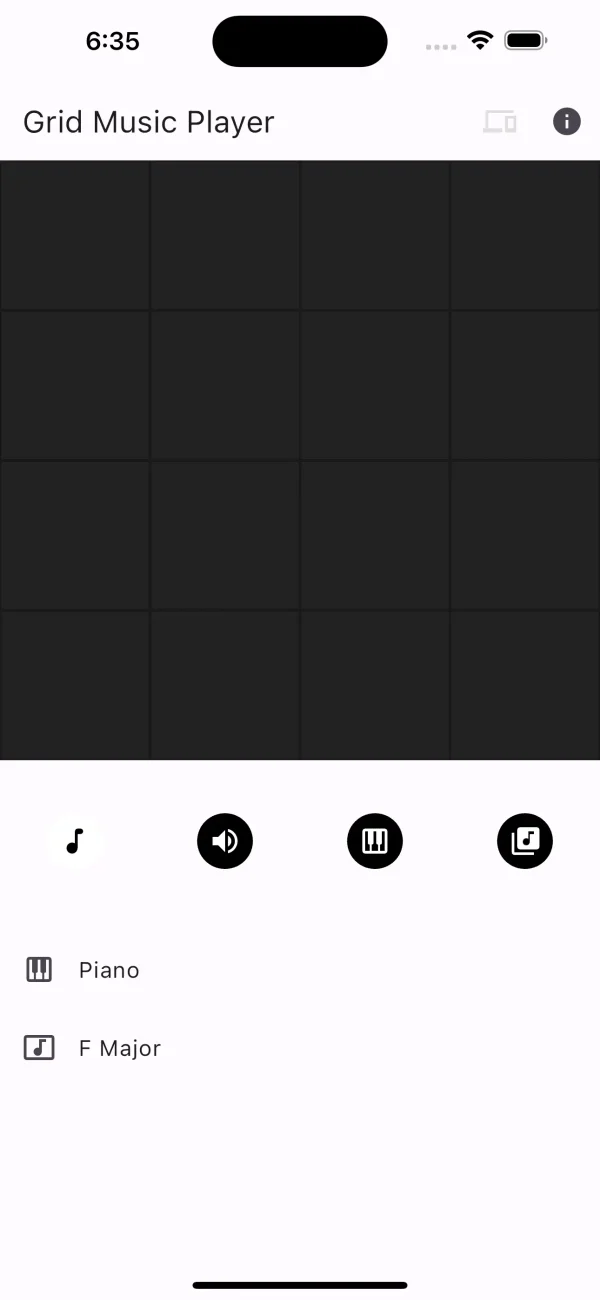
Grid Music Player is an instrument playing app for mobile devices. This app allows users to pick an instrument from a list, and play the instrument on 64 pads grid layout. The app also allows users to select Scale, Key Notes, Sharps (#) and an option to display the Note pressed on the device screen.
Features:
* Play Piano as the default instrument
* Play from a list of 36+ instruments (internet required)
* Select Scale to play
* Select between Major / Minor Key Patterns
* Toggle Sharp for the Scale
* Toggle display for Note being played
New Features (added 2024)
* Connect the player to your DAW (tested with Ableton)
* Play Midi Notes on your DAW
* Turn on/off Player volume for DAW playback
* Separate Grid (4x4 ) for Drum Playback.
* Changeable 2x and 4x Drum Playback.
* How to use: Click on the Devices icon on the App bar and connect your DAW. Then start playing while you're connected to your DAW.
* Ableton Setup Tutorial: https://help.ableton.com/hc/en-us/articles/209071169-Setting-up-a-virtual-MIDI-network
Update:
* By default, the ads will not be clickable. You'll have to click on the "INFO" icon on the top right to enable ads. Long Press the Icon to enable the Advertisements.
* The Key note pads can be enabled/disabled by the Key Icon on the info panel that displays the Key of the note being played.
What’s new
Version 2.4.9 · Apr 15, 2024
Fixed an error causing advertisements to be accidentally clicked.
* By default, the ads will not be clickable. You'll have to click on the "INFO" icon on the top right to enable ads. Long Press the Icon to enable the Advertisements.
App privacy
What Mohit Khanna declares on the App Store about how this app handles data.
-
Data not collected
The developer does not collect any data from this app.
Privacy practices may vary, for example with the features you use or your age.
Information
- Seller
- Mohit Khanna
- Category
- Music
- Version
- 2.4.9
- Updated
- Apr 15, 2024
- Released
- Jul 30, 2023
- Size
- 56.1 MB
- Requires
- iOS 12.0 or later
- Age rating
- 4+
- Price
- Free
- Languages
- English
- Copyright
- © Mohit Khanna
You might also like
-
 midi SamplerRecord a sound and play live
-
 Electric Guitar Tuner ProElectric guitar tuner for pros
-
 Acoustic Guitar Tuner ProPro tuning for acoustic guitar
-
 Classical Guitar Tuner ProAdvanced guitar tuning
-
 Double Bass Tuner ProfessionalStrings Tuner
-
 Viola Tuner ProfessionalStrings Tuner
-
 CD Scanner for SpotifyAdd your CDs to Spotify fast
-
 Violin Tuner ProfessionalStrings Tuner
-
 Cello Tuner ProfessionalStrings Tuner
-
 Beat Maker - loops & drum padMake music anywhere